
Mochi Cards
Local-first Markdown notes and spaced repetition flashcards, with paid sync
Our verdict
#5 of 7 in Flashcard apps for students · Clean, local flashcards
What it does
- Markdown cards with images, audio, math, and templates
- Spaced repetition with an FSRS option
- Works offline, with no account needed on the free plan
- Imports Anki decks
Pros
- Cleaner and quicker to learn than Anki for writing your own cards
- Cards stay on your device, with export on the free plan
Cons
- Syncing to a second device needs Pro
- No quizzes and few shared decks
- Choose if:
- You write your own cards and want them stored locally in a clean app
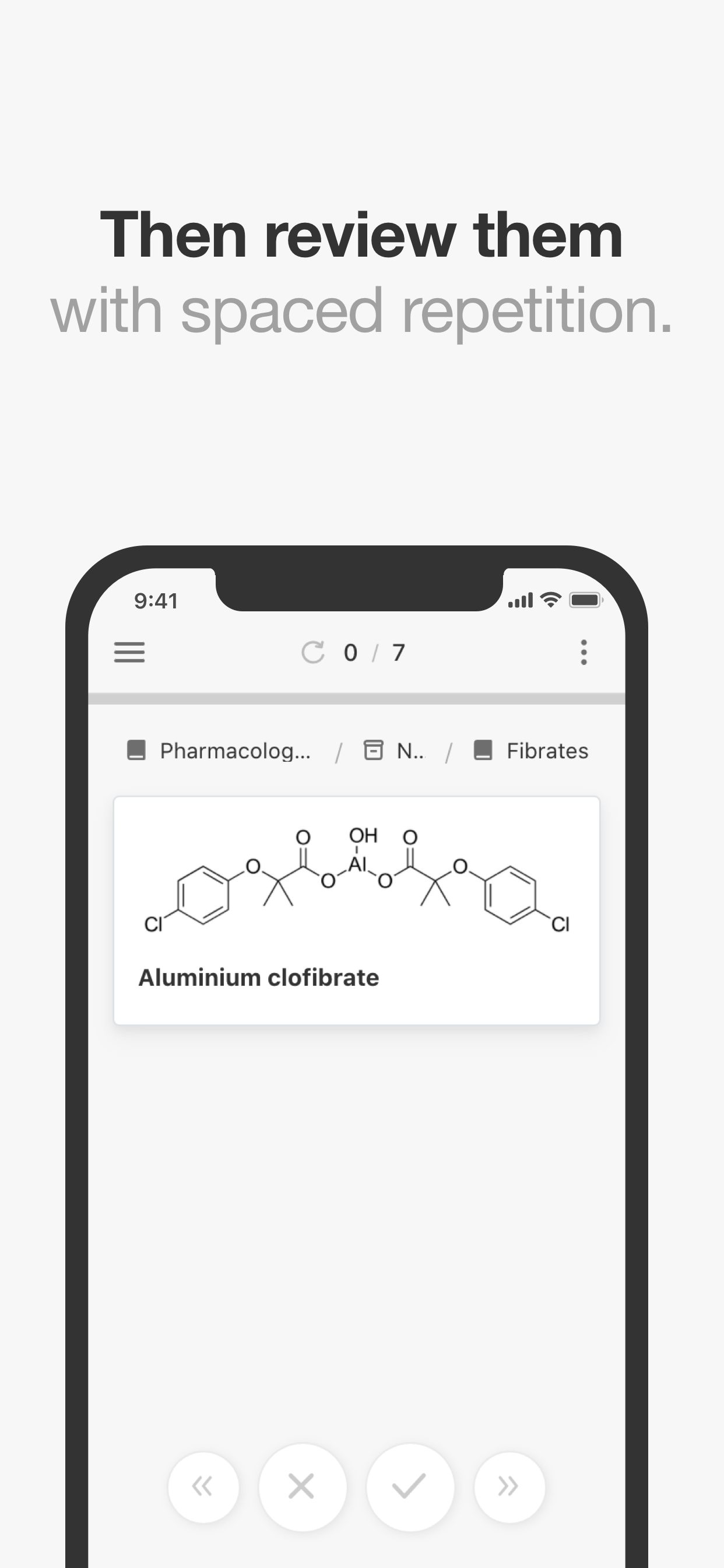
Mochi is a Markdown-based flashcard and note-taking app with spaced repetition review, made by an individual developer, Matthew Steedman. Cards and notes are stored on the device and work offline on Mac, Windows, Linux, iOS and Android, with no account needed on the free plan. The free plan has unlimited cards and decks plus import and export, while Pro adds cross-device sync, deck publishing, an HTTP API and larger AI and language-tool quotas. Proprietary software.
What users say
Evidence ↓In the few App Store reviews read, students and language learners praise the clean interface and spaced repetition, and some prefer it to Anki's interface. One free-plan college student used it for a semester and paid for Pro to sync to a phone. A critical reviewer found attachment handling and manual review awkward. Only a handful of reviews were read, so agreement is not measured.
Rankings and alternatives




Student flashcard apps scores
Evaluated Nov 22, 2026 Evidence ↓- Spaced repetition · counts double 4
4/5 means: A proven scheduler on the student's plan, with either a modern algorithm option or a target-retention or exam-date setting
Spaced repetition is on the free plan, and an FSRS option with a max-retention setting was added in July 2025 as a beta. The default scheduler is not named in sources, and there is no known exam-date mode.
- Easy to start 4
4/5 means: Easy for most students, with a small learning cost for its extra features
No account is needed and reviewers praise the clean interface, some comparing it favorably with Anki. Markdown and templates carry a small learning cost.
- Making cards 4
4/5 means: Several advanced card types (cloze, image occlusion or math) or broad import and AI card making, with gaps or paid limits
Media embedding, LaTeX or KaTeX, templates, Anki import and AI card making (small free quota) are supported. Cloze and image occlusion were not confirmed and Anki import formats are unknown.
- Ready-made decks 2
2/5 means: A small shared library, or one that relies on importing another app's decks
Pro users can publish decks to a deck library, but its size and contents were not checked, and no standard exam decks are known. Reliance on Anki import is assumed.
- Cost for a student 3
3/5 means: Free covers basic study, but a feature many students need, such as sync, scheduling settings or images, costs a subscription
Free covers unlimited cards, scheduling and offline study, but sync to a phone needs Pro at $5/month billed annually ($60 a year). No student discount was found.
- Devices, sync and offline 3
3/5 means: Apps on most platforms, but sync needs a paid plan, or offline study is missing or weak
Apps for Windows, Mac, Linux, iOS and Android plus a web app, with offline use, but sync needs a paid plan.
- Quiz and test modes 1
1/5 means: Card flipping only
Sources describe flashcards as the study mode, and no quiz, typed-answer, matching or group mode was found. A reviewer asked for Quizlet-style minigames.
- Keeping your decks 4
4/5 means: Export of cards with media or review history, or local files the student keeps
Data is stored locally and works offline, and import and export are on the free plan. Export formats and review-history export were not confirmed, and the app is proprietary.
Pricing
- Free Free Unlimited cards and decks, offline use, import and export, templates. No sync, no publishing. Small monthly AI and language quotas (for example 5,000 AI tokens, 20 dictionary lookups). No account needed.
- Pro $5.00 /month Shown as $5/month billed annually (so about $60 a year); the page says yearly billing saves $12 a year, implying $6/month if paid monthly (derived, not shown on the page). Adds sync, 10 GB cloud storage, publishing, dynamic fields, API keys, email support and larger AI quotas.
Prices checked Nov 22, 2026.
Evidence and sources
What users say
Summary 3 quotes
-
I used the Free Plan on my laptop for an entire semester of college, and it was phenomenal.
TAC15803, App Store reviewer and college student · apps.apple.com/us/app/mochi-flashcards-and-notes/id1507775056 · published · checked -
I like the clean interface and aesthetics, but some counterintuitive behaviors keep it from being ideal.
kurt_s, App Store reviewer · apps.apple.com/us/app/mochi-flashcards-and-notes/id1507775056 · published · checked -
I don’t like Anki. I know that people swear by it, but the terrible UI makes it unusable to me.
SmartWater Drinker, App Store reviewer · apps.apple.com/us/app/mochi-flashcards-and-notes/id1507775056 · published · checked
Student flashcard apps scores
Spaced repetition 2 quotes
-
Added a beta version of the FSRS algorithm.
apps.apple.com/us/app/mochi-flashcards-and-notes/id1507775056 · checked -
Mochi uses a spaced repetition algorithm to maximize retention and minimize study time.
apps.apple.com/us/app/mochi-flashcards-and-notes/id1507775056 · checked
Easy to start 3 quotes
-
No. Download the app and start making cards. An account is only necessary for the Pro features, such as sync and the AI services.
mochi.cards/pricing · checked -
I used the Free Plan on my laptop for an entire semester of college, and it was phenomenal.
TAC15803, App Store reviewer and college student · apps.apple.com/us/app/mochi-flashcards-and-notes/id1507775056 · published · checked -
I don’t like Anki. I know that people swear by it, but the terrible UI makes it unusable to me.
SmartWater Drinker, App Store reviewer · apps.apple.com/us/app/mochi-flashcards-and-notes/id1507775056 · published · checked
Making cards 4 quotes
-
AI completion Makes cards and rewrites text with AI. · 5,000 tokens · 500,000 tokens
mochi.cards/pricing · checked -
You can embed media to your notes or cards like images, audio, and video by dragging them onto the editor.
apps.apple.com/us/app/mochi-flashcards-and-notes/id1507775056 · checked -
Fixes for review counters, Anki imports, AI field references and search indexing.
apps.apple.com/us/app/mochi-flashcards-and-notes/id1507775056 · checked -
Mochi is a cross-platform desktop tool that lets you take notes and make flashcards using markdown, then study them using spaced repetition.
alternativeto.net/software/mochi/about · checked
Ready-made decks 1 quote
-
Sync across devices Keeps your cards and notes the same on every device. · Not included · Included
mochi.cards/pricing · checked
Cost for a student 3 quotes
-
Monthly cost · $0 · $5/month billed annually
mochi.cards/pricing · checked -
Sync across devices Keeps your cards and notes the same on every device. · Not included · Included
mochi.cards/pricing · checked -
Cards & decks · Unlimited · Unlimited
mochi.cards/pricing · checked
Devices, sync and offline 3 quotes
-
Sync across devices Keeps your cards and notes the same on every device. · Not included · Included
mochi.cards/pricing · checked -
Offline use Mac, Windows, Linux, iOS and Android. · Unlimited · Unlimited
mochi.cards/pricing · checked -
Mochi is a cross-platform desktop tool that lets you take notes and make flashcards using markdown, then study them using spaced repetition.
alternativeto.net/software/mochi/about · checked
Quiz and test modes 1 quote
-
I used the Free Plan on my laptop for an entire semester of college, and it was phenomenal.
TAC15803, App Store reviewer and college student · apps.apple.com/us/app/mochi-flashcards-and-notes/id1507775056 · published · checked
Keeping your decks 3 quotes
-
Mochi is free forever, and no sign-up is necessary. Upgrade to Pro when you want to sync, publish and use the AI services.
mochi.cards/pricing · checked -
Your cards and notes stay on your device and remain fully usable offline. Sync and the other Pro features stop at the end of the billing period.
mochi.cards/pricing · checked -
Your data is stored safely on your device and syncs seamlessly when you're online.
mochi.cards · checked
Facts
License 1 quote
-
Mochi is a cross-platform desktop tool that lets you take notes and make flashcards using markdown, then study them using spaced repetition.
alternativeto.net/software/mochi/about · checked
Runs on 2 quotes
-
Offline use Mac, Windows, Linux, iOS and Android. · Unlimited · Unlimited
mochi.cards/pricing · checked -
Mochi is a cross-platform desktop tool that lets you take notes and make flashcards using markdown, then study them using spaced repetition.
alternativeto.net/software/mochi/about · checked
More from the sources
How widely it is used 1 quote
-
Download Mochi - Flashcards and notes by Matthew Steedman on the App Store.
apps.apple.com/us/app/mochi-flashcards-and-notes/id1507775056 · checked
Pricing
mochi.cards/pricing · checked