
ReadEra
Free, ad-free Android reader for your own EPUB, PDF, MOBI, FB2 and DjVu files, with a one-time Premium upgrade for sync and background read-aloud.
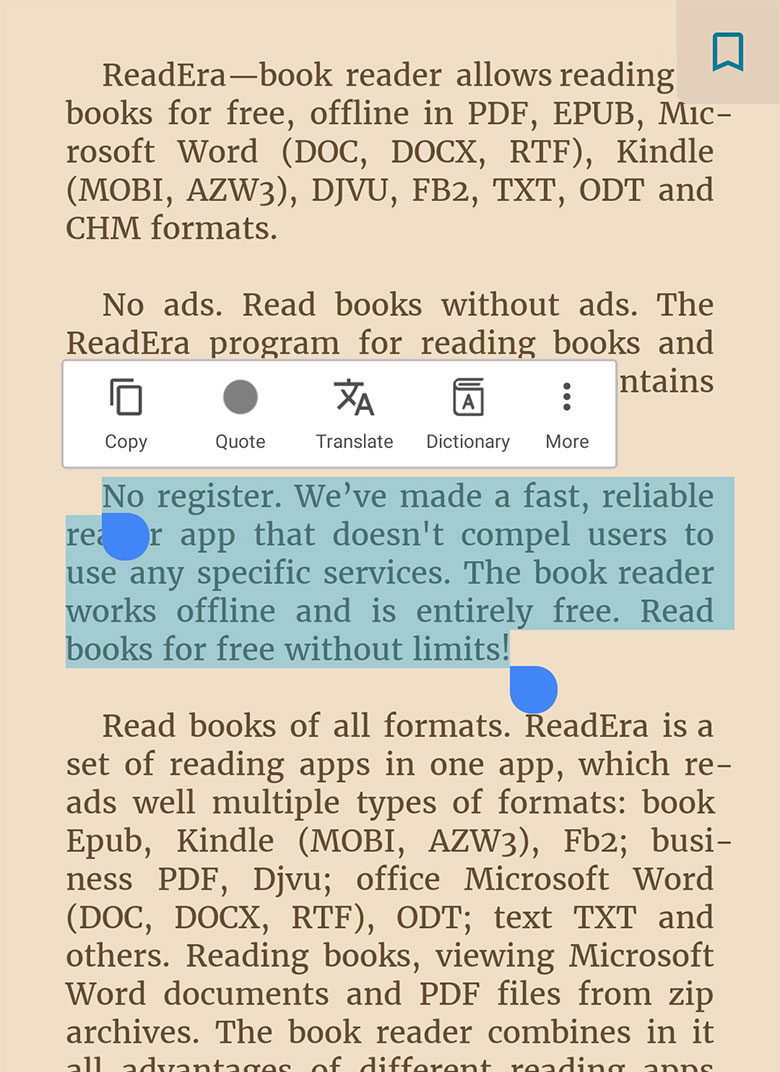
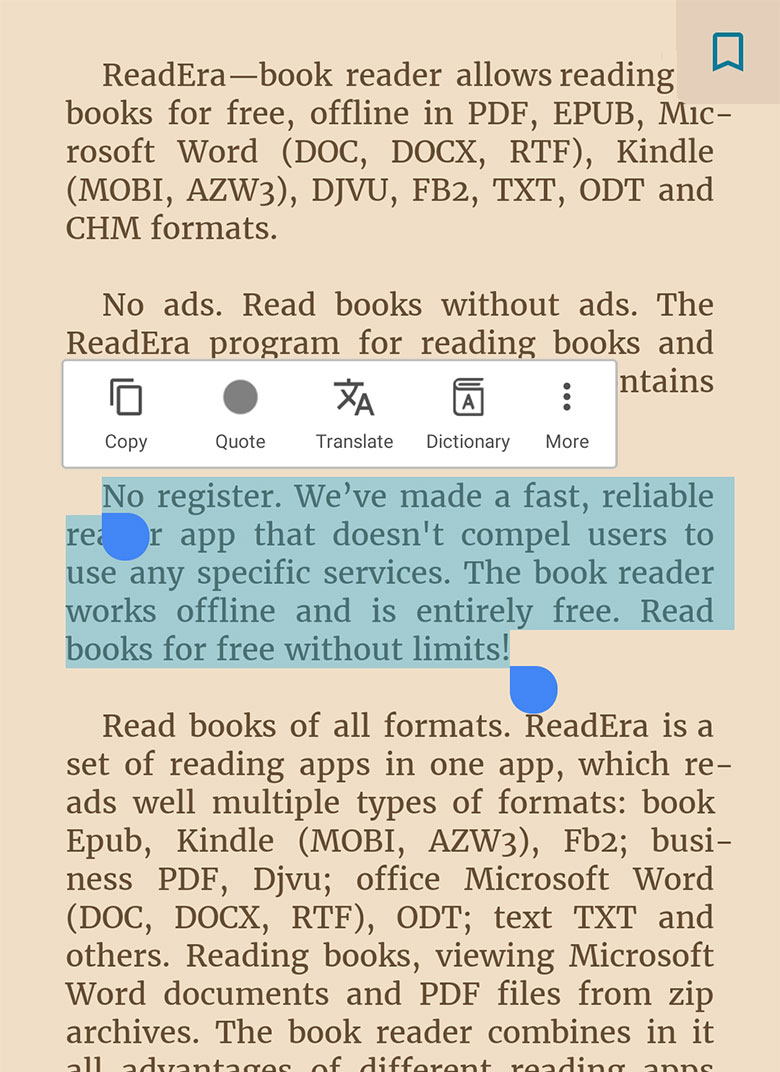
ReadEra is a local-file reading app from READERA LLC. It has no store and no library lending, and it does not open DRM-protected books. It finds supported files on the device automatically, handles EPUB, PDF, MOBI/AZW3, FB2, DjVu, DOC/DOCX, TXT, ODT, CHM and CBZ/CBR, and organizes them by author, series and collections. The free edition has no ads or registration. A separate paid app, ReadEra Premium, adds Google Drive sync, background text-to-speech, custom fonts, more highlight colors and extra library views. It is proprietary and runs on Android, with iOS and Huawei AppGallery versions also linked from the site.
What users say
Evidence ↓Play Store reviewers rate both editions very highly (4.9 on the free app across 1.61M reviews, 4.8 on Premium), praising the clean interface, ad-free free tier and customization. Recurring gaps are no sync in the free edition, no DRM support, and a library that can fill up because the app scans all storage for supported files. SlashGear calls it less visually appealing than other readers but strong at organizing documents. Individual reports, not widely sampled, mention restricted highlight colors in the free app and unreliable note saving.
Android readers for your own ebook files scores
Evaluated Nov 21, 2026 Evidence ↓- Reading comfort · counts double 5
5/5 means: Among the most pleasant readers on Android, easy to use from the first book, with very few complaints
4.9 stars across 1.61M Play reviews for the free app, reviewers calling the interface smooth and clean, and an Android Authority reviewer choosing it as the favorite of the readers tested for its paper-like presentation. Minor complaints are plain looks and a library cluttered by the automatic scan. Writer calibration, raised from 4; it is the most widely praised reader in the set.
- Formats it opens 4
4/5 means: All the common formats (EPUB, PDF, MOBI and AZW3, FB2, DjVu, comic archives, DOCX), but no DRM-protected books
EPUB, PDF, MOBI/AZW3, FB2, DjVu, CBZ/CBR, DOC/DOCX, TXT, ODT and CHM all open in the free app, but there is no DRM support, as a reviewer notes.
- Control over the page and gestures 4
4/5 means: Fine control of the page, including your own fonts, plus configurable taps or volume keys
Fonts, boldness, spacing, margins, alignment, hyphenation, themes and a brightness gesture are documented, and custom fonts are a Premium feature. Configurable tap zones and volume-key page turns were not found on the pages read, so 4 rests partly on general knowledge of the app.
- Price and ads 4
4/5 means: Free and ad-free for reading, with a one-time purchase for extras such as sync or background read-aloud
The free app has no ads, no in-app purchases and no registration. Premium is a separate one-time purchase of under $15 for sync, background read-aloud, custom fonts and more highlight colors.
- Syncing between devices 3
3/5 means: Your place, and often bookmarks or highlights, sync automatically between Android devices, or only on a paid edition
Google Drive sync of books, position, bookmarks and quotes exists only in Premium. The free app has none, and users complain about that. Sync across Android devices is documented; sync to other device types was not found.
- Read-aloud 4
4/5 means: Built-in read-aloud with speed controls and a sleep timer, with background playback in the free or paid edition
The free app has built-in read-aloud with 20+ voices, speed settings and a 15-minute to one-hour timer. Background playback with the screen locked is in Premium.
- Highlights, notes and export 3
3/5 means: Highlights, notes and dictionary lookup, with export only as a whole-app backup or by sharing one at a time
Highlights, notes, bookmarks and dictionary or translation lookup are documented; dictionary and translation hand off to other installed apps. More highlight colors are Premium. No export of highlights was found, so this is scored at the level for sharing one at a time.
- Organizing your books · counts half 3
3/5 means: A library with shelves or collections, or OPDS catalogs, but not both
Automatic scanning, authors, series, collections and lists, folder management, duplicate detection and editing of title, author and series (Premium listing) are documented. No OPDS or Calibre connection was found, which keeps it from the top levels.
Pricing
- ReadEra (free) Free
- ReadEra Premium $14.99 one-time
Prices checked Nov 21, 2026.
Evidence and sources
What users say
Summary 5 quotes
-
What users dislike about the app, however, is that it automatically scans your storage for all the file types it supports. This often leaves you with a cluttered library filled with documents you didn't necessarily want to see there.
Marinel Sigue, reviewer at SlashGear · slashgear.com/1351264/best-ebook-apps-android · checked -
This is the only one that works perfectly as a reading app should be. Smooth and customizable interface. The only down side is it doesn't support DRM protected books (and I really wish it could!).
Play Store reviewer (anonymous), Premium user · play.google.com/store/apps/details · checked -
This remains my favourite. I just wish there was a sync function because I got a new phone, but have to keep using my old phone since there's no way get the app to continue from where I stopped reading on my new one.
Play Store reviewer (anonymous), free-app user · play.google.com/store/apps/details · checked -
The best. I can read it offline, no ads, simple interface, and lots of good features. Though, the only thing I didn't like was that colors for highlights are restricted since you need to pay for it. AND PLEASE FIX THE NOTE SAVING
Play Store reviewer (anonymous), free-app user · play.google.com/store/apps/details · checked -
I used the free version for only a few days before purchasing the paid version.
Play Store reviewer (anonymous), Premium purchaser · play.google.com/store/apps/details · checked
Android readers for your own ebook files scores
Reading comfort 4 quotes
-
Everyone 50M+ Downloads 4.9 1.61M reviews
play.google.com/store/apps/details · checked -
This is the only one that works perfectly as a reading app should be. Smooth and customizable interface. The only down side is it doesn't support DRM protected books (and I really wish it could!).
Play Store reviewer (anonymous), Premium user · play.google.com/store/apps/details · checked -
What users dislike about the app, however, is that it automatically scans your storage for all the file types it supports. This often leaves you with a cluttered library filled with documents you didn't necessarily want to see there.
Marinel Sigue, reviewer at SlashGear · slashgear.com/1351264/best-ebook-apps-android · checked -
The best. I can read it offline, no ads, simple interface, and lots of good features. Though, the only thing I didn't like was that colors for highlights are restricted since you need to pay for it. AND PLEASE FIX THE NOTE SAVING
Play Store reviewer (anonymous), free-app user · play.google.com/store/apps/details · checked
Formats it opens 2 quotes
-
ReadEra — book reader allows reading books for free, offline in PDF, EPUB, Microsoft Word (DOC, DOCX, RTF), Kindle (MOBI, AZW3), DJVU, FB2, TXT, ODT and CHM formats.
play.google.com/store/apps/details · checked -
This is the only one that works perfectly as a reading app should be. Smooth and customizable interface. The only down side is it doesn't support DRM protected books (and I really wish it could!).
Play Store reviewer (anonymous), Premium user · play.google.com/store/apps/details · checked
Control over the page and gestures 2 quotes
-
My fonts. You can upload your fonts and use them for reading books and documents.
play.google.com/store/apps/details · checked -
Font settings: size, type and boldness of the font, line spacing, support for system fonts, which allows you to read books in Chinese, Arabic and many other languages. Ability to upload your fonts.
readera.org · checked
Price and ads 5 quotes
-
ReadEra is an app for reading books, magazines, articles and documents that allows you to read books for free, without ads and without registration.
readera.org · checked -
Premium is a one-time charge and it's under $15.
Play Store reviewer (anonymous), Premium purchaser · play.google.com/store/apps/details · checked -
Synchronization. Synchronize books, documents, reading progress, bookmarks, and quotes with Google Drive on all your devices.
play.google.com/store/apps/details · checked -
Read aloud in the background TTS. You can listen to books and documents in the background and even with the screen locked.
play.google.com/store/apps/details · checked -
My fonts. You can upload your fonts and use them for reading books and documents.
play.google.com/store/apps/details · checked
Syncing between devices 2 quotes
-
Synchronization. Synchronize books, documents, reading progress, bookmarks, and quotes with Google Drive on all your devices.
play.google.com/store/apps/details · checked -
This remains my favourite. I just wish there was a sync function because I got a new phone, but have to keep using my old phone since there's no way get the app to continue from where I stopped reading on my new one.
Play Store reviewer (anonymous), free-app user · play.google.com/store/apps/details · checked
Read-aloud 2 quotes
-
ReadEra also boasts text-to-speech functionality. It features at least 20 voices to choose from, different speech rate settings, and a 15-minute to one-hour timer. With an upgrade to ReadEra Premium, you can also listen to the books in the background.
slashgear.com/1351264/best-ebook-apps-android · checked -
Read aloud in the background TTS. You can listen to books and documents in the background and even with the screen locked.
play.google.com/store/apps/details · checked
Highlights, notes and export 3 quotes
-
Translation of text into foreign languages. Supports the integration of popular text translators. Translate text in books with any dictionary or translator from the list of apps on your device.
readera.org · checked -
Colors for quotes. Additional colors to highlight quotes or text in books and documents you read.
play.google.com/store/apps/details · checked -
The best. I can read it offline, no ads, simple interface, and lots of good features. Though, the only thing I didn't like was that colors for highlights are restricted since you need to pay for it. AND PLEASE FIX THE NOTE SAVING
Play Store reviewer (anonymous), free-app user · play.google.com/store/apps/details · checked
Organizing your books 2 quotes
-
Auto-detection of books, journals, and documents. Just download an Epub book, PDF journal, Microsoft Word documents or PDF article from the Internet so they appear in the reader for reading.
readera.org · checked -
The reader doesn’t copy books and documents into its store; detects duplicate files, saves bookmarks and the current reading page, even when files are moved or deleted.
readera.org · checked
Facts
License 1 quote
-
ReadEra is an app for reading books, magazines, articles and documents that allows you to read books for free, without ads and without registration.
readera.org · checked
Runs on 1 quote
-
ReadEra — book reader allows reading books for free, offline in PDF, EPUB, Microsoft Word (DOC, DOCX, RTF), Kindle (MOBI, AZW3), DJVU, FB2, TXT, ODT and CHM formats.
play.google.com/store/apps/details · checked
Users 1 quote
-
Everyone 50M+ Downloads 4.9 1.61M reviews
play.google.com/store/apps/details · checked
Pricing
play.google.com/store/apps/details · checked