Semrush alternatives that cost a small business less
Semrush is the SEO suite most marketers name first: keyword research, competitor lookups, a site audit and daily rank tracking (checking where your pages appear for the searches you choose) under one login. Its SEO plan costs $139 a month, or $117.33 a month billed annually. If your customers find you on Google Maps, the tools for that are a separate Local add-on at $30 to $60 a month per location.
That’s a fair price for a marketer who works in Semrush every day. It’s a lot for an owner who logs in on a Sunday to see which searches to write pages for and whether the business has moved up on the map. Owners like that often use two or three of Semrush’s screens, and they can get the same answers for a fraction of the cost.
The short version: SE Ranking is the closest swap and includes local tools that Semrush charges extra for. Mangools is the cheap, friendly choice if keyword research is most of what you do. BrightLocal is built for map rankings. And if you’d rather pay nothing yet, Google Search Console plus Ahrefs’ free account, or Semrush’s own free plan, may cover you.
Keyword research and rank tracking for less
These four tools do the two jobs that bring most small businesses to Semrush: finding searches worth targeting, and tracking where you rank for them. They differ in how much data sits behind the numbers, how often rankings refresh, and what else comes in the box.
1–5 per criterion · select a score for its reasoning and any sources
| # | Product | Overall | Easy for non-specialists , counts double | Keyword research , counts double | Cost for one small business , counts double | Competitor and backlink research | Site audit and fix guidance | Rank tracking | Local search tools | Reports for clients and bosses , counts half |
|---|---|---|---|---|---|---|---|---|---|---|
| 1 | SE Ranking | 3.8 | 4 | 4 | 3 | 3 | 4 | 5 | 4 | 3 |
| 2 | Semrush | 3.3 | 2 | 5 | 2 | 4 | 4 | 4 | 3 | 3 |
| 3 | Mangools | 3.1 | 4 | 4 | 4 | 3 | 1 | 3 | 1 | 2 |
| 4 | Ubersuggest | 3.1 | 4 | 3 | 4 | 3 | 3 | 3 | 1 | 2 |




Equal displayed overall scores are ordered by the earlier criteria; a known score comes before an unknown score. Identical scores use alphabetical order.
×2 = counts double in the overall score, ×½ = counts half.
How each criterion is scored
Easy for non-specialists
Counts double in the overall score: Most readers do their own SEO part-time; a tool they can't follow gets abandoned, whatever its data quality.
How quickly a business owner or generalist marketer without SEO training can find what to do next: a clear starting dashboard, plain explanations of issues and metrics, guided workflows or to-do lists, and a navigation that doesn't bury the basics among specialist tools. Judged from reviewers' and many users' agreement about the learning curve, and from how the product presents its own workflow. More tools do not make a product easier.
- 5 Exceptionally simple; a newcomer gets the main answers at a glance with almost no learning
- 4 Clear and approachable, with guidance that gets a newcomer to useful answers quickly
- 3 Usable after a learning period, with some confusing navigation or jargon
- 2 Powerful but crowded; newcomers regularly report feeling lost or overwhelmed
- 1 Built for specialists; routine questions need SEO knowledge and long exploration
Keyword research
Counts double in the overall score: Choosing which searches to target is the first thing most readers buy an SEO tool for, and the data behind it is what separates paid tools from free ones.
How well the product helps a small business find the searches worth targeting: the size and freshness of its keyword data, useful ideas and groupings, difficulty and intent signals, and volumes for the countries and cities the business serves. Judged from documented capabilities and the agreement of reviewers and practitioners about data quality; a product that shows only searches the site already appears for scores low.
- 5 Category-leading keyword data with deep ideas, intent and local volumes
- 4 Strong ideas, volumes, difficulty and local data from a large database
- 3 Useful ideas, volumes and difficulty, but a smaller or less trusted database
- 2 Shows only the site's own search queries, or a small and shallow keyword tool
- 1 No keyword research for new topics
Cost for one small business
Counts double in the overall score: Small businesses pay for SEO tools out of a small marketing budget, and the price gap between tools is several times over for similar use.
What a business with one website and a modest workload pays for a plan that covers its regular SEO work: the entry price on the usual billing, what that plan's allowances cover (projects, tracked keywords, research lookups, audit pages), and whether a free plan does real work. Compare what the buyer pays for the same use, not the lowest advertised price; a cheap plan whose limits force an upgrade for one site scores as the upgrade.
- 5 Free for one site's routine work
- 4 Under about $60 a month for one site's routine work
- 3 Around $100 to $130 a month with generous allowances, or a cheaper plan with tight limits
- 2 Around $120 to $150 a month for one site's routine work, with only a token free plan
- 1 Costs well over $150 a month before one site's routine work is covered
Competitor and backlink research
How well the product shows what competing websites do: the keywords and pages they rank for, the gaps between their keywords and yours, and the links pointing to them and to you. Judged from documented reports and what practitioners say about index size and freshness.
- 5 Category-leading competitor and backlink data, fresh and deep
- 4 Strong competitor keyword, gap and backlink research from large indexes
- 3 Useful competitor keywords, pages and backlinks, with gaps in depth or freshness
- 2 Basic competitor or link lookups with small data or tight limits
- 1 No research on other websites
Site audit and fix guidance
How well the product finds what is wrong on the business's own website (technical errors, indexing problems, slow or broken pages, on-page issues) and explains in plain terms what to fix first, within the allowance of the plan a small business would buy.
- 5 A thorough, well-prioritized audit with step-by-step fixes a non-specialist can act on
- 4 A thorough audit with prioritized issues and clear fix explanations
- 3 A useful site audit with modest prioritization or explanations
- 2 Narrow checks, or an audit limited to one area such as local listings
- 1 No site audit
Rank tracking
How well the plan a small business would buy tracks where its pages rank for chosen searches: the number of keywords included, how often rankings update, and whether tracking can target the city or postal code where customers search, including the map results.
- 5 A generous daily allowance with city targeting and map-pack grid tracking included
- 4 A generous allowance updated daily, with city targeting
- 3 A modest allowance or weekly updates, with city or postal code targeting
- 2 Average positions only, or a small allowance updated weekly with no city targeting
- 1 No rank tracking
Local search tools
Tools for businesses whose customers find them on Google Maps and in local results: Google Business Profile management, listings in directories, map-pack grid tracking, and review monitoring and replies. Tools included in the plan count fully; a paid add-on counts at a lower level, named in the rationale.
- 5 A full local toolkit with profile management, listings, map tracking and reviews included
- 4 Profile, listings, map tracking and reviews, partly included or via a modest add-on
- 3 Several local tools, or a full local toolkit only as a separate per-location purchase
- 2 One local feature, such as local rank tracking or a profile monitor
- 1 No local tools beyond choosing a location for keyword data
Reports for clients and bosses
Counts half in the overall score: Only freelancers, agencies and managers reporting upward need it, and the business owner doing their own SEO mostly doesn't.
How easily the plan a small business or freelancer would buy produces reports other people can read: scheduled or shareable reports, white labeling, extra users or view-only access, and how the cost grows with more sites.
- 5 White-labeled, scheduled client reports and client access included on ordinary plans
- 4 Scheduled, customizable reports and shared access on ordinary plans, with white labeling as an add-on
- 3 Scheduled or shareable reports, with white labeling only on higher plans or add-ons
- 2 Basic exports or shared links, with white labeling unavailable
- 1 No reports beyond exporting data
SE Ranking
Closest swap, with local tools included
#1 3.8/5
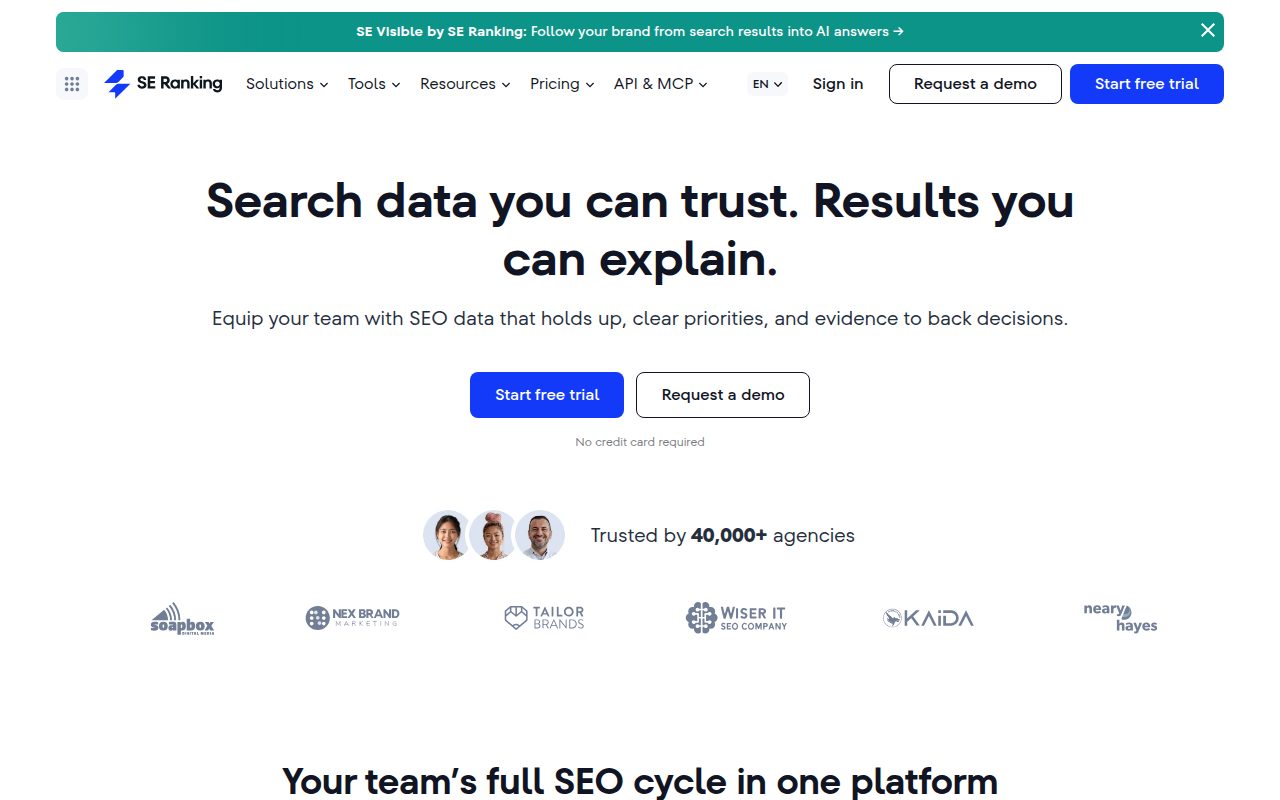
If you want to keep doing everything you did in Semrush on one login, SE Ranking is where we’d send you. The Core plan costs $129 a month, or $103.20 a month billed annually, and it tracks 2,000 keywords daily (four times Semrush’s 500) across 10 projects, audits up to 250,000 pages a month, and includes keyword and competitor research. Newcomers also tend to find it calmer: the menu shows the tools you’ve set up, not every tool Semrush sells.
The bigger difference for a local business is what’s already in that price. Core includes the local toolkit for three locations: a map rank tracker that checks your position at points across your area, listing management across more than 100 directories, Google Business Profile post scheduling, and review management. Extra locations start at $18.40. One catch: each location you track counts against the 2,000-keyword allowance, so 50 keywords checked in three towns uses 150 of them.
What you give up is depth. SE Ranking’s keyword database holds about 5.5 billion keywords to Semrush’s 28.8 billion, its backlink data refreshes more slowly, and it has no keyword gap tool for lining up your keywords against a competitor’s. For a business competing in its own town, that rarely changes what you’d do next.
The 14-day trial needs no card. Annual plans come with free assisted migration from your old tool, and freelancers who want branded client reports need the Agency Pack, $69 a month extra.
What it does
- Keyword and competitor research
- Daily rank tracking
- Site audit
- Map rank tracking, listings and reviews for three locations
Pros
- 2,000 keywords tracked daily on the entry plan
- Local tools included instead of sold per location
- Easier for newcomers than Semrush
- Assisted migration on annual plans
Cons
- Much smaller keyword and backlink databases than Semrush
- Each tracked location uses up keyword allowance
- Branded client reports cost extra
Mangools
Friendly keyword research at a third of the price
#3 3.1/5
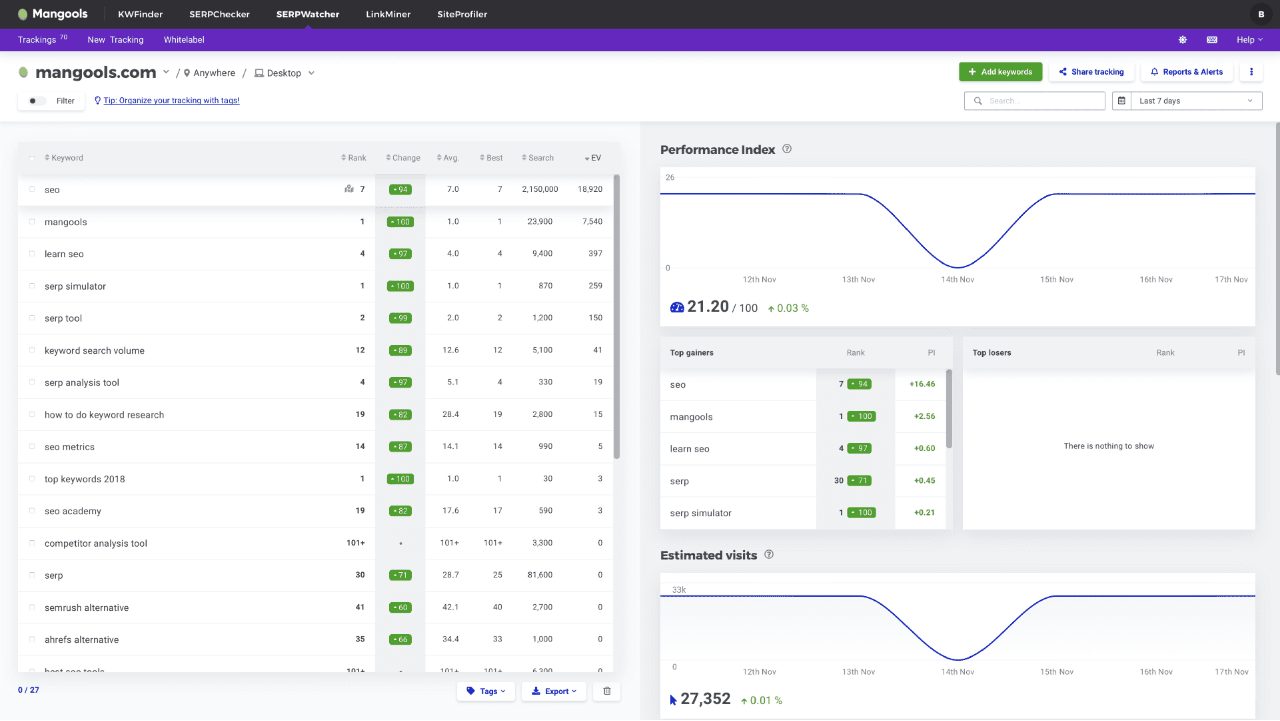
Mangools suits the owner whose main question is “which searches should I write a page for?” Its keyword tool, KWFinder, puts a search’s monthly volume, a color-coded difficulty score and the pages that rank today on one tidy screen. You can set the location to a city, which matters when the national volume for “dentist” tells you little and “dentist in Tulsa” is the search that brings in patients.
The Basic plan is $49 a month for 100 keyword lookups a day and 200 tracked keywords. Rankings refresh weekly rather than daily, which is fine for a small site whose positions move slowly; daily updates start on the $129 Agency plan.
What it leaves out is a lot, though. Mangools has no site audit at all, no Google Business Profile or map tools, and thinner backlink data than Semrush (it licenses link data from Majestic rather than running its own crawler). Pair it with Google Search Console for site problems. The money-back guarantee lasts just 48 hours, so try the free account (five lookups a day) first.
What it does
- Keyword research by city
- Weekly rank tracking
- Competitor and backlink lookups
Pros
- Clean, beginner-friendly screens
- City-level keyword and ranking data
- Low monthly price
Cons
- No site audit
- No map or Google Business Profile tools
- Rankings refresh weekly on Basic
Ubersuggest
Cheapest all-in-one, with a lifetime license
#4 3.1/5
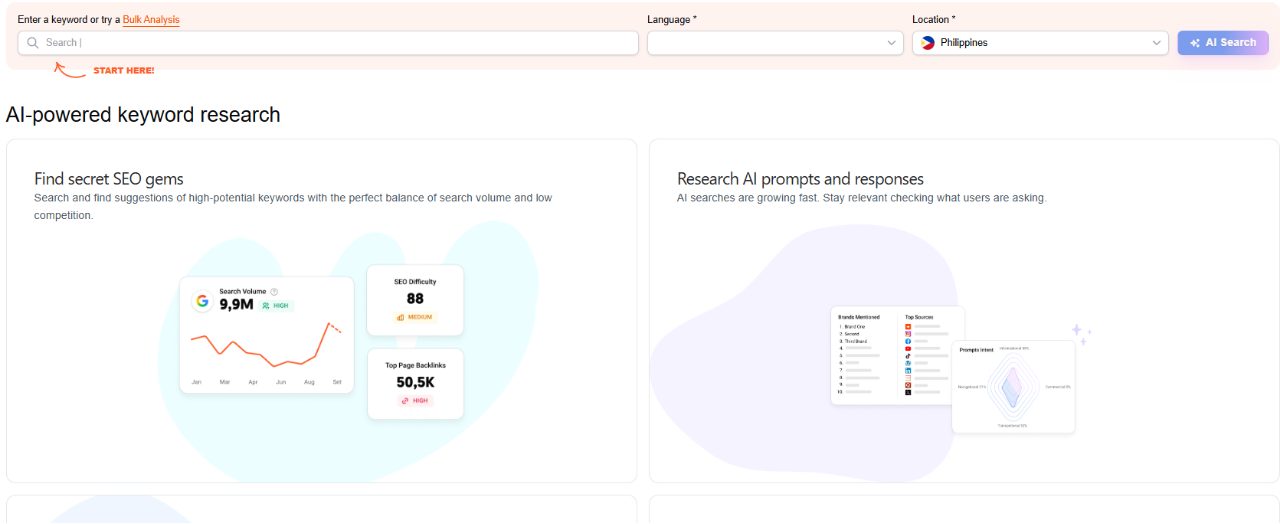
Ubersuggest, from Neil Patel’s company, covers keyword ideas, competitor lookups, a site audit and rank tracking from $29 a month (the exact price appears at checkout and varies by country). Its dashboard turns audit findings into a ranked to-do list, which is the closest any tool here comes to telling a newcomer what to fix first. It also sells a one-time lifetime license, unusual for SEO software.
The cheapest plan is tight: one project, 125 keywords tracked weekly, and up to 1,000 pages per audit. Its search volumes can differ sharply from the real figures in Search Console, so check the phrases that matter before building a page around them. Two billing warnings: the 7-day trial turns into a paid subscription without another prompt, and lifetime purchases can’t be refunded.
What it does
- Keyword research
- Site audit with a prioritized to-do list
- Weekly rank tracking
- Lifetime license option
Pros
- Lowest starting price for an all-in-one
- Simple guidance for newcomers
- Pay once instead of monthly
Cons
- Small tracking and audit allowances
- Search volumes can be well off
- Trial converts to paid automatically, and lifetime licenses are non-refundable
Semrush
Stay if SEO is part of your job every week
#2 3.3/5
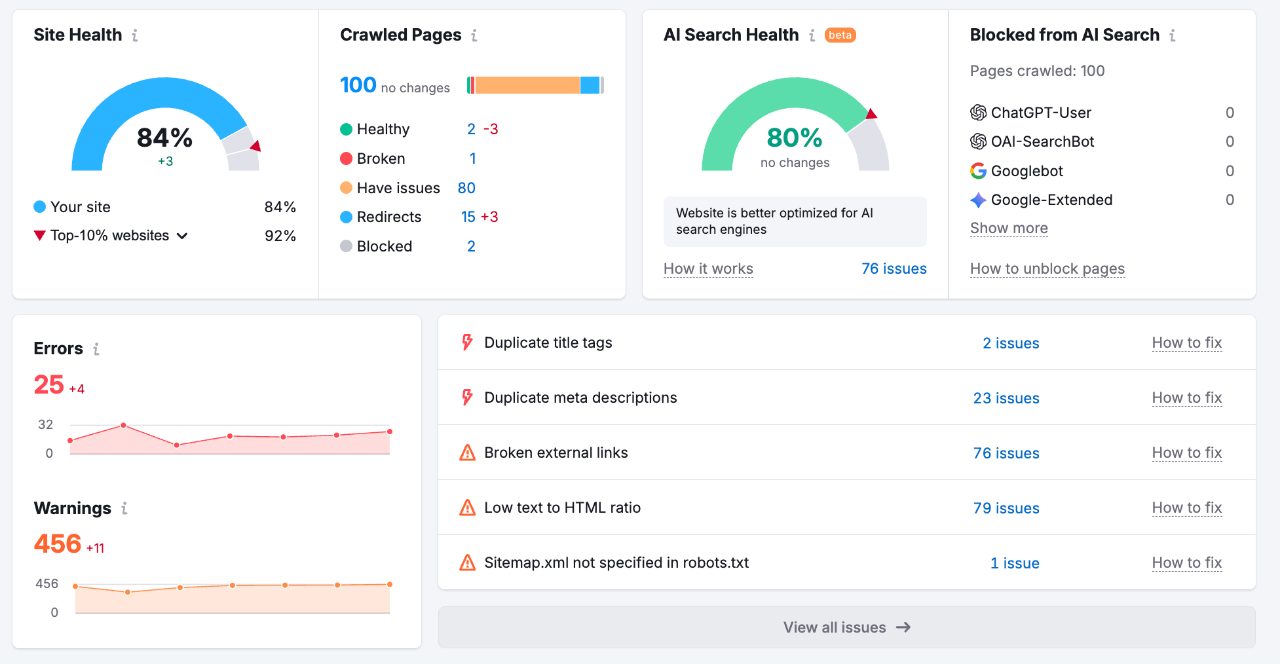
Semrush is still the right tool if SEO is a weekly part of your job. Its keyword database is one of the two largest here (Ahrefs’ is the other), with data for 142 countries. Its site audit sorts problems by how serious they are, with notes on fixing each, and the SEO plan checks 500 keywords every day across five websites. If you research competitors, write a steady stream of content, and report to a boss, Semrush earns its price and SE Ranking’s smaller data may start to show.
Two limits tend to bite small businesses. Rank tracking on the SEO plan follows one location per project, so a plumber serving three towns can’t follow all three for the same site without moving up to Pro+ at $299 a month. And the plan includes one login; each colleague costs at least $45 a month more.
Before you cancel, look at the free plan. It gives you 10 reports a day across the main research tools, 10 tracked keywords and a 100-page audit. An owner who checks a handful of keywords each month may find that’s all of Semrush they were using.
What it does
- Keyword and competitor research
- Daily rank tracking
- Site audit
- Local add-on for maps, listings and reviews
Pros
- Keyword data as deep as any tool here
- 500 keywords tracked daily across five sites
- Free plan covers occasional lookups
Cons
- Crowded interface that overwhelms newcomers
- Tracking one site in several towns needs Pro+
- Local tools cost $30 to $60 a month per location on top
- Skip if:
- You log in once a month to check a few keywords
Map rankings without paying Semrush per location
When someone searches for “electrician near me”, Google usually shows a map with three businesses under it, often called the map pack, before the ordinary results. Your place there changes from street to street, so local rank trackers check it at points on a grid across your area and color the map by where you appear. That grid view is what Semrush sells in its Local add-on.
Here’s what keyword research plus map tracking costs for one location, on annual billing:
| Setup | Per month, billed annually | What it covers |
|---|---|---|
| Semrush SEO + Local Base | $147.33 | Keyword research, daily rank tracking, map grid tracking, Google Business Profile tools |
| Semrush SEO + Local Pro | $177.33 | All of the above, plus listings and review management |
| SE Ranking Core | $103.20 | Keyword research, daily rank tracking, map tracking, listings and reviews for three locations |
| BrightLocal Track | $31 | Local and map rank tracking only, no keyword research |

BrightLocal
Map rank tracking for businesses that serve a town
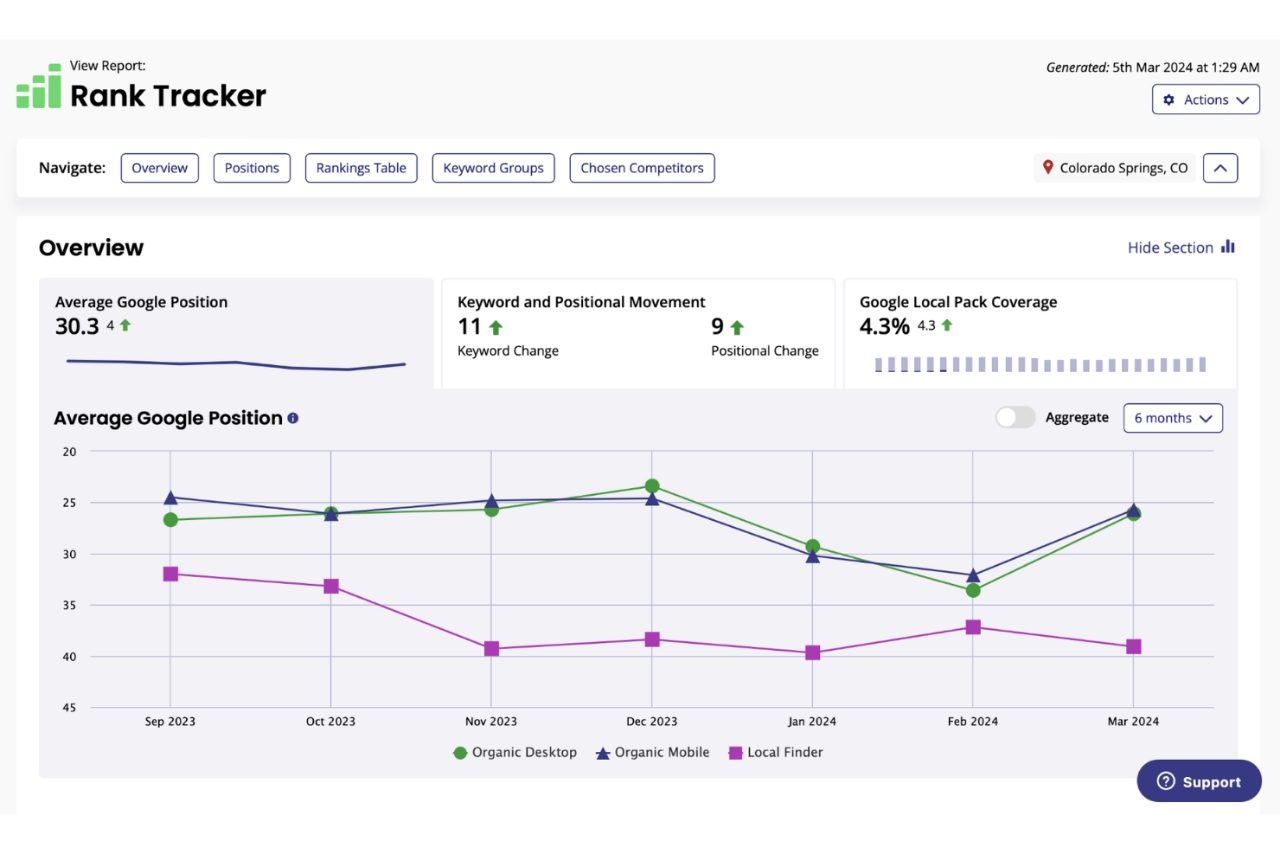
BrightLocal does one thing Semrush treats as an add-on, local search, and does it for less. Its rank tracker follows up to 100 searches per location in Google, Google Maps and Bing, and its grid view maps where you appear across your area for up to five of them. The Manage plan adds Google Business Profile posting and keeps your business details in sync across key directories; Grow adds review monitoring and review requests by email and text.
Prices are per location: Track is $41 a month ($31 billed annually), Manage $54 and Grow $65. Every paid plan includes reports with your own logo, which freelancers with local clients will want. Rankings refresh when a report runs, weekly or monthly as you choose, and the platform covers the US, UK, Canada and Australia.
BrightLocal has no keyword research, so it can tell you where you rank but not which new searches to target. Add Mangools for that and, even on monthly billing, BrightLocal Track plus Mangools Basic comes to $90 a month, still less than Semrush’s SEO plan before its Local add-on. If you’d rather have one login, SE Ranking covers both jobs.
What it does
- Local and map rank tracking
- Map grid view
- Google Business Profile posting and listing sync
- Review monitoring and requests
Pros
- Built around map results rather than tacked on
- Branded reports on every paid plan
- Simple per-location pricing
Cons
- No keyword research or backlink data
- Rankings refresh weekly or monthly, not daily
- Only covers four countries
- Skip if:
- Your customers find you through ordinary search results rather than the map
If you’d rather pay nothing yet
Free tools cover more than you might expect, as long as the site you’re studying is your own. Semrush’s free plan, described above, handles occasional lookups. These two fill in the rest.

Google Search Console
Google's own ranking data for your site, free
Set up Search Console before you pay for anything, whichever tool you end up with. It’s the one source here that shows real numbers rather than estimates: the searches you actually appeared for, how often people saw and clicked your result, and your average position for each search. For an owner who mostly wants to know “am I moving up?”, that answers a lot of it. It also flags pages Google hasn’t indexed and emails you when something breaks.
It can’t look outward. Search Console has no ideas for searches you don’t already show up for, nothing about competitors, and no tracking for a list or a town you choose. Its reports use Google’s own vocabulary, so expect to look a few terms up.
What it does
- Real clicks, impressions and average position
- Indexing reports
- Email alerts for site problems
Pros
- Free, from Google itself
- Actual search data rather than estimates
Cons
- No keyword ideas beyond searches you already appear in
- No competitor research or chosen-location tracking


Ahrefs
Free site audit and backlink data from a top-tier index
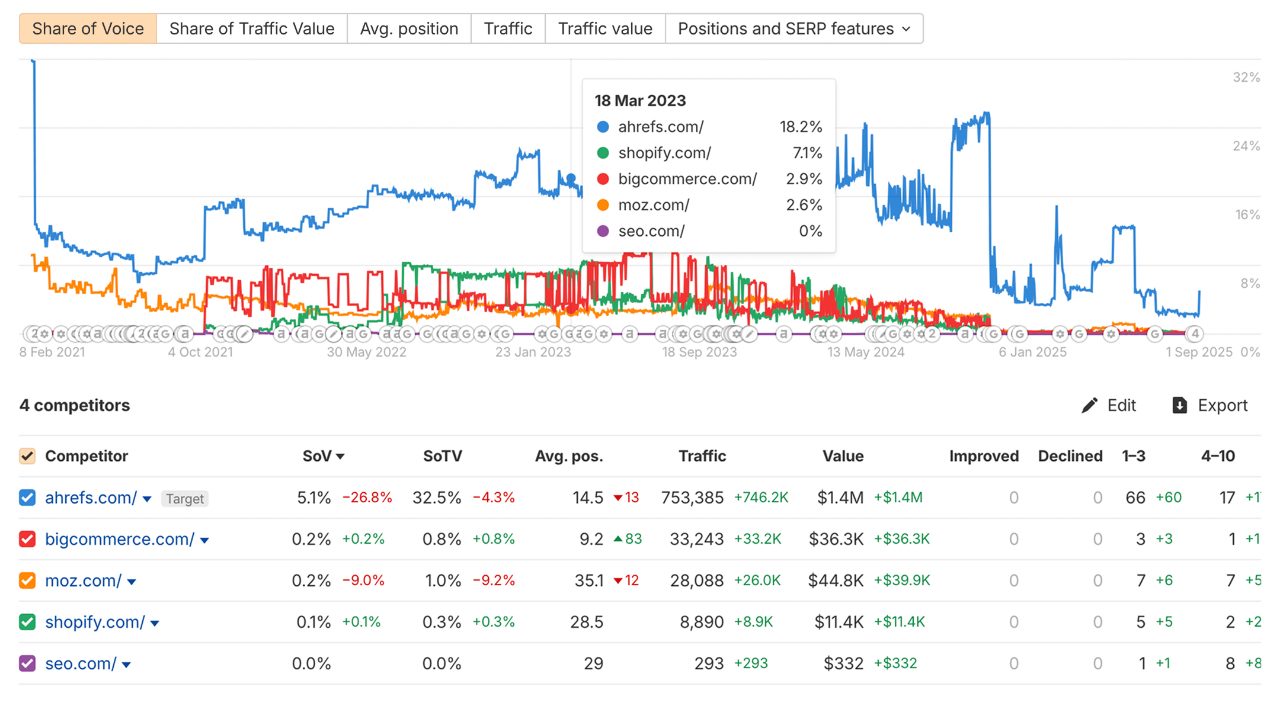
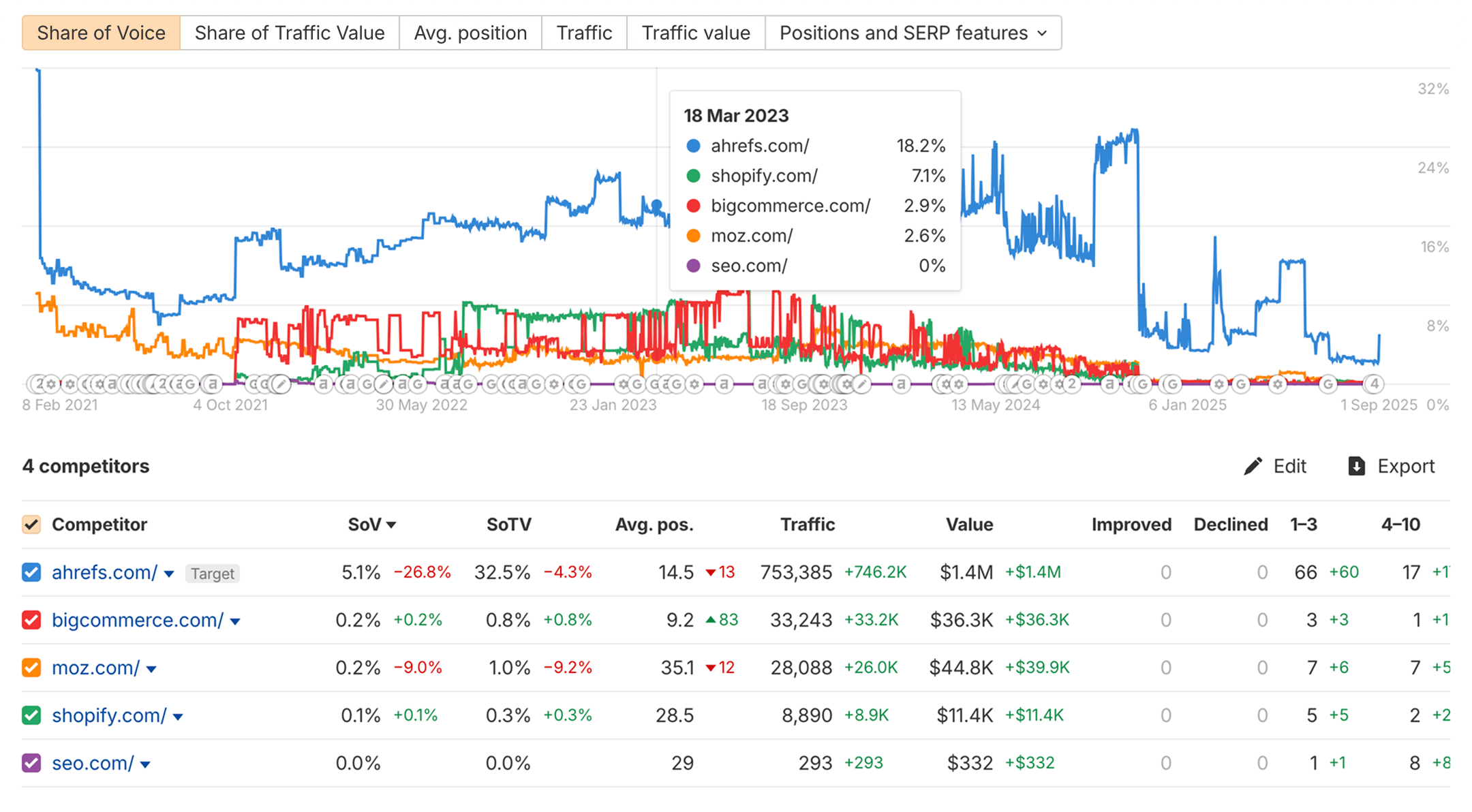
Ahrefs’ free account, Ahrefs Webmaster Tools, works for any site you can prove you own. It audits the site each month (5,000 crawl credits per site, and only working pages count against them) and shows up to 1,000 of the keywords you rank for and 1,000 of your backlinks, drawn from a link index many practitioners treat as the reference. Pair it with Search Console and you have a decent free setup. What the free account leaves out is keyword research for new searches, rank tracking, and any look at a competitor’s site.
Ahrefs’ paid plans are no escape from Semrush’s prices. The $29 Starter plan gives you 200 credits a month, and Ahrefs spends a credit each time you open a report or change its filters, so a curious half hour with a competitor’s site can use a big share; it also tracks just 50 keywords, and you can’t buy more credits on it. Lite, the plan most single sites need, costs $129 a month and refreshes rankings weekly. Choose Ahrefs over Semrush for link data, not to save money.
What it does
- Free site audit for verified sites
- Backlink and keyword data
- Weekly rank tracking on paid plans
Pros
- Useful free account for your own site
- Highly regarded backlink data
Cons
- Free account excludes keyword research and competitor sites
- Starter's credits run out quickly
- Paid plans cost about as much as Semrush
- Skip if:
- You want a cheaper paid replacement for Semrush
Also considered
- Moz Pro is the gentlest of the big suites, but it doesn’t save much: Standard is $99 a month for 300 keywords tracked weekly, and its local tools are a separate Moz Local subscription per location. SE Ranking gives more for a similar price.
- SpyFu costs $39 a month and is worth a look if you run Google Ads, because it shows which searches your competitors buy ads on as well as the ones they rank for. It has no local tools and refreshes rankings weekly, so it doesn’t replace Semrush for a business that relies on the map.
Leaving Semrush mostly comes down to which of its jobs you actually use. If it’s keyword research and rank tracking for one site, SE Ranking does both with more tracked keywords and local tools included, and Mangools does the keyword part for a third of the price. If it’s where you appear on the map, BrightLocal does that better per dollar than Semrush’s add-on. Stay with Semrush when its depth is what you use most days, or drop to its free plan when you only look things up now and then.
Frequently asked questions
Can I move my Semrush projects to another tool?
Yes, though expect to redo some setup. SE Ranking offers free assisted migration with its annual plans and a self-serve import on monthly ones. Export your tracked-keyword lists and any reports you want to keep before you cancel.
Will a cheaper tool’s search volumes match Semrush’s?
No, and neither tool’s numbers are exact. Every paid tool estimates volumes from third-party data, and their estimates often disagree. Compare phrases within one tool rather than across tools, and check the searches you already appear for against the real figures in Google Search Console.