The Geocaching® app turns a walk into a treasure hunt: it shows a cache’s location, you navigate to it, find the container and log the result. The best app depends on whether you need help getting started, maps that work without signal, or deep control over filters and field notes.
Start with the official Geocaching® app if you are new. It explains the first few finds and connects directly to your geocaching.com account. For regular offline use, choose c:geo on Android or Cachly on iPhone. c:geo is free and open source; Cachly costs $4.99 once, with optional Pro features. GCDroid is the specialist for Android users who want GSAK and Dropbox integration.
The cost is easy to misread. There are three separate things to pay for: the app itself, optional app-specific features, and a Geocaching Premium membership that changes what your account can access. c:geo needs no app subscription. Cachly’s base purchase includes offline lists, while its Pro subscription adds offline vector maps. The official app puts offline lists and maps behind Premium.
Key facts
4 productsLicenses, requirements, and starting prices. Prices as of November 2026.
- License
- Proprietary
- Runs on
- iOS 15 or later
- iPadOS 15 or later
- watchOS 9 or later
- visionOS 1 or later
- Needs
- Geocaching.com account for account-based caching
- location access for navigation
- Price
- From $1.99/month
- License
- Proprietary
- Runs on
- iOS 18 or later
- Android
- Needs
- Geocaching account for many features
- location access for navigation
- Price
- Free plan
- License
- Apache-2.0, open source
- Runs on
- Android 8 or later
- Needs
- Geocaching.com or another supported geocaching-service account
- GPS/location access for navigation
- Price
- Free plan
- License
- Not recorded
- Runs on
- Android 5 or later
- Needs
- Geocaching.com account
- GPS/location access for navigation
- Price
- Contact sales



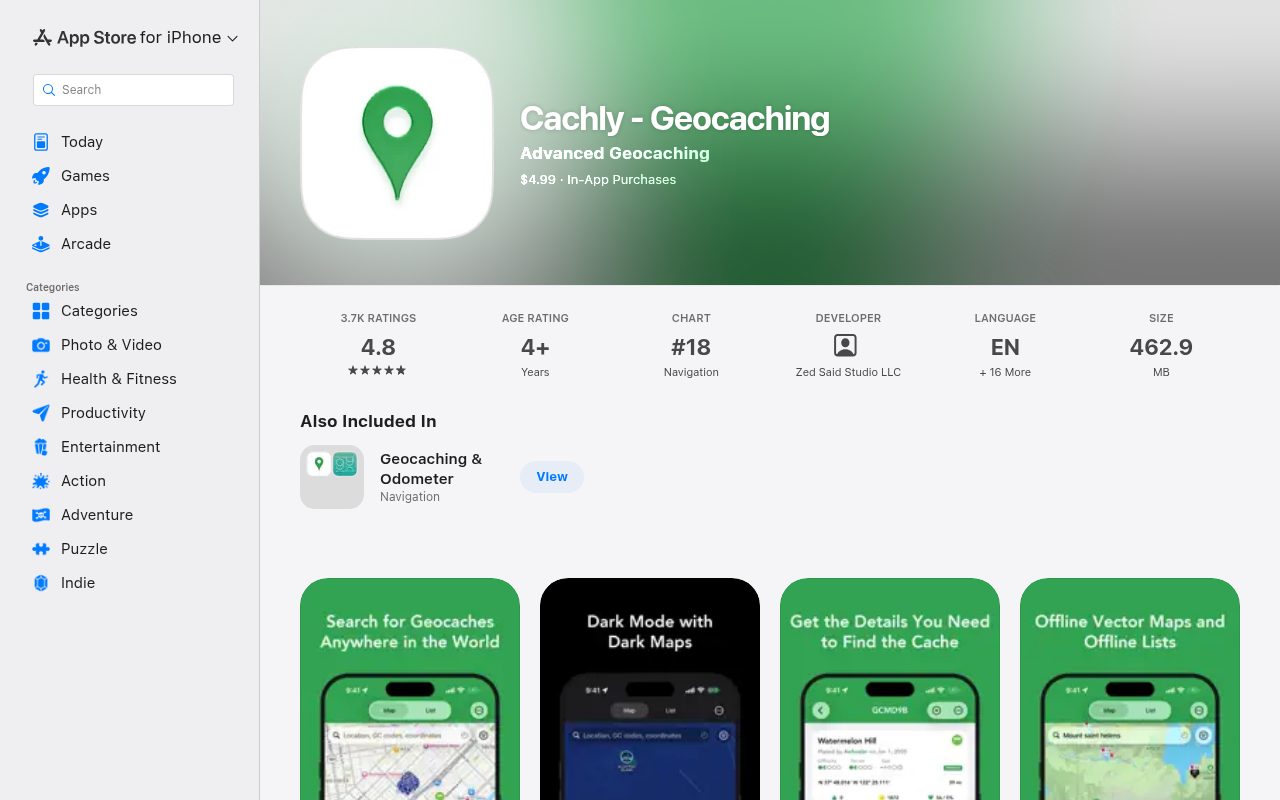
Cachly is the strongest iOS alternative for regular and advanced geocachers. It costs $4.99 once, and the base app already includes unlimited offline lists, detailed cache data, 63 filter types with saved templates, offline attribute filtering, drafts and multi-photo logs.
Offline lists work without signal, which is the feature that matters on a hike. Cachly Pro adds worldwide vector maps with contours, hillshade, trails and offline map search. Pro costs $1.99 per month or $14.99 per year, as of November 2026, with a seven-day trial. You do not need Pro to use the base app’s offline lists.
Discovery and fieldwork are unusually complete. Search by current location, coordinates, place or GC code, then use custom waypoints or corrected coordinates. Log caches and trackables now or later, use templates and keyword replacements, attach several photos, and import or export GPX files and Pocket Queries, including GSAK extensions.
Cachly is an authorized Geocaching API partner, so it reads and writes account data through the official API. Some service features remain outside that API: there is no Message Center, and the proprietary Trails map belongs to the official app. Adventure Lab stages can be discovered in Cachly, but playing them uses Groundspeak’s separate Adventure Lab app.
It is not the simplest first app. The feature set takes time to learn, and the developer points first-time users to the official app. There are also three possible costs: the one-time purchase, optional Pro, and Geocaching Premium for account limits. Cachly works with a free Basic account, but serious users will likely pair it with Premium. Choose it for iOS offline work and advanced control, not for a first guided find.
What it does
- Unlimited offline lists and offline attribute filtering
- Pro offline vector maps, contours, trails and map search
- 63 filter types with saved templates and custom waypoints
- Drafts, templates, multi-photo logs and trackables
- GPX/GSAK import/export and official Geocaching API integration
Pros
- Best advanced iOS feature set and offline workflow
- A single purchase with no required Pro subscription
- Excellent GPX, filter and logging control
Cons
- iOS only, with a noticeable learning curve
- Pro offline maps and Geocaching Premium cost extra
- No Message Center or proprietary Trails map
Skip if: Beginners and anyone who needs Android support or a completely free advanced app.
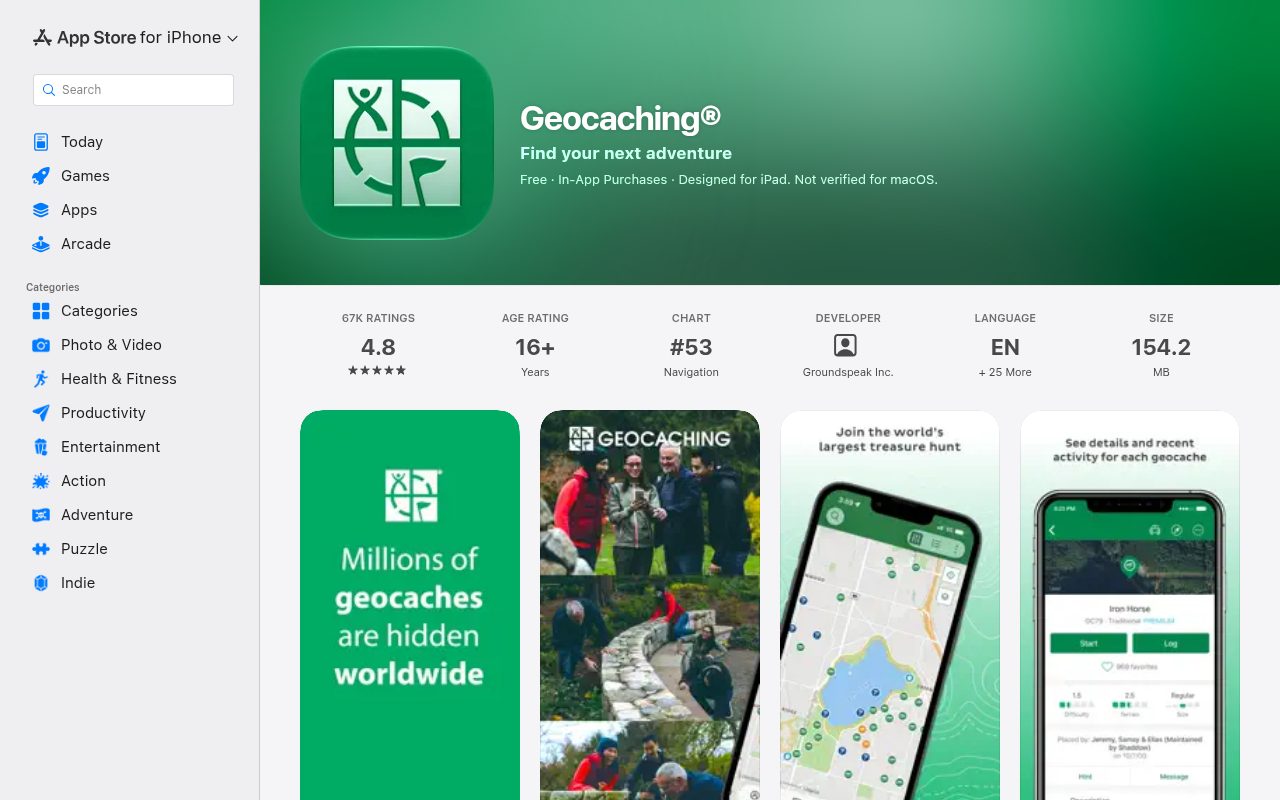
Geocaching® app is the easiest place to make your first find. Its onboarding walks you through the first few caches, with tips, hints and instructions for both the hobby and the app. Nearby caches appear as you move, and cache pages include descriptions, recent activity, attributes and hints.
It also offers the most direct account experience. Search by GC code, place, landmark or neighborhood, then navigate using a map, compass or driving directions. Logs can be submitted immediately or saved as drafts, with photos, trackable actions and maintenance reports. Lists and Pocket Queries created on the website can sync to the app, which makes planning on a larger screen straightforward.
The important limitation is what the free tier leaves out. Offline lists and maps, filtered search, advanced cache types and many attributes sit behind Premium. Basic members are limited to D1.5/T2 and below, plus Premium-only caches are excluded. Driving directions are available to everyone, and GeoTour caches are an explicit exception to the ordinary type and difficulty restrictions.
Premium costs $6.99 per month or $39.99 per year, as of November 2026. That buys offline lists and maps, attribute search and broader cache access. Offline maps are useful, but refreshing a list does not refresh its map tiles: you must remove and redownload the data. The app may also use offline maps before trying the internet, so use airplane mode if you need to prevent data transfer.
Choose it for your first caches, the official account integration, or features such as the Message Center that partner apps cannot access. For heavy offline use or a free advanced workflow, c:geo is the better Android choice; Cachly is the stronger iOS choice.
What it does
- Guided first-find instructions and nearby cache discovery
- Official geocaching.com account, search and Pocket Query sync
- Map, compass and driving-direction navigation
- Draft logs, photos, trackables and maintenance reports
- Premium offline lists, maps and attribute filtering
Pros
- Best onboarding and clearest first-find experience
- Strongest official account and service integration
- Complete logging and trackable workflow
Cons
- Offline maps and advanced filters require Premium
- Basic cache access is restricted by difficulty and type
- Offline map tiles need manual redownloading after updates
Skip if: Anyone who needs advanced offline features without a recurring subscription.
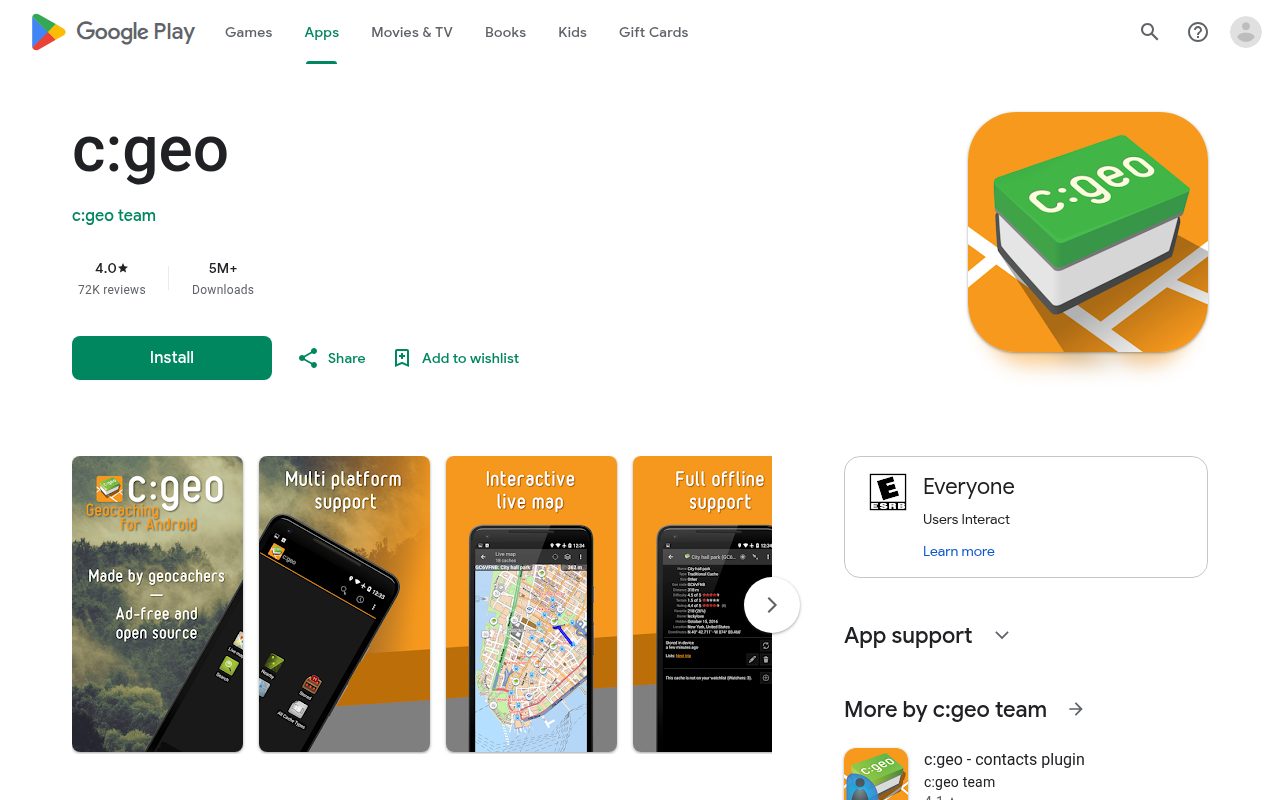
c:geo is the best value in this group: a free, open-source Android client with no ads and no app subscription. It supports geocaching.com and basic access to alternative platforms, and stores cache details directly on your phone or imports them through GPX.
Its offline workflow is the real strength. Stored caches, lists, offline map files or static maps let you keep finding caches without an internet connection. A built-in compass and waypoint navigation work alongside external navigation apps. This makes c:geo the practical choice for hiking, roaming and anyone who does not want to pay for offline access.
Discovery is powerful too. The live map and multiple search functions cover ordinary caching, while advanced filtering handles difficulty and terrain. Saved lists can be sorted and filtered locally, including offline data. Custom waypoints let you record a puzzle’s final coordinates and upload them to geocaching.com, and GPX import/export connects it to established geocaching workflows.
Logs can be posted online or saved offline and exported as field notes. You can attach photos, manage trackables and share after logging. There are limits: batch submission is not available, GPX imports omit some online information until refreshed, and GPS is deactivated when the phone is on standby or you switch apps. Adventure Lab caches require Groundspeak’s separate app.
c:geo’s tradeoff is usability. It gives you more control, but the interface is more technical and rewards exploration and configuration. The current release requires Android 8 or later. It is the right choice for an Android user who wants the broadest offline toolset without paying, rather than the simplest first geocaching experience.
What it does
- Offline cache storage, maps, lists and GPS/compass navigation
- Live map, search and difficulty/terrain filtering
- GPX import/export and custom/corrected waypoints
- Offline logs, field notes, photos and trackables
- Open-source, ad-free and no app subscription
Pros
- Best free and open-source offline toolset
- Extensive filtering, GPX and waypoint control
- Strong logging and alternative-platform support
Cons
- Android only
- More configuration and a steeper learning curve
- Some imported data and integrations need manual refresh or another app
Skip if: iPhone users and beginners who want the most guided experience.
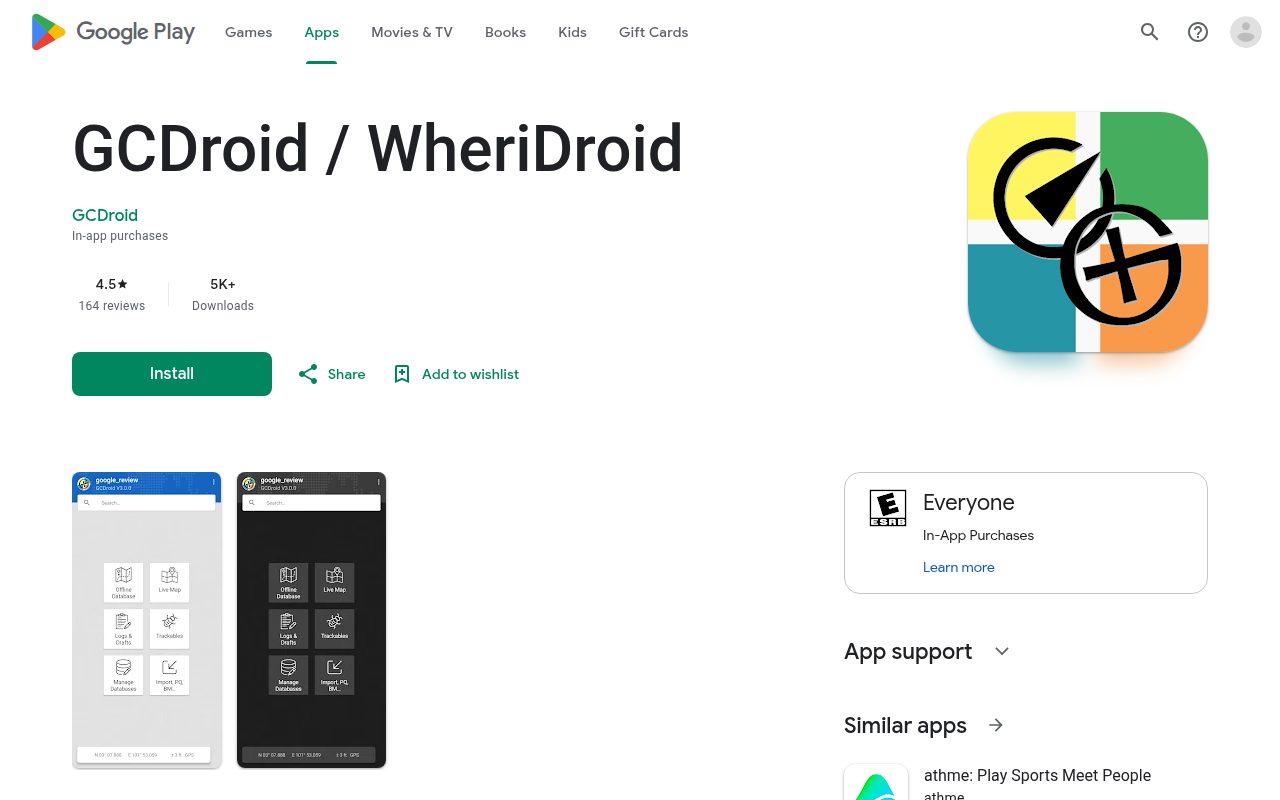
GCDroid is an Android geocaching client for people who want database control rather than a simple cache finder. It connects to geocaching.com through the Live API, imports GSAK databases and GPX files from Dropbox, merges databases and can convert live cache data for offline use.
Its distinguishing features are aimed at experienced users: a built-in Wherigo player, advanced search, a first-to-find mode and a hide mode that includes disabled, owned and found caches. Custom waypoints and cache-specific waypoint navigation add useful puzzle support. A FTF reviewer specifically praised how quickly it helps locate first-to-find opportunities.
Offline databases and GPS distance display make it useful beyond a live connection, but GCDroid is the less certain choice when downloadable maps are your priority. c:geo documents offline map files and static maps explicitly, so it is the safer Android recommendation for hiking without signal.
The bigger obstacle is access. GCDroid says it is very limited for Groundspeak Basic users: you need a separate geocaching.com Premium membership for much practical use. It also has a recurring subscription after a one-time full-feature trial, so check the current price and trial length in Google Play before committing.
User reports are mixed. Some praise offline caching, GSAK integration and responsive support; others object to the subscription and find the interface difficult to operate. GCDroid makes sense for an advanced Android user who specifically wants its database and FTF tools, not for a beginner or someone seeking a free, simple geocaching app.
What it does
- GSAK and Dropbox database/GPX integration
- Offline database conversion and GPS distance display
- Advanced, FTF and hide search modes
- Built-in Wherigo player and custom waypoints
- One-time full-feature trial before a recurring subscription
Pros
- Distinctive GSAK, Dropbox and offline database control
- Strong first-to-find and advanced search tools
- Useful custom waypoints and Wherigo support
Cons
- Very limited for Basic geocaching.com users
- Recurring subscription on top of Geocaching Premium
- Less clearly documented offline maps than c:geo
Skip if: Beginners, free-only users, and anyone who needs clearly documented offline maps.
How to choose a geocaching app
- You are finding your first cache: the official Geocaching app. Its instructions and familiar account flow make the first find easier to understand and log.
- You use Android and want free offline caching: c:geo. It offers the broadest offline maps, lists, GPX and logging controls without a subscription.
- You use iPhone and want advanced offline caching: Cachly. The base app covers offline lists and strong filtering; add Pro only if you want its vector maps and CarPlay features.
- You need GSAK, Dropbox and FTF tools on Android: GCDroid, provided its Premium-account requirement and recurring subscription fit your budget.
- You want the official service’s features: the Geocaching app, especially for its account integration and Message Center. Premium is the cost of offline maps and advanced search.
- You never want to pay for offline access: c:geo on Android. On iOS, Cachly’s base purchase includes offline lists, but its offline vector maps are a separate Pro subscription.
An offline list and an offline map are not the same thing. A saved list gives you cache details; a saved map gives you the terrain and roads around them. Check both when choosing for hiking or travel.
Scores
1–5 per criterion · select a score for its reasoning and any sources| # | Product | Overall | Offline navigation | Discovery and filtering | Logging and field workflow | Beginner usability | Advanced control | Platforms and account support | Price and access | Reliability and support |
|---|---|---|---|---|---|---|---|---|---|---|
| 1 | Cachly | 4.3 | 5 | 5 | 5 | 3 | 5 | 3 | 4 | 4 |
| 2 | Geocaching® app | 4.3 | 5 | 4 | 5 | 5 | 4 | 5 | 2 | 4 |
| 3 | c:geo | 4.1 | 5 | 4 | 4 | 3 | 5 | 3 | 5 | 4 |
| 4 | GCDroid | 3.1 | 3 | 4 | 3 | 2 | 5 | 3 | 2 | 3 |
Equal displayed overall scores are ordered by the earlier criteria; a known score comes before an unknown score. Identical scores use alphabetical order.
How each criterion is scored
Offline navigation
How well the app works without a reliable internet connection: saved maps, cache details, GPS navigation and the ability to keep finding caches.
- 5 Full offline maps and cache data with GPS navigation
- 4 Offline cache details and maps with minor navigation limits
- 3 Saved lists and basic offline GPS use
- 2 Limited offline cache information or navigation
- 1 Online-only or no useful offline mode
Discovery and filtering
How easily a cacher can find a suitable cache nearby or elsewhere: live discovery, search, filters, difficulty/terrain information and attributes.
- 5 Rich live discovery and comprehensive attribute filtering
- 4 Strong discovery with detailed filtering and saved searches
- 3 Useful map/search and standard filters
- 2 Basic nearby discovery with restricted filters
- 1 Manual cache-code entry only
Logging and field workflow
What happens before and after finding a cache: drafts, log photos, trackables, lists, GPX import/export and sharing.
- 5 Complete field workflow with drafts, photos, trackables, GPX and sharing
- 4 Strong offline logging, lists and sharing
- 3 Drafts, lists and standard logging
- 2 Basic online logging only
- 1 No practical logging workflow
Beginner usability
How easy it is for a new geocacher to understand the app, find a first cache and log it successfully without extensive configuration.
- 5 Guided onboarding and a clear first-find workflow
- 4 Approachable after light setup
- 3 Technical but learnable with documentation
- 2 Significant setup or a steep learning curve
- 1 Unsuitable for a first-time user
Advanced control
Useful control for experienced geocachers: custom waypoints, GPX, saved filters/lists, database integrations, sharing and customization.
- 5 Extensive customization, waypoints, GPX, saved filters and integrations
- 4 Broad power-user control and interoperability
- 3 Useful advanced features with meaningful gaps
- 2 A few power-user options
- 1 Minimal advanced functionality
Platforms and account support
Which phones and services the app supports, including official account integration, continuity across devices and practical access limits.
- 5 iOS and Android with strong official account integration
- 4 One mobile OS with strong official integration and useful alternatives
- 3 Android or iOS with official geocaching.com integration
- 2 One mobile OS with restrictive account/service support
- 1 No usable mainstream mobile platform or account
Price and access
What the app costs and how much a reader can do without paying, separating the app purchase, optional app subscription and Geocaching Premium account.
- 5 Free, open-source and useful without a required subscription
- 4 Low one-time purchase or a useful free tier
- 3 Paid app or recurring subscription with useful base access
- 2 Requires an expensive app or subscription/account combination
- 1 Not practical for free users
Reliability and support
Current maintenance, documentation, support channels and the strength of practitioner evidence for everyday reliability.
- 5 Active maintenance, good documentation/support and favorable practitioner evidence
- 4 Active support with some documented friction
- 3 Mixed support, stale documentation or uncertain maintenance
- 2 Recurring unresolved reliability or access concerns
- 1 Unmaintained or no reliable support
Our verdict
The official app is the right introduction to geocaching, not the right answer for every caching trip. Start there for the first few finds, then move to c:geo on Android or Cachly on iPhone when offline access and advanced control matter more.
c:geo is the best overall value: free, open-source and unusually capable offline. Cachly is the best iOS alternative, with a genuinely useful base app that does not require Pro. GCDroid fills a smaller role for advanced Android users who specifically want GSAK, Dropbox and FTF workflows, but its Premium dependency and subscription make it harder to recommend broadly.
The most useful distinction is not free versus paid. It is which app’s limitations match your device, signal availability and caching style. Beginners need guidance; travellers need saved maps and data; experienced cachers need control. Those needs do not produce one universal winner, but they do produce a clear choice for each platform.
Also considered
- CacheWiz
I could not verify a current App Store listing or product page for CacheWiz after exact-name searches and Apple catalog queries, so I have not scored it or presented it as a current alternative.
- Locus Map
A capable outdoor navigation app, but this article favors dedicated geocaching apps with direct cache discovery, cache details and logging workflows. It is better treated as a navigation tool than a direct replacement for c:geo or Cachly.
- Adventure Lab
Groundspeak’s separate app for playing Adventure Lab experiences, not a general replacement for a geocaching app that discovers, navigates to and logs traditional caches.
Questions
Is c:geo really free?
Yes. c:geo is free and open-source under Apache License 2.0, with no ads or app subscription. You still need an account on geocaching.com or another supported geocaching service, and some cache access depends on that account’s membership level.
Does Cachly require a subscription?
No. The one-time purchase includes offline lists and standard logging. Cachly Pro is optional and adds offline vector maps, CarPlay and other advanced features. Geocaching Premium is a separate membership for account limits, not the same thing as Pro.
Can I use the official app without paying for Premium?
Yes. Basic access supports nearby discovery and logging with restrictions on cache types, difficulty/terrain and filtering. Offline lists and maps require Premium. For free offline functionality, c:geo is the stronger Android option.
What is the difference between GPX and an offline list?
GPX is a file format for moving cache data between apps and services. An offline list stores selected caches inside the app. GPX imports may omit some online information until you refresh them, so check cache details before relying on them in the field.