
Less Annoying CRM
Hosted CRM for small teams with one $15-per-user plan that includes everything
Our verdict
#7 of 10 in CRM software for small businesses · Simplest CRM, one flat price
What it does
- One plan with everything included
- Gmail and Outlook email logging and calendar sync
- Daily agenda email of tasks and events
Pros
- About as simple as a CRM gets
- Flat price per user with no contract
- Free human help with setup
Cons
- No workflow automation or sequences
- Basic reports and no forecast
- No free plan, only a 30-day trial
- Choose if:
- You want a CRM non-technical people can use on day one and never want to compare plans again.
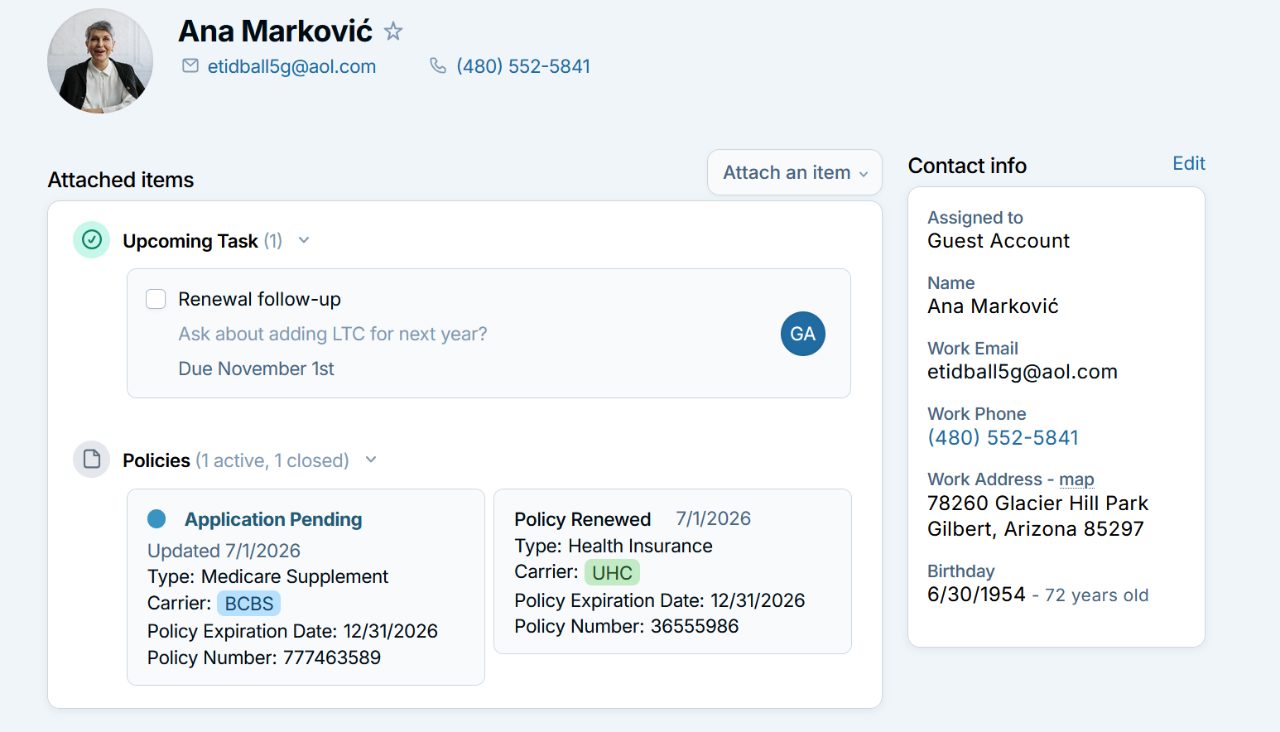
Less Annoying CRM is a cloud-hosted CRM for small businesses, run by a family-owned, self-funded company since 2009. It tracks contacts, companies, notes, tasks, calendar events and sales pipelines, logs email from Google or Outlook inboxes, syncs Google or Outlook calendars, and sends a daily agenda email. There is a single plan at $15 per user per month with no contracts, a 30-day free trial and free email and phone support. It runs in the browser and is proprietary software.
What users say
Evidence ↓Reviewers describe it as simple to learn, with quick onboarding and responsive support, and as good value for small teams. The same reviewers say it has limited integrations and advanced features compared with larger CRMs, with no marketing automation, invoicing or quotes. Both reviews are from single writers on affiliate- or commission-funded sites, and the praise for simplicity in customer quotes comes from testimonials the vendor chose.
Rankings and alternatives
- CRM software for small businesses #7 of 10 Simplest CRM, one flat price
- Pipedrive #1 Best for small sales teams
- HubSpot CRM #2 Easiest free start
- Zoho CRM #3 Most features for the money



Hosted CRM for small businesses scores
Evaluated Nov 17, 2026 Evidence ↓- Easy for the team to adopt · counts double 5
5/5 means: New users get going within an hour or two and keep using it, with almost no setup and a clean interface
Reviewers and the vendor's testimonials describe a clean, simple interface, quick onboarding and free human support; it has long been known for being easy to start. The sources are single reviewers and vendor-picked quotes, so the breadth of agreement is thinly documented here.
- Pipeline and follow-ups 3
3/5 means: A board pipeline with deal values and tasks or reminders tied to deals, but only one pipeline
Unlimited pipelines, deal tracking and tasks tied to contacts are documented, but whether pipelines have a board (Kanban) view and deal values was not confirmed on the pages read, and no stalled-deal warnings were found. Scored at the board-with-tasks level with doubt.
- Email and calendar sync 3
3/5 means: Gmail and Outlook mailbox sync that logs emails to contacts automatically
Google and Outlook mailbox connection logs emails to contacts automatically, and Google and Outlook calendars sync. Templates, open tracking and a booking link were not found in the sources, so it is not scored higher.
- Follow-up automation 1
1/5 means: No built-in workflow automation; automating needs Zapier or a similar service
No built-in workflow automation or sequences were found; reviewers say it lacks advanced automations, and my knowledge is that automating needs Zapier. This is not an established absence, so the basis is not-documented.
- Price per person 4
4/5 means: $10.01 to $15 per person a month
$15 per user per month for any team size, billed monthly with no annual discount, so a 5-person and a 15-person team both pay $15 per person; that is at the top of the $10.01 to $15 band.
- Sales reporting and forecasting 2
2/5 means: Fixed pipeline reports or a single dashboard
Writer calibration from 3 to 2: Less Annoying CRM offers a set of prebuilt reports (pipeline, activity, contact lists) rather than a report builder with custom dashboards, and no revenue forecast; the pages read gave only a spec-list mention of a dashboard, so this is uncertain.
- Free plan · counts half 1
1/5 means: No free plan, only a trial
Only a 30-day free trial with no credit card; there is no free plan.
- Mobile app · counts half 3
3/5 means: Native iOS and Android apps for contacts, deals and tasks
Sources conflict: TechRepublic says iOS and Android apps exist, one spec list says no app. I believe the apps exist (the vendor lists mobile access as included and I know of store listings), covering contacts, tasks and notes. Call logging, card scanning and offline use were not documented.
- Room to grow · counts half 3
3/5 means: Custom fields, an API and Zapier
Unlimited custom fields, an API and Zapier are all reported. Custom record types and a large integration marketplace were not found; TechRepublic says integrations are limited.
Pricing
- Less Annoying CRM $15.00 /month per seat The only plan; includes every feature, free upgrades, unlimited pipelines and custom fields and 25GB of file storage per user. Billed monthly plus tax, no contracts, cancel anytime; no annual option is shown. 30-day free trial with no credit card. A 5-person team pays 5 x $15 = $75 per month ($900 per year) before tax.
Prices checked Nov 17, 2026.
Evidence and sources
What users say
Summary 5 quotes
-
Limited integrations compared to other similar CRMs. No invoicing or quote generating capabilities. Users report bugs with saving templates during data importing.
Allyssa Haygood-Taylor, sales writer at TechRepublic · techrepublic.com/article/less-annoying-crm-review · published · checked -
Although it may not have as many integrations or advanced automations as competitors such as HubSpot CRM, its customer support is highly rated, ensuring users can get help when needed.
Bradley Clifford, reviewer at The CFO Club · thecfoclub.com/tools/less-annoying-crm-review · published · checked -
Pros It's easy for your team to navigate due to its simple interface. You can rely on responsive customer support whenever you need help. Onboarding is quick, helping your team get started without any hassle. Cons It lacks advanced financial features, which your team might need. You might find limited customization options for specific business needs. It may not be as scalable as you need for a rapidly expanding company.
Bradley Clifford, reviewer at The CFO Club · thecfoclub.com/tools/less-annoying-crm-review · published · checked -
Customer rating 4.9/5
thecfoclub.com/tools/less-annoying-crm-review · published · checked -
It is very, very simple to use and that was what I needed. Too many of the other CRMs had long learning curves but I was looking to start running on the first day; that's why I chose Less Annoying CRM.
Eddie F., customer quoted by the vendor · lessannoyingcrm.com · checked
Hosted CRM for small businesses scores
Easy for the team to adopt 4 quotes
-
Pros It's easy for your team to navigate due to its simple interface. You can rely on responsive customer support whenever you need help. Onboarding is quick, helping your team get started without any hassle. Cons It lacks advanced financial features, which your team might need. You might find limited customization options for specific business needs. It may not be as scalable as you need for a rapidly expanding company.
Bradley Clifford, reviewer at The CFO Club · thecfoclub.com/tools/less-annoying-crm-review · published · checked -
Customer rating 4.9/5
thecfoclub.com/tools/less-annoying-crm-review · published · checked -
It is very, very simple to use and that was what I needed. Too many of the other CRMs had long learning curves but I was looking to start running on the first day; that's why I chose Less Annoying CRM.
Eddie F., customer quoted by the vendor · lessannoyingcrm.com · checked -
Our coaches are product and small business experts with an average tenure of 5+ years. Free for every user, including you, on day one of your trial.
lessannoyingcrm.com · checked
Pipeline and follow-ups 3 quotes
-
Unlimited contacts and companies 25GB file storage per user Unlimited pipelines Task management Email logging Mobile access User permissions All features & free upgrades Unlimited custom fields HIPAA-compliance included Free support, always
lessannoyingcrm.com/pricing · checked -
Every morning, Less Annoying CRM sends you an email with everything due that day.
lessannoyingcrm.com · checked -
Track your progress with a visual sales pipeline so you can see where each lead stands.
thecfoclub.com/tools/less-annoying-crm-review · published · checked
Email and calendar sync 2 quotes
-
Connect LACRM with your Google or Outlook email inbox, and every email you send and receive automatically slots into your contacts' profile pages.
lessannoyingcrm.com · checked -
Sync with Google or Outlook — or both. Every event gets saved to the right contact's profile automatically, so you always have full context before you pick up the phone.
lessannoyingcrm.com · checked
Follow-up automation 2 quotes
-
Although it may not have as many integrations or advanced automations as competitors such as HubSpot CRM, its customer support is highly rated, ensuring users can get help when needed.
Bradley Clifford, reviewer at The CFO Club · thecfoclub.com/tools/less-annoying-crm-review · published · checked -
Less Annoying CRM integrates with Google Calendar, Mailchimp, Microsoft Outlook, and Zapier.
thecfoclub.com/tools/less-annoying-crm-review · published · checked
Price per person 2 quotes
-
No tiers. No contracts. No features locked behind upgrades. Just one price that includes everything.
lessannoyingcrm.com/pricing · checked -
$15 per user per month + applicable tax
lessannoyingcrm.com/pricing · checked
Free plan 2 quotes
-
With the free trial, you can use the software for 30 days for free — no questions asked, no hassles, no limitations. No credit card required to start.
lessannoyingcrm.com/pricing · checked -
$15 per user per month + applicable tax
lessannoyingcrm.com/pricing · checked
Mobile app 3 quotes
-
The Less Annoying CRM mobile app is available on both the iOS and Android app stores.
Allyssa Haygood-Taylor, sales writer at TechRepublic · techrepublic.com/article/less-annoying-crm-review · published · checked -
Mobile App: No
thecfoclub.com/tools/less-annoying-crm-review · published · checked -
Unlimited contacts and companies 25GB file storage per user Unlimited pipelines Task management Email logging Mobile access User permissions All features & free upgrades Unlimited custom fields HIPAA-compliance included Free support, always
lessannoyingcrm.com/pricing · checked
Room to grow 3 quotes
-
Unlimited contacts and companies 25GB file storage per user Unlimited pipelines Task management Email logging Mobile access User permissions All features & free upgrades Unlimited custom fields HIPAA-compliance included Free support, always
lessannoyingcrm.com/pricing · checked -
While the integrations available are limited compared to other similar providers, Less Annoying CRM can sync with the big hitters like Zapier, Mailchimp, Outlook, and Google.
Allyssa Haygood-Taylor, sales writer at TechRepublic · techrepublic.com/article/less-annoying-crm-review · published · checked -
Although it may not have as many integrations or advanced automations as competitors such as HubSpot CRM, its customer support is highly rated, ensuring users can get help when needed.
Bradley Clifford, reviewer at The CFO Club · thecfoclub.com/tools/less-annoying-crm-review · published · checked
Facts
License 1 quote
-
No tiers. No contracts. No features locked behind upgrades. Just one price that includes everything.
lessannoyingcrm.com/pricing · checked
Runs on 1 quote
-
Less Annoying CRM is cloud-based — access it from any device with an internet connection. No downloads, no installs, no IT department required.
lessannoyingcrm.com/pricing · checked
Users 1 quote
-
See why 10,000+ small businesses have chosen to grow with Less Annoying CRM.
lessannoyingcrm.com · checked
More from the sources
Features 2 quotes
-
Free email and phone support for everyone — even if you’re not a paying customer yet.
lessannoyingcrm.com/pricing · checked -
Administrators can decide who has access to what information on the back end of the software. For example, sales reps can be authorized to see their own data in order to track personal progress without being given access to the data from other reps.
techrepublic.com/article/less-annoying-crm-review · published · checked
Limits and known issues 1 quote
-
We don’t place any strict limits on the number of contacts and companies you can enter, but a good rule of thumb is to stay below 50,000 total.
lessannoyingcrm.com/pricing · checked
Pricing
lessannoyingcrm.com/pricing · checked