Leaving Google Photos for a server you run means choosing between two kinds of app. Immich and Ente Photos copy the whole Google Photos habit: an app on your phone uploads new pictures in the background, and your library gets sorted by face and place without you doing anything. LibrePhotos and PhotoPrism start from the other end. They read folders of photos you already keep on a disk, and leave the phone to an unreleased app or a third-party sync app.
The memory figures below are each project’s own, and they span a factor of six:
| Phone backup | Server memory | Your photos on the server | |
|---|---|---|---|
| Ente Photos | Official apps, in the background | 1 GB minimum | Encrypted; only Ente’s apps open them |
| Immich | Official apps, in the background | 6 GB minimum | Ordinary files, or your existing folders |
| LibrePhotos | No released app yet | 4 GB recommended | Your existing folders |
| PhotoPrism | Third-party PhotoSync app | 3 GB minimum | Your existing folders |
After phone backup, two questions settle most of the choice: does your server have memory to spare, and do you trust the machine your photos sit on? Ente is the only one of the four whose docs describe encrypting photos before they leave your phone. It tops the scores, but for a family with a roomy home server we’d still start with Immich.
Scores
1–5 per criterion · select a score for its reasoning and sources| # | Product | Phone backup | Search and recognition | Sharing with family | Setup and upkeep | Server memory | Privacy from the server | Works with your folders | Moving from Google Photos | Sign-in security | Free when self-hosted | Overall |
|---|---|---|---|---|---|---|---|---|---|---|---|---|
| 1 | Ente Photos | 5 | 4 | 4 | 2 | 5 | 5 | 1 | 5 | 3 | 5 | 3.9 |
| 2 | Immich | 5 | 5 | 5 | 2 | 2 | 2 | 5 | 3 | 3 | 5 | 3.7 |
| 3 | LibrePhotos | 1 | 5 | 5 | 5 | 3 | 1 | 5 | 4 | 2 | 5 | 3.6 |
| 4 | PhotoPrism | 3 | 3 | 3 | 5 | 4 | 1 | 5 | 4 | 4 | 3 | 3.5 |




How each criterion is scored
Phone backup
Whether new photos on an Android phone and an iPhone reach the server without manual uploads, through an app you can install today from an app store or the project's releases (official or third-party), and whether that upload keeps running while the app is closed.
- 5 Official apps on Android and iOS upload new photos in the background
- 4 Official apps upload automatically on Android and iOS, but only while the app is open
- 3 Automatic upload on Android and iOS, but only through third-party apps
- 2 Automatic upload on only one of Android and iOS
- 1 No installable app uploads new phone photos automatically
Search and recognition
How many of six features the project documents: grouping photos by the faces in them, searching by describing a photo's content in your own words, searching for text that appears inside photos, a map of where photos were taken, a list of duplicate photos already in the library to review and remove, and captions written automatically for each photo. A feature that only works on one photo at a time, such as copying text from the photo on screen, doesn't count as search.
- 5 Five or six of the six
- 4 Four of the six
- 3 Three of the six
- 2 Two of the six
- 1 None or one of the six
Sharing with family
How far sharing goes between people on the same server and with people who have no account.
- 5 Shared albums others add to, plus sharing a whole library with another account in one step
- 4 Other accounts can be given shared albums they add their own photos to
- 3 Albums can be shared by link or with other accounts, but only for viewing and downloading
- 2 Several accounts, but nothing can be shared between them
- 1 One account only
Setup and upkeep
How many services the smallest documented home-server install runs besides the photo app itself, such as a database server, a cache, an object store, a separate web app or a machine learning service. A service counts when the app's standard features need it, even if the docs say it can be switched off; helper containers that only forward network traffic don't count. A documented choice of database that keeps every feature, such as a local SQLite file, counts as no extra service.
- 5 None; the database is a local file
- 4 One extra service
- 3 Two extra services
- 2 Three extra services
- 1 Four or more extra services
Server memory
The minimum memory the project documents for the server with its standard features on. When the docs give only a recommended amount, that amount counts.
- 5 Under 2 GB
- 4 2 GB to under 4 GB
- 3 4 GB to under 6 GB
- 2 6 GB to under 8 GB
- 1 8 GB or more
Privacy from the server
Who can see your photos on the server: anyone with access to its disk, or only your own devices.
- 5 All photos are encrypted on your devices before upload; the server never holds the keys
- 4 All photos are encrypted on the server, with keys the server holds
- 3 Chosen photos can be encrypted on the server
- 2 Chosen photos can be hidden behind a PIN or password in the app, but the files stay unencrypted
- 1 Photos are stored unencrypted and every one is visible to anyone with access to the server's files
Works with your folders
Whether the app can use photos where they already sit on the server's disk, so the files stay readable without the app, and whether it notices new files there by itself.
- 5 The app reads photos from existing folders without copying them and picks up new files without anyone starting a scan
- 4 The app reads photos from existing folders without copying them; new files need a manual scan
- 3 Photos must be uploaded; the app keeps them as ordinary files in a folder layout you can set
- 2 Photos must be uploaded; the app keeps them as ordinary files under names it picks
- 1 Photos must be uploaded and are kept in a form only the app can open
Moving from Google Photos
What the project documents for importing a Google Takeout export. Takeout keeps each photo's date, place and description in a separate JSON file, so a plain upload can lose them.
- 5 The app reads dates and places from the JSON files itself and recreates the Google Photos albums
- 4 The app reads dates and places from the JSON files itself
- 3 Dates and places are restored only through a separate third-party tool
- 2 Takeout files can be uploaded, but dates and places from the JSON files aren't read
- 1 No documented way to import a Takeout export
Sign-in security
How many of four sign-in options the project documents: a second factor at login (codes or a security key), passkeys, single sign-on through an identity provider (OpenID Connect), and separate passwords or keys for apps and scripts that can be revoked without changing your password.
- 5 All four
- 4 Three of the four
- 3 Two of the four
- 2 One of the four
- 1 None of the four
Free when self-hosted
Whether every documented feature of the self-hosted edition is free, or some are kept for a paid plan.
- 5 Every documented feature is free, with no paid tier for self-hosting
- 4 One minor feature is kept for a paid plan
- 3 Several features are kept for a paid plan, but one household can use it without paying
- 2 A paid plan is needed for basics such as more than one person adding photos
- 1 A paid plan is needed to run it at all
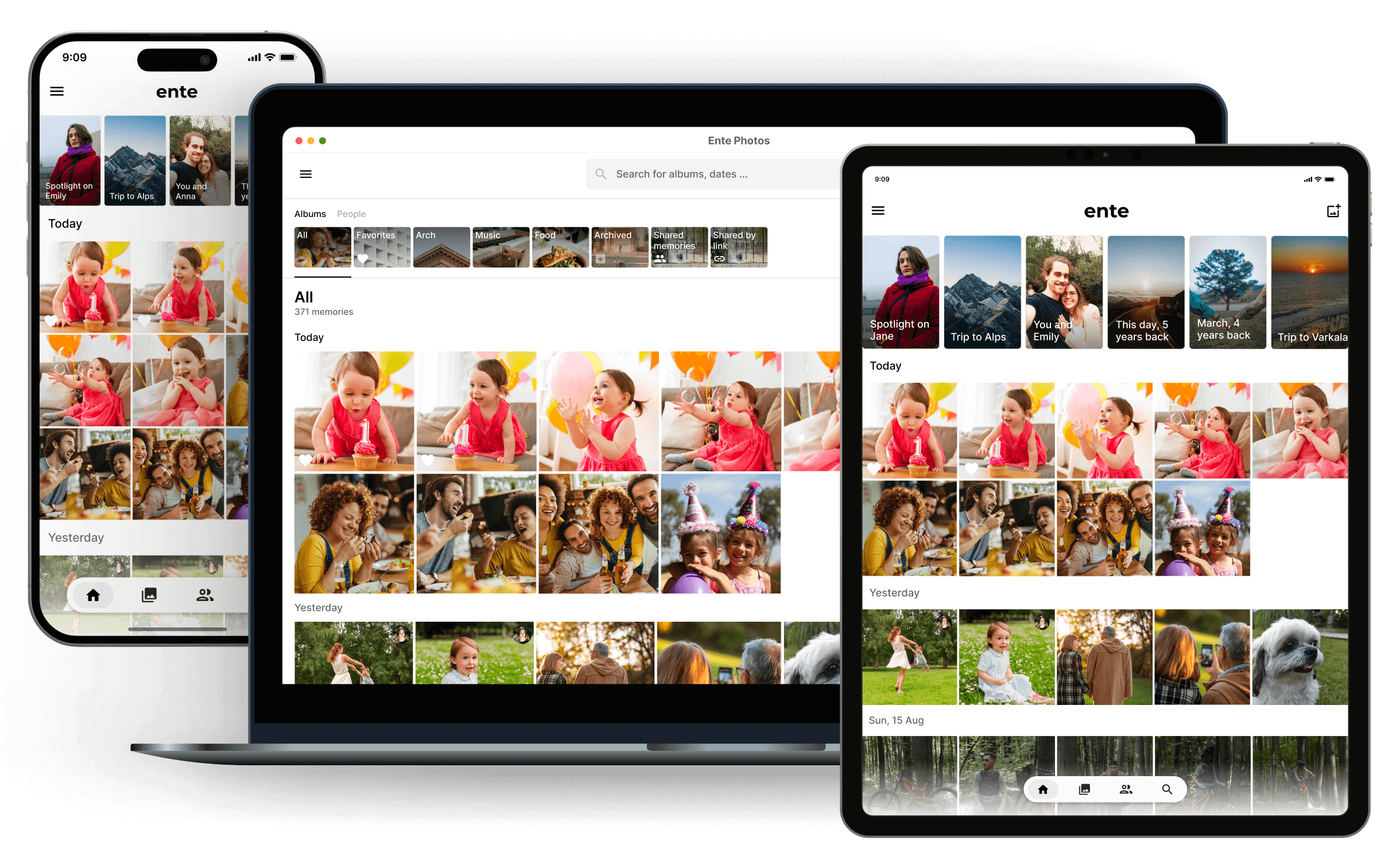
Ente Photos is an end-to-end encrypted photo service whose server you can run yourself. Your phone encrypts each photo and its metadata before upload, so the server stores data it can’t read. That suits a machine you don’t fully control, such as a rented cloud server, and a small one: the project puts the minimum at 1 GB of RAM, because face recognition and search run on your devices rather than on the server.
It leads the scores because it covers nearly everything a Google Photos user notices. Official iOS and Android apps back up in the background, magic search finds photos from a plain description, collaborators can add to shared albums, and the desktop app has the most complete Google Takeout import of the four. Takeout keeps each photo’s date and place in a separate JSON file; Ente reads those files and turns Takeout’s folders into albums, with no extra tool.
The encryption has a cost you should weigh first: your photos exist only inside Ente. The server holds no folder of JPEGs you could browse or open in another program. A small server also doesn’t mean a simple one: Ente’s install script starts more containers than LibrePhotos or PhotoPrism need, all of which you keep updated.
Two smaller gaps. Text in a photo can be copied one photo at a time, but not searched across the library. Sharing every album with a family member in one step is tied to the family plans Ente sells for its hosted service, and the self-hosting docs don’t say whether those exist on your own server.

What it does
- Official apps for iOS, Android, web, Windows, macOS and Linux
- Encrypts photos and metadata on your device before upload
- Face grouping and natural-language search on your devices
- Desktop watch folders that upload new files
Pros
- The lightest server of the four
- The server can't read your photos or their metadata
- Restores Takeout dates, places and albums without extra tools
- Two-factor login and passkeys
Cons
- Photos are stored encrypted, so you can't browse or reuse them as files on the server
- The install script runs a web app, PostgreSQL and MinIO object storage next to the server
- Background sync isn't yet consistent on iOS and some Android phones, by Ente's own account
- No search for text inside photos
Who should skip:People who want their photos kept as ordinary files they can open without Ente's apps.
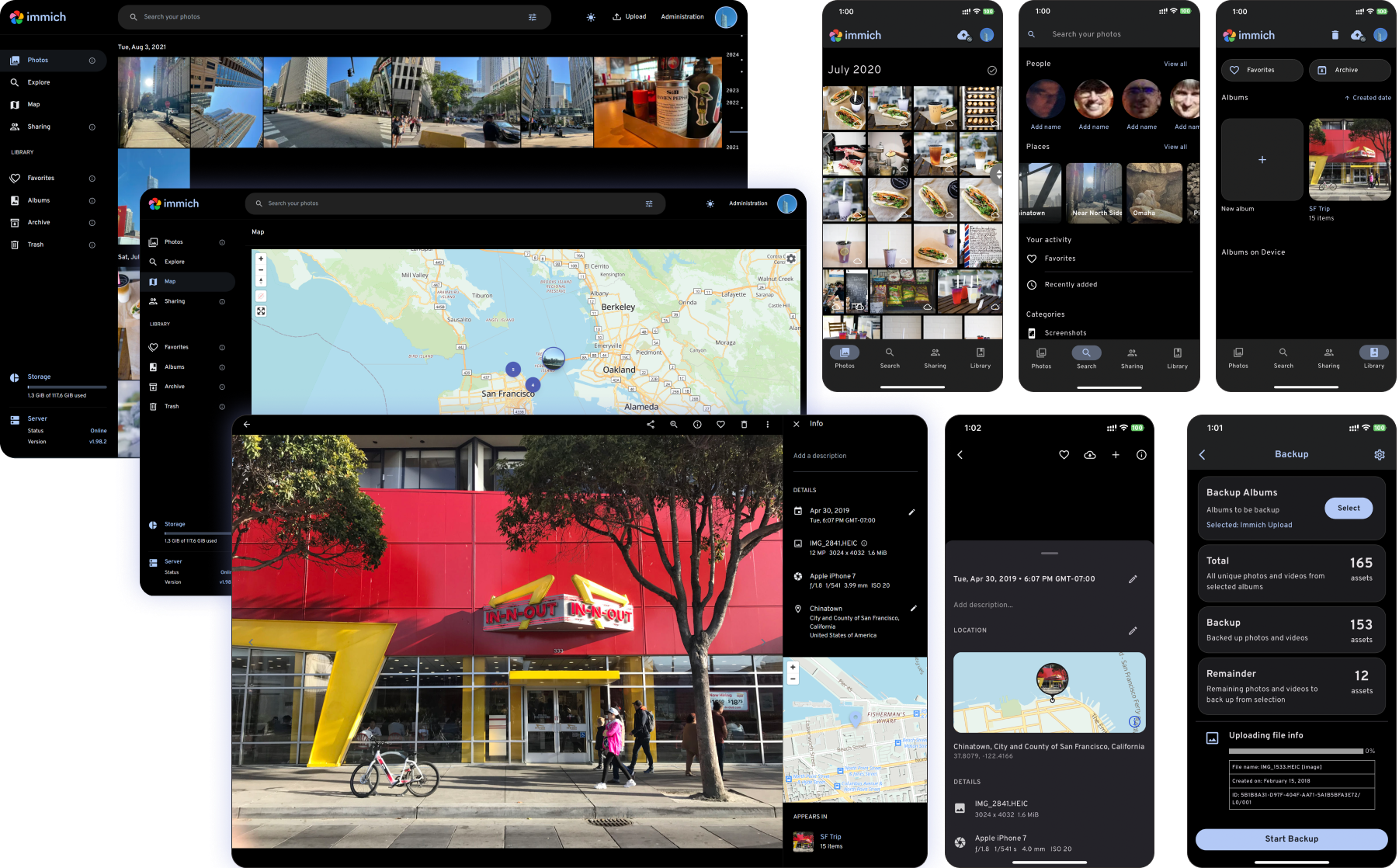
Immich is the closest of the four to Google Photos as an app. Official iOS and Android apps back up chosen albums in the background, and the server groups faces, searches by description, finds text inside photos, plots a map and flags near-duplicates. We’d recommend it to most households moving to a home server with 8 GB of RAM or more, because it is the only one with official background-backup apps that also leaves your photos as ordinary files, and it can read folders you already have.
Sharing fits a family. Partner sharing shows your whole library to another account, and shared albums let relatives add their own photos.
The cost is server weight. Immich’s own requirements say 6 GB of RAM at minimum and 8 GB recommended, and its Compose file starts a machine learning container, a Valkey cache and a PostgreSQL database next to the server. That weight, plus a Google Takeout import that relies on a community tool and no documented encryption of stored photos, is why it sits second in the table even though it does more than Ente for a family whose server has the memory.

What it does
- Official iOS and Android apps with background backup
- Face grouping, description search, text search inside photos and a map
- Partner sharing and shared albums others can add to
- External libraries that read existing folders
- Single sign-on through OpenID Connect, and API keys
Pros
- Background backup from official apps on both phone systems
- Five of the six search and recognition features we checked, including text inside photos
- Shares a whole library with a partner, or albums relatives can add to
- Reads folders you already have, and an experimental watcher picks up new files
- The project says every feature will stay free
Cons
- Needs the most memory of the four
- Runs three services next to the server
- Google Takeout imports go through immich-go, a community tool
- The docs we read mention no second login factor
Who should skip:Anyone who wants face recognition and smart search on a server with less than 6 GB of RAM to spare; at 4 GB it runs only with machine learning turned off.
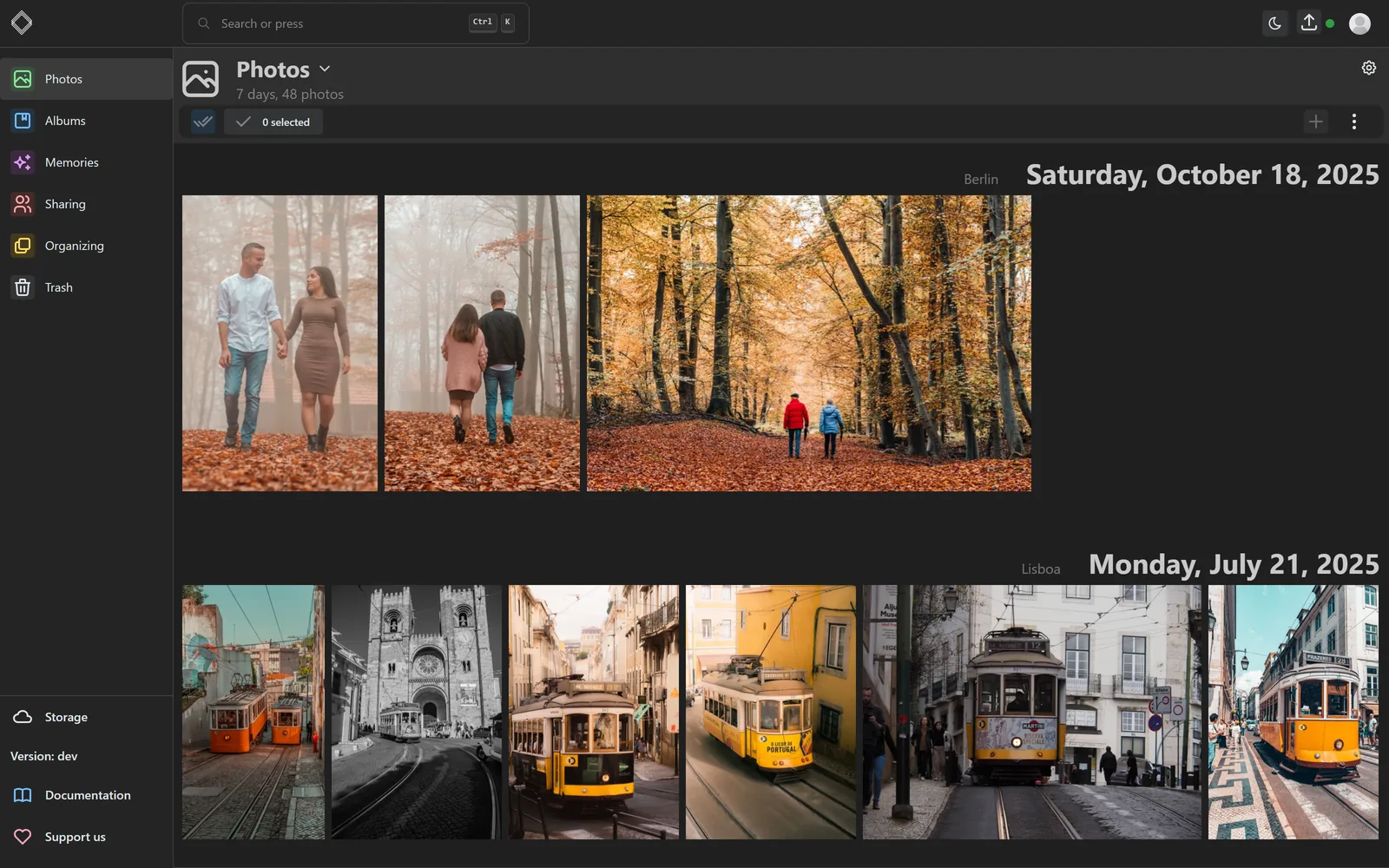
LibrePhotos scans folders of photos you already keep and makes them searchable. It suits someone whose photos already sit on a disk, on a home server or on their own Windows PC, and who wants to find things in them more than back up a phone.
Search is its strength. It documents all six of the search and recognition features we looked for. That includes search for text inside photos, which Ente’s search doesn’t cover and PhotoPrism’s docs don’t mention, and automatic captions. Setup is light as well: one container with a SQLite database, or on Windows a standalone program that needs no Docker, Python or database server. The project recommends 4 GB of RAM.
The gap is the phone. The official mobile app isn’t published in any app store yet and has to be built from source, and UhuruPhotos, a third-party Android app in open beta, lists backup only as a goal. So LibrePhotos replaces Google Photos as a place to browse and search, not as the thing that empties your phone.
Sharing is generous and free. You can share albums with a “Can add photos” role or share your whole library with another user, and the project holds nothing back for a paid tier.

What it does
- Scans existing folders, and can rescan them on a schedule
- Faces, search by description, searchable text recognition and a map
- Automatic captions and duplicate detection, including similar photos
- Shares albums and whole libraries with other users
- One container with SQLite, or a standalone Windows program
Pros
- All six search and recognition features we checked
- Runs as one container with a SQLite database file
- Leaves photos in your own folders
- Whole-library sharing and albums others can add to, with no paid tier
Cons
- No released mobile app, so no automatic phone backup
- Single sign-on is the only sign-in option beyond a password in the docs
- Takeout import restores dates and places but not albums
Who should skip:Anyone who needs their phone's photos to back up automatically.
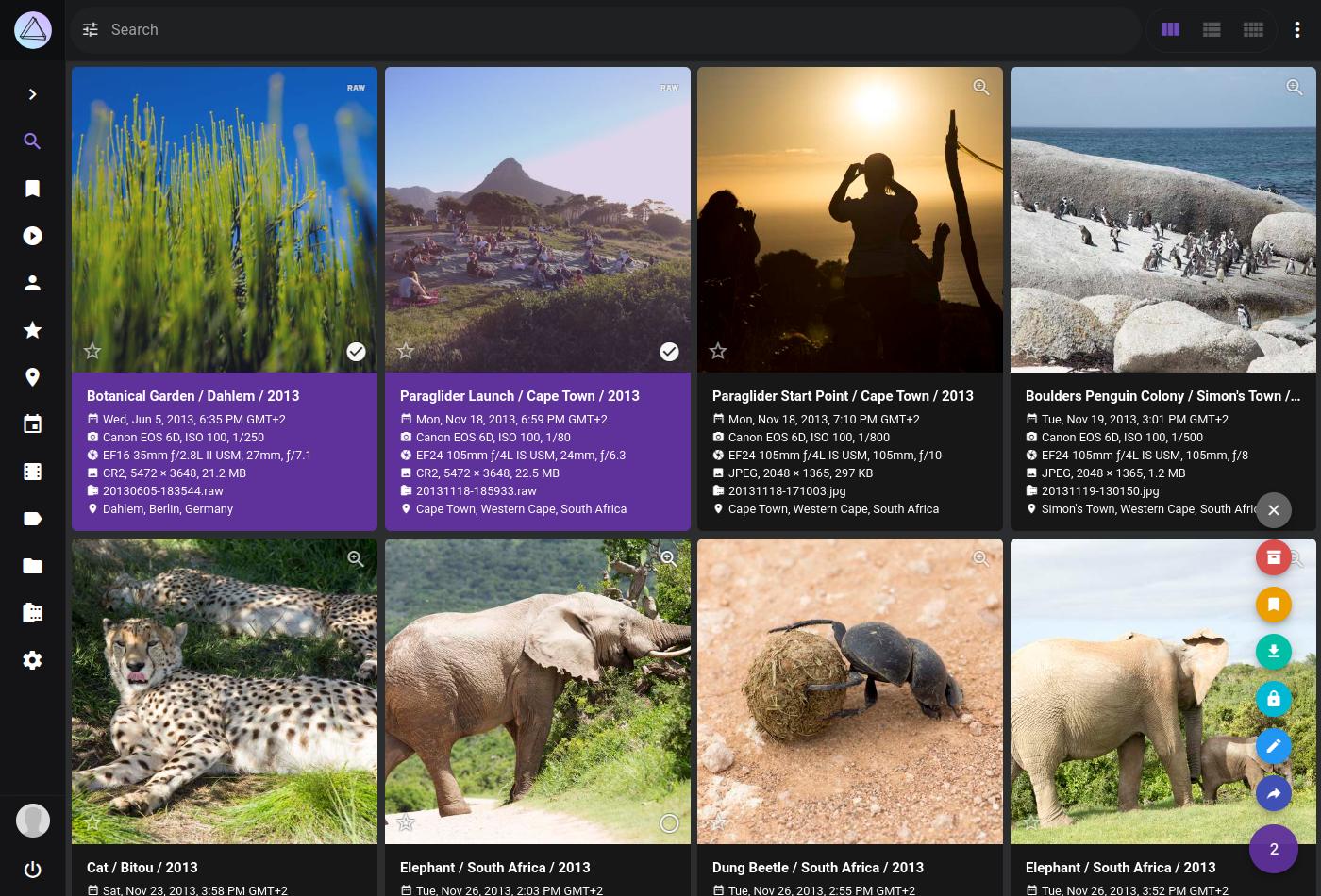
PhotoPrism indexes the folder where you already keep your photos and adds face recognition, a world map and generated captions on top. It suits one admin who manages an archive and shares albums by link. It runs as one container with a SQLite file, or with a MariaDB database server for larger libraries, and the project’s minimum is 3 GB of RAM. Its sign-in options are the broadest here: two-factor login, OpenID Connect and app passwords.
Phones are an add-on. PhotoPrism has no app beyond its web app, and its docs recommend PhotoSync, a third-party app for iOS and Android that sends photos over WebDAV, a standard file-transfer protocol. Some PhotoSync transfer options need a paid upgrade after the free trial.
PhotoPrism comes as a free Community Edition and paid memberships, and the free edition limits families. It has Admin, Guest and Visitor roles, so a second person is either an admin with access to every setting or a read-only guest; the User role, with full access to the library but not the settings, comes with a paid membership. Shared links allow viewing and downloading only, and a duplicate browser is listed as planned.

What it does
- Indexes your existing photo folder, also on a schedule
- Face recognition, world map and captions through Ollama or OpenAI
- Share links for albums, with optional expiry dates
- Two-factor login, OpenID Connect and app passwords
- SQLite or MariaDB database
Pros
- Leaves photos in your own folder and can index it on a schedule
- One container with SQLite, and a 3 GB RAM minimum
- Reads dates and places from Google Takeout JSON files
- Three of the four sign-in options we checked
Cons
- Phone backup depends on PhotoSync, a third-party app with paid transfer options
- The free edition has no role between admin and read-only guest
- Shared links are view-and-download only
- No duplicate browser yet
Who should skip:Households where several people need to upload their own photos without admin rights, unless they pay for a membership.
How to choose
- Your family’s phones back up to a home server with 8 GB of RAM or more: Immich.
- Your server is small, such as a cheap cloud server, or someone else runs the hardware: Ente Photos.
- You’re bringing years of Google Photos, albums included: Ente Photos imports Takeout albums itself; Immich needs a separate tool.
- Your photos already live in folders and you mainly want to search them: LibrePhotos, or PhotoPrism if you want two-factor login.
- You want it on a Windows PC without Docker: LibrePhotos, whose standalone program is meant for one person’s library.
Our picks
Also considered
- Lychee
A photo-management tool for uploading, managing and sharing photos on your own server or web space. Its README describes no phone app or automatic backup, so it’s closer to a gallery for publishing albums than a Google Photos replacement.
- Photoview
A gallery for browsing folders of high-resolution photos, made for photographers. It hasn’t had a tagged release on GitHub since June 2024.
Questions
Can I run a self-hosted photo library on a Raspberry Pi?
Ente’s server is the easiest fit: the project says it performs well on small cloud instances, old laptops and low-end embedded devices. PhotoPrism lists the Pi as an install target. LibrePhotos runs on ARM64 processors like the Pi’s but warns it will be slower. Immich’s FAQ says its machine learning can be too heavy for a Pi, and suggests running that container on a stronger machine or turning machine learning off.
Do I need Docker?
Not for all of them. LibrePhotos has a standalone Windows program, PhotoPrism offers Linux packages for experienced users, and Ente documents a manual setup from source without Docker. Immich requires Docker with the Compose plugin.
How we scored
Every score cites quotes from each product's own documentation, website and release notes, or from trusted third parties, captured in November 2026. Each criterion counts the same, and a criterion the evidence doesn't cover is shown as "?" and left out of that product's overall score.
Ente Photos was scored as a self-hosted server. Features its docs tie to Ente’s hosted plans, such as family plans, weren’t counted as available on your own server.