PhotoPrism
Photo library with face recognition and maps that indexes the folders you already have

Our verdict
#4 of 4 in Self-hosted photo libraries · For one admin with a folder archive
Pros
- Leaves photos in your own folder and can index it on a schedule
- One container with SQLite, and a 3 GB RAM minimum
- Reads dates and places from Google Takeout JSON files
- Three of the four sign-in options we checked
Cons
- Phone backup depends on PhotoSync, a third-party app with paid transfer options
- The free edition has no role between admin and read-only guest
- Shared links are view-and-download only
- No duplicate browser yet
Who should skip:Households where several people need to upload their own photos without admin rights, unless they pay for a membership.
Rankings and alternatives
- #4 of 4 Self-hosted photo libraries For one admin with a folder archive
- Ente Photos #1 If your server is small or rented
- Immich #2 For a family on a roomy home server
- LibrePhotos #3 For searching folders you already have



Self-hosted photo libraries scores
Evaluated Nov 7, 2026 Evidence ↓- Phone backup 3
3/5 means: Automatic upload on Android and iOS, but only through third-party apps
No official app beyond the web app. The docs recommend PhotoSync, a third-party app for iOS and Android that uploads over WebDAV; some of its transfer options need a paid upgrade after the trial.
- Search and recognition 3
3/5 means: Three of the six
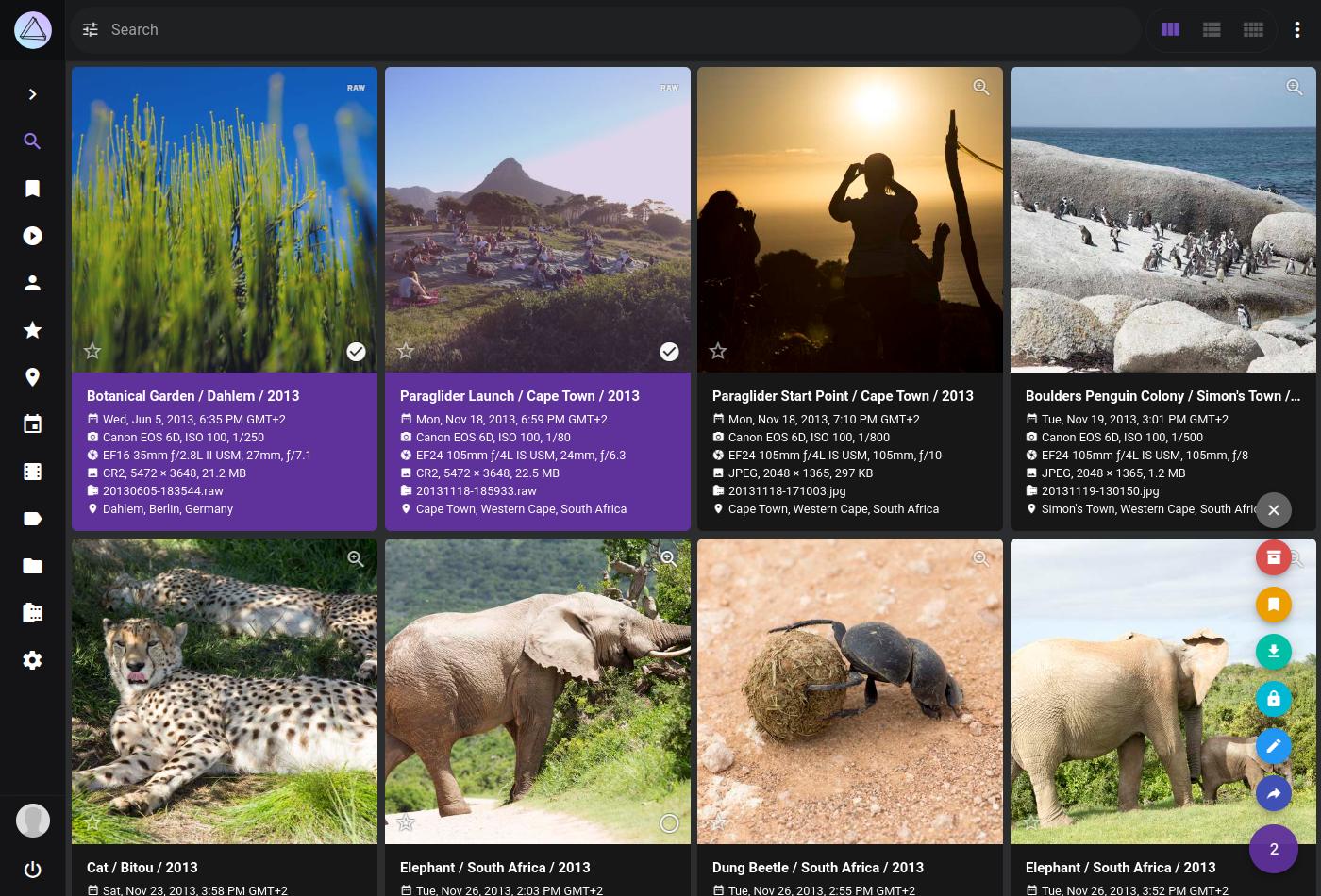
Three of the six. Face recognition, a world map and captions generated with Ollama or OpenAI. Browsing duplicates is listed as planned; free-text content search and text-in-image search aren't documented.
- Sharing with family 3
3/5 means: Albums can be shared by link or with other accounts, but only for viewing and downloading
Albums are shared through links, also with guest accounts, for viewing and downloading only. Sharing with local users directly is planned.
- Setup and upkeep 5
5/5 means: None; the database is a local file
Without MariaDB it creates a SQLite database in its storage folder, though the docs say SQLite suits small, low-load installs.
- Server memory 4
4/5 means: 2 GB to under 4 GB
At least 3 GB of RAM and two cores.
- Privacy from the server 1
1/5 means: Photos are stored unencrypted and every one is visible to anyone with access to the server's files
Photos stay as ordinary files in your own folders; the docs pages we read describe no encryption of stored photos or a PIN-protected area.
Rests partly on what the sources don't mention, which is a weaker signal than what they say.
- Works with your folders 5
5/5 means: The app reads photos from existing folders without copying them and picks up new files without anyone starting a scan
Indexes your existing photo folder as its originals folder, and indexing can run on a schedule.
- Moving from Google Photos 4
4/5 means: The app reads dates and places from the JSON files itself
Reads the metadata from each photo's Takeout JSON file; Google Photos albums aren't imported.
- Sign-in security 4
4/5 means: Three of the four
Three of the four. Two-factor login, OpenID Connect and app passwords; passkeys aren't documented.
- Free when self-hosted 3
3/5 means: Several features are kept for a paid plan, but one household can use it without paying
The free Community Edition has only Admin, Guest and Visitor roles; the User and Viewer roles, the user management screen and 3D and satellite maps need a paid membership.
Evidence and sources
Self-hosted photo libraries scores
Phone backup 3 quotes
-
“You can use any app that supports the WebDAV protocol to synchronize photos and videos between your phone and PhotoPrism.”
docs.photoprism.app/user-guide/sync/mobile-devices · checked -
“Based on our own experience, we can highly recommend PhotoSync as it is one of the most feature-rich and sophisticated apps currently available for iOS and Android. Note that some transfer options, such as WebDAV or SMB, may require an upgrade after the free trial ends.”
docs.photoprism.app/user-guide/sync/mobile-devices · checked -
“PWA & PhotoSync”
photoprism.app/editions · checked
Search and recognition 4 quotes
-
“PhotoPrism recognizes faces in three stages, so your pictures can be easily organized by person:”
docs.photoprism.app/user-guide/ai/face-recognition · checked -
“Places displays all photos with GPS information on a world map.”
docs.photoprism.app/user-guide/organize/places · checked -
“As an addition to the built-in models, PhotoPrism lets you generate captions and labels with Ollama and the OpenAI API.”
docs.photoprism.app/user-guide/ai · checked -
“Browsing and deleting duplicates through the web user interface is planned for a future release.”
docs.photoprism.app/user-guide/library/duplicates · checked
Sharing with family 4 quotes
-
“Guests have read-only access to view and download the resources that other users have shared with them.”
docs.photoprism.app/user-guide/users/roles · checked -
“You can create multiple links for each album and optionally set an expiration date.”
docs.photoprism.app/user-guide/share · checked -
“They can view and download the non-private pictures, but they cannot modify them or their metadata.”
docs.photoprism.app/user-guide/share · checked -
“In a future release, you will be able to share content with local users directly from the web interface without having to create links first.”
docs.photoprism.app/user-guide/users/sharing · checked
Setup and upkeep 2 quotes
-
“If you remove it and provide no other database server credentials, SQLite database files will be created in the storage folder.”
docs.photoprism.app/getting-started/docker-compose · checked -
“Note that SQLite is generally not a good choice for users who require scalability and high performance”
docs.photoprism.app/getting-started · checked
Server memory 1 quote
-
“You should host PhotoPrism on a server with at least 2 cores, 3 GB of physical memory”
docs.photoprism.app/getting-started · checked
Privacy from the server 1 quote
-
“When using PhotoPrism for the first time, please make sure that the directory containing your photo and video collection has been configured as originals folder, and that the library settings match your individual preferences.”
docs.photoprism.app/user-guide/library/originals · checked
Works with your folders 2 quotes
-
“When using PhotoPrism for the first time, please make sure that the directory containing your photo and video collection has been configured as originals folder, and that the library settings match your individual preferences.”
docs.photoprism.app/user-guide/library/originals · checked -
“indexing SCHEDULE in cron format (e.g. "@every 3h" for every 3 hours; "" to disable)”
docs.photoprism.app/getting-started/config-options · checked
Moving from Google Photos 2 quotes
-
“The following metadata is read by PhotoPrism from each photo's JSON file”
docs.photoprism.app/user-guide/use-cases/google · checked -
“Google Photos albums won't be automatically imported yet as we're trying to find a way to deal with auto-generated albums users may not want to import.”
docs.photoprism.app/user-guide/use-cases/google · checked
Sign-in security 3 quotes
-
“Two-factor authentication (2FA) can add an extra layer of security to your account in case someone gains access to your password.”
docs.photoprism.app/user-guide/users/2fa · checked -
“OpenID Connect (OIDC) allows users to log in and optionally register through an external identity provider instead of manually entering a username and password:”
docs.photoprism.app/getting-started/advanced/openid-connect · checked -
“While app passwords are bound to user accounts and can be generated by anyone from the UI, OAuth2 access tokens and client credentials can be used to access the REST API without being tied to a user account.”
docs.photoprism.app/user-guide/users/client-credentials · checked
Free when self-hosted 7 quotes
-
“User and Viewer are available with Essentials and Plus; our Community Edition provides Admin, Guest, and Visitor.”
docs.photoprism.app/user-guide/users/roles · checked -
“Admins have unrestricted access to all pictures, albums, and settings.”
docs.photoprism.app/user-guide/users/roles · checked -
“Users have full access to the library and can view, edit, and delete all pictures and albums.”
docs.photoprism.app/user-guide/users/roles · checked -
“Unlike Admins, Users cannot view or change the Library and Advanced Settings, only personal preferences such as theme, language, and password.”
docs.photoprism.app/user-guide/users/roles · checked -
“Additional User Roles”
photoprism.app/editions · checked -
“User Management UI”
photoprism.app/editions · checked -
“3D Vector & Satellite Maps”
photoprism.app/editions · checked
Show all 7
Facts
License 1 quote
-
“the Community Edition remains freely available under the terms of the GNU Affero General Public License (AGPL).”
docs.photoprism.app/getting-started/faq · checked
Runs on 2 quotes
-
“PhotoPrism can be installed on all operating systems supporting Docker, as well as FreeBSD, Raspberry Pi, and many NAS devices.”
docs.photoprism.app/getting-started · checked -
“PWA & PhotoSync”
photoprism.app/editions · checked
Needs 2 quotes
-
“You should host PhotoPrism on a server with at least 2 cores, 3 GB of physical memory”
docs.photoprism.app/getting-started · checked -
“If you remove it and provide no other database server credentials, SQLite database files will be created in the storage folder.”
docs.photoprism.app/getting-started/docker-compose · checked
Notability
Users 3 quotes
-
“There are currently more than 40,000 active installations, growing daily.”
photoprism.app/kb/compliance-faq · checked -
“PhotoPrism has more than 35,000 active installations, growing daily.”
photoprism.app/pro/kb/product-faq · checked -
“"pull_count":84397460”
hub.docker.com/v2/repositories/photoprism/photoprism · checked
Other quotes
Not cited by a score or fact 1 quote
-
“Experienced users can alternatively use the packages at dl.photoprism.app/pkg/linux/ to manually install PhotoPrism on compatible Linux distributions.”
docs.photoprism.app/getting-started · checked