
Fathom AI Notetaker
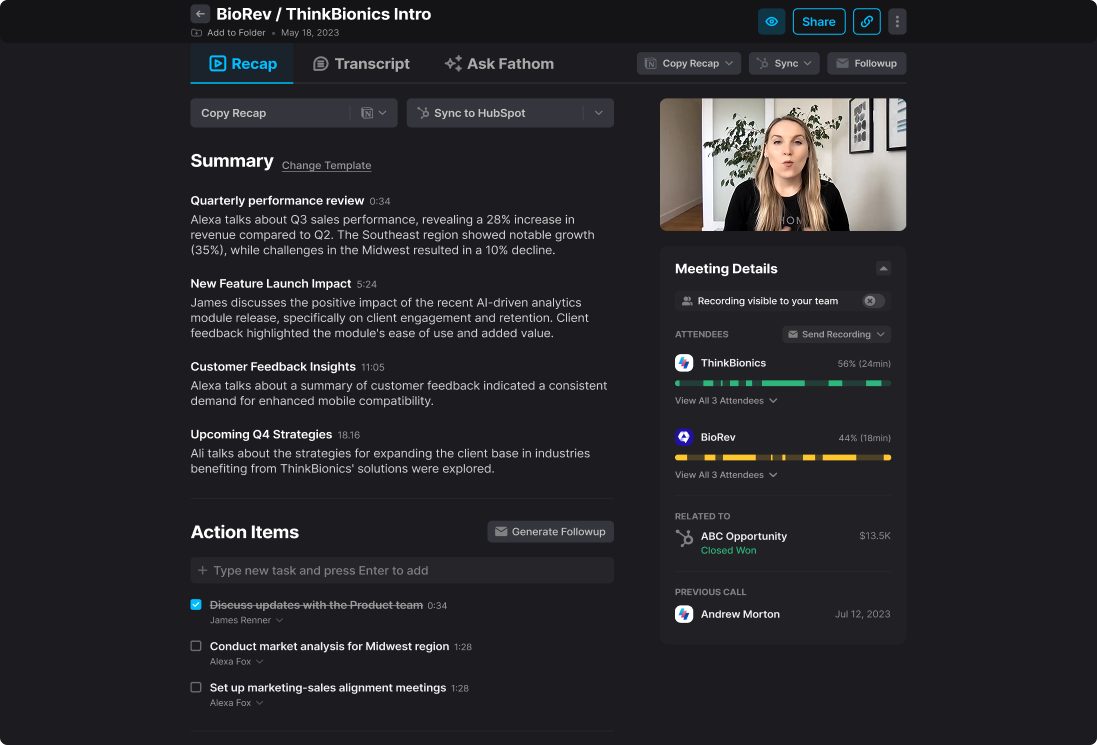
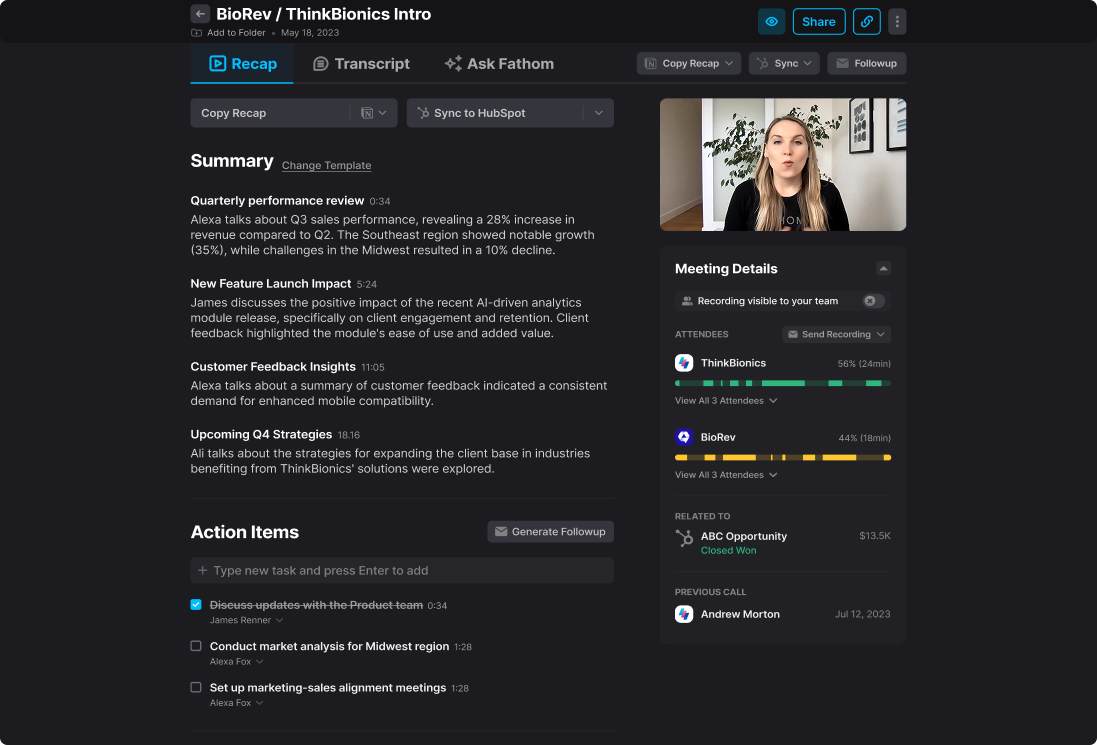
AI meeting note-taker with a free plan that records and transcribes an unlimited number of calls
Our verdict
#4 of 5 in AI meeting note-takers · If you want to stay on a free plan
What it does
- Meeting bot for Zoom, Meet and Teams
- Bot-free capture in Zoom, Google Meet and Slack huddles, in beta
- iPhone app for in-person conversations
- Public API and webhooks, plus an official MCP server
Pros
- CRM sync with HubSpot, Salesforce and Close on the free plan, for up to three users per email domain
- Writes meeting insights into CRM fields on the Business plan
- Transcribes 38 languages
Cons
- Transcripts can only be copied, not downloaded as a file
- Can't transcribe recordings made elsewhere
- Bot-free capture is a Mac-only beta and doesn't cover Microsoft Teams
- Stores data in the United States only
- Skip if:
- Anyone who needs to transcribe uploaded recordings, and Windows users who want notes without a bot.
Rankings and alternatives
- AI meeting note-takers #4 of 5 If you want to stay on a free plan
- Fireflies.ai #1 Best all-round for work calls
- Granola #2 If you want no bot and no recording kept
- Otter.ai #3 Cheapest paid plan



AI meeting note-takers scores
Evaluated Nov 7, 2026 Evidence ↓- Free plan allowance 5
5/5 means: No known cap on the number or total length of meetings transcribed and summarized
Free has no monthly limit on recordings and unlimited transcription; advanced summaries cover the first 5 calls each month, after which meetings still get the general summary template.
- Price of the cheapest paid plan 3
3/5 means: 15 to 19.99 a month
Premium for individuals costs $16 per user per month billed annually ($20 monthly); the cheaper Team plan needs two users.
- Transcription languages 4
4/5 means: 20 to 49 languages
Transcribes 38 languages.
- Where it can take notes 4
4/5 means: Five or six of the seven
Five of the seven: Zoom, Google Meet and Microsoft Teams, Slack huddles through the bot-free desktop app, and in-person conversations through the iOS app. Uploaded files aren't supported, and Webex isn't among the supported platforms.
- Notes without a bot in the call 3
3/5 means: Without a bot in several named call services, on one operating system or in the browser
Bot-free capture, in beta, works in Zoom, Google Meet and Slack huddles on Mac only; Microsoft Teams still needs the bot.
- Transcript export formats 1
1/5 means: No file download; copy or share link only
Transcripts can't be downloaded; you copy and paste them.
- API access 5
5/5 means: As 4, plus an MCP server for AI assistants
A public API, webhooks that send meeting data, and an official MCP server.
- CRM sync 5
5/5 means: As 4, plus it writes meeting details into fields or properties you choose (such as a deal's next steps)
Syncs to HubSpot, Salesforce and Close on every plan (up to 3 users per domain on Free and Premium), and the Business plan writes meeting insights into CRM fields.
- Control over stored recordings 4
4/5 means: Two of the three controls
Enterprise accounts can have recordings deleted automatically after a set period, and the Transcript capture mode keeps no audio or video; there is no known per-person auto-delete setting.
- AI training on your meetings 2
2/5 means: Used for training by default, with an opt-out
Fathom uses de-identified customer data to improve its own models by default, and each person or a Team Edition organization can opt out. Its AI providers may not train on user data.
- Security and admin 4
4/5 means: Four or five
Four of the six: SOC 2 Type II, HIPAA with a BAA, and SSO and SCIM on Enterprise. It has no ISO 27001, and all data is stored in the United States.
Pricing
- Free Free
- Premium $16.00 /month per seat For individuals; billed annually, $20 billed monthly
- Team $15.00 /month per seat Two users minimum; billed annually, $19 billed monthly
- Business $25.00 /month per seat Two users minimum; billed annually, $34 billed monthly
- Enterprise $35.00 /month per seat Annual billing only
Prices checked Nov 7, 2026.
Evidence and sources
AI meeting note-takers scores
Free plan allowance 2 quotes
-
Free: Advanced summaries for your first 5 calls each month (after that, only the General/Enhanced template will be available)
help.fathom.video/en/articles/5290881 · checked -
We do not have a limit on recordings each month, and we will store all of your recordings indefinitely (or until you manually delete them).
help.fathom.video/en/articles/296448 · checked
Where it can take notes 2 quotes
-
Right now, Fathom can only record and transcribe live meetings on Zoom, Google Meet, and Microsoft Teams - we do not support uploaded calls.
help.fathom.video/en/articles/6049729 · checked -
Fathom is currently able to record meetings on Mac and Windows computers. You can also use the Fathom iOS mobile app to record in-person conversations.
help.fathom.video/en/articles/296576 · checked
Notes without a bot in the call 1 quote
-
Note: The new bot-free experience is currently available on Mac only.
help.fathom.video/en/articles/296576 · checked
Transcript export formats 1 quote
-
While transcripts can’t be downloaded directly, you can copy and paste them anywhere you need.
help.fathom.video/en/articles/296000 · checked
CRM sync 1 quote
-
Free and Premium: CRM sync (HubSpot, Salesforce, Close) for up to 3 users per email domain, personal-use Zapier integration
help.fathom.video/en/articles/5290881 · checked
Facts
Runs on 1 quote
-
Fathom is currently able to record meetings on Mac and Windows computers. You can also use the Fathom iOS mobile app to record in-person conversations.
help.fathom.video/en/articles/296576 · checked
Users 1 quote
-
Used at 500K+ companies
fathom.ai · checked
More from the sources
Pricing 1 quote
-
Automatically push Fathom’s meeting summaries and notes into your CRM so records stay up to date without manual entry.
fathom.ai/pricing · checked
Features 5 quotes
-
Fathom attributes every line of the transcript to the right speaker, whether you capture with the Fathom Notetaker or bot-free.
fathom.ai/features/ai-transcription · checked -
Clips, playlists + search across calls
fathom.ai/pricing · checked -
With bot-free capture mode (i.e., bot-free video, audio, transcript), no bot appears in the call, and Fathom sends a consent message in the meeting chat instead when the Consent Chat Message setting is on.
help.fathom.video/en/articles/449472 · checked -
Superhuman plans to bring Fathom’s AI notetaking capabilities to its suite of apps and agents spanning email, calendar, collaborative documents, and databases.
blog.superhuman.com/superhuman-acquires-fathom · checked -
Same app, same login, same product experience.
fathom.ai/superhuman · checked
Limits and known issues 4 quotes
-
Fathom can only record a Zoom, Microsoft Teams, or Google Meet call if you are also present on the call. If the meeting ends, Fathom will automatically exit as well.
help.fathom.video/en/articles/5461313 · checked -
Yes. On Fathom’s free plan, Ask Fathom searches your last two weeks of calls. Premium opens your full meeting history.
fathom.ai/features/ask-fathom · checked -
Free: Unlimited recordings & storage
help.fathom.video/en/articles/5290881 · checked -
While transcripts can’t be downloaded directly, you can copy and paste them anywhere you need.
help.fathom.video/en/articles/296000 · checked
Platforms and requirements 2 quotes
-
Bot-free capture is available in the Fathom desktop app on Mac (macOS 14.2 or later). Windows support is coming soon.
fathom.ai/features/bot-free-capture · checked -
Bot-free video is in beta on Zoom, and you can also capture audio and transcript or transcript only on Zoom, Google Meet, and Slack Huddles. Use the Fathom Notetaker when you want video on Google Meet or Microsoft Teams, when you’re on Windows, or when you want a visible attendee so everyone knows the call is captured.
fathom.ai/features/flexible-capture · checked
Pricing
fathom.ai/pricing · checked