
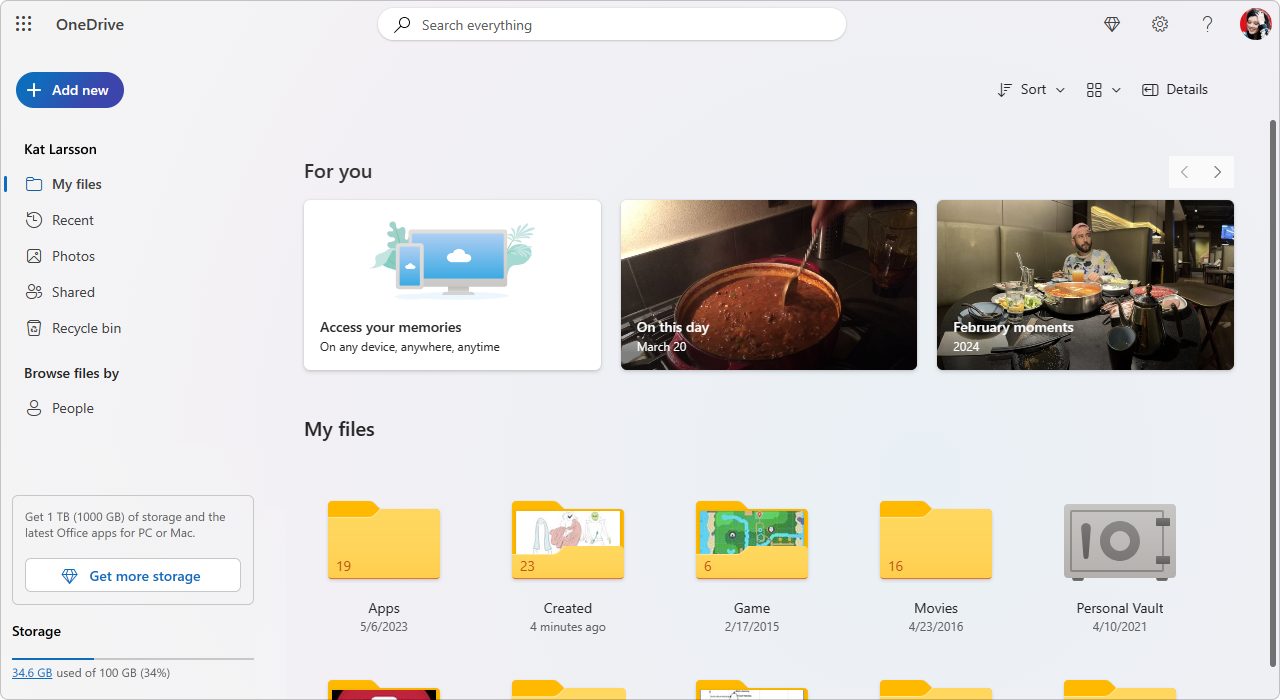
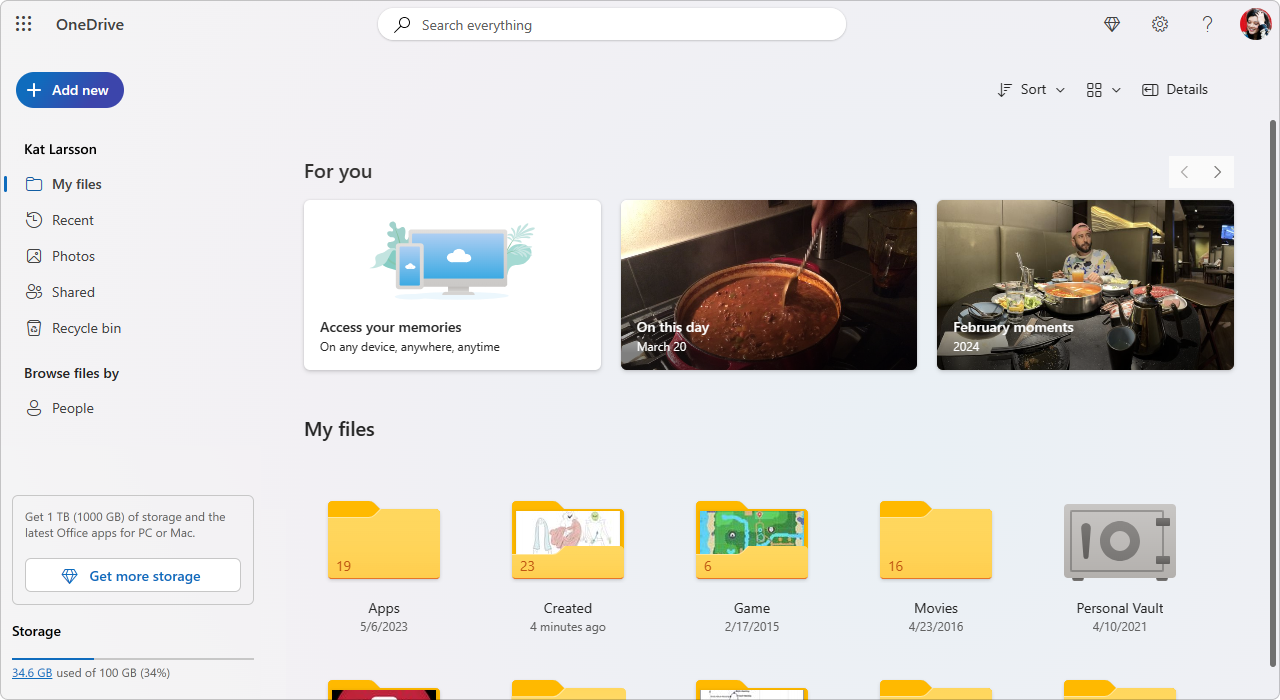
Microsoft OneDrive
Microsoft's cloud storage with 5 GB free, shared with Outlook.com attachments, built into Windows
Our verdict
#3 of 9 in Cloud storage for photos · If you already pay for Microsoft 365
What it does
- Camera upload on iPhone and Android, keeping original HEIC files
- People grouping with search by name
- 1 TB per person for up to six people on Microsoft 365 Family
- Desktop app that keeps the original files on your computer
Pros
- Lots of storage if you already pay for Office
- Easiest way to keep a local copy of everything
- Separate private space for each family member
Cons
- No single person can go past 1 TB
- Shared family albums are basic
- iPhone uploads often wait until you open the app
Microsoft OneDrive is Microsoft’s personal cloud storage service for syncing and sharing files and photos. A free Microsoft account includes 5 GB, shared with Outlook.com attachments and some other Microsoft 365 apps, and it works through the web, a sync app on Windows and Mac and mobile apps on iOS and Android. It is proprietary software, and paid storage comes through Microsoft 365 subscriptions.
Rankings and alternatives
- Cloud storage for photos #3 of 9 If you already pay for Microsoft 365
- Google Photos #1 Best for most families
- Ente Photos #2 For privacy without losing search
- pCloud #4 Pay once instead of every month
- Free cloud storage services #6 of 10 Windows and Office users
- Google Drive #1 Best for most people
- Proton Drive #2 Private files, with sharing that still works
- MEGA #3 20 GB free, if you sign in often






Cloud storage for phone photos scores
Evaluated Nov 17, 2026 Evidence ↓- Phone backup on iPhone and Android · counts double 3
3/5 means: Background backup on both, with known gaps, such as uploads that stall unless the app stays open, or Live Photos or extra Android folders left out
Camera upload on iOS and Android with a desktop app that syncs computer folders into the same OneDrive; HEIF originals are kept on iOS. iOS background uploads are commonly reported as unreliable unless the app is opened, and Live Photo handling was not confirmed on a page.
- Finding photos 4
4/5 means: Face grouping and search by objects, places and text in the photo
People grouping with naming and filtering, plus search by tags and places from knowledge. The face feature is rolling out gradually and may be missing in some regions or accounts.
- Sharing with family 3
3/5 means: One plan gives each family member a private library, but photos are shared only through folders or links
Microsoft 365 Family gives each of up to 6 people a separate private 1 TB. Photos are shared by link or folder; shared albums others can add to were not confirmed.
- Price for 2 TB 3
3/5 means: $110 to $149 a year
One person tops out at 1 TB, so the cheapest 2 TB across accounts is Microsoft 365 Family at $129.99 a year. Price comes from a competitor blog (June 2026), not Microsoft's page.
- Privacy of your photos 2
2/5 means: The company holds the keys and analyzes faces and contents on its servers; it rules out ads but not every use for AI
Microsoft holds the keys and runs face grouping on its servers. It says facial data is not used to train its AI models, but no general statement on photo content was found.
- Getting photos back out 5
5/5 means: A desktop app keeps a full copy of the original files on a computer, in folders that follow your albums or your own folders, and updates it as you add photos
The Windows and Mac sync app can keep full original files on the computer in your own folders and updates them as you add photos. From knowledge of the client; Files On-Demand is documented.
Free cloud storage scores
Evaluated Nov 17, 2026 Evidence ↓- Usable free space · counts double 2
2/5 means: About 5 GB that your email, phone backups or photos also fill
5 GB shared with Outlook.com attachments, camera roll uploads, Teams and the Recycle Bin; going over blocks email too. No bonus space.
- How well it works day to day 3
3/5 means: Dependable for basic use, with rough edges such as slow uploads, clunky apps or occasional sync trouble
Built into Windows and generally dependable, but users commonly report sync glitches and slow large uploads. Based on general knowledge; no independent tests were read.
- Sync apps on the free plan 4
4/5 means: Desktop sync on Windows and Mac plus phone apps, no device limit, but no Linux app or no online-only files
Windows and Mac sync apps with Files On-Demand and iOS and Android apps, no device limit known; no official Linux client (from knowledge, not a page).
- Phone photo backup on the free plan 4
4/5 means: Automatic full-quality backup on iPhone and Android with a photo timeline to browse
Camera upload on iOS and Android and a Photos timeline in the web and mobile apps, at full quality; no search or albums at the level of a full photo library. Camera Roll sync stops when over quota.
- Privacy and encryption on the free plan 2
2/5 means: Provider holds the keys and can read your files, with no end-to-end option on the free plan
Microsoft holds the keys; Personal Vault adds two-step verification and BitLocker locally but is not end-to-end encrypted and holds only 3 files on free.
- Sharing and working together 4
4/5 means: Public links and shared folders with either link passwords and expiry dates or editing documents together
Free users can share links and folders and co-edit in Office for the web (from knowledge). Link passwords and expiry need Microsoft 365 (from knowledge), so not a 5.
- Price of the cheapest upgrade 5
5/5 means: Under $2.50 a month
Microsoft 365 Basic is $1.99 a month for 100 GB, under $2.50. The price comes from a search result and the user's note, not a fetched page.
- Few limits on the free plan 4
4/5 means: Minor limits that few people notice
250 GB per file and no known free-plan transfer or device caps, but Personal Vault holds only 3 files and the 5 GB quota is enforced strictly.
- How long files survive if you stop signing in · counts half 4
4/5 means: About 2 years
Microsoft says personal OneDrive contents are erased after two years without use; signing in resets it. Over-quota accounts can be deleted after six months.
Pricing
- Free (Microsoft account) Free 5 GB of cloud storage shared across OneDrive files and photos, Outlook.com attachments and Microsoft 365 apps; the 15 GB Outlook.com mailbox is separate. Personal Vault holds at most 3 files.
- Microsoft 365 Basic $1.99 /month 100 GB of OneDrive storage; $19.99 per year when billed annually (US price from Microsoft's plans page as shown in a search result; the page itself could not be fetched). Replaced the standalone OneDrive 100 GB plan.
- Microsoft 365 Personal $9.99 /month 1 TB of OneDrive storage for one person, plus Office apps; $99.99 per year when billed annually. Figures come from a competitor's blog (June 2026), not Microsoft's own page, and a July 2026 price rise was reported but not confirmed for consumers.
- Microsoft 365 Family $12.99 /month Up to 6 people, each with their own 1 TB (6 TB total, not pooled); $129.99 per year when billed annually. Figures come from a competitor's blog (June 2026), not Microsoft's own page.
- Microsoft 365 Premium $19.99 /month Up to 6 people with 1 TB each, plus fuller Copilot features; $199.99 per year when billed annually. Figures come from a competitor's blog (June 2026), not Microsoft's own page.
Prices checked Nov 17, 2026.
Evidence and sources
Cloud storage for phone photos scores
Phone backup on iPhone and Android 1 quote
-
OneDrive for iOS uploads High Efficiency Image File Format (HEIF) photos in their original format, instead of uploading them as JPG to OneDrive to preserve the image quality of original photos and to save storage space.
support.microsoft.com/en-us/onedrive/upload-heif-and-hevc-photos-and-videos-to-onedrive · checked
Finding photos 1 quote
-
Faces are grouped in the People section so you can view collections of photos based on people in it; and once you name the people, you can search for those photos faster.
support.microsoft.com/en-us/onedrive/group-photos-by-people-in-onedrive-photos · checked
Sharing with family 1 quote
-
Microsoft 365 Personal · 1 TB · $9.99 · $99.99 · 1 TB plus desktop Office apps and Defender, 1 person Microsoft 365 Family · 6 TB (1 TB per person, up to 6) · $12.99 · $129.99 · Everything in Personal, shared with up to 6 people Microsoft 365 Premium · Up to 6 TB (1 TB/person) · $19.99 · $199.99 · Top tier: full Copilot AI, shareable with up to 6
blog.internxt.com/onedrive-pricing · published · checked
Price for 2 TB 2 quotes
-
Microsoft 365 Basic (100 GB) at $1.99/month, Personal (1 TB) at $9.99/month, and Family (6 TB) at $12.99/month, each cheaper if you pay yearly.
blog.internxt.com/onedrive-pricing · published · checked -
Microsoft 365 Personal · 1 TB · $9.99 · $99.99 · 1 TB plus desktop Office apps and Defender, 1 person Microsoft 365 Family · 6 TB (1 TB per person, up to 6) · $12.99 · $129.99 · Everything in Personal, shared with up to 6 people Microsoft 365 Premium · Up to 6 TB (1 TB/person) · $19.99 · $199.99 · Top tier: full Copilot AI, shareable with up to 6
blog.internxt.com/onedrive-pricing · published · checked
Privacy of your photos 3 quotes
-
Microsoft collects, uses, and stores facial scans and biometric information from your photos through the OneDrive app for facial grouping technologies.
support.microsoft.com/en-us/onedrive/group-photos-by-people-in-onedrive-photos · checked -
Microsoft does not use any of your facial scans and biometric information to train or improve the AI model overall. Any data you provide is only used to help triage and improve the results of your account, no one else's.
support.microsoft.com/en-us/onedrive/group-photos-by-people-in-onedrive-photos · checked -
OneDrive is not zero-knowledge. Microsoft holds the encryption keys, which means Microsoft, not just you, can technically access your files.
blog.internxt.com/onedrive-pricing · published · checked
Getting photos back out 1 quote
-
OneDrive Files On-Demand helps you access your files without downloading all of them and using storage space on your device.
support.microsoft.com/en-us/onedrive/restrictions-and-limitations-in-onedrive-and-sharepoint · checked
Free cloud storage scores
Usable free space 2 quotes
-
You get 5 GB of free cloud storage with your Microsoft account, shared across your files and photos in OneDrive, attachments in Outlook.com, and Microsoft 365 apps. You also get 15 GB of free Outlook.com email storage, which is separate from your Microsoft cloud storage.
support.microsoft.com/en-us/onedrive/microsoft-storage-faqs · checked -
If you exceed your Microsoft storage: You can't upload, edit, or sync new files (such as Camera Roll) to your OneDrive. Your existing files remain but are read-only. You can't send or receive email in Outlook.com, even if you didn't exceed your email storage quota.
support.microsoft.com/en-us/onedrive/microsoft-storage-faqs · checked
Sync apps on the free plan 1 quote
-
OneDrive Files On-Demand helps you access your files without downloading all of them and using storage space on your device.
support.microsoft.com/en-us/onedrive/restrictions-and-limitations-in-onedrive-and-sharepoint · checked
Phone photo backup on the free plan 1 quote
-
If you exceed your Microsoft storage: You can't upload, edit, or sync new files (such as Camera Roll) to your OneDrive. Your existing files remain but are read-only. You can't send or receive email in Outlook.com, even if you didn't exceed your email storage quota.
support.microsoft.com/en-us/onedrive/microsoft-storage-faqs · checked
Privacy and encryption on the free plan 2 quotes
-
If you don't have an Microsoft 365 Family or Personal subscription, you can only add up to three files in your Personal Vault. If you do have a subscription, you can add as many files as you want (up to your storage limit).
support.microsoft.com/en-us/onedrive/protect-your-onedrive-files-in-personal-vault · checked -
Files in Personal Vault files are encrypted using BitLocker when in use locally on a Windows 10 PC
support.microsoft.com/en-us/onedrive/protect-your-onedrive-files-in-personal-vault · checked
Few limits on the free plan 2 quotes
-
Individual files · 250 GB · 250 GB
support.microsoft.com/en-us/onedrive/restrictions-and-limitations-in-onedrive-and-sharepoint · checked -
If you don't have an Microsoft 365 Family or Personal subscription, you can only add up to three files in your Personal Vault. If you do have a subscription, you can add as many files as you want (up to your storage limit).
support.microsoft.com/en-us/onedrive/protect-your-onedrive-files-in-personal-vault · checked
How long files survive if you stop signing in 2 quotes
-
They will be erased for one or both of these reasons: You haven't used your OneDrive account in two years. You have exceeded your OneDrive storage limit.
support.microsoft.com/en-au/onedrive/why-did-i-get-a-message-saying-my-files-will-be-erased · checked -
After six months, Microsoft might delete your OneDrive and all files in it. You can't recover the files after they're deleted.
support.microsoft.com/en-us/onedrive/microsoft-storage-faqs · checked
Facts
Runs on 2 quotes
-
If you don't have an Microsoft 365 Family or Personal subscription, you can only add up to three files in your Personal Vault. If you do have a subscription, you can add as many files as you want (up to your storage limit).
support.microsoft.com/en-us/onedrive/protect-your-onedrive-files-in-personal-vault · checked -
OneDrive Files On-Demand helps you access your files without downloading all of them and using storage space on your device.
support.microsoft.com/en-us/onedrive/restrictions-and-limitations-in-onedrive-and-sharepoint · checked
More from the sources
Pricing 1 quote
-
There's also a Microsoft 365 price increase landing in July 2026, reported in late 2025, that raises prices on parts of the lineup.
blog.internxt.com/onedrive-pricing · published · checked
Limits and known issues 3 quotes
-
This condition occurs if your account or shared subscription remains over its storage allowance for three months, or if you don't sign in for a long time.
support.microsoft.com/en-us/onedrive/what-does-it-mean-when-your-onedrive-account-is-frozen · checked -
If you're using a non-Apple device (such as Android devices, PCs, or other Windows devices), you can preview HEIF and HEVC files in OneDrive and store them on your device, but you may not be able to open them without additional apps.
support.microsoft.com/en-us/onedrive/upload-heif-and-hevc-photos-and-videos-to-onedrive · checked -
According to Microsoft's documentation, a user can only change the setting to enable or disable the new People section three times a year.
Richard Speed, reporter at The Register · theregister.com/on-prem/2025/10/13/microsoft-previews-people-grouping-in-onedrive-photos/430472 · published · checked
Pricing
microsoft.com/en-us/microsoft-365/onedrive/onedrive-plans-and-pricing · checked