
tl;dv
AI meeting note-taker from Europe that records Zoom, Google Meet and Teams with or without a bot
Our verdict
#5 of 5 in AI meeting note-takers · If your data should stay in Europe
What it does
- Meeting bot for Zoom, Meet and Teams
- Records any call app without a bot, from the desktop app
- Mobile app for in-person meetings, and file uploads
- An API, webhooks and MCP access on paid plans
Pros
- All its data centers are in Europe
- Never uses recordings or transcripts to train AI
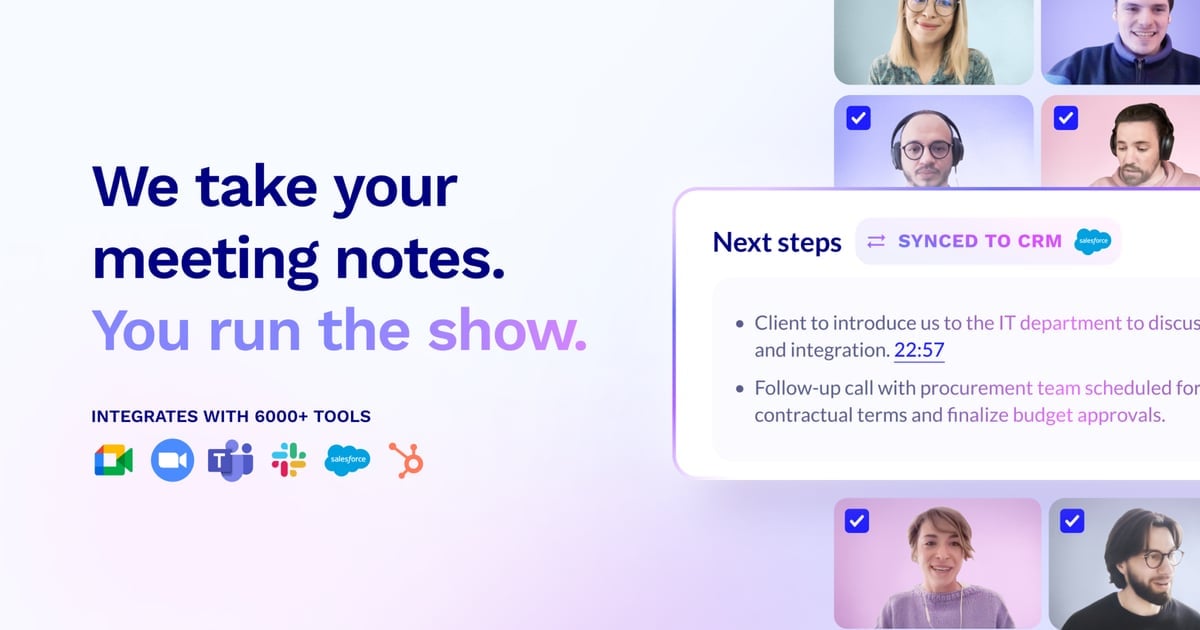
- HubSpot and Salesforce workflows update fields on contacts, deals and opportunities
- Single sign-on is available to all users
Cons
- Transcripts can only be copied, and only on paid plans
- Full AI notes cover only the first 10 meetings of a free account's life
- Meetings are capped at 3 hours
- Skip if:
- Anyone who needs transcripts as downloadable files.
Rankings and alternatives
- AI meeting note-takers #5 of 5 If your data should stay in Europe
- Fireflies.ai #1 Best all-round for work calls
- Granola #2 If you want no bot and no recording kept
- Otter.ai #3 Cheapest paid plan



AI meeting note-takers scores
Evaluated Nov 7, 2026 Evidence ↓- Free plan allowance 2
2/5 means: Full transcripts or summaries only up to a one-time allowance that does not renew, such as the first few meetings or a fixed number of credits
Recording and transcription are unlimited, but only the first 10 meetings get AI notes for the whole meeting; after that, only the first 10 minutes of each. The limits are for the life of the account.
- Price of the cheapest paid plan 3
3/5 means: 15 to 19.99 a month
Pro costs 18 euros per seat per month billed annually (29 euros monthly), counted as 18 under the criterion's face-value rule.
- Transcription languages 4
4/5 means: 20 to 49 languages
Transcribes over 30 languages.
- Where it can take notes 5
5/5 means: All seven
All seven: the bot covers Zoom, Google Meet and Microsoft Teams; the desktop app records any meeting platform, Slack huddles and Discord calls included, without a bot; the mobile app records in-person meetings; and audio and video files can be uploaded.
- Notes without a bot in the call 5
5/5 means: Without a bot in any call app on both macOS and Windows
The desktop app records system audio in any meeting platform without a bot, on Mac or Windows.
- Transcript export formats 1
1/5 means: No file download; copy or share link only
Transcripts can apparently only be copied to the clipboard, and only on paid plans.
- API access 5
5/5 means: As 4, plus an MCP server for AI assistants
An API for meetings, transcripts and notes, webhooks when meetings and transcripts are ready, and an MCP server for AI assistants; all need a paid plan.
- CRM sync 5
5/5 means: As 4, plus it writes meeting details into fields or properties you choose (such as a deal's next steps)
HubSpot and Salesforce workflows update properties and fields on contacts, deals and opportunities.
- Control over stored recordings 2
2/5 means: Meetings can be deleted by hand, with none of the three controls
Recordings can be deleted one at a time; there are no known automatic deletion settings, workspace retention policy or transcript-only mode. Free-plan recordings are deleted after 3 months.
- AI training on your meetings 4
4/5 means: Never used to train AI models
No customer data is used to train AI. Metadata sent to Anthropic is anonymized, but there is no known agreement about the provider's training or retention.
- Security and admin 3
3/5 means: Three
Three of the six: SOC 2 Type II, single sign-on, and data centers in Europe. ISO 27001 applies only to its hosting providers, and there is no known HIPAA or SCIM support.
Pricing
- Free Free
- Pro €18.00 /month per seat Billed annually; 29 EUR billed monthly
- Business €29.00 /month per seat Billed annually; 39 EUR billed monthly
Prices checked Nov 7, 2026.
Evidence and sources
AI meeting note-takers scores
Free plan allowance 2 quotes
-
Your first 10 meetings will have automatic AI notes summarizing the entire meeting - After this, only the first 10 minutes of each meeting will have automatic AI notes.
intercom.help/tldv/en/articles/8919450-what-are-the-limits-of-the-free-plan · checked -
Note: These limits are for the lifetime of the account, they do not renew monthly.
intercom.help/tldv/en/articles/8919450-what-are-the-limits-of-the-free-plan · checked
Price of the cheapest paid plan 1 quote
-
Pro — billed annually (18.00 EUR per seat/month)
tldv.io/app/pricing · checked
Notes without a bot in the call 1 quote
-
To use botless recording, you’ll need: The latest version of the tl;dv desktop app A Mac or Windows computer
intercom.help/tldv/en/articles/14433337-recording-without-a-bot · checked
Transcript export formats 1 quote
-
The transcript will be copied to your clipboard, where you can paste and save it anywhere you like. 👍 Right now, we don't support bulk transcript downloads or exports.
intercom.help/tldv/en/articles/6122489-how-to-download-transcripts · checked
API access 1 quote
-
API access is available on the Pro or Business plans only.
intercom.help/tldv/en/articles/11583137-api · checked
Control over stored recordings 1 quote
-
Recordings on the Free plan are stored for 3 months.
intercom.help/tldv/en/articles/8919450-what-are-the-limits-of-the-free-plan · checked
Facts
Runs on 1 quote
-
To use botless recording, you’ll need: The latest version of the tl;dv desktop app A Mac or Windows computer
intercom.help/tldv/en/articles/14433337-recording-without-a-bot · checked
More from the sources
Features 7 quotes
-
By enabling your calendar integration, and setting your preferences to auto-record, our bot will ask to join the meeting even if you're not there!
intercom.help/tldv/en/articles/10256819-calendar-integration-and-why-it-matters · checked -
tl;dv automatically identifies the individual speakers in the transcript to help you know who said what, at what time, and the conversation context.
intercom.help/tldv/en/articles/6171907-speaker-identification-in-transcript · checked -
You can select multiple clips and glue them together to a reel!
intercom.help/tldv/en/articles/5946160-how-to-use-your-tl-dv-library · checked -
All meetings can also be stored in folders. Folders can be shared with others.
intercom.help/tldv/en/articles/5946160-how-to-use-your-tl-dv-library · checked -
With Team Auto Recording, you can define rules once and ensure the right meetings are automatically recorded across your entire team.
intercom.help/tldv/en/articles/15033823-team-auto-recording · checked -
When Consent Collection is enabled, tl;dv replaces the original meeting link in your calendar with a consent link.
intercom.help/tldv/en/articles/12109041-consent-collection · checked -
If a participant declines, recording is permanently disabled for that meeting (even if they change their mind later).
intercom.help/tldv/en/articles/12109041-consent-collection · checked
Limits and known issues 4 quotes
-
P.S. On all plans, there is a max limit of 3 hours for recorded or uploaded meetings.
intercom.help/tldv/en/articles/8919450-what-are-the-limits-of-the-free-plan · checked -
You can create and share 4 clips for free - Clips cannot be downloaded, even by a user on the Pro plan.
intercom.help/tldv/en/articles/8919450-what-are-the-limits-of-the-free-plan · checked -
You can auto-publish meetings to your organization (those with the same email domain as you) but not to your "Team". (A team in tl;dv are all those users sharing the same paid plan.)
intercom.help/tldv/en/articles/8919450-what-are-the-limits-of-the-free-plan · checked -
You get 10 free AI prompts, to generate custom content based on one meeting, or many.
intercom.help/tldv/en/articles/8919450-what-are-the-limits-of-the-free-plan · checked
Pricing
tldv.io/app/pricing · checked