
Calendly
Hosted scheduling links with payments and reminders, built mainly for meetings rather than service appointments
Our verdict
#7 of 9 in Appointment scheduling software for small businesses · Simplest booking link for consultants and coaches
What it does
- Payments at booking through Stripe or PayPal on Standard
- Email and text reminder workflows
- Automatic Zoom, Meet and Teams links
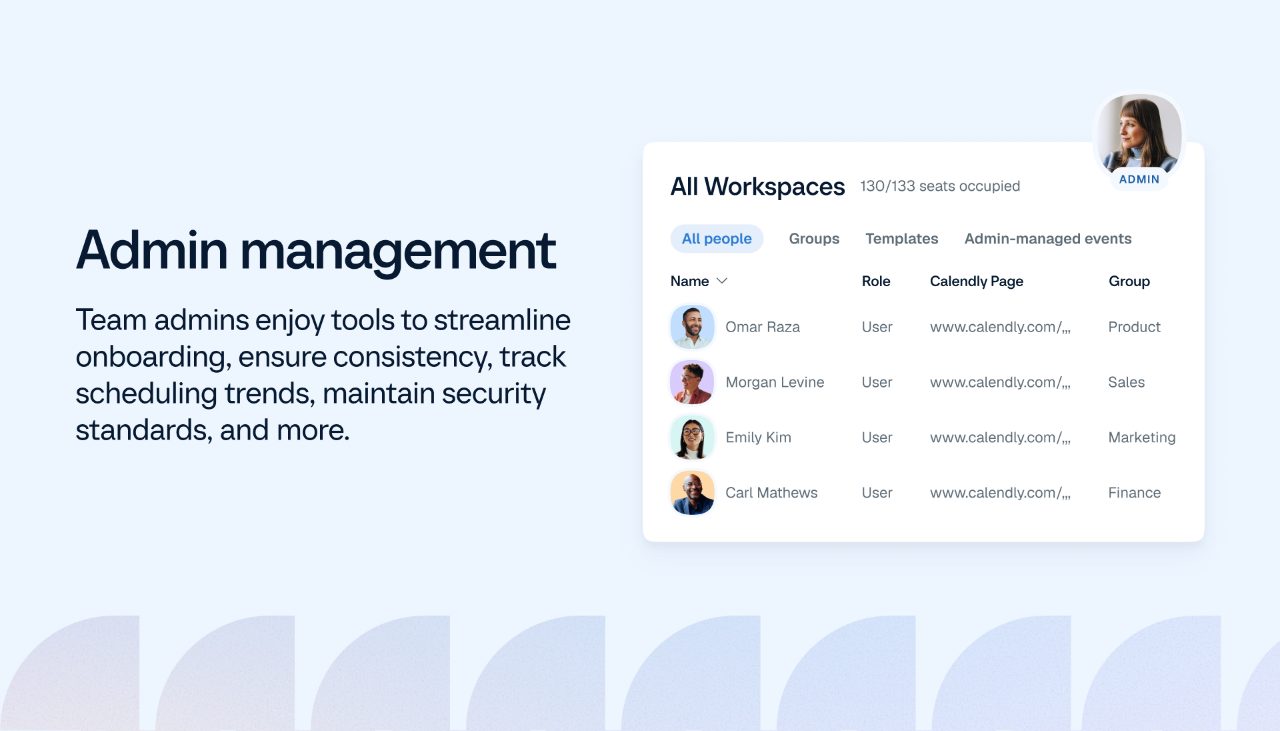
- Round-robin team pages on Teams
Pros
- The quickest booking link to set up and to use
- Syncs both ways with the calendars consultants already use
- Clients book without an account
Cons
- No saved cards or no-show fees
- No service menu with a choice of staff
- Free plan has no reminders or payments
- Choose if:
- You book calls and consultations, mostly on video, and want the least setup
Calendly is a hosted scheduling service where clients pick a time on a booking page that syncs with the owner’s calendars. A paid Standard seat adds unlimited event types, automated reminders, and Stripe or PayPal payment at booking; round-robin team scheduling needs the Teams plan. Only people who host meetings need a seat, since clients book without an account. It runs on the web with mobile apps and a browser extension and is sold as a subscription.
What users say
Evidence ↓Reviewers on Software Advice (4.7 of 5 across about 4,160 reviews, nearly all favorable among those shown) praise easy client self-booking, calendar sync and reminders. Critics in the sampled reviews say it can be too simple, is slow to add features, and that connecting multiple calendars is not intuitive. Most reviewers are small companies, but they are mainly using it for meetings, not salon or clinic style service booking.
Rankings and alternatives
- Appointment scheduling software for small businesses #7 of 9 Simplest booking link for consultants and coaches
- Acuity Scheduling #1 The all-rounder for practices and studios with up to six staff
- Square Appointments #2 Free start for businesses that take cards at the counter
- Fresha #3 Salon and spa booking with a marketplace for new clients



Appointment scheduling software for small businesses scores
Evaluated Nov 17, 2026 Evidence ↓- Deposits and no-show protection · counts double 3
3/5 means: Deposits or prepayment at booking with a cancellation policy, but no saved card to charge for a no-show later
Standard connects Stripe and PayPal for payment at booking, with payment links for deposits and a displayed cancellation policy. Calendly does not save cards or charge no-show fees, and its refunds and policy enforcement happen outside it.
- Automatic reminders 4
4/5 means: Email and text reminders on the plan, with a monthly text allowance or cheap texts and adjustable timing
Standard includes automated email reminders, and Workflows can also send text reminders to invitees at times the owner sets. Text allowances and confirm-by-reply aren't documented in the pages read, so not 5. Writer recalibration: raised from 3 on knowledge of Workflows' text reminders.
- Staff and service scheduling 2
2/5 means: Several people can take bookings, but the flow is meeting links per person or round-robin, without per-staff services
Round-robin and team scheduling are Teams-only at $16 a seat. Staff each have their own meeting links with unlimited event types, but there is no per-staff services page, resources or rooms, or class waitlist. Group event types exist.
- Easy to set up and run 5
5/5 means: Live in minutes, simple to run, and clients book without friction
Software Advice rates ease of use 4.7 across about 4,160 reviews, clients book without an account, and Calendly is the usual reference for a booking link that is live in minutes. Some reviewers find multi-calendar setup fiddly or the product too simple. Writer recalibration: raised from 4 to keep the level consistent with the other products.
- Cost for a three-person business 4
4/5 means: About $20 to $40 a month
Three seats on Standard cost 3 x $10 = $30 a month on annual billing ($36 monthly), including payments and reminders. If a shared team page with round-robin is needed, Teams is 3 x $16 = $48 a month annual ($60 monthly), which would score 3. No platform fee found.
- Client records and intake 2
2/5 means: A basic contact list with booking history and booking questions
Contact profiles with notes, custom fields and lists exist, along with booking questions, and prepaid meeting packages are listed. No intake or consent forms for services, memberships or HIPAA option were found in the pages read; it is unconfirmed rather than absent.
- Calendar sync and video meetings 5
5/5 means: Two-way sync with Google, Outlook and Apple calendars and automatic Zoom, Meet or Teams links on every paid plan
Standard connects up to six calendars with two-way Google, Outlook or Microsoft 365 and iCloud sync, and adds Zoom, Meet and Teams links automatically. Writer recalibration: raised from 4 on knowledge of Calendly's iCloud calendar connection.
Pricing
- Free Free One event type, one calendar connection, one-on-one scheduling, customizable booking page; no automated reminders or payments.
- Standard $10.00 /month per seat $10 per seat per month billed yearly ($120 per seat per year) or $12 per seat per month billed monthly. Unlimited event types, up to six calendars, automated reminders, Stripe and PayPal payments. No round-robin. One seat is $10 a month on yearly billing; three seats are $30 a month.
- Teams $16.00 /month per seat $16 per seat per month billed yearly or $20 per seat per month billed monthly. Adds round-robin and team scheduling, centrally managed event types and lead routing. Three seats on yearly billing are $48 a month.
- Enterprise $15,000.00 /year Starts at 50 seats; contact sales.
Prices checked Nov 17, 2026.
Evidence and sources
What users say
Summary 4 quotes
-
Calendly earns a strong 4.7 out of 5 stars overall and in ease of use from verified reviewers. Users praise its online booking, calendar sync, and confirmation/reminder functionalities.
softwareadvice.com/scheduling/calendly-profile · checked -
Sometimes it's a little too simple; it doesn't have the most amount of features and is a bit slow to come out with improvements.
Andrew C., Software Advice reviewer at a food and beverages company with 11-50 employees · softwareadvice.com/scheduling/calendly-profile · published · checked -
The setup of the calendars did not feel as intuitive. Especially when it comes to connecting multiple calendars.
Software Advice reviewer, Software Advice reviewer, self-employed in e-learning · softwareadvice.com/scheduling/calendly-profile · published · checked -
Calendly is an incredibly simple and user-friendly tool. We use it for public bookings, and it has been hugely beneficial in allowing clients to self-schedule.
Andrew C., Software Advice reviewer at a food and beverages company with 11-50 employees · softwareadvice.com/scheduling/calendly-profile · published · checked
Appointment scheduling software for small businesses scores
Deposits and no-show protection 4 quotes
-
Everything in Free, and: Scheduling - Unlimited event types - Connect multiple calendars - Automations & reminders - Connect Hubspot, Mailchimp Payments - Connect Stripe, PayPal
calendly.com/pricing · checked -
Collect payments at booking via Stripe and PayPalCollect upfront payments during the booking process using Stripe or PayPal.
calendly.com/pricing · checked -
Add a meeting cancellation policySet expectations around when invitees can cancel or reschedule.
calendly.com/pricing · checked -
Get paid upfront when clients book, reducing no-shows and securing commitment.
calendly.com/help/payments-faq · checked
Automatic reminders 2 quotes
-
Everything in Free, and: Scheduling - Unlimited event types - Connect multiple calendars - Automations & reminders - Connect Hubspot, Mailchimp Payments - Connect Stripe, PayPal
calendly.com/pricing · checked -
Calendly earns a strong 4.7 out of 5 stars overall and in ease of use from verified reviewers. Users praise its online booking, calendar sync, and confirmation/reminder functionalities.
softwareadvice.com/scheduling/calendly-profile · checked
Staff and service scheduling 3 quotes
-
Everything in Free, and: Scheduling - Unlimited event types - Connect multiple calendars - Automations & reminders - Connect Hubspot, Mailchimp Payments - Connect Stripe, PayPal
calendly.com/pricing · checked -
Everything in Standard, and: Scheduling - Round-robin & team scheduling - Qualify, route, & schedule leads - Centrally managed event types
calendly.com/pricing · checked -
At $16 per user per month (billed annually) or $20 per user per month (billed monthly), this plan includes all Standard features plus Salesforce integration, round-robin meeting distribution, lead qualification and routing, and advanced administrative controls.
softwareadvice.com/scheduling/calendly-profile · checked
Easy to set up and run 5 quotes
-
Seats are required for users to connect calendars and host Calendly meetings - meeting invitees do not require a seat.
calendly.com/pricing · checked -
Calendly earns a strong 4.7 out of 5 stars overall and in ease of use from verified reviewers. Users praise its online booking, calendar sync, and confirmation/reminder functionalities.
softwareadvice.com/scheduling/calendly-profile · checked -
Sometimes it's a little too simple; it doesn't have the most amount of features and is a bit slow to come out with improvements.
Andrew C., Software Advice reviewer at a food and beverages company with 11-50 employees · softwareadvice.com/scheduling/calendly-profile · published · checked -
The setup of the calendars did not feel as intuitive. Especially when it comes to connecting multiple calendars.
Software Advice reviewer, Software Advice reviewer, self-employed in e-learning · softwareadvice.com/scheduling/calendly-profile · published · checked -
Calendly is an incredibly simple and user-friendly tool. We use it for public bookings, and it has been hugely beneficial in allowing clients to self-schedule.
Andrew C., Software Advice reviewer at a food and beverages company with 11-50 employees · softwareadvice.com/scheduling/calendly-profile · published · checked
Cost for a three-person business 4 quotes
-
Seats are required for users to connect calendars and host Calendly meetings - meeting invitees do not require a seat.
calendly.com/pricing · checked -
Everything in Free, and: Scheduling - Unlimited event types - Connect multiple calendars - Automations & reminders - Connect Hubspot, Mailchimp Payments - Connect Stripe, PayPal
calendly.com/pricing · checked -
Standard plan is designed for professionals and small businesses requiring more robust scheduling capabilities. Priced at $10 per user per month (billed annually) or $12 per user per month (billed monthly), this plan expands on the Free plan with unlimited event types, up to six calendar connections, and integration with popular tools like HubSpot, Mailchimp, Stripe, PayPal, and Zapier.
softwareadvice.com/scheduling/calendly-profile · checked -
At $16 per user per month (billed annually) or $20 per user per month (billed monthly), this plan includes all Standard features plus Salesforce integration, round-robin meeting distribution, lead qualification and routing, and advanced administrative controls.
softwareadvice.com/scheduling/calendly-profile · checked
Client records and intake 2 quotes
-
Collect payments at booking via Stripe and PayPalCollect upfront payments during the booking process using Stripe or PayPal.
calendly.com/pricing · checked -
Notes, reminders, custom fields, and listsKeep track of contacts with notes, reminders, custom fields, and organized lists.
calendly.com/pricing · checked
Calendar sync and video meetings 3 quotes
-
Free Always free Includes: Scheduling - One event type - One calendar connection - One-on-one scheduling - Customizable booking page - Browser extension
calendly.com/pricing · checked -
Everything in Free, and: Scheduling - Unlimited event types - Connect multiple calendars - Automations & reminders - Connect Hubspot, Mailchimp Payments - Connect Stripe, PayPal
calendly.com/pricing · checked -
Standard plan is designed for professionals and small businesses requiring more robust scheduling capabilities. Priced at $10 per user per month (billed annually) or $12 per user per month (billed monthly), this plan expands on the Free plan with unlimited event types, up to six calendar connections, and integration with popular tools like HubSpot, Mailchimp, Stripe, PayPal, and Zapier.
softwareadvice.com/scheduling/calendly-profile · checked
Facts
License 1 quote
-
Seats are required for users to connect calendars and host Calendly meetings - meeting invitees do not require a seat.
calendly.com/pricing · checked
Runs on 2 quotes
-
Free Always free Includes: Scheduling - One event type - One calendar connection - One-on-one scheduling - Customizable booking page - Browser extension
calendly.com/pricing · checked -
Calendly earns a strong 4.7 out of 5 stars overall and in ease of use from verified reviewers. Users praise its online booking, calendar sync, and confirmation/reminder functionalities.
softwareadvice.com/scheduling/calendly-profile · checked
Users 1 quote
-
From solo business owners to teams within large organizations, more than 50 million people across 240+ countries trust Calendly to help them get more out of every meeting and make space for what matters.
softwareadvice.com/scheduling/calendly-profile · checked
More from the sources
Pricing 1 quote
-
Calendly offers a 14-day free trial of the Teams plan. It includes appointment booking capabilities, unlimited event types, the ability to remove Calendly branding, and payment processing via PayPal and Stripe. At the end of 14 days, users are automatically downgraded to the Free plan if they don’t select a paid plan.
softwareadvice.com/scheduling/calendly-profile · checked
Pricing
calendly.com/pricing · checked