Dropbox alternatives for cloud storage and file sharing
Dropbox’s free Basic plan runs out in two ways. The obvious one is space: 2 GB fills up with a few hundred phone photos or one busy work folder. The other is devices. Basic links to at most three, and a phone counts as one, so a laptop, a work computer, and a phone use every slot. Using dropbox.com in a browser doesn’t take a slot, but adding a fourth device means unlinking one first. Google gives a free account 15 GB, and MEGA gives 20 GB.
People who pay leave for different reasons. Dropbox Plus costs the same as Apple’s or Google’s 2 TB plan, so if you already pay one of them, you’re paying twice for storage. Plus also has no end-to-end encryption, the kind where only your own devices hold the key, so Dropbox can open what you store. Dropbox offers that only on team plans for three or more people.
What keeps people on Dropbox is the sync. Its desktop app keeps the same folder in step across Windows, macOS, and Linux, and more third-party apps connect to it than to its main rivals. If that’s what you use it for, Plus is still worth paying for. If you mostly store phone photos, a photo service will serve you better than any drive below, and our guide to cloud storage for photos compares those.
If you only need more free space
Two services give you far more room than Dropbox Basic without asking for anything: Google Drive and MEGA. Proton Drive and pCloud also start you at 2 GB, and they reach 5 GB and 10 GB only after you finish setup tasks (and, for pCloud’s last 3 GB, invite friends). They’re further down, for readers who want privacy or would rather pay once.
1–5 per criterion · select a score for its reasoning and any sources
| # | Product | Overall | Usable free space , counts double | How well it works day to day | Sync apps on the free plan | Phone photo backup on the free plan | Privacy and encryption on the free plan | Sharing and working together | Price of the cheapest upgrade | Few limits on the free plan | How long files survive if you stop signing in , counts half |
|---|---|---|---|---|---|---|---|---|---|---|---|
| 1 | Google Drive | 4.1 | 4 | 4 | 4 | 5 | 2 | 5 | 5 | 4 | 4 |
| 2 | Proton Drive | 3.8 | 3 | 3 | 4 | 4 | 5 | 5 | 4 | 4 | 3 |
| 3 | MEGA | 3.7 | 5 | 4 | 4 | 4 | 4 | 3 | 4 | 2 | 1 |
| 4 | pCloud | 3.4 | 3 | 4 | 5 | 4 | 2 | 3 | 4 | 3 | 3 |
| 5 | Dropbox | 2.5 | 1 | 5 | 3 | 3 | 2 | 3 | 2 | 2 | 3 |


×2 = counts double in the overall score, ×½ = counts half.
How each criterion is scored
Usable free space
Counts double in the overall score: Free space is the first thing these readers compare and the limit they hit first, and it varies tenfold between services.
How much room the free plan really leaves for your files: the base allowance, whether email, phone backups or photos share it, and whether part of it depends on setup tasks, inviting friends or bonuses that expire. Setup tasks anyone can finish in a few minutes count toward the allowance; space that needs invited friends doesn't.
- 5 20 GB or more for files alone
- 4 About 10 to 15 GB, even if email and photos share it
- 3 About 5 to 9 GB for files alone
- 2 About 5 GB that your email, phone backups or photos also fill
- 1 About 2 GB or less
How well it works day to day
Whether the service is pleasant and dependable to use on the free plan: sync that keeps up without errors or lost files, upload and download speed, and how polished and quick the apps and website feel. Judged from independent speed tests, long-running user reports and the service's record.
- 5 Among the fastest and most dependable services, with a long record of reliable sync and polished apps
- 4 Fast and dependable, with polished apps and only minor complaints
- 3 Dependable for basic use, with rough edges such as slow uploads, clunky apps or occasional sync trouble
- 2 Works, but slow, buggy apps or recurring sync problems get in the way
- 1 Frequent sync errors, lost files or apps that crash, by many users' accounts
Sync apps on the free plan
Whether free users get a desktop app that keeps a folder in sync on Windows, Mac and Linux, files that stay online until opened, and apps for iPhone and Android, without a cap on how many devices can sign in.
- 5 Desktop sync on Windows, Mac and Linux, online-only files, phone apps and no device limit
- 4 Desktop sync on Windows and Mac plus phone apps, no device limit, but no Linux app or no online-only files
- 3 Desktop sync on Windows and Mac plus phone apps, with a device limit or with a key feature such as online-only files missing
- 2 Desktop sync on one or two systems with a limit on devices, or phone apps only
- 1 Web access only, or a desktop app only for one system
Phone photo backup on the free plan
Whether the free plan backs up your phone's photos and videos automatically, on both iPhone and Android, and how well it handles that job: full quality, background uploads, a gallery to browse them.
- 5 A full photo library on both systems, with automatic backup, search and albums
- 4 Automatic full-quality backup on iPhone and Android with a photo timeline to browse
- 3 Automatic camera upload on iPhone and Android into a plain folder, with no photo gallery or with known reliability problems
- 2 Automatic backup on only one phone system, or uploads you have to start by hand
- 1 No automatic photo backup on the free plan
Privacy and encryption on the free plan
Who can read your files on the free plan: end-to-end encryption, where only you hold the keys, versus encryption the provider can unlock, and whether the company scans files or uses free users' data for ads. Judged from the provider's design, its policies and independent security research.
- 5 End-to-end encryption of all files on the free plan, from an established company whose apps are open source or independently audited
- 4 End-to-end encryption of all files on the free plan, with a serious published flaw or no independent audit
- 3 Provider holds the keys by default, but the free plan offers optional end-to-end encryption for chosen files or services
- 2 Provider holds the keys and can read your files, with no end-to-end option on the free plan
- 1 Provider can read your files and the free plan is paid for with ads that use your data
Sharing and working together
What a free user can do with other people: public links anyone can open, link passwords and expiry dates, shared folders, and editing documents together in the browser.
- 5 Links with passwords or permissions, shared folders, and documents several people edit together in the browser
- 4 Public links and shared folders with either link passwords and expiry dates or editing documents together
- 3 Public links and shared folders, but no passwords, expiry dates or co-editing on the free plan
- 2 Public links or shared folders, with little else
- 1 No public links on the free plan
Price of the cheapest upgrade
What you'd pay when you outgrow the free plan: the regular monthly price, on the cheapest billing period, of the cheapest paid plan with at least 50 GB. First-year discounts and lifetime plans don't count; the text covers lifetime plans.
- 5 Under $2.50 a month
- 4 About $2.50 to $4.99 a month
- 3 About $5 to $7.49 a month
- 2 About $7.50 to $9.99 a month
- 1 $10 a month or more
Few limits on the free plan
How much the free plan restricts what you do with your space, apart from the allowance itself: the largest file you can upload, download or link-traffic quotas, and caps on files or devices.
- 5 No practical limits beyond the storage allowance
- 4 Minor limits that few people notice
- 3 A cap that heavy users hit, such as a monthly link-traffic quota
- 2 One cap most people hit, such as a device limit, a transfer quota on downloads or a file size limit under 1 GB
- 1 Several tight caps, such as a small file size limit plus a file count limit or slow downloads
How long files survive if you stop signing in
Counts half in the overall score: It decides whether files can be left alone, but signing in once in a while avoids it, so it counts half.
How long a free account can sit unused before the provider may delete it and its files, so you know whether you can park files and forget them.
- 5 No inactivity deletion for free accounts
- 4 About 2 years
- 3 About 12 months
- 2 About 6 months
- 1 About 3 months or less
Google Drive
Free pick for most people
#1 4.1/5
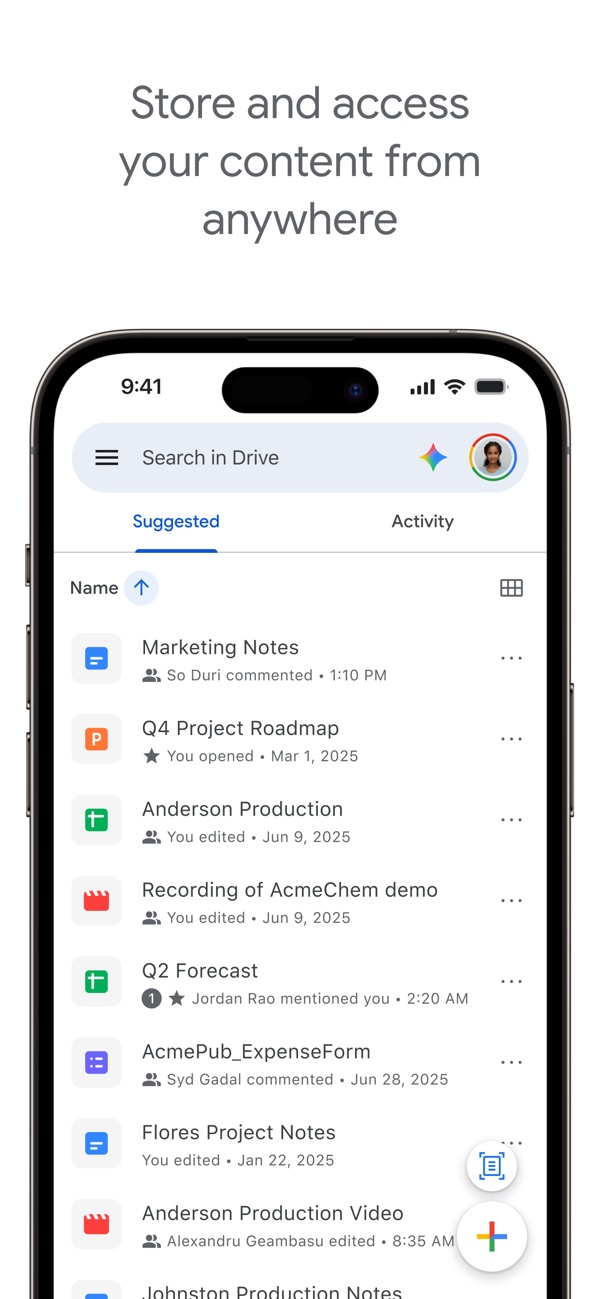
You probably have a Google account already, and it comes with 15 GB and no cap on devices. For most people leaving Dropbox’s free plan, that’s where I’d go. The 15 GB is shared with Gmail and Google Photos, though, so a big inbox or an Android phone backing up photos to Google leaves less for files. When the account fills, Drive stops taking uploads and Gmail stops sending and receiving mail.
Drive does one thing better than Dropbox: several people can edit the same document at once in Google Docs and Sheets, in a browser, with nothing to install. If you outgrow the free space, Google One’s 100 GB plan is $1.99 a month as of November 2026, and it can be shared with up to five other people. What you give up is a Linux app, since Drive for desktop runs only on Windows and macOS, and privacy, because Google holds the keys to your files.
What it does
- 15 GB free across Drive, Gmail, and Photos
- Drive for desktop on Windows and macOS, streaming or mirroring files
- Google Docs, Sheets, and Slides built in
- Paid storage shared with up to five other people
Pros
- Most people already have the account
- Over seven times the free space of Dropbox Basic
- Several people can edit a document at the same time
Cons
- Gmail and photo backups eat into the free space
- No desktop app for Linux
- Google can open the files you store
MEGA
Most free space, encrypted
#3 3.7/5
MEGA gives the most free space here, 20 GB, and encrypts everything on your device before it uploads, on the free plan too. It syncs on Windows, macOS, and Linux, so a Linux user leaving Dropbox’s free plan keeps a sync app.
The free plan’s weak spot is downloading. Free accounts get a transfer quota, a cap on how much you can download, and the amount isn’t fixed: it depends on your location and MEGA’s network load, counted from your IP address over the past six hours. Uploads don’t count against it.
For a backup you rarely restore, you won’t notice. For pulling a big folder onto a new laptop, you might: one App Store reviewer had to download a 600 GB file a little each day. MEGA can also close a free account after three months of inactivity, once it has given you notice, and if you forget your password without a recovery key, MEGA can’t get you back in.
What it does
- 20 GB free, end-to-end encrypted
- Desktop apps for Windows, macOS, and Linux
- Share links that can carry their decryption key separately
- Encrypted chat and video meetings
Pros
- More free space than Google, Microsoft, or Apple give
- Encryption on the free plan as well as paid ones
- Linux desktop app
Cons
- Free downloads are capped by a quota that varies
- A free account can be closed after three months idle
- A forgotten password without a recovery key locks you out for good
- Link passwords and expiry dates need a paid plan
- Skip if:
- You often download large folders to new devices
If you’ll pay: storage you may already have, or pay once
Dropbox Plus isn’t overpriced next to its biggest rivals. What it lacks is a bundle. Apple, Google, and Microsoft each fold storage into something many people already pay for, and pCloud lets you pay once. Prices are in US dollars.
| Service | Plan | Storage | Price (as of November 2026) | What else comes with it |
|---|---|---|---|---|
| Dropbox | Plus | 2 TB | $119.88 a year | No device limit, for one person |
| iCloud+ | 2 TB | 2 TB | $9.99 a month | Share with up to five family members |
| Google One | Google AI Plus | 2 TB | $9.99 a month | Gemini AI features, share with up to five others |
| Microsoft 365 | Personal | 1 TB | $99.99 a year | Word, Excel, PowerPoint, and Outlook desktop apps |
| pCloud | Premium Plus | 2 TB | $709 once, list price | Lifetime storage with no renewals |
Dropbox
Stay for sync across Windows, Mac, and Linux
#5 2.5/5
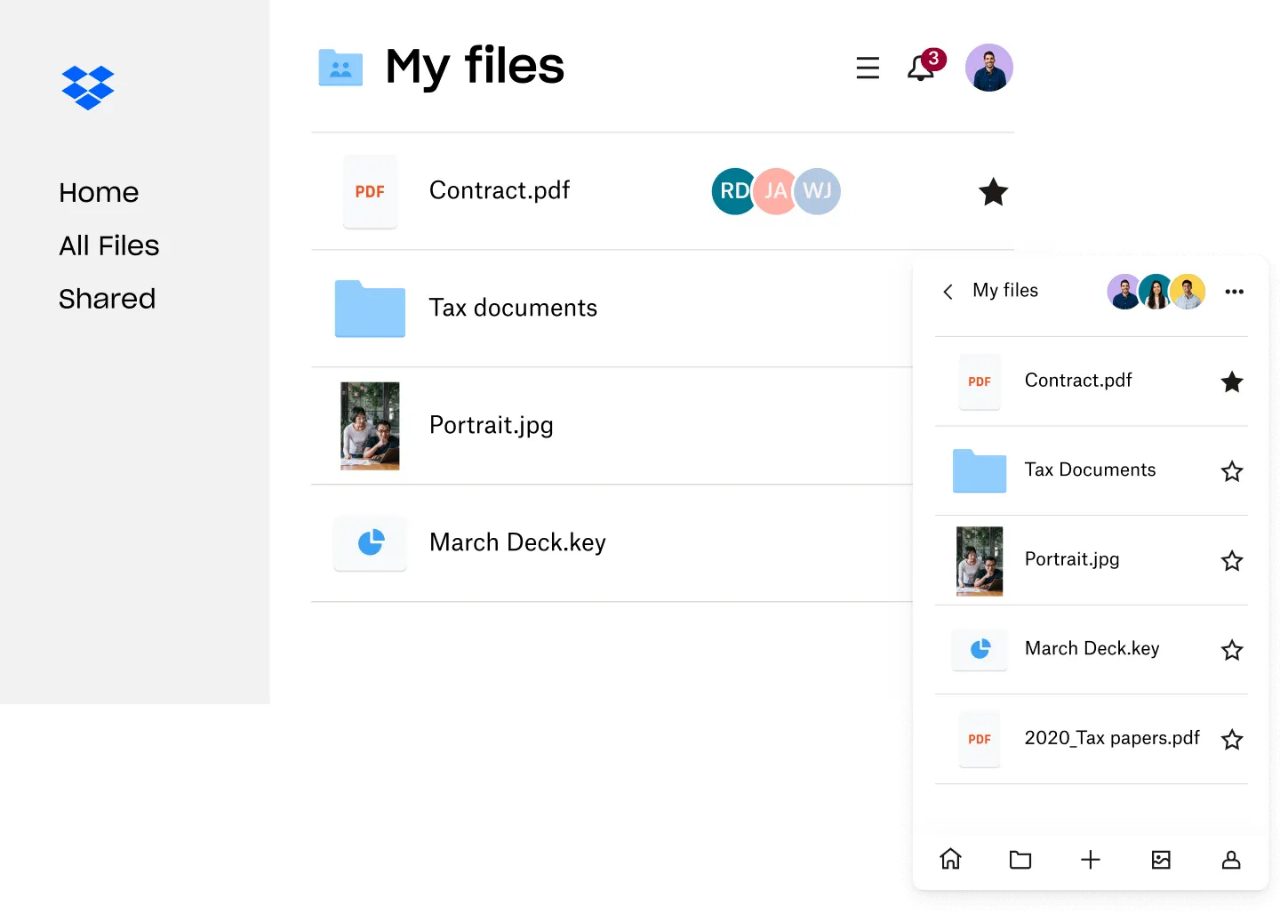
If your files live on a mix of computers, Dropbox is still the one I’d trust to keep them in step. Unlike Google Drive, OneDrive, and iCloud, it has a desktop app for Linux as well as Windows and macOS. More third-party apps connect to Dropbox than to its rivals, which matters if an app you rely on syncs through it, as the writing app Scrivener does between iPad and Mac.
Plus removes the three-device limit, gives you 2 TB and keeps deleted files for 30 days. Next to iCloud+ or Google’s 2 TB plan at the same price, you’re paying for Dropbox’s sync and the apps that connect to it, not for more space. A Family plan shares 2 TB among up to six people, each with a private account. If you don’t need Linux or a particular app’s Dropbox sync, the storage you already pay for will probably do the job.
What it does
- 2 GB free on up to three linked devices
- Sync app for Linux as well as Windows and macOS
- Share links that open without a Dropbox account
- 30 days to restore deleted files on Basic and Plus
- Automatic photo uploads from iPhone and Android
Pros
- One sync app across Windows, macOS, and Linux
- More third-party apps connect to it than to its rivals
- Plus removes the device limit
Cons
- The free plan holds 2 GB on three devices
- No end-to-end encryption on personal plans
- Free accounts idle for 12 months can be deleted
- Phone photos all land in one Camera Uploads folder
- Skip if:
- You already pay Apple, Google, or Microsoft for storage and don't use Linux

iCloud+
For homes full of iPhones and Macs
If everyone at home uses an iPhone, iPad, or Mac, iCloud+ is already built into their devices, and you may be paying for it to back up your phone. Its 2 TB plan costs what Dropbox Plus does but can be shared with up to five family members, so one bill covers a household where Plus covers one person. iCloud Drive shows up in Finder on a Mac and in the Files app on iPhone, and iCloud for Windows covers a PC.
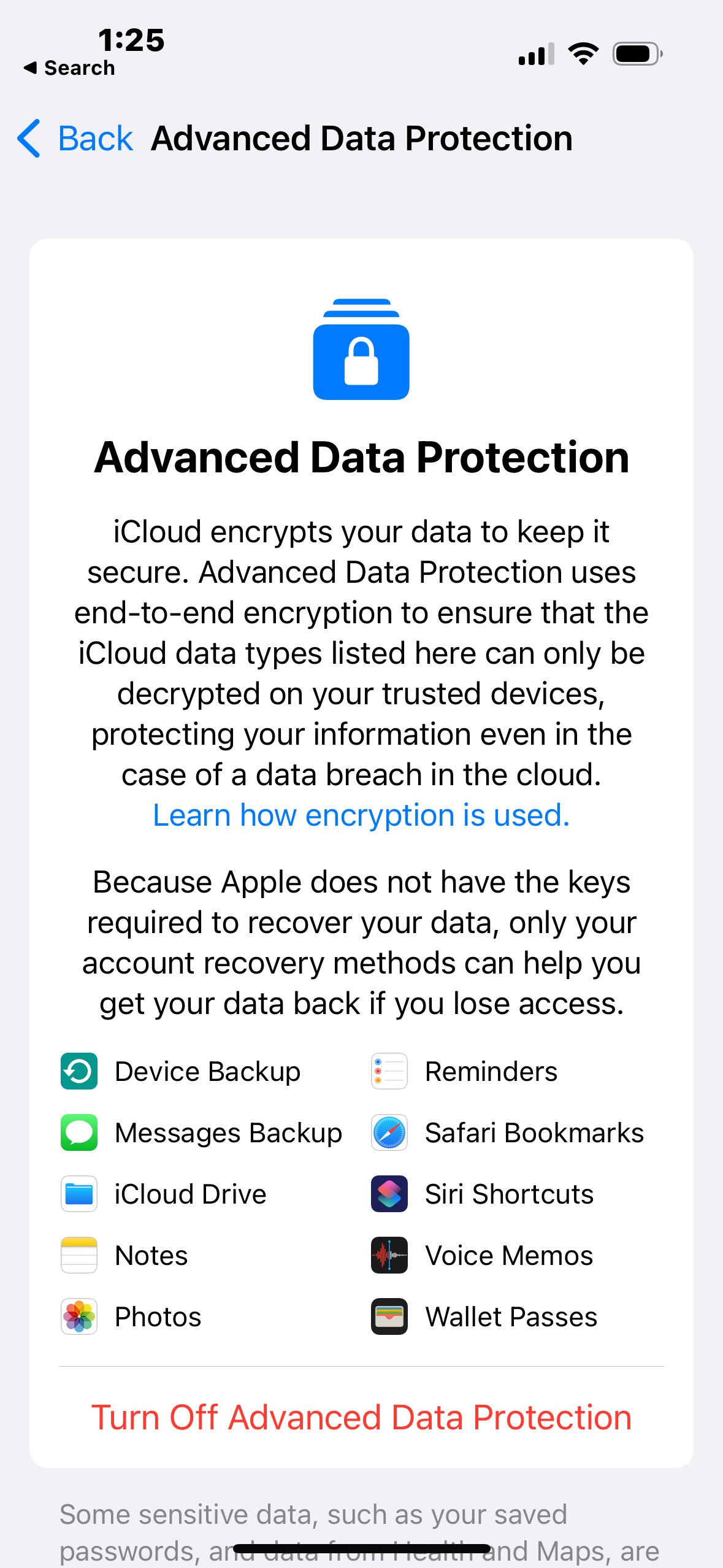
iCloud can also encrypt your Drive files and photos end to end, through a setting called Advanced Data Protection. It’s off by default, it needs a recovery contact or recovery key before you can turn it on, and Apple doesn’t offer it in the UK. There’s no Android app and no Linux app, so a household with one Android phone is better off elsewhere. The free 5 GB also holds your phone backups and iCloud Mail, so it fills up quickly.
What it does
- 5 GB free with every Apple Account
- iCloud Drive in Finder and the iPhone Files app
- Paid plans shared with up to five family members
- Optional end-to-end encryption with Advanced Data Protection
- iCloud for Windows
Pros
- Already built into iPhone, iPad, and Mac
- One 2 TB plan covers up to six people
- End-to-end encryption available for Drive and Photos
Cons
- No Android app
- No Linux app
- Advanced Data Protection is off by default and unavailable in the UK
- The free 5 GB also holds phone backups and mail
- Skip if:
- Anyone in your household uses an Android phone
Microsoft OneDrive
For Windows and Office users
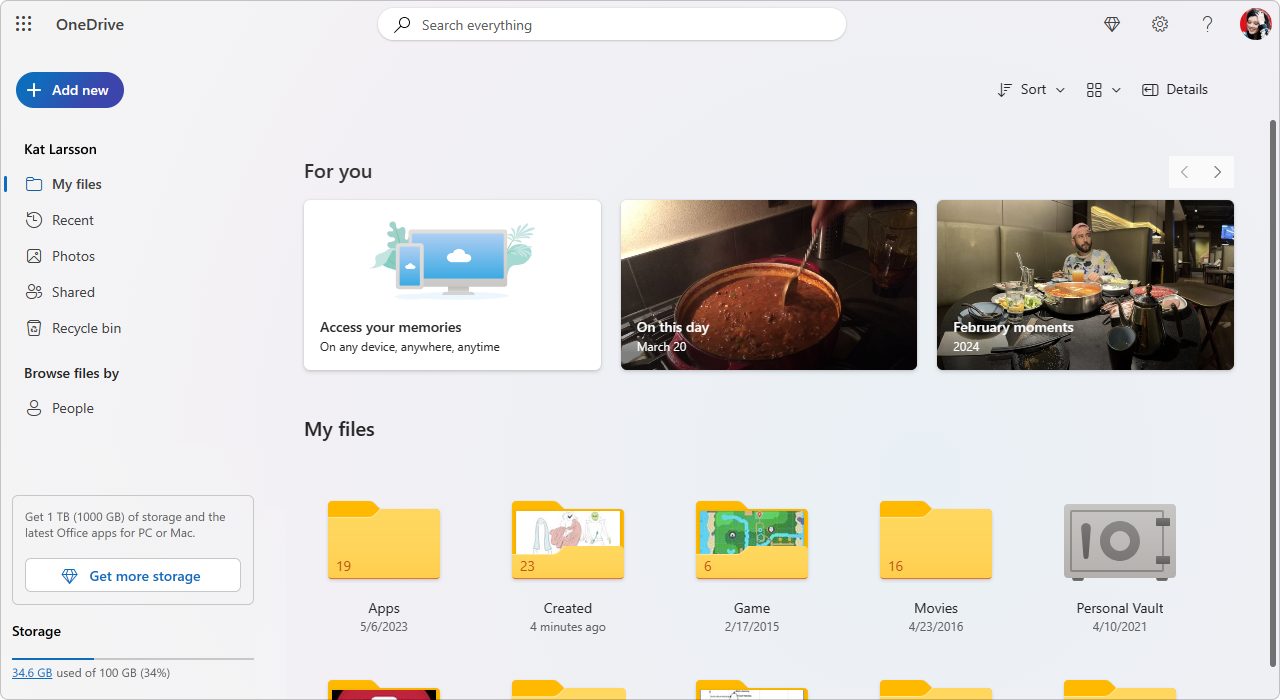
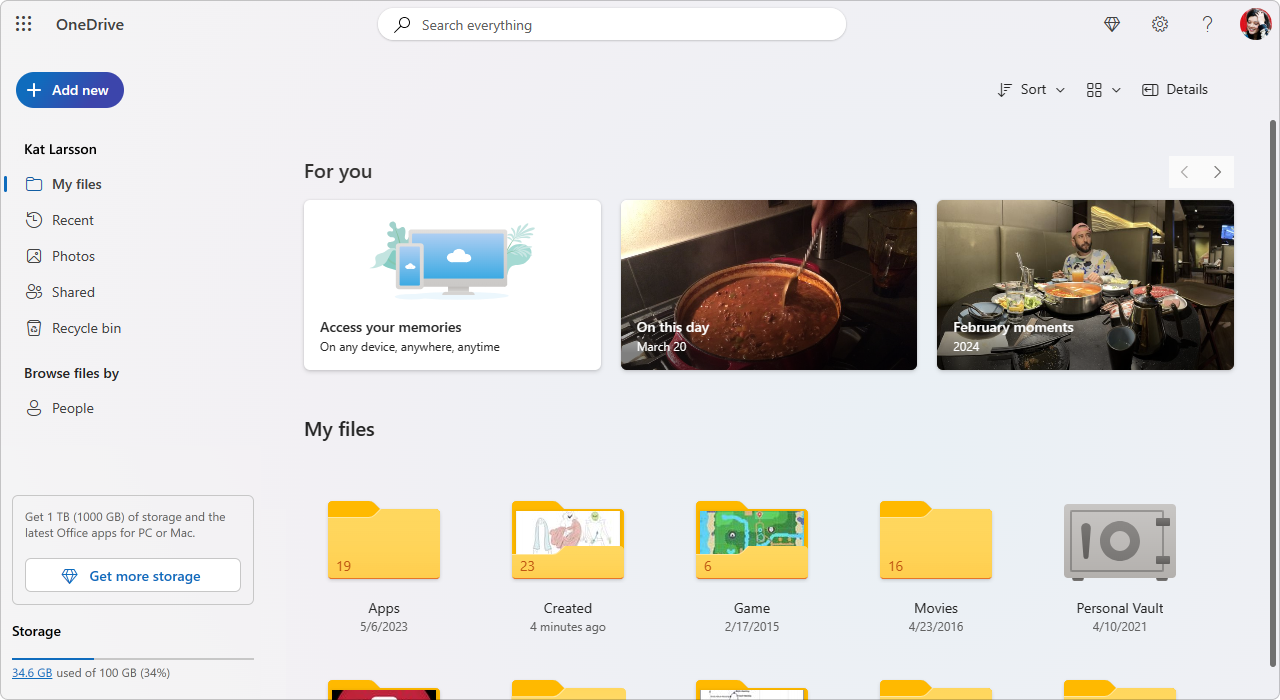
If you pay for Microsoft 365 to get Word and Excel, you already have 1 TB of OneDrive, and on Windows it’s built into File Explorer. That’s half of Dropbox Plus’s 2 TB, but Microsoft 365 Personal costs less than Plus and includes the desktop Office apps. Microsoft 365 Family is the better deal for a household: $129.99 a year gives up to six people their own 1 TB each. Each person’s terabyte is separate, though, so nobody can use another member’s unused space.
OneDrive’s free 5 GB is shared with Outlook.com attachments. Like iCloud, it has no Linux app, and like Google, Microsoft can open the files you store.
What it does
- 5 GB free, shared with Outlook.com attachments
- Built into Windows File Explorer
- Files On-Demand keeps files online until you open them
- Apps for macOS, iOS, and Android
Pros
- Microsoft 365 plans include the desktop Office apps
- The Family plan gives six people 1 TB each
- Already installed on Windows
Cons
- 1 TB per person, half of Dropbox Plus
- No Linux app
- Not end-to-end encrypted
- Skip if:
- You need more than 1 TB in one account
pCloud
Pay once instead of every year
#4 3.4/5
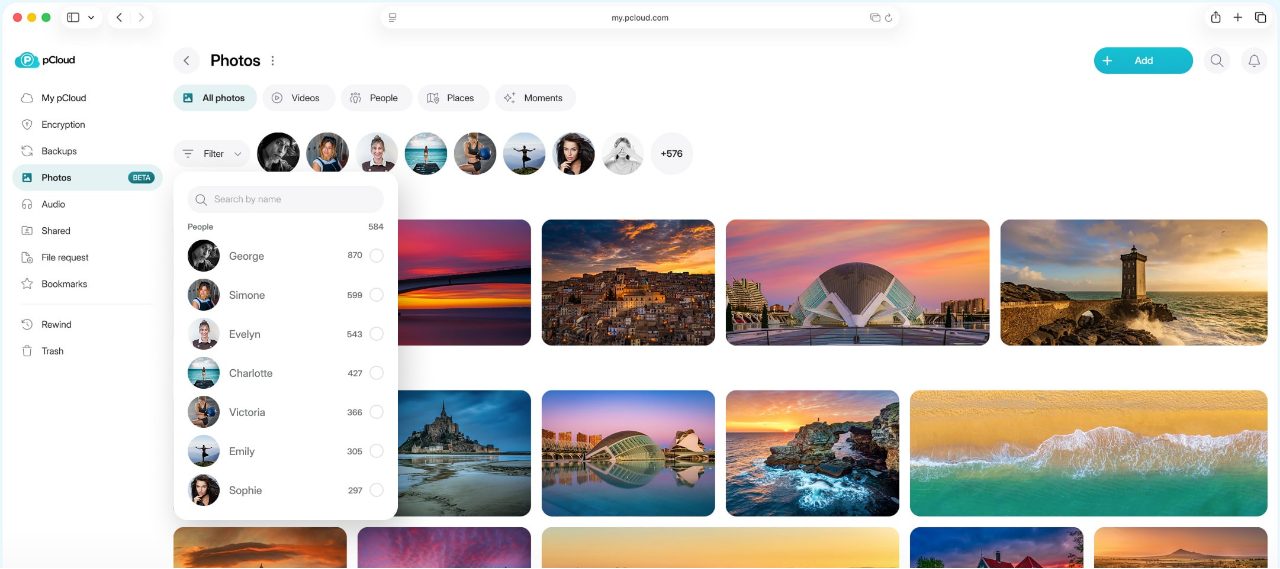
pCloud is for anyone who’d rather stop paying every year. Its lifetime plans charge once for storage that lasts as long as pCloud keeps running. At list price, the 2 TB plan takes about six years to pay for itself against Dropbox Plus. pCloud often cuts its lifetime prices by close to half in sales, and bought that way, it pays off in a little over three years. The risk is the company: a lifetime plan is only worth it if pCloud is still around.
It’s also the easiest move away from Dropbox. pCloud’s web app can copy your Dropbox account straight in, with no download to your computer, and it has a desktop app for Linux. Gizmodo’s speed test with a 2 GB file found pCloud as fast as Dropbox. The weak point is privacy. Ordinary pCloud storage isn’t end-to-end encrypted, and the Crypto folder that is costs extra. Researchers at ETH Zurich also found attacks on that folder’s encryption, and pCloud called them theoretical.
What it does
- Lifetime plans for a single payment
- Desktop apps for Windows, macOS, and Linux
- Copies a Dropbox account in from the web app
- Optional Crypto folder with client-side encryption, sold separately
Pros
- One payment instead of a yearly bill
- Linux desktop app
- Moving from Dropbox needs no download
Cons
- Encryption costs extra and covers only the Crypto folder
- Researchers found flaws in the Crypto folder's encryption
- Lifetime prices are high outside sales
- Free accounts idle for 12 months are deleted
If you want files nobody else can open
With end-to-end encryption, your files are locked on your own device before they upload, so the company storing them can’t open them, even after a breach or a court order. Dropbox offers it only for team folders on its Advanced and Enterprise plans, which need at least three people. Among personal plans, here’s who has it, and who also gives Linux users a sync app.
| Feature | Dropbox | Proton Drive | MEGA | pCloud | iCloud+ |
|---|---|---|---|---|---|
| End-to-end encryption on personal plans | Dropbox No | Proton Drive Yes | MEGA Yes | pCloud On a paid plan pCloud Encryption (Crypto add-on, lifetime), $150.00 one-time Crypto folder only | iCloud+ Partly opt-in Advanced Data Protection |
| Desktop sync app for Linux | Dropbox Yes | Proton Drive No command-line tool only | MEGA Yes | pCloud Yes | iCloud+ No |
Sources
- Dropbox: “The Dropbox desktop app runs on Windows, Mac, and Linux operating systems. Apps are also available for iOS, Android, and Windows mobile devices.” dropbox.com, checked Nov 17, 2026
- Dropbox: “Dropbox added it in 2024, but only on the Advanced and Enterprise plans, which require three or more users.” gizmodo.com, checked Nov 23, 2026
- Proton Drive: “Our end-to-end encryption means no one, not even Proton, can access your files and folders or see their names without your permission.” proton.me, checked Nov 17, 2026
- Proton Drive: “Proton Drive has offered a Windows desktop client since July 2023 and a macOS client since November 2023, while Linux users have so far been limited to the web application; no release date for the Linux client has been announced.” storagenewsletter.com, checked Nov 17, 2026
- MEGA: “We use zero-knowledge encryption, also known as user-controlled end-to-end encryption, to protect your data online, even when sharing. This means that only you and those you share information with have the keys to see, read, or listen to that data on MEGA.” mega.io, checked Nov 17, 2026
- MEGA: “Mega's user interface is user-friendly and straightforward, with tools accessible on various platforms such as Windows, macOS, Linux, Android, and iOS.” (David Nield, reviewer at TechRadar) techradar.com, checked Nov 17, 2026
- pCloud: “Drop files into the Crypto folder and they’re instantly client-side encrypted.” pcloud.com, checked Nov 17, 2026
- pCloud: “Desktop apps cover Windows, macOS, and Linux distributions such as Ubuntu and Mint, and the web app works in a browser with nothing to install.” (Florian Gray, reviewer at Gizmodo) gizmodo.com, checked Nov 17, 2026
- iCloud+: “Advanced Data Protection for iCloud is an optional setting that offers our highest level of cloud data security. If you choose to enable Advanced Data Protection, your trusted devices retain sole access to the encryption keys for the majority of your iCloud data, thereby protecting it using end-to-end encryption. Additional data protected includes iCloud Backup, Photos, Notes, and more.” support.apple.com, checked Nov 17, 2026
Proton Drive
Best for privacy without much fuss
#2 3.8/5
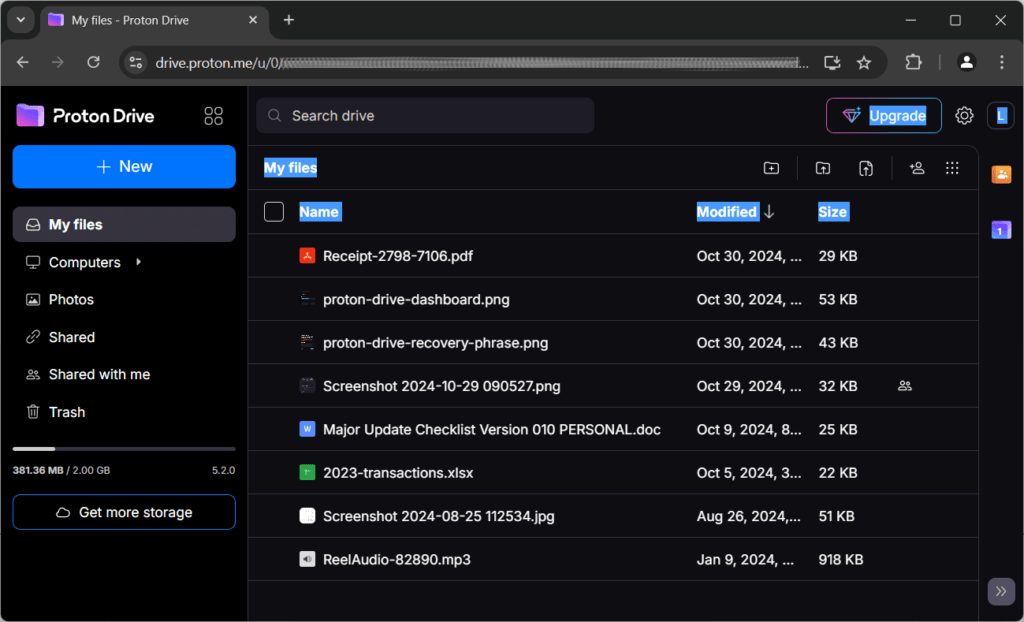
If privacy is why you’re leaving, Proton Drive is where I’d go. Everything is end-to-end encrypted, file and folder names included, on the free plan as well as paid ones. It comes from the Swiss company behind Proton Mail, its apps are open source, and Drive has been audited by the security firm Securitum. Encrypted Docs and Sheets editors make it more than a vault, and public links can carry a password and an expiry date.
It costs more than Dropbox if all you want is storage. As of November 2026, Drive Plus is 200 GB for $47.88 a year, and Proton Unlimited costs what Dropbox Plus does but holds 500 GB, a quarter as much, with Proton Mail, VPN, and Pass included. For more space, the Duo plan gives two people 2 TB for $179.88 a year. Linux users only get a command-line tool, with no sync app, and inviting someone by email means they have to create a Proton account, though a public link opens for anyone.
What it does
- 5 GB free after a short setup checklist
- End-to-end encryption on every plan, file names included
- Encrypted Docs and Sheets editors
- Apps for Windows, macOS, iOS, and Android
- Public links with an optional password and expiry date
Pros
- Proton can't read your files or their names
- Open-source apps and a published security audit
- Bundles add Proton Mail, VPN, and Pass
Cons
- No desktop sync app for Linux
- Costs more per terabyte than Dropbox for storage alone
- Email invites make the recipient create a Proton account
MEGA, covered above, is the cheaper way to get encryption, and it has a Linux app. iCloud’s Advanced Data Protection is the easiest route for an Apple household that already pays for iCloud+.
So where should you go? If you’re on the free plan and just need room, Google Drive is the easy move, and MEGA gives more space with encryption if you can live with its download quota. If you’re paying for Plus, check what you already pay Apple, Google, or Microsoft for; one of them probably covers your files and the rest of the household too. Proton Drive is the pick when privacy decides it, and pCloud when you’d rather pay once. Stay with Dropbox if you sync across Linux and other systems or depend on an app that syncs through it.
Also considered
- Filen: Encrypts everything on a free 10 GiB plan and has a Linux app, but free accounts can’t create public links and are deleted after three months without a login.

Frequently asked questions
How do I move off Dropbox without losing files?
Copy everything to the new service before you change your Dropbox plan. If you downgrade to Basic while storing more than 2 GB, Dropbox stops syncing, and an account that stays over the limit can have files deleted. pCloud can pull a Dropbox account straight in from its web app. For other services, set your Dropbox folder to keep files on your computer rather than online-only, let it finish downloading, and then move the folder into the new service’s sync folder.
Does Dropbox delete free accounts?
It can. Dropbox may close and delete a Basic account with no logins or file activity for 12 months, after emailing you first. Signing in once a year keeps it active. Google allows two years before it may delete an inactive account, and MEGA can close a free account after three months.
We scored 5 products on 9 criteria using 94 quotes, 54 of them from the products' own websites. How our rankings work