
Tella
Browser-based recorder and editor for polished demos, courses and pitches, shared as hosted links
Our verdict
#3 of 9 in Mac screen recorders · For hosted, edited course and pitch videos
What it does
- Native Mac recorder with a browser editor
- Editing by transcript, silence and filler-word removal, automatic zoom
- Hosted videos with embeds, comments and viewer analytics
Pros
- Combines several takes into one video easily
- Hosting and analytics included
- Same tool for Mac, Windows and browser users
Cons
- $156 a year per user at the yearly rate, and no free plan
- Editing happens online, not on your Mac
- 60 fps export and branding removal cost extra
- Choose if:
- You want to know who watched your demo and for how long
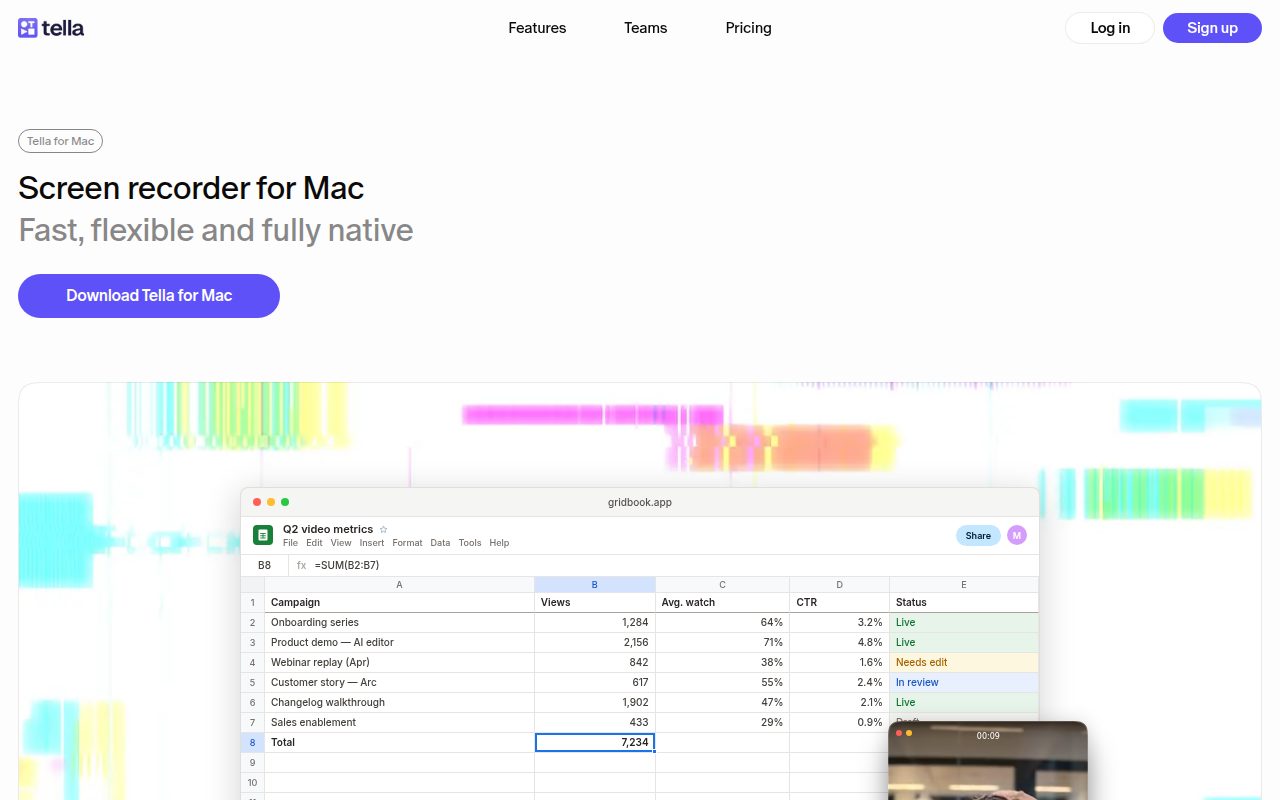
Tella is a hosted screen recording service with a native Mac recorder, a Windows recorder and a Chrome extension. You record the screen, camera, microphone and system audio in clips of up to six hours, then edit in the browser by timeline or transcript, with automatic zoom, layouts, backgrounds, silence and filler-word removal, and captions. Videos are hosted on Tella with an embeddable player, comments and viewer analytics, and can be exported in 4K. It is a per-user subscription with a free trial and no free plan.
Rankings and alternatives
- Mac screen recorders #3 of 9 For hosted, edited course and pitch videos
- CleanShot X #1 Best for most Mac users
- Screen Studio #2 For demos where the video is the product
- Cap #4 Free for personal use, open source



Mac screen recorders scores
Evaluated Nov 17, 2026 Evidence ↓- Polish without editing 4
4/5 means: Automatic zooms that follow your clicks, cursor smoothing and backgrounds, with some manual fixing
Auto Zoom from click tracking, automatic layouts, backgrounds, and silence and filler-word removal.
- Editing depth 4
4/5 means: A timeline with cuts, speed changes, captions or editing by transcript, and several clips in one video
Timeline and transcript editing in the browser, clips combined into one video, layouts, subtitles, blur and highlights, cropping and background music.
- Ease of getting a finished video 4
4/5 means: Easy to record and finish, with a few rough edges or extra steps
Recording is simple and much of the cleanup is automatic, but the edit happens in a browser editor with many options.
- Sharing 4
4/5 means: Hosted links with comments, transcripts or analytics
Videos are hosted with an embeddable player, comments, reactions, viewer analytics and custom domains on Premium.
- Cost over three years 2
2/5 means: $250 to $500
Pro is $13 a user a month billed annually ($156 a year), so $468 over three years; monthly billing costs about twice as much.
- Recording options · counts half 4
4/5 means: All the basics at up to 4K, plus one or two extras such as an iPhone, keystrokes or GIF export
Screen, webcam, microphone and system audio up to 4K, recordings up to six hours, a teleprompter, and a native Mac recorder.
Pricing
- Pro $13.00 /month per seat Per user per month, billed annually; monthly billing costs about twice as much. Unlimited videos, 4K export, transcript editing, 4,500 AI credits a month.
- Premium $19.00 /month per seat Per user per month, billed annually. Adds a custom domain, removal of Tella branding, 4K sharing, 60 fps export and 9,000 AI credits a month.
Prices checked Nov 17, 2026.
Evidence and sources
Mac screen recorders scores
Polish without editing 1 quote
-
Transcript editing AI mistakes finder Buffer removal Silence removal Filler word removal Layout editing Auto Layouts Zoom effects Auto Zoom
tella.com/pricing · checked
Editing depth 1 quote
-
Transcript editing AI mistakes finder Buffer removal Silence removal Filler word removal Layout editing Auto Layouts Zoom effects Auto Zoom
tella.com/pricing · checked
Ease of getting a finished video 1 quote
-
Transcript editing AI mistakes finder Buffer removal Silence removal Filler word removal Layout editing Auto Layouts Zoom effects Auto Zoom
tella.com/pricing · checked
Sharing 1 quote
-
Premium$19 / month, billed annually
tella.com/pricing · checked
Cost over three years 1 quote
-
Pro$13 / month, billed annually
tella.com/pricing · checked
Recording options 4 quotes
-
Native macOS recorder
tella.com/pricing · checked -
Recording length 6 hours
tella.com/pricing · checked -
Recording resolution Up to 4K
tella.com/pricing · checked -
System audio recording
tella.com/pricing · checked
Facts
License 1 quote
-
Pro$13 / month, billed annually
tella.com/pricing · checked
Runs on 1 quote
-
Native macOS recorder
tella.com/pricing · checked
More from the sources
Pricing 3 quotes
-
Yes. The app is free to download and use, and you don't need a Tella account to save your Loom videos as MP4s. You only need one if you want to import the videos into Tella.
tella.com/tools/tella-transfer · checked -
Every new Tella workspace starts with a 7-day free trial of the Pro plan. No credit card is required, the trial ends automatically, and you’re never charged unless you subscribe.
tella.com/help/billing/how-the-free-trial-works · checked -
No. Tella is a paid product and there’s no forever-free plan. When your 7 days are up: Your videos are safe. Nothing is deleted. You can keep viewing and sharing everything you made. - Recording, editing, and exporting are locked until you subscribe to a paid plan.
tella.com/help/billing/how-the-free-trial-works · checked
Features 9 quotes
-
Tella Transfer signs into your Loom account on your own computer and downloads your whole library in one run, including the private videos and folders that a link-based downloader can't reach. Save every video as an MP4, or send them straight into Tella.
tella.com/tools/tella-transfer · checked -
Everything from one import lands in a new playlist called Loom Import [date] in your library. This playlist is private to you, even if you run the import inside a shared workspace. A folder link imports its subfolders too, into that same playlist.
tella.com/help/faq/migrate-from-loom · checked -
Viewers who aren’t logged in to Tella appear as “Anonymous” when they comment.
tella.com/help/sharing/comments · checked -
Call-to-action (CTA) buttons add clickable links to your video view page and embeds, up to two per video.
tella.com/help/sharing/viewer-settings · checked -
In Views, each viewer can show their city and country, device type (for example, mobile), and how much of the video they watched.
tella.com/help/sharing/analytics · checked -
Anyone with the link can watch.
tella.com/help/sharing/share-and-download-a-video · checked -
Quick mode skips the editor: when you stop recording, Tella opens the video’s view page with the share link already copied to your clipboard.
tella.com/help/recording/record-faster-with-quick-mode · checked -
File type: Video (.mp4), Audio only (.m4a), [Separate clips (.zip)]
tella.com/help/sharing/share-and-download-a-video · checked -
Lets viewers download the exported video file. When on, a Download button appears in the top navigation bar of the view page, next to Copy link.
tella.com/help/sharing/viewer-settings · checked
Limits and known issues 5 quotes
-
Importing into Tella needs a paid plan or an active trial on the workspace you pick. Imports into a workspace without one fail. Saving MP4 files works without a plan.
tella.com/help/faq/migrate-from-loom · checked -
In Loom, set the videos you want to migrate to public, or put them all into a public Loom folder. You can make them private again after the import finishes.
tella.com/help/faq/migrate-from-loom · checked -
clips are capped at 2 hours (6 hours on a paid plan), exports are HD 30 FPS (4K and speed/timelapse options unlock when you subscribe
tella.com/help/billing/how-the-free-trial-works · checked -
You can’t record a cropped area of the screen yet. To record a single browser tab, use the Chrome extension or web app.
tella.com/help/recording/record-a-video-using-the-windows-app · checked -
FPS: 30 or 60. 60 FPS requires a paid plan; on Pro it is limited to videos up to 5 minutes long, and Premium has no length limit.
tella.com/help/sharing/share-and-download-a-video · checked
Platforms and requirements 2 quotes
-
The Windows app is currently in Beta.
tella.com/help/recording/record-a-video-using-the-windows-app · checked -
Capture your screen, camera, microphone, and system audio in one native app built for Windows 10 and 11.
tella.com/windows · checked
Pricing
tella.com/pricing · checked