Open-source AI coding agents compared

Letting an AI agent edit files and run commands in your repository rests on two things: what it may do without asking, and how you get back after a bad edit. Kilo Code, OpenCode, Cline and Aider handle both very differently, though all four are open source and run on an API key you already pay for.
Where you work narrows the choice first: two of the four come as VS Code and JetBrains plugins as well as terminal tools, and two have no editor plugin.
| Kilo Code | OpenCode | Cline | Aider | |
|---|---|---|---|---|
| License | MIT | MIT | Apache 2.0 | Apache 2.0 |
| Where you use it | VS Code, JetBrains, terminal, desktop app | Terminal, desktop app, browser | VS Code, JetBrains, terminal, desktop app, browser task board | Terminal; experimental browser interface |
| Latest release | November 2026 | November 2026 | October 2026 | February 2026 |
A third question is whether the agent reports how you use it, apart from the code your model provider sees. The answers range from opt-in to on by default. Kilo Code and OpenCode share first place as the best of the four, and whether you want the agent inside your editor mostly decides between them.
Key facts
4 productsLicenses, requirements, and starting prices. Prices as of November 2026.
- License
- MIT License, open source
- Runs on
- VS Code and editors built on it
- JetBrains IDEs
- Terminal (CLI)
- Desktop app for macOS (Apple Silicon), Windows and Linux
- Needs
- A Kilo account for Kilo Desktop's local model server
- Price
- From a free plan or $15.00/month
- License
- MIT License, open source
- Runs on
- macOS
- Linux
- Windows (no Windows package manager install)
- VS Code and compatible IDE extensions
- Needs
- Unknown
- Price
- From a free plan or $10.00/month
- License
- Apache License 2.0, open source
- Runs on
- VS Code and editors built on it
- JetBrains IDEs
- Terminal (CLI)
- Desktop app for macOS and Windows (Windows in beta)
- Kanban task board in the browser
- Needs
- Unknown
- Price
- Free plan
- License
- Apache License 2.0, open source
- Runs on
- macOS
- Linux
- Windows
- Needs
- Python 3.12 (the installer adds it if missing)
- Price
- Unknown




1–5 per criterion · select a score for its reasoning and any sources
| # | Product | Overall | Where you can use it | Local models | MCP tool servers | Approval controls | Undo and checkpoints | Plan mode and custom agents | Scripting and CI | Web access | Usage data collection | Release recency |
|---|---|---|---|---|---|---|---|---|---|---|---|---|
| 1 | Kilo Code | 4.4 | 4 | 5 | 5 | 5 | 4 | 5 | 4 | 5 | 2 | 5 |
| 2 | OpenCode | 4.4* | 3 | 5 | 4 | 5 | 4 | 5 | 5 | 4 | unknown | 5 |
| 3 | Cline | 4.2 | 5 | 5 | 5 | 3 | 5 | 3 | 5 | 4 | 2 | 5 |
| 4 | Aider | 2.2 | 2 | 4 | 1 | 1 | 3 | 2 | 2 | 2 | 3 | 2 |
Equal displayed overall scores are ordered by the earlier criteria; a known score comes before an unknown score. Identical scores use alphabetical order.
? = unknown. * = the overall score averages only the known criteria.
How each criterion is scored
Where you can use it
The places the project documents for running the agent: a terminal, VS Code (and editors built on it), JetBrains IDEs, a desktop app, and a browser interface served from your own computer. Count only interfaces the project itself ships and doesn't mark as deprecated; a hosted cloud service doesn't count as a browser interface.
- 5 All five, terminal, VS Code, JetBrains, desktop app and browser
- 4 Four interfaces
- 3 Three interfaces
- 2 Two interfaces
- 1 One interface only
Local models
Whether you can run the agent against models on your own computer instead of a paid API, and how many local model runners (such as Ollama, LM Studio, llama.cpp or vLLM) have their own setup page or built-in provider entry.
- 5 Three or more named local runners supported
- 4 Two named local runners supported
- 3 One named local runner supported
- 2 Local models only through a generic OpenAI-compatible address, with no named local runner
- 1 No known way to use a local model
MCP tool servers
Support for the Model Context Protocol (MCP), which lets the agent use outside tools such as databases, issue trackers or browsers: servers that run on your computer, remote servers, sign-in to remote servers, and a built-in catalog to install them from.
- 5 As 4, plus a built-in catalog to find and install servers
- 4 As 3, plus OAuth sign-in for remote servers
- 3 Servers on your computer and remote servers over HTTP
- 2 MCP servers that run on your computer only
- 1 No MCP support
Approval controls
How finely you can decide what the agent does without asking: editing files, running commands, fetching web pages or using MCP tools.
- 5 As 4, plus different rules per mode or agent, or per file path
- 4 As 3, plus allow and deny lists for specific commands
- 3 Separate settings for file edits, commands and at least one more kind of action
- 2 Separate approval settings for at least two kinds of action, such as file edits and commands
- 1 No approval step, or a single switch between asking for everything and approving everything
Undo and checkpoints
How you get back to an earlier state after the agent changes your files: git commits you undo by hand, a command that undoes the last change, or going back to any earlier point in the conversation.
- 5 As 4, plus a built-in diff of what changed and a choice to restore only the files or only the conversation
- 4 Going back to any earlier message in the conversation restores your files and the conversation to that point
- 3 A built-in command that undoes the agent's last change
- 2 The agent commits its changes to git, and you undo them with git yourself
- 1 No known undo beyond your own version control
Plan mode and custom agents
Ways of working besides "edit the code": a read-only mode for planning or questions, agents you define with your own instructions and tool access, and subagents, which the main agent hands parts of a task to and collects results from.
- 5 As 4, plus several subagents running at the same time
- 4 As 2, plus both agents you define and subagents
- 3 As 2, plus either agents you define with your own instructions and tool access, or subagents
- 2 A read-only mode for planning or questions, besides the editing mode
- 1 One way of working only
Scripting and CI
Use without a person at the keyboard: running one task from a command line, machine-readable output, a documented setup for GitHub Actions or other CI, and an SDK or server API for building on the agent.
- 5 As 4, plus an official SDK or server API for other programs
- 4 As 3, plus an official GitHub Actions or other CI setup
- 3 As 2, plus machine-readable (JSON) output
- 2 Runs a single task from the command line and exits
- 1 Interactive use only
Web access
How far the agent can reach outside your project to read documentation or check a running web app: reading a page you name, fetching pages on its own, searching the web, and controlling a browser. Web search counts even when it works only with some model providers or a search service you sign up for.
- 5 As 4, plus controlling a browser (open pages, click, take screenshots)
- 4 As 3, plus web search
- 3 Fetches web pages on its own during a task
- 2 Reads a web page only when you give it the address
- 1 No web access
Usage data collection
Whether the project collects anonymous usage data about how you use the agent, and what you have to do to stop it. This is separate from the code and prompts you send to the model provider you pick.
- 5 The agent officially collects no usage data
- 4 Off unless you turn it on
- 3 Asks on first run before collecting anything
- 2 Collected by default; turned off with a setting or environment variable
- 1 Usage data collected with no known way to turn it off
Release recency
How recently the latest version was released, from GitHub release data, the package registry or the project's own changelog, counted back from 7 November 2026.
- 5 Latest release less than 1 month old
- 4 Latest release 1 to 3 months old
- 3 Latest release 3 to 6 months old
- 2 Latest release 6 to 12 months old
- 1 Latest release more than 12 months old
Kilo Code
For fine-grained control inside your editor
#1 4.4/5
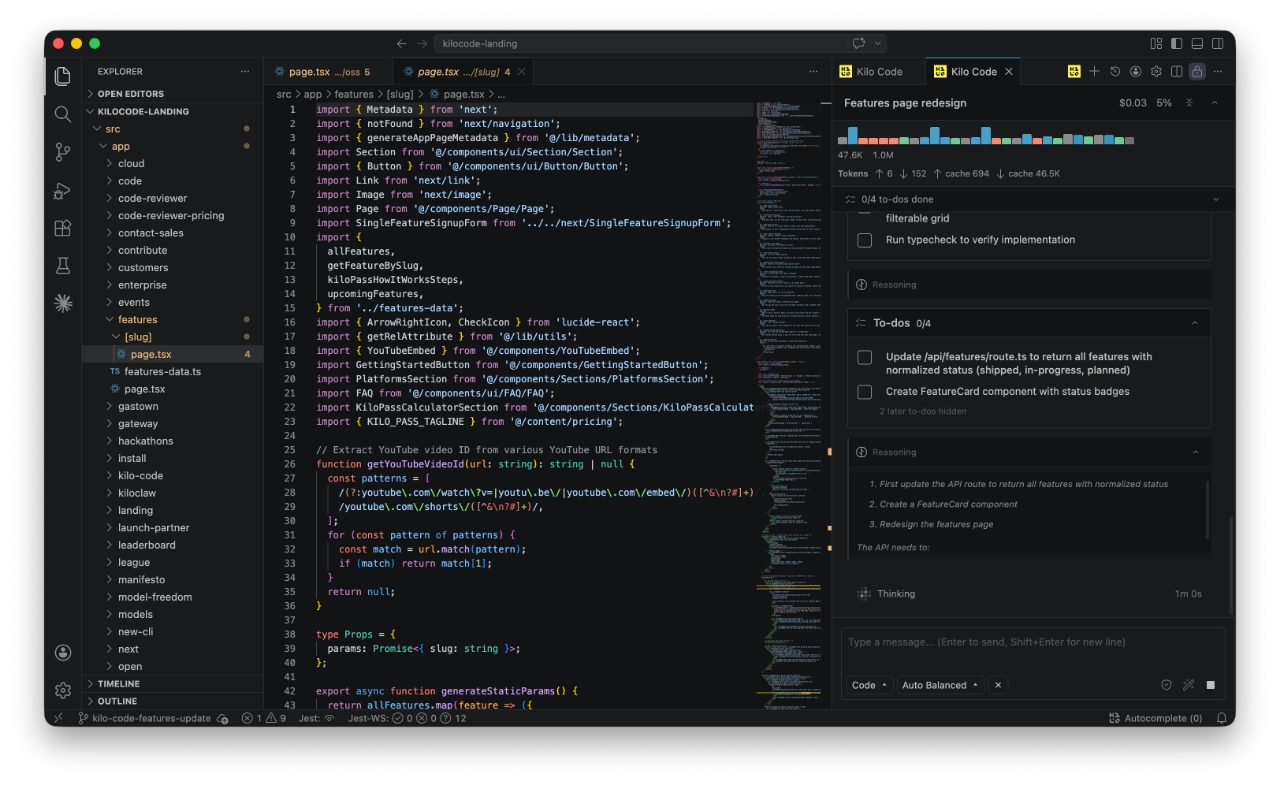
Kilo Code is an open-source coding agent that runs as a VS Code extension, a JetBrains plugin, a terminal CLI and a desktop app. We’d recommend it to most developers who want the agent inside their editor, because its approval rules are the most detailed of the two editor agents here.
You can choose an agent with its own permissions for each task. Built-in ones include a plan agent, which has read-only tools and can write only plan files, and you can add agents of your own with their own prompts, models and permissions. The main agent can also hand parts of a task to several subagents at once.
The VS Code extension, the JetBrains plugin and the CLI share one permission model. Each rule allows, asks or denies a tool, a shell command pattern or a file pattern, and every agent carries its own set. You could let git status run without asking, require approval for every other command, and allow edits only to files matching *.md.
Outside your project, it fetches pages and drives a browser to test a web app and take screenshots; Cline has browser support but doesn’t offer the same clicking and screenshot controls. It also installs MCP servers, the standard way to give an agent outside tools such as a database or an issue tracker, from a built-in Marketplace. Web search is more limited. It works only with Kilo’s own model service, which you sign in to instead of bringing a key, or OpenRouter, a service that sells many providers’ models under one key.
Going back to an earlier message restores your files to that point and hides the later messages. Unlike Cline, it can’t restore the files while keeping the conversation.
For local models it documents Ollama, LM Studio and Atomic Chat. Kilo Desktop, the standalone app, also has a local model server of its own, and that one needs a Kilo account.
What it does
- A plan agent, agents you create, and several subagents running at once
- MCP servers from a built-in Marketplace, with OAuth sign-in for remote ones
kilo run --autowith JSON output, and a GitHub Actions example
Pros
- Controls a browser to test web apps and capture screenshots
- A side-by-side diff in VS Code for each file the agent changed
Cons
- Sends usage telemetry until you turn it off
- Kilo Desktop's own local model server requires signing in to a Kilo account
- Skip if:
- Developers who want an SDK to build the agent into their own application.
OpenCode
For terminal work and building on the agent
#2 4.4/5
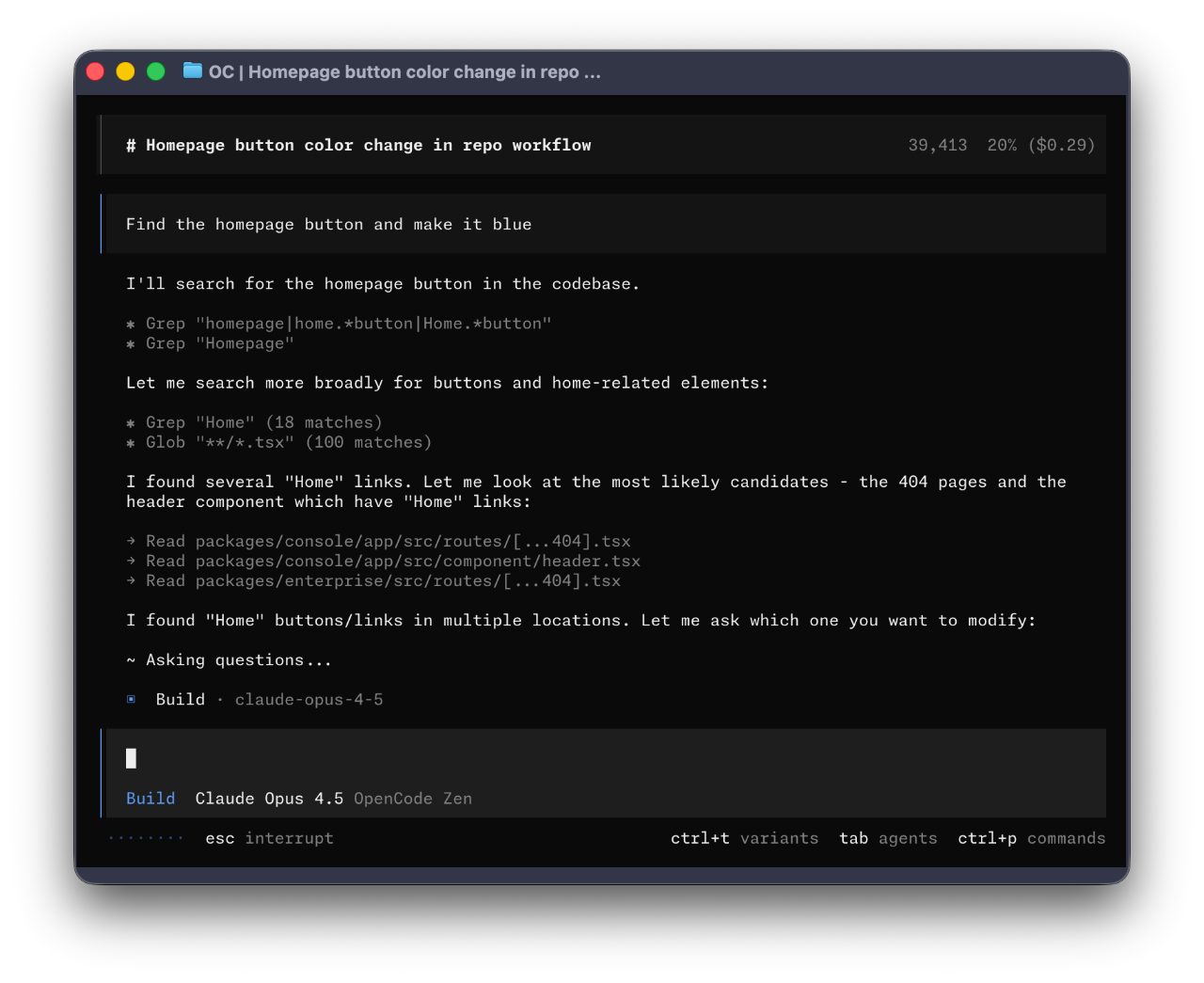
OpenCode is an open-source coding agent you use in a terminal, a desktop app or a browser tab. It shares first place with Kilo Code, and in a terminal the two are close: both have approval rules per command and path, both run unattended with JSON output, and both document a GitHub Actions setup. If those are all you need, either will do, and Kilo Code also gives you an editor plugin.
Two things tip it toward OpenCode. Web search goes through one of five search providers that OpenCode includes, while Kilo Code supports search only through its own service and OpenRouter. And an SDK hosts OpenCode inside your own application; Kilo Code has no SDK.
Cline’s CLI also prints JSON, and Cline has an SDK, so for scripting the gap there is approvals. Cline’s CLI has no allow or deny list for shell commands.
In OpenCode, each rule allows, asks or denies an action on a resource, and a resource can be a command, a file path, a URL or another agent. You can require approval before shell commands, let routine Git inspection through and always block pushes.
Agents you define carry their own model and permissions, and subagents can run in the background.
Reverting to an earlier message restores files and conversation together. The bigger gap for a privacy-minded reader is that OpenCode doesn’t say whether the agent sends usage data. Its privacy policy covers analytics on the opencode.ai website, not the agent.
What it does
- Finds Ollama, LM Studio and vLLM models at their default addresses
opencode runfor scripts and CI, with JSON output and a GitHub Actions example- Agents with their own model and permissions, plus background subagents
Pros
- Approval rules can cover URLs and other agents, not only commands and paths
- An SDK for building the agent into your own application
Cons
- The docs don't say whether the agent collects usage data
- No documented diff view when you undo
- Skip if:
- Developers who want the agent as a panel inside their editor.
Cline
For rolling back the agent's work
#3 4.2/5
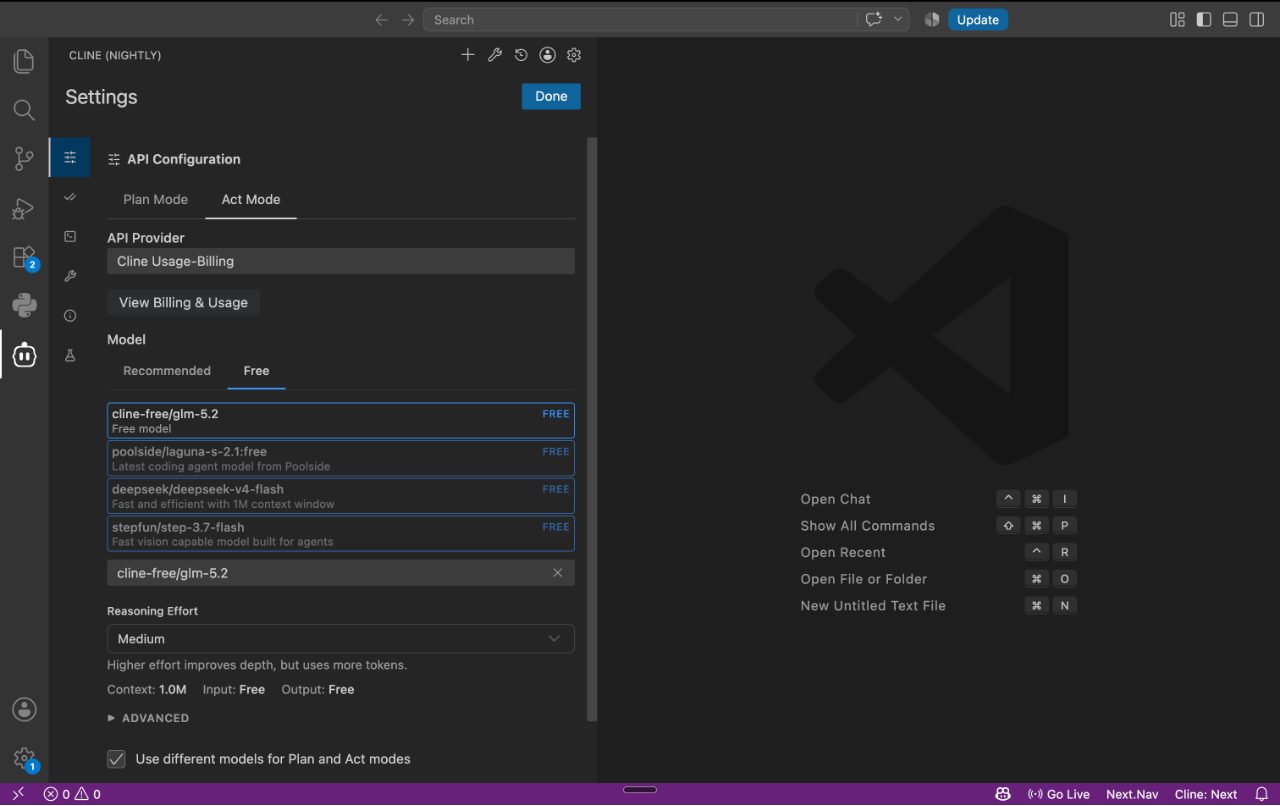
Cline comes as a VS Code extension, a JetBrains plugin, a terminal CLI, a desktop app and Kanban, a task board in your browser for running several agents side by side. We’d recommend it over Kilo Code to editor users who expect to roll back the agent’s work often.
Every file change or command saves a checkpoint, and Compare opens a diff of that step. From any checkpoint you can restore the files, the conversation or both, so the agent can try a different approach while keeping everything you explained. No other agent here documents that from any checkpoint: Kilo Code and OpenCode rewind files and conversation together, and Aider’s /undo undoes the last change.
Approvals are coarser than in Kilo Code or OpenCode. Auto-approve is switched on by category: reading, editing, commands, the browser and MCP tools.
Cline has a read-only Plan mode, but you can’t define agents of your own. Which Cline you install also matters. Subagents work in the CLI and the desktop app but not in the VS Code and JetBrains extensions, and web search in Cline Desktop works only with model providers that have it built in.
Usage telemetry is on by default, including when you bring your own API key. One setting covers every Cline product on a computer: in the Cline panel, open settings, choose General and clear Allow error and usage reporting.
What it does
- Checkpoints after every file change or command, each with a diff
- MCP servers from the Cline Desktop Marketplace, with OAuth sign-in for remote ones
- Headless CLI with a GitHub Actions sample
Pros
- Restores the files, the conversation or both from any checkpoint
Cons
- Sends usage telemetry by default, even with your own API key
- Web search in Cline Desktop only with providers that have it built in
- The Windows version of Cline Desktop is in beta
- Skip if:
- Anyone who wants subagents inside the VS Code or JetBrains extension.
Aider
For git-first pair programming in a terminal
#4 2.2/5
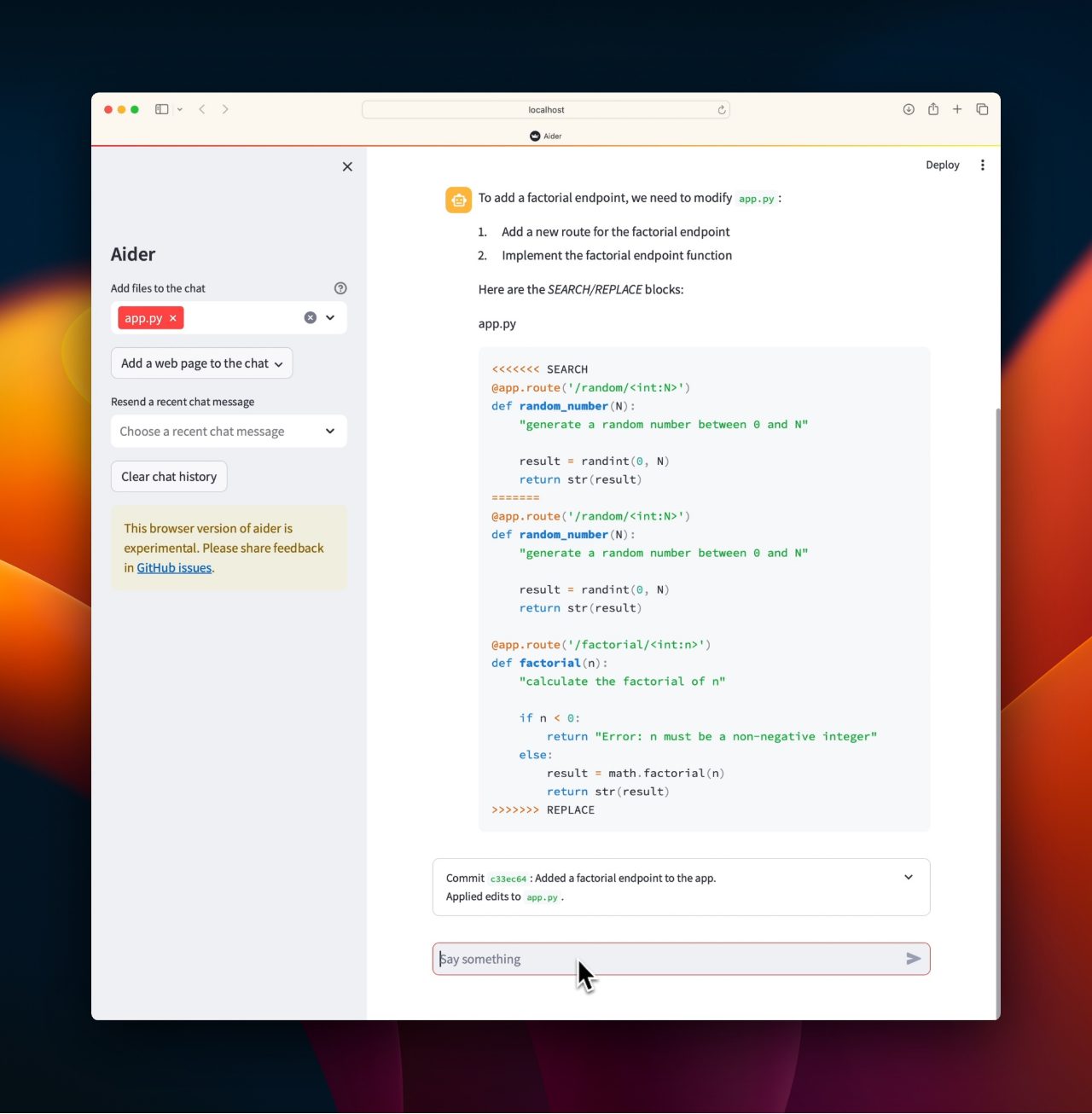
Aider is a terminal pair programmer that commits each edit to git with a descriptive message, and /undo undoes the last one. We’d consider it only if your git history is the safety net you trust and you don’t need outside tools or subagents.
Ask mode discusses your code without changing it, and architect mode has one model propose a change while a second writes the edits.
Aider is the only agent here that makes telemetry opt-in. Nothing is collected unless you agree, and only a random subset of users is asked.
As an agent it falls short of the other three. There’s no MCP support, so you can’t connect outside tools such as issue trackers or databases. Skipping confirmations takes one switch that says yes to everything. Scripting stops at --message, which runs one instruction and exits, and its Python scripting API isn’t officially supported. No mode hands work to subagents.
What it does
- Reads a web page when you give it the address
- Help mode for questions about Aider itself
Pros
- Every change lands as a git commit with a descriptive message
Cons
- No rules per command; confirmations are all or nothing
- Its latest release is from February 2026
- Skip if:
- Anyone who needs MCP tools, such as an issue tracker or a database, inside the agent.
How to choose
- You work in VS Code or a JetBrains IDE and want close control over what the agent may run: Kilo Code.
- You expect to roll back the agent’s work often: Cline.
- You work in a terminal and want web search through a search provider you pick: OpenCode.
- You want no usage data sent unless you agree to it: Aider.
Also considered
We scored 4 products on 10 criteria using 97 quotes, 92 of them from the products' own websites. How our rankings work