
Bitwarden Authenticator
Free, open-source phone authenticator app from Bitwarden that works without an account
Our verdict
#4 of 9 in Authenticator apps · For Bitwarden password manager users
What it does
- Shows codes stored in your Bitwarden vault
- Export to plain JSON or CSV
- Imports from Google Authenticator, 2FAS, Aegis, LastPass, and Raivo
Pros
- No account needed
- Easy to move codes in and out
Cons
- No sync between phones on its own
- Exports are unencrypted
- Codes sit in a database Bitwarden calls unencrypted
- Skip if:
- You don't already use Bitwarden's password manager
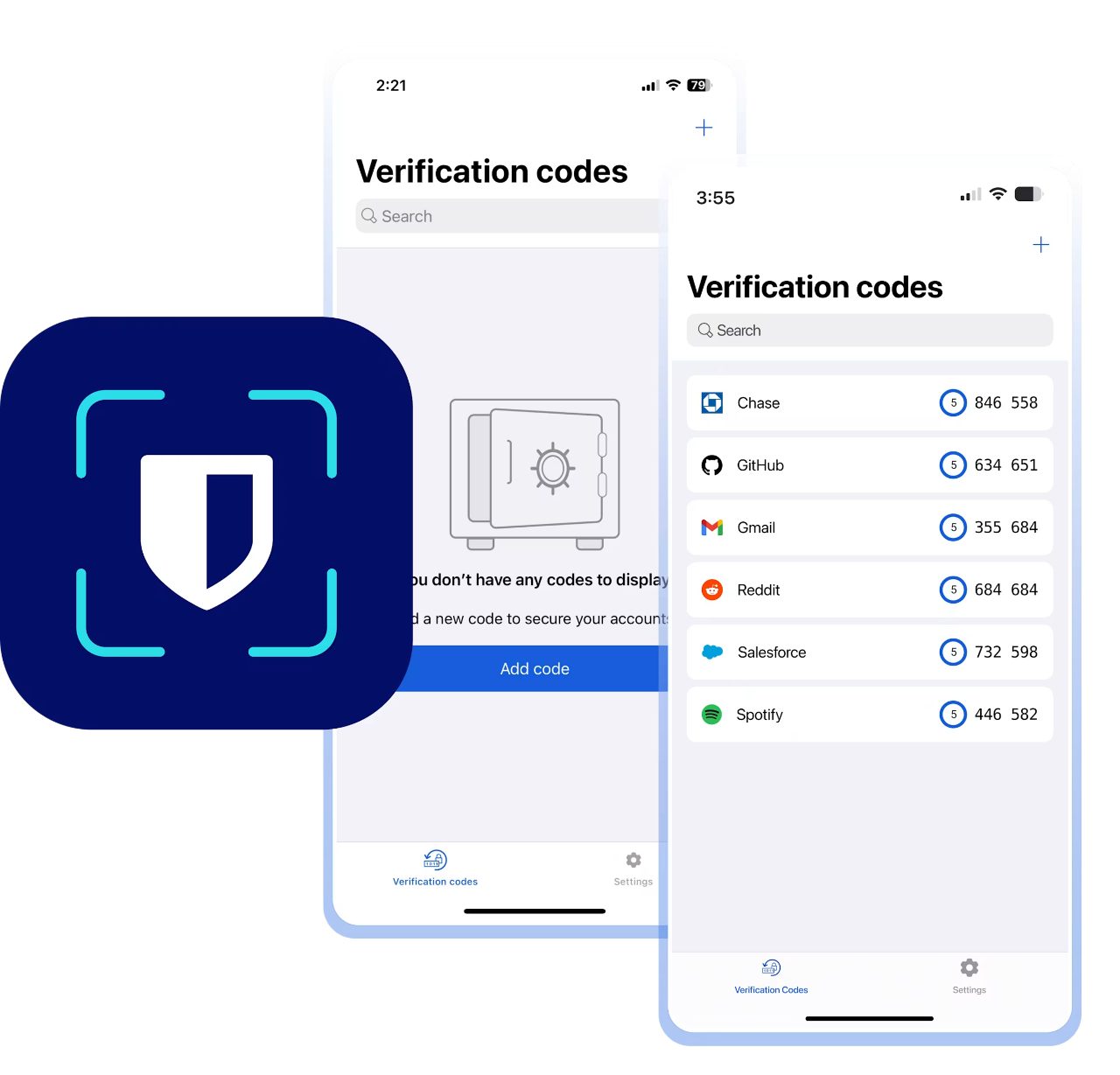
Bitwarden Authenticator is a free standalone iOS and Android app that generates time-based one-time passcodes for two-step login. It is separate from the Bitwarden Password Manager, whose built-in TOTP generator needs Premium, and it works without a Bitwarden account. Codes are stored on the phone and backed up through the OS cloud backup (iCloud or Google One), with manual JSON or CSV export; it can optionally sync with the Password Manager vault on the same phone. It is open source, protected by optional biometric login, and has no desktop, web or browser-extension version.
What users say
Evidence ↓Practitioner evidence is thin and mostly from the Bitwarden community forum. Users picked it over Authy because it can export, but the recurring complaints, from launch through 2025, were the lack of standalone cross-device sync and of an encrypted export. Vault sync was added in mid-2025, but it needs the Password Manager. Each view comes from one or two forum users.
Rankings and alternatives
- Authenticator apps #4 of 9 For Bitwarden password manager users
- Ente Auth #1 Best for most people
- Proton Authenticator #2 For people already using Proton
- 2FAS Auth #3 For browser autofill without an account


Authenticator apps scores
Evaluated Nov 21, 2026 Evidence ↓- Getting your codes back on a new phone · counts double 4
4/5 means: An automatic backup you restore by signing in, but the provider could read it, or getting it back depends on a text message to your phone number
The vendor says the app's data is included in the phone's iCloud or Google One backup and comes back when you restore that backup, with a manual export as an extra. Not 5, because the backup is the OS provider's, not an end-to-end encrypted Bitwarden backup, and the docs also describe the on-device database as unencrypted. A forum user reported the in-app backup prompt did nothing for them.
- Moving your codes in and out 5
5/5 means: Exports to a standard file, plain or encrypted, and imports from most popular authenticators
Exports every local code to JSON or CSV with otpauth URIs, and imports from Google Authenticator, LastPass, 2FAS, Aegis and Raivo plus Bitwarden files. Exports are plain text only, and imports of 2FAS and Aegis files must be unencrypted. Codes synced from the vault need a separate export through the vault.
- Codes on all your devices 3
3/5 means: Both iPhone and Android, but codes don't sync automatically between an iPhone and an Android phone
iOS and Android only, with no desktop, web or watch app listed. Codes do not sync between phones on their own. The optional sync is with the Password Manager vault on the same phone.
- Easy to set up and use every day 4
4/5 means: Easy to add accounts, quick to find and copy a code, with search and clear icons
Documented features are QR scan, manual key entry, search, favorites and tap to copy, and the product page quotes two short user comments. No next-code preview is documented, and there is no independent review or broad user feedback, so this is partly judgment.
- Security and openness 3
3/5 means: Closed code and no published independent audit, with no known incident, and backups protected only by the account password
Open source with biometric app lock and no known incident, but the vendor's own FAQ describes the on-device database as unencrypted, and I found no published audit of this app specifically (Bitwarden's audits cover its other clients).
- No account, no tracking 4
4/5 means: Works without an account, with an optional backup that the provider can't read, and collects little data
Works without any Bitwarden account and secrets are not synced to Bitwarden servers. The backup runs through Apple or Google. What data the app collects was not checked, so this could be 3.
- Extras that save time · counts half 1
1/5 means: None
None of the six extras (code autofill, browser extension, watch app, push approval, widget, passkeys) appears in the docs I read for the free app. I did not search specifically for a widget or autofill, so one could exist.
Pricing
- Bitwarden Authenticator Free
Prices checked Nov 22, 2026.
Evidence and sources
What users say
Summary 4 quotes
-
Another option you could choose right now: make an export. Unfortunately, there is no encrypted export possible in the current version
Nail1684, Bitwarden community forum user · community.bitwarden.com/t/cloud-sync-with-bitwarden-account/83509 · published · checked -
I recently started using the Bitwarden authenticator and I'm afraid of losing the codes because it doesn't have cloud sync.
marcela.a, Bitwarden community forum user · community.bitwarden.com/t/cloud-sync-with-bitwarden-account/83509 · published · checked -
Currently, the Authenticator works only on your local device, with no syncing whatsoever.
grb, Bitwarden community forum user · community.bitwarden.com/t/bitwarden-authenticator-vs-authy/68926 · published · checked -
Currently making the switch from Authy to BW Authenticator.
Marc-BW, Bitwarden community forum user · community.bitwarden.com/t/bitwarden-authenticator-vs-authy/68926 · published · checked
Authenticator apps scores
Getting your codes back on a new phone 3 quotes
-
Your authentication keys (sometimes referred to as "secret keys" or "TOTP seeds") and all associated metadata are stored in a local unencrypted database on your device. This data is not synced to Bitwarden servers. A backup of your data is made by your device's cloud backup system, for example by iCloud Backup or Google One. To protect the data in your app, you can also set up biometric login.
bitwarden.com/help/bitwarden-authenticator · checked -
An encrypted backup of your data is made by your device's cloud backup system, for example by iCloud or Google One. To restore your data, restore your device's cloud backup. You can also export your authenticator data and store it securely as a backup.
bitwarden.com/help/bitwarden-authenticator · checked -
For local codes, export your Bitwarden Authenticator data on your old device. On your new device, import the file to Authenticator.
bitwarden.com/help/bitwarden-authenticator · checked
Moving your codes in and out 5 quotes
-
Select your export's File format from the dropdown menu, .json or .csv.
bitwarden.com/help/authenticator-import-export · checked -
Exported data includes the otpauth://totp/?secret= string for each entry.
bitwarden.com/help/authenticator-import-export · checked -
You can export data that's stored locally in the Bitwarden Authenticator app. Any TOTPs synced from your Bitwarden vault, however, will need to be exported through your vault separately, because they're not included in Bitwarden Authenticator exports.
bitwarden.com/help/authenticator-import-export · checked -
Google Authenticator (QR code): Import from Google Authenticator using a QR code, which can be made from the Transfer accounts screen in Google Authenticator.
bitwarden.com/help/authenticator-import-export · checked -
2FAS (.2fas): Import a 2FAS backup file, which can be made from the 2FAS Settings → 2FAS Backup screen. Only backup files that are not password protected can be imported to Bitwarden Authenticator.
bitwarden.com/help/authenticator-import-export · checked
Codes on all your devices 5 quotes
-
Bitwarden Authenticator is available on iOS and Android devices. To get started, download the app from your device's app store:
bitwarden.com/help/bitwarden-authenticator · checked -
Connect Authenticator with Password Manager to sync your verification codes. Once activated, the Bitwarden apps stay synchronized with any codes you add or edit (except local codes).
bitwarden.com/help/totp-sync · checked -
Codes already saved in your Bitwarden vault as a login item can be synced with Authenticator. If you have local codes, meaning TOTPs that are only saved on your device and accessed via Authenticator, first copy the codes to your vault.
bitwarden.com/help/totp-sync · checked -
I recently started using the Bitwarden authenticator and I'm afraid of losing the codes because it doesn't have cloud sync.
marcela.a, Bitwarden community forum user · community.bitwarden.com/t/cloud-sync-with-bitwarden-account/83509 · published · checked -
Currently, the Authenticator works only on your local device, with no syncing whatsoever.
grb, Bitwarden community forum user · community.bitwarden.com/t/bitwarden-authenticator-vs-authy/68926 · published · checked
Easy to set up and use every day 1 quote
-
For local codes, export your Bitwarden Authenticator data on your old device. On your new device, import the file to Authenticator.
bitwarden.com/help/bitwarden-authenticator · checked
Security and openness 2 quotes
-
The free Bitwarden authenticator app is open source and generates time-based codes for multi-factor authentication, adding an extra security layer to protect your digital life.
bitwarden.com/products/authenticator · checked -
Your authentication keys (sometimes referred to as "secret keys" or "TOTP seeds") and all associated metadata are stored in a local unencrypted database on your device. This data is not synced to Bitwarden servers. A backup of your data is made by your device's cloud backup system, for example by iCloud Backup or Google One. To protect the data in your app, you can also set up biometric login.
bitwarden.com/help/bitwarden-authenticator · checked
No account, no tracking 2 quotes
-
Integrated TOTP authentication is a premium feature in Bitwarden Password Manager. Bitwarden Authenticator is a free standalone mobile app that generates TOTP codes for any online service that supports them. Bitwarden Authenticator can be used without a Bitwarden account.
bitwarden.com/products/authenticator · checked -
Your authentication keys (sometimes referred to as "secret keys" or "TOTP seeds") and all associated metadata are stored in a local unencrypted database on your device. This data is not synced to Bitwarden servers. A backup of your data is made by your device's cloud backup system, for example by iCloud Backup or Google One. To protect the data in your app, you can also set up biometric login.
bitwarden.com/help/bitwarden-authenticator · checked
Extras that save time 2 quotes
-
Available free on iOS and Android.
bitwarden.com/products/authenticator · checked -
Bitwarden Authenticator is available on iOS and Android devices. To get started, download the app from your device's app store:
bitwarden.com/help/bitwarden-authenticator · checked
Facts
License 1 quote
-
The free Bitwarden authenticator app is open source and generates time-based codes for multi-factor authentication, adding an extra security layer to protect your digital life.
bitwarden.com/products/authenticator · checked
Runs on 1 quote
-
Bitwarden Authenticator is available on iOS and Android devices. To get started, download the app from your device's app store:
bitwarden.com/help/bitwarden-authenticator · checked
Needs 1 quote
-
Integrated TOTP authentication is a premium feature in Bitwarden Password Manager. Bitwarden Authenticator is a free standalone mobile app that generates TOTP codes for any online service that supports them. Bitwarden Authenticator can be used without a Bitwarden account.
bitwarden.com/products/authenticator · checked
Pricing
bitwarden.com/products/authenticator · checked