
Sublime Merge
A fast, cross-platform desktop Git client from the makers of Sublime Text
Our verdict
#2 of 10 in Git GUI clients · Fast on huge repositories, and the pick for Linux
What it does
- Search commits by message, author, path or contents
- Three-pane merge editor
- Shows the Git command for each action
- Line and hunk staging
Pros
- Stays fast on very large repositories
- One personal license covers Mac, Windows and Linux
- Teaches Git commands as you go
Cons
- Rewriting several commits means editing them one at a time
- Less welcoming to Git newcomers than Fork or GitHub Desktop
- Choose if:
- You work on Linux, or on several operating systems, and want to pay once
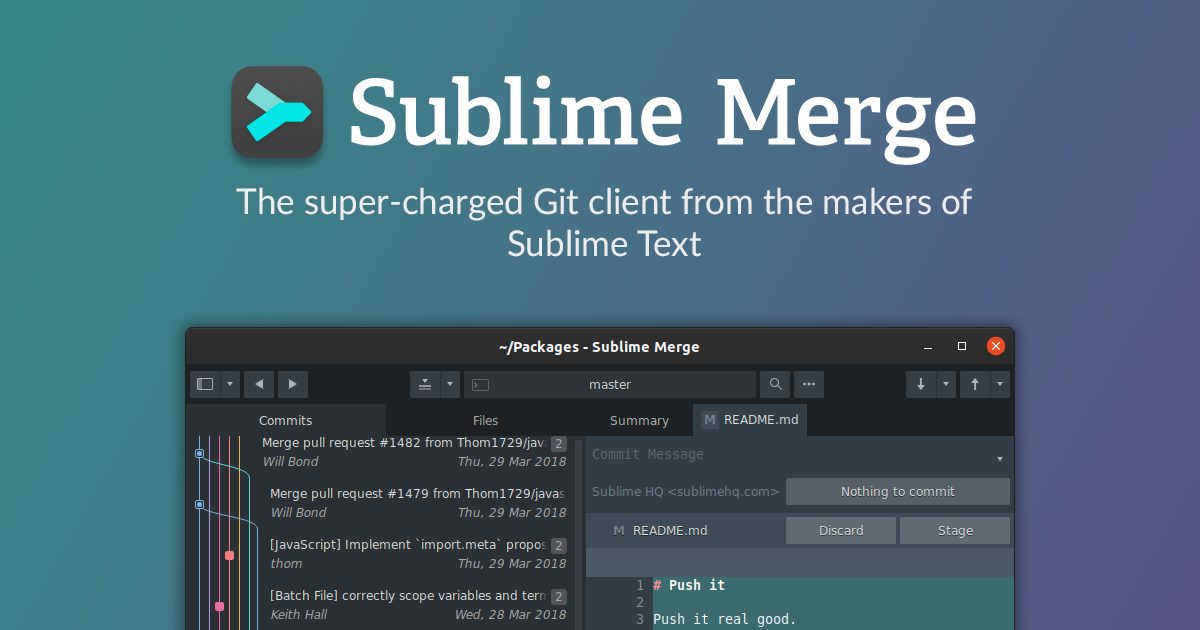
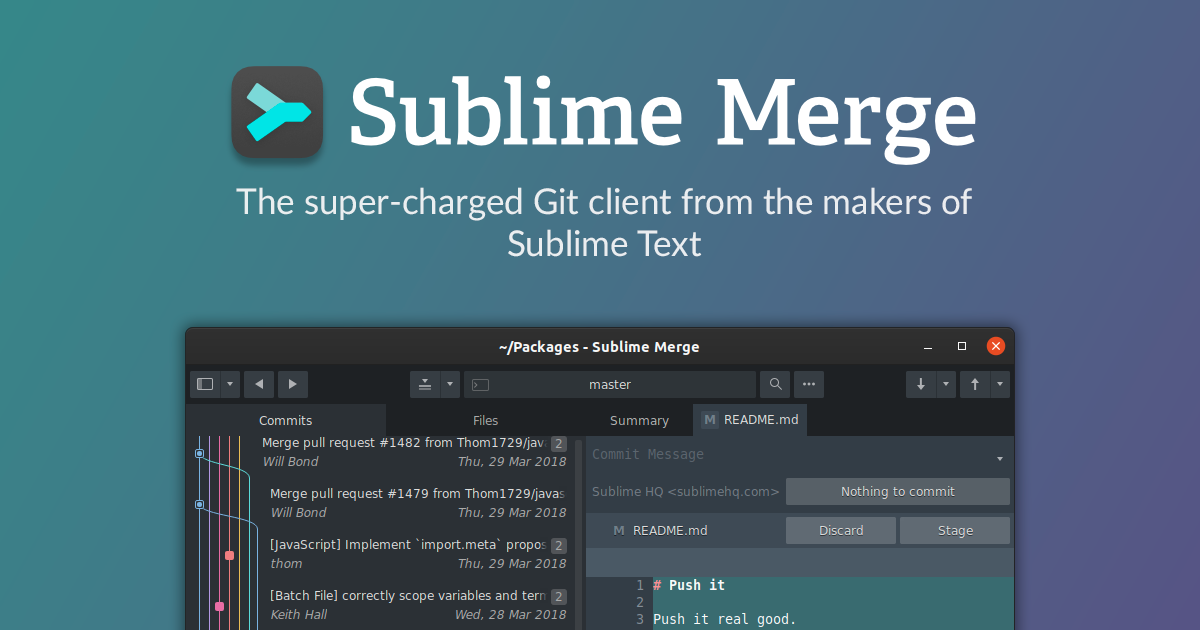
Sublime Merge is a proprietary desktop Git client from Sublime HQ, the makers of Sublime Text. It runs on macOS, Windows and Linux on 64-bit systems and is built on Sublime’s own GUI toolkit, syntax highlighting engine and a custom Git reading library. It offers hunk and line staging, side-by-side diffs, instant repository search, blame and file history, commit editing, submodules, Git Flow and a built-in merge tool, and it shows the Git commands it runs. It can be evaluated for free with no enforced time limit; continued use needs a license, a one-time personal key with three years of updates or an annual per-user business subscription.
Rankings and alternatives
- Git GUI clients #2 of 10 Fast on huge repositories, and the pick for Linux
- Fork #1 Best for most Mac and Windows developers
- GitKraken Desktop #3 Most visual graph, on every platform
- Tower Git Client #4 Undo for nearly everything, by subscription



Git GUI clients scores
Evaluated Nov 17, 2026 Evidence ↓- Seeing history and branches 5
5/5 means: A clear, fast graph of all branches with history search or filters, file history, blame and comparison of any two commits, all in the app.
A fast graph of all branches with find-as-you-type search by message, author, path and contents, file history, blame, and diffs between any two commits.
- Rewriting commits and undoing mistakes 4
4/5 means: A full visual interactive rebase (reorder, squash, reword, edit and drop), but undo is limited or the editing is clumsy.
Commit editing from the graph's context menu covers rewording, editing, squashing, fixup, dropping and moving commits, but it is a menu-by-menu job rather than one rebase list, and there is no general undo.
- Resolving merge conflicts 5
5/5 means: A built-in merge editor that shows both sides and an editable result, lets you take changes piece by piece, and finishes the merge or rebase from the app.
A built-in three-pane merge tool shows both sides and the editable result and lets you take changes hunk by hunk without leaving the app.
- Easy for someone new to Git 3
3/5 means: Basics are clear, but advanced actions are hidden or the layout assumes some Git knowledge.
Clean and quiet, and it shows the exact Git command behind each action, which teaches Git as you go. It is built for keyboard users who already know Git, and many actions live in the command palette.
- Speed on large repositories 5
5/5 means: Known for staying fast on very large repositories, with history and diffs that appear almost instantly.
Built on Sublime HQ's own GUI toolkit and Git reading library; it is the client people point to for speed on very large repositories.
- Everyday Git tools beyond committing 4
4/5 means: Six of the eight.
Line and hunk staging, stashes, cherry-pick, worktrees, submodules and Git LFS; no reflog view or bisect.
- Cost for work use · counts half 4
4/5 means: $1 to $100 over three years, such as a one-time license.
A $99 personal license with three years of updates covers an individual's work use; companies buying for staff pay $75 per user per year.
- Runs on Mac, Windows and Linux · counts half 5
5/5 means: macOS, Windows and Linux officially.
macOS, Windows and Linux, 64-bit only, with one personal key covering all of them.
Pricing
- Evaluation Free Download and evaluate for free; the vendor says there is currently no enforced time limit, but a license must be purchased for continued use.
- Personal license $99.00 one-time For individuals only. Includes 3 years of updates; after that an upgrade is required to receive further updates. One key covers all of one person's computers and operating systems. Bundle with a Sublime Text license is available.
- Business license $75.00 /year per seat Annual subscription per user, for businesses and organizations.
Prices checked Nov 17, 2026.
Evidence and sources
Git GUI clients scores
Seeing history and branches 1 quote
-
Search by commit message, author, path and contents.
sublimemerge.com · checked
Rewriting commits and undoing mistakes 1 quote
-
Sublime Merge supports many commit editing operations.
sublimemerge.com/docs/faq · checked
Resolving merge conflicts 1 quote
-
Built-in merge tool allows for quick, painless resolution of merge conflicts
sublimemerge.com · checked
Easy for someone new to Git 1 quote
-
View the exact Git commands you're using, and seamlessly transition between the command line and Sublime Merge.
sublimemerge.com · checked
Speed on large repositories 2 quotes
-
Sublime Merge is really, really fast.
sublimemerge.com · checked -
With a zippy cross-platform GUI toolkit, an unmatched syntax highlighting engine, and a custom high-performance Git reading library, Sublime Merge sets the bar for performance.
sublimemerge.com · checked
Everyday Git tools beyond committing 2 quotes
-
Commit exactly what you want with line-by-line and hunk staging.
sublimemerge.com · checked -
Added LFS lock and unlock support
sublimemerge.com/download · checked
Cost for work use 4 quotes
-
Personal licenses are a once off purchase, and come with 3 years of updates. After 3 years, an upgrade will be required to receive further updates. One license key is all you need for all your computers and operating systems
sublimehq.com/store/merge · checked -
Total: $99 USD
sublimehq.com/store/merge · checked -
Business licenses are sold on an annual subscription basis, at $75 per user per year.
sublimehq.com/store/merge · checked -
Personal license keys are only available for individuals, if you are purchasing for a business or organization, please click below.
sublimehq.com/store/merge · checked
Runs on Mac, Windows and Linux 2 quotes
-
Sublime Merge is available for 64 bit platforms only.
sublimemerge.com/download · checked -
Personal licenses are a once off purchase, and come with 3 years of updates. After 3 years, an upgrade will be required to receive further updates. One license key is all you need for all your computers and operating systems
sublimehq.com/store/merge · checked
Facts
License 2 quotes
-
Sublime Merge may be downloaded and evaluated for free, however a license must be purchased for continued use. There is currently no enforced time limit for the evaluation.
sublimemerge.com/download · checked -
Personal licenses are a once off purchase, and come with 3 years of updates. After 3 years, an upgrade will be required to receive further updates. One license key is all you need for all your computers and operating systems
sublimehq.com/store/merge · checked
Runs on 1 quote
-
Sublime Merge is available for 64 bit platforms only.
sublimemerge.com/download · checked
Needs 1 quote
-
Sublime Merge is available for 64 bit platforms only.
sublimemerge.com/download · checked
More from the sources
Limits and known issues 1 quote
-
Windows, Mac: Updated bundled Git to 2.56.0
sublimemerge.com/download · checked
Pricing
sublimehq.com/store/merge · checked