Best AI chatbots for work in 2026
Most teams don’t pick an AI chatbot on a blank page. If your company already pays for Google Workspace, Gemini is probably sitting in everyone’s Gmail and Docs right now, included in the plan. If you run on Microsoft 365, everyone has the free Copilot Chat and Microsoft is pitching a paid Copilot seat. So the question at work is usually narrower: is the assistant you already have good enough, or is a separate ChatGPT or Claude seat worth another $20 to $25 a person every month?
For the people who write, analyze or research all day, it usually is. ChatGPT is the best single pick: strong at nearly everything, with connectors for both office suites and plenty of room before you hit a limit. Claude is the one I’d hand to anyone whose job is mostly writing or long documents. Gemini and Microsoft Copilot win when what matters most is help inside the email, documents and meetings you already use, and when the company’s existing retention and audit rules need to cover the AI too.
Quick picks
- #1 ChatGPT Best all-round pick for most people and mixed teams 4.1/5
- #2 Google Gemini Already paid for if you're on Google Workspace 4.1/5
- #3 Claude Writes most naturally, and great with long documents 4.0/5
- #4 Microsoft Copilot Built into Outlook, Teams and Office 3.9/5
- #6 Perplexity Research with a source behind every claim 3.2/5




Start with what you already pay for
The price on each vendor’s page isn’t what a team actually pays, because two of these assistants come bundled with an office suite. Here’s what a standard seat adds to the bill.
| Assistant (team plan) | Per person, per month, as of November 2026 |
|---|---|
| Gemini in Google Workspace | Included in Business Standard ($14) and Plus ($22); Starter ($7) gets only a cut-down version |
| Microsoft 365 Copilot | $9.50 more as Business Standard with Copilot ($23.50); $21 as a separate add-on |
| ChatGPT Business | $20 billed yearly, $25 monthly, from 2 seats |
| Claude Team | $20 billed yearly, $25 monthly, 2 to 150 seats |
| Notion AI (Business plan) | $20 billed yearly, $10 more than Plus |
| Mistral Le Chat Team | $24.99, from 2 seats |
| Grok Business | $30 |
| Perplexity Enterprise Pro | $40, or $400 a year |
Two things in that table catch people out. The Copilot add-on bought on its own costs about twice what Microsoft charges for the same Copilot inside the Business Standard bundle, so a Microsoft shop should price the switch to the bundle at renewal before buying add-ons. And Google Workspace Business Starter, the cheapest plan, leaves Gemini out of Docs, Sheets, Drive and Meet; you need Business Standard for the full assistant.
If you’re paying for yourself, the individual plans cluster around $20 a month: ChatGPT Plus, Claude Pro ($17 a month billed yearly), Google AI Pro at $19.99 and Microsoft 365 Premium at $19.99. Perplexity Pro is $17 a month on a yearly plan and Le Chat Pro $14.99.
ChatGPT
Best all-round pick for most people and mixed teams
#1 4.1/5
ChatGPT is the assistant that’s hardest to outgrow at work. It drafts and edits well, it runs real code when you hand it a spreadsheet, and it shows the table it built right in the chat, so you can look it over before asking for changes instead of downloading a file to see whether it worked. Office-Watch, asking the four big assistants to build the same spreadsheet, found only ChatGPT and Claude gave that instant preview.
For a team, the case gets stronger. A ChatGPT Business seat connects to Google Workspace, Microsoft 365, SharePoint, Slack, GitHub and HubSpot, so it’s the one chatbot that works the same for the person on Outlook and the contractor on Gmail. Business also adds record mode for meetings, shared projects, scheduled tasks and workspace agents. Usage is flexible: ordinary chat rarely runs out, and the owner can buy credits when someone does. The seat allowance is shared between chat and Codex, OpenAI’s coding agent, so a developer who codes heavily in Codex will eat into their chat time.
One limit to know about: on Business, the fast default model reads only about 40 pages of input at once. Switch to the reasoning model for a long contract or report, which takes about 320 pages.
The weakness is accuracy on details. ChatGPT sounds sure of itself, and one reviewer on G2 put the cost plainly: “I have to check its work all the time.” That’s true of every assistant here, but ChatGPT’s fluent tone makes small mistakes easy to miss.
What it does
- Data analysis that runs code on spreadsheets and shows charts and tables in the chat
- Connectors for Google Workspace, Microsoft 365, SharePoint, Slack and other work apps
- Deep research reports with citations, across the web and connected apps
- Record mode for meetings, scheduled tasks and workspace agents on Business
Pros
- Strong at writing, analysis and reasoning, with OpenAI's newest models on the $20 seat
- Works across both office suites, which suits mixed or freelance teams
- Generous usage, with credits to buy instead of hard stops
Cons
- Custom retention rules, audit logs and automatic user provisioning (SCIM) need Enterprise, which is quote-only
- The default model on Business reads only about 40 pages at once
- Confident small mistakes that need checking
- Choose if:
- Your team uses both Google and Microsoft tools, or no single suite
Google Gemini
Already paid for if you're on Google Workspace
#2 4.1/5

If your company runs on Google Workspace Business Standard or Plus, you already have Gemini, and it’s better than its reputation. It sits in a side panel in Gmail, Docs, Sheets, Slides and Drive, takes notes in Meet, and the Gemini app can answer from your own mail and files without you uploading anything. For a team that lives in Google’s apps, that’s a level of convenience a separate chatbot can’t match.
The data side is just as strong. Workspace chats aren’t used to train Google’s models or read by reviewers outside your company, admins choose how long Gemini history is kept, Gemini shows up in Workspace audit logs, and Gemini carries Google’s HIPAA coverage. Gemini Notebook, Google’s tool for working across a set of documents, is the exception: it isn’t covered by the HIPAA agreement.
Where Gemini falls short is the model a standard seat gets. Google’s Gemini 4 models sit at the top of the Arena leaderboard, where people vote blind between two answers, but a Business Standard seat gets “Pro” access capped at 25 prompts every four hours, and Google’s recommended Gemini 4 Argon model comes with a paid AI Expanded Access add-on. Inside the apps it’s fast and its Meet summaries are thorough, but it sometimes pulls the wrong details from Gmail and overstates what it found in Sheets.
What it does
- Gemini in Gmail, Docs, Sheets, Slides, Drive, Chat and Meet on Business Standard and Plus
- Meeting notes in Google Meet
- Deep Research, five reports every four hours
- Gemini Notebook for working across a set of documents
Pros
- No extra cost on Business Standard and Plus
- Answers from your own mail, files and calendar without uploads
- Admin-set retention, audit logs and HIPAA coverage
Cons
- The best model is capped at 25 prompts every four hours on a standard seat
- Business Starter leaves Gemini out of Docs, Sheets, Drive and Meet
- No connectors for Microsoft 365 or Slack on Workspace plans
- Skip if:
- Your company runs on Microsoft 365
Claude
Writes most naturally, and great with long documents
#3 4.0/5
Claude is the assistant people who write for a living tend to settle on. Its drafts need less editing to sound like a person, it follows a house style well, and it keeps track of long material: it takes 20 files in a chat and PDFs up to 1,000 pages. On the Arena leaderboard, Claude Opus, which a $20 Pro or Team seat includes, ranks fourth, above every OpenAI model there.
It has caught up on the things it used to lack. It runs code on uploaded files, builds Excel workbooks with working formulas, and its Excel add-in answers questions about your workbook with links to the exact cells. A Team seat connects to Google Drive, Gmail, Google Calendar, Microsoft 365 and Slack, and includes a search across all of them. Claude also has add-ins for PowerPoint and Outlook, but it isn’t built into Gmail or Google Docs and it doesn’t join your meetings.
Usage is Claude’s weak spot. A Team standard seat gets only a quarter more than an individual Pro plan, with a five-hour session allowance and a weekly cap on top, and agent-style tasks in Cowork, Claude’s desktop agent, use it up faster. Heavy users run into those limits. You can wait, turn on usage credits billed at API rates, or buy premium seats at $100 a person.
For governance, Team matches ChatGPT Business: no training on your content by default and single sign-on, with audit logs, SCIM, custom retention and the HIPAA configuration saved for Enterprise. Claude Enterprise does list a price, $20 a seat with a 20-seat minimum, but you pay for all usage on top at API rates.
What it does
- Excel, PowerPoint and Outlook add-ins on paid plans
- Connectors for Google Drive, Gmail, Microsoft 365 and Slack, with a search across them on Team
- Research mode that writes cited reports from the web and your connected tools
- Cowork, a desktop agent that builds files and runs scheduled tasks
Pros
- Natural, editable writing that needs less rework
- Handles long PDFs and many files in one chat
- Builds spreadsheets with working formulas and previews them in the chat
Cons
- Usage limits that heavy users hit, even on a Team seat
- Audit logs, retention rules and HIPAA only on Enterprise
- Not built into Gmail, Google Docs or meetings
- Choose if:
- Most of your work is writing, editing or reading long documents
Microsoft Copilot
Built into Outlook, Teams and Office
#4 3.9/5
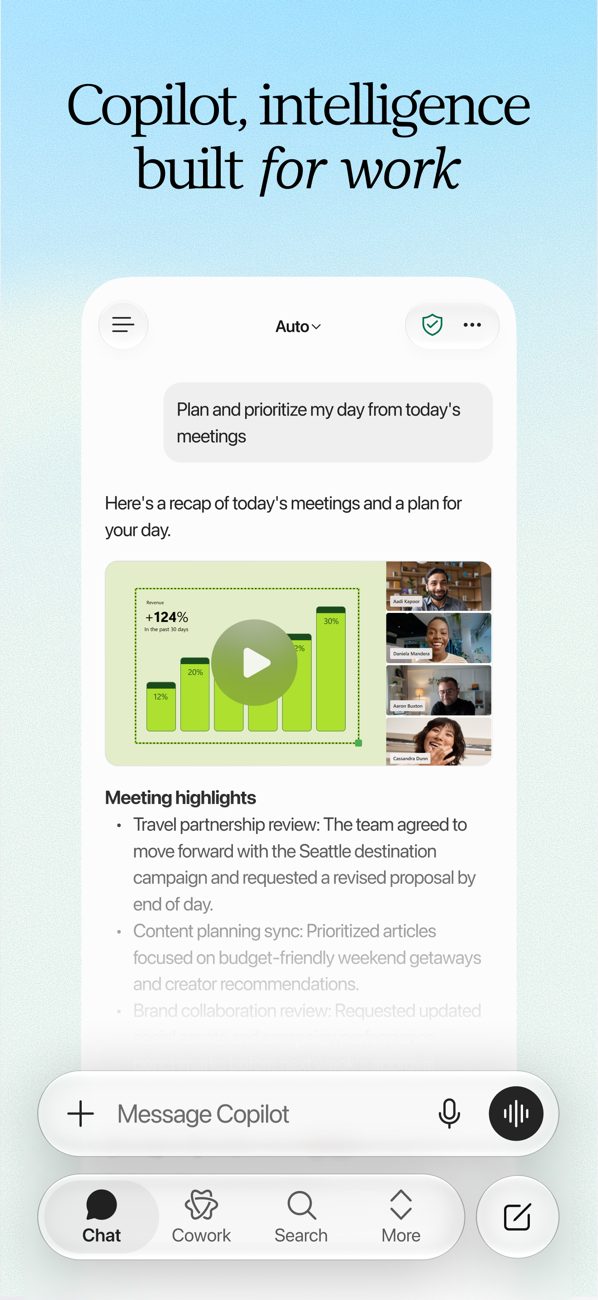
Microsoft has two business Copilots, and mixing them up is the most common mistake in this whole decision. Copilot Chat comes free with eligible Microsoft 365 business plans. It’s a decent web-grounded chatbot, and in Outlook and Teams it can work with the email or chat you have open, but it only sees your company’s files if you attach them, and it doesn’t appear inside Word, Excel or PowerPoint. The paid Microsoft 365 Copilot licence is the one in the ads: Copilot inside Word, Excel, PowerPoint, Outlook, OneNote and Teams, meeting recaps, and answers drawn from your mail, files, chats and calendar without uploading anything. It also adds the Researcher and Analyst agents.
That paid licence is the deepest integration you can buy, and it comes with the strongest data story. Prompts and responses stay inside your Microsoft 365 environment, aren’t used for training, and fall under the retention, audit and eDiscovery rules your IT team already runs for email through Microsoft’s Purview compliance tools. Web searches to Bing and the optional Claude models sit outside some of those promises, which matters for EU and HIPAA work.
The weaker part is the answers themselves. Microsoft lists GPT-5 models for its business plans, a generation behind what ChatGPT seats get, and Copilot’s writing tends to come out generic. In Office-Watch’s spreadsheet test, the Copilot site produced a table to download as CSV rather than a spreadsheet. Copilot is still the best way to work on the files and meetings already in Microsoft 365. For writing and analysis that matter, many Microsoft shops give a few heavy users ChatGPT or Claude on top.
What it does
- Copilot in Word, Excel, PowerPoint, Outlook, OneNote and Teams with the paid licence
- Teams meeting recaps and Outlook thread summaries
- Researcher and Analyst agents
- Copilot Studio for building internal agents
Pros
- Works on your company's mail, files and meetings without uploads
- AI chats fall under existing Purview retention, audit and eDiscovery
- Only $9.50 a seat more as part of Business Standard with Copilot
Cons
- Free Copilot Chat can't see your files unless you attach them, and isn't inside Word, Excel or PowerPoint
- Writing and analysis trail ChatGPT and Claude
- Little reach into Google Workspace or Slack
- Skip if:
- Your company isn't on Microsoft 365

Notion
For teams that already run on Notion
#5 3.6/5
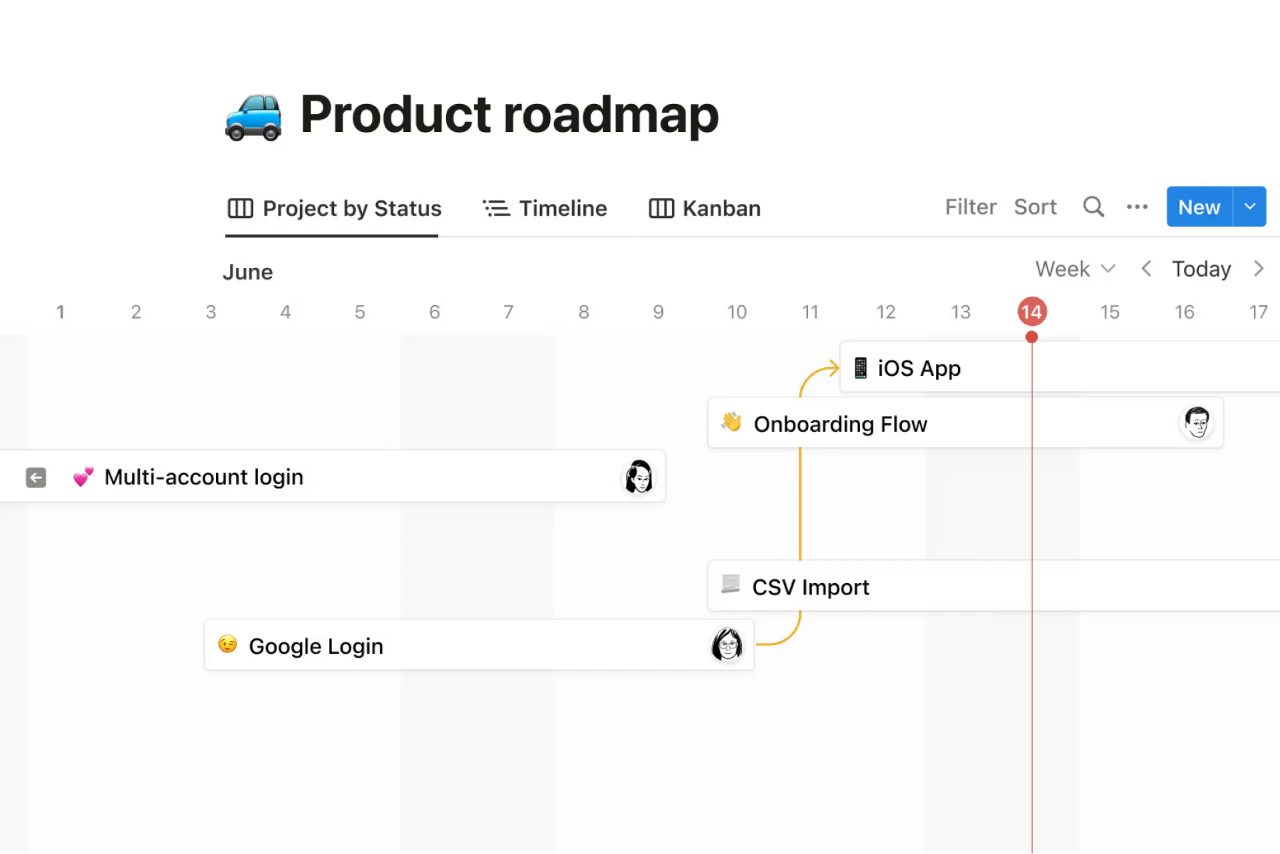
Notion AI makes sense for one kind of team: the kind whose docs, wikis, meeting notes and projects already live in Notion. There it’s very good, because it answers from every page and database you can see, writes and edits inside them, takes meeting notes from any call, and on the Business plan searches Slack, Google Drive and GitHub too. Members can pick a frontier model, including Claude’s, or leave it on Auto.
Outside Notion, it isn’t a replacement for a general chatbot. It doesn’t live in your email or spreadsheets, Notion says its connectors aren’t meant for calculations, and AI only comes with Business at $20 a member, which is $10 more than Plus. If your team pays for ChatGPT or Claude anyway, Notion AI is more likely to be a second AI bill than a replacement.
Pros
- Answers from your whole Notion workspace and connected Slack and Google Drive
- AI meeting notes that work with any meeting app
- Choice of models, including Claude's
Cons
- AI only on the Business plan
- Not built for data analysis or work outside Notion
- Skip if:
- Your team doesn't keep its work in Notion
Perplexity
Research with a source behind every claim
#6 3.2/5
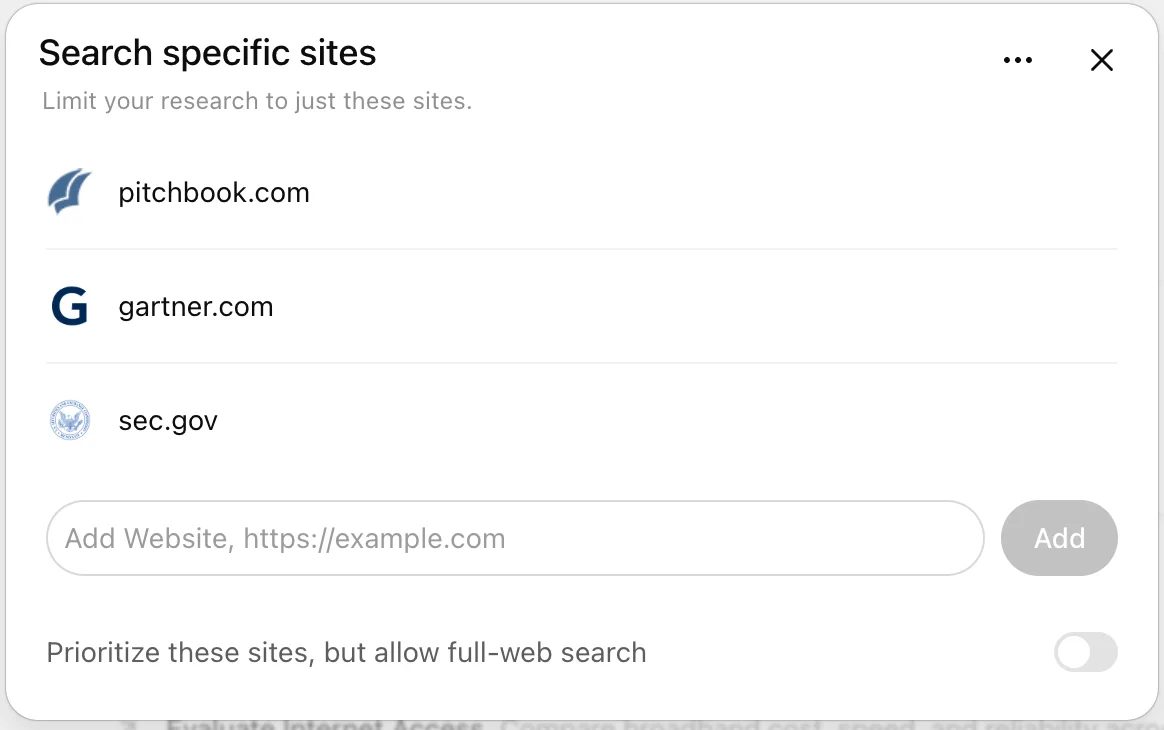
Perplexity is a different kind of tool: an answer engine that searches first and writes second, with numbered citations on every answer. For competitive scans, pricing checks and fact-checking before something goes out, that’s exactly what you want, and Pro adds paid data from sources such as PitchBook and Statista. The Enterprise plans connect to Google Drive, SharePoint, OneDrive, Slack, Notion, Jira, Salesforce and more, so it can search your own files and the web together.
As a writing partner it’s weaker. A reviewer who uses it every day called its prose “functional, but robotic” and warned that it sometimes presents a contested claim as settled. Independent tests of AI search have also found Perplexity citing the wrong version of an article, so the links are a starting point to check, not proof. And the team plan is the priciest here: Enterprise Pro starts at $40 a seat, and SCIM, audit logs and retention settings need 50 seats or an Enterprise Max seat at $325. Many people keep Perplexity Pro for research at $17 a month and do their drafting elsewhere.
Pros
- Numbered sources on every answer
- Paid data sources such as PitchBook and Statista on Pro
- Searches the web and your company's connected files together
Cons
- Flat, summary-style writing
- Enterprise Pro costs $40 a seat, and admin controls need 50 seats
- Citations still need checking
- Choose if:
- Most of your AI use is research you have to source

Grok
A strong model with a thin business offering
#7 3.0/5
Grok has a better model than its reputation suggests. xAI’s current model finished just behind Claude’s top models on Artificial Analysis’s test of long professional tasks, and Grok Business promises no training on your data, with SOC 2, role-based access and custom chat retention on the self-serve plan. But the business product around the model is thin: Google Drive is the connector xAI has documented, while Slack, Salesforce and the rest appear only in its marketing. A seat costs $30, more than ChatGPT or Claude. And Grok’s record on sourcing is poor: the Tow Center found Grok 3 answered 94 percent of its news-citation tests wrongly, and Artificial Analysis still measured a 29 percent hallucination rate for the current model.
Pros
- Scores well on independent tests of professional work
- No training on Business data, with retention controls on the self-serve plan
Cons
- $30 a seat, with few documented connectors
- A poor record on citations and hallucinations
Le Chat
European, and can run on your own servers
#8 2.8/5
Le Chat, which Mistral also sells as Mistral Vibe, is the pick for one situation: a company that wants a European provider or needs the assistant on its own servers. Mistral’s Enterprise plan deploys on-premises, in your private cloud or on Mistral’s cloud with data residency, which the American chat apps here don’t offer. Pro is also the cheapest individual plan at $14.99, and Pro subscribers can turn on No Telemetry Mode, a contractual promise that nothing they type trains Mistral’s models.
For everyone else it trails. Mistral’s models are quick and capable but don’t place near the top of the Arena leaderboard, its 100-plus connectors are all in beta, and single sign-on and audit logs come with Enterprise rather than Team.
Pros
- Self-hosted or on-premises deployment on Enterprise
- A European company with EU hosting
- The cheapest individual plan of the eight
Cons
- Writing and analysis behind the leaders
- Connectors still in beta; SSO and audit logs only on Enterprise
Also considered
- DeepSeek stores what you type on servers in China, uses it to improve its models unless you turn that off, and has no business plan with admin controls, so most companies can’t approve it for work data. Its open models can be self-hosted, but that’s a project for an IT team, not a chatbot to buy.

Scores
1–5 per criterion · select a score for its reasoning and any sources
| # | Product | Overall | Quality of everyday work , counts double | Working with documents and spreadsheets | Built into your email and documents | Connects to the rest of your tools | Data protection and admin on the team plan | What a seat adds to the bill | Research with sources you can check | Room before you hit a limit |
|---|---|---|---|---|---|---|---|---|---|---|
| 1 | ChatGPT | 4.1 | 5 | 5 | 3 | 5 | 3 | 3 | 4 | 4 |
| 2 | Google Gemini | 4.1 | 4 | 4 | 5 | 3 | 5 | 5 | 4 | 3 |
| 3 | Claude | 4.0 | 5 | 5 | 3 | 5 | 3 | 3 | 4 | 3 |
| 4 | Microsoft Copilot | 3.9 | 3 | 4 | 5 | 3 | 5 | 4 | 4 | 4 |
| 5 | Notion | 3.6 | 4 | 3 | 4 | 4 | 3 | 4 | 3 | 3 |
| 6 | Perplexity | 3.2 | 3 | 3 | 2 | 5 | 3 | 2 | 5 | 3 |
| 7 | Grok | 3.0* | 4 | 3 | 2 | 2 | 4 | 2 | 3 | unknown |
| 8 | Le Chat | 2.8 | 3 | 3 | 2 | 3 | 2 | 3 | 3 | 3 |
Equal displayed overall scores are ordered by the earlier criteria; a known score comes before an unknown score. Identical scores use alphabetical order.
×2 = counts double in the overall score, ×½ = counts half.
? = unknown. * = the overall score averages only the known criteria.
How each criterion is scored
Quality of everyday work
Counts double in the overall score: The quality of the drafts, summaries and analysis is what people pay for; integrations and admin features only matter once the answers are good enough to use.
Judged for the models a standard paid work seat gets: how well the assistant writes and edits in a professional voice, summarizes and reasons over long material without inventing details, and gets multi-step analysis right. Judged from published leaderboards and independent evaluations (such as Arena and Artificial Analysis), what reviewers and experienced users agree on, and which models each plan actually includes. A vendor's own benchmark claims show a model exists, not that it beats a rival.
- 5 Among the best at writing, reasoning and analysis, with a frontier model on the standard paid seat
- 4 Strong across writing, analysis and reasoning, with one weaker spot or its top model limited on the standard seat
- 3 Solid on most work, with a clear gap such as flat, generic writing, shaky analysis, or a model a generation behind on the standard seat
- 2 Fine for short drafts and simple questions, but weak on long documents or multi-step reasoning
- 1 Often wrong or generic on ordinary work tasks
Working with documents and spreadsheets
How much of a reader's own material the standard paid seat can take in at once (context window, upload size and count), whether it analyzes spreadsheets and data by running code rather than guessing from text, and whether it produces working Excel, Word and PowerPoint files or works inside those files.
- 5 Holds book-length documents or many files at once, analyzes data by running code, and creates or edits working Office files with formulas
- 4 Handles long documents and analyzes spreadsheets with real calculations and charts, with one gap such as no file previews, a short default context, or unclear limits
- 3 Reads PDFs, Office files and spreadsheets with moderate limits, but analysis is mostly reading text rather than running calculations, or file output is basic
- 2 Reads uploads, but small limits or a short context mean long documents get cut off
- 1 Text only, no file uploads
Built into your email and documents
How deeply the assistant works inside the apps a team spends its day in (email, documents, spreadsheets, slides, meetings), and whether it draws on the company's own files, mail and calendar without the user uploading them. Scored for the paid business seat. A product built into one suite scores high here even though it does nothing inside the other suite; the connectors criterion covers reach across suites.
- 5 Built into the email, documents, spreadsheets, slides and meetings of a whole office suite, and answers from the company's files, mail and calendar automatically
- 4 Built into the workspace a team keeps its documents and notes in, and answers from that workspace's content, but not into email and spreadsheets
- 3 Add-ins or extensions that work inside some office apps, such as Excel, PowerPoint or Outlook, with the user bringing the context
- 2 Reads files you pick from a cloud drive or connector, but has no presence inside email or document apps
- 1 Lives only in its own chat window
Connects to the rest of your tools
The range of work tools the assistant can search and act on through connectors on a team plan: Google Workspace and Microsoft 365 files and mail, Slack or Teams, and business apps such as a CRM or project tracker, plus a search across them and admin control over which connectors people can use. Scored from the connectors the vendor documents as available, not ones announced or in a marketing list without a working page.
- 5 Both suites, Slack and many business apps, with search across them and admin control over each connector
- 4 Both Google Workspace and Microsoft 365 plus Slack, but a thin list of business apps or no admin control over connectors
- 3 One office suite's apps plus a few other tools, or a broad list still in beta with major suites unconfirmed
- 2 One or two cloud drives, or connectors that are announced but mostly not documented
- 1 No connectors
Data protection and admin on the team plan
What a team gets on the self-serve business plan a small company can buy without a sales contract: whether chats are kept out of model training by default, single sign-on, and whether retention rules, audit logs and eDiscovery reach AI chats. Compliance commitments such as a HIPAA agreement or data residency count when the business plan offers them.
- 5 AI chats fall under the company's existing retention, audit and eDiscovery policies on the standard business plan, with compliance commitments such as HIPAA available
- 4 No training, single sign-on, and admin-set retention or audit controls on the self-serve business plan
- 3 No training by default and single sign-on on the team plan, but retention rules, audit logs and SCIM only on a sales-led enterprise tier
- 2 A team plan, but training is opt-out or not stated for it, and admin controls are thin
- 1 No business plan; chats may be used for training
What a seat adds to the bill
The extra a team pays per person per month to give someone a standard paid seat, on annual billing where the vendor offers it. For an assistant built into a suite or workspace, the extra is the step up from the plan without AI to the cheapest plan with the full assistant; for a standalone assistant, it is the seat price. Monthly billing is used when no annual price is published.
- 5 Included at no extra cost in the business plan most of its teams already pay for
- 4 10 or less extra a person a month
- 3 20 to 25 a person a month
- 2 26 to 35 a person a month
- 1 More than 35 a person a month
Research with sources you can check
Whether answers that rely on the web come with links a reader can open and check, how closely those links are tied to the claims, and whether a deep research mode writes a cited report across the web and the company's connected files. Independent tests of citation accuracy count against a product whose links often don't support its claims.
- 5 Sources on every answer, numbered against the claims they support, plus deep research across the web, company files and paid data sources
- 4 Cited answers when it searches, plus a deep research mode that covers the web and the company's own files and tools
- 3 Linked sources when it searches and a cited research mode, but citations are thin or independent tests found many wrong
- 2 Links only when you turn search on, loosely tied to the answer
- 1 No sources
Room before you hit a limit
How much everyday work a standard paid seat allows before it slows down or stops: published caps, how usage resets, and what heavy users report. Bigger seats and paid top-ups are noted in the text but don't raise this score.
- 5 Effectively unlimited for everyday chat
- 4 Limits that ordinary office use rarely reaches
- 3 Published or reported limits that heavy users reach in a long working session, such as a few dozen prompts on the best model every few hours
- 2 Heavy users hit limits most days
- 1 Caps that ordinary daily work runs into
What “we don’t train on your data” covers
ChatGPT, Claude, Gemini, Copilot, Notion, Perplexity and Grok all keep business chats out of model training by default. That’s the floor, not the finish line. What separates them is what your admins can do afterwards: set how long chats are kept, search them for a legal hold, and see who did what.
- Copilot and Gemini inherit the rules your company already runs for email and files. Copilot chats fall under Purview retention and eDiscovery; Gemini history has admin-set retention and shows up in Workspace audit logs, with Vault on Business Plus.
- ChatGPT Business and Claude Team keep training off and give you single sign-on, but custom retention, audit logs and SCIM provisioning are Enterprise features. For a 15-person firm that’s usually fine; for a regulated one it means a sales call.
- Individual plans are different. ChatGPT Plus and Claude Pro use your chats for training unless you opt out, and personal Gemini chats can be reviewed by people unless you change the setting. If you’re paying for your own plan and using it with client work, turn those off first, and check whether your employer allows it at all.
How to choose
- You pay for yourself and want one assistant: ChatGPT Plus. Pick Claude Pro instead if your work is mostly writing or long documents and you can live with tighter limits.
- Your company runs Google Workspace: use the Gemini you have on Business Standard or Plus, and add ChatGPT or Claude seats only for the people who write or analyze all day.
- Your company runs Microsoft 365: try the free Copilot Chat first. Pay for Copilot for people who live in Outlook, Teams and Excel, and price the Business Standard with Copilot bundle before the add-on.
- Your team uses both suites, or neither: ChatGPT Business, which connects to both. Claude Team does too, if writing quality matters more than usage headroom.
- Your job is research you have to source: Perplexity, alongside whatever you draft in.
- Your work lives in Notion: Notion AI on the Business plan.
- You need EU hosting or your own servers: Mistral’s Le Chat Enterprise.
Meeting notes are a job of their own. Copilot, Gemini, ChatGPT and Notion AI each record meetings in some form, but if transcripts matter most, the dedicated note-takers do it better. Students choosing on a free plan have different priorities, covered in AI chatbots for students.
The verdict
The office suite your company pays for decides more than any benchmark. On Google Workspace Business Standard or Plus, Gemini is already paid for, its privacy controls are the strongest you can get without a sales call (Copilot’s are the other), and for drafting inside Gmail and Docs it’s good enough for most people. On Microsoft 365, the paid Copilot is worth it for the people who spend their day in Outlook, Teams and Excel, mostly because it reads the mail and files they’d otherwise have to paste in, and its chats fall under rules your IT team already runs.
Neither suite assistant is the best writer or analyst, though. For the people whose output is the work itself, the reports, proposals, models and research, a $20 ChatGPT or Claude seat earns its keep quickly. ChatGPT is the safer default: it works across both suites, connects to the most tools and rarely runs out. Claude writes better and handles long documents more gracefully, at the cost of tighter limits. Many teams end up with the suite assistant for everyone and one of those two for the people who need more.
Frequently asked questions
Is the free Copilot Chat enough for my team?
For light users, often yes. It handles general questions and can work with an email or Teams chat you have open, at no extra cost. It won’t search your company’s files and mail on its own or work inside Word, Excel and PowerPoint; that takes the paid Microsoft 365 Copilot licence.
Can I use my personal ChatGPT Plus or Claude Pro for work?
You can, but you’re on consumer terms: your chats are used for training unless you opt out, and your company has no admin control or record of them. Turn off training in the settings, and check your employer’s AI policy before pasting in client or company data. A Business or Team seat keeps training off by default.