8 best group chat apps for large groups and communities
Most big group chats don’t fail because they hit a member limit. They fail when 400 people share one scrolling stream, half of them mute it, and the message about Saturday’s meetup sinks under a pile of memes. The app you pick decides whether that happens, and the one everyone already has may not prevent it.
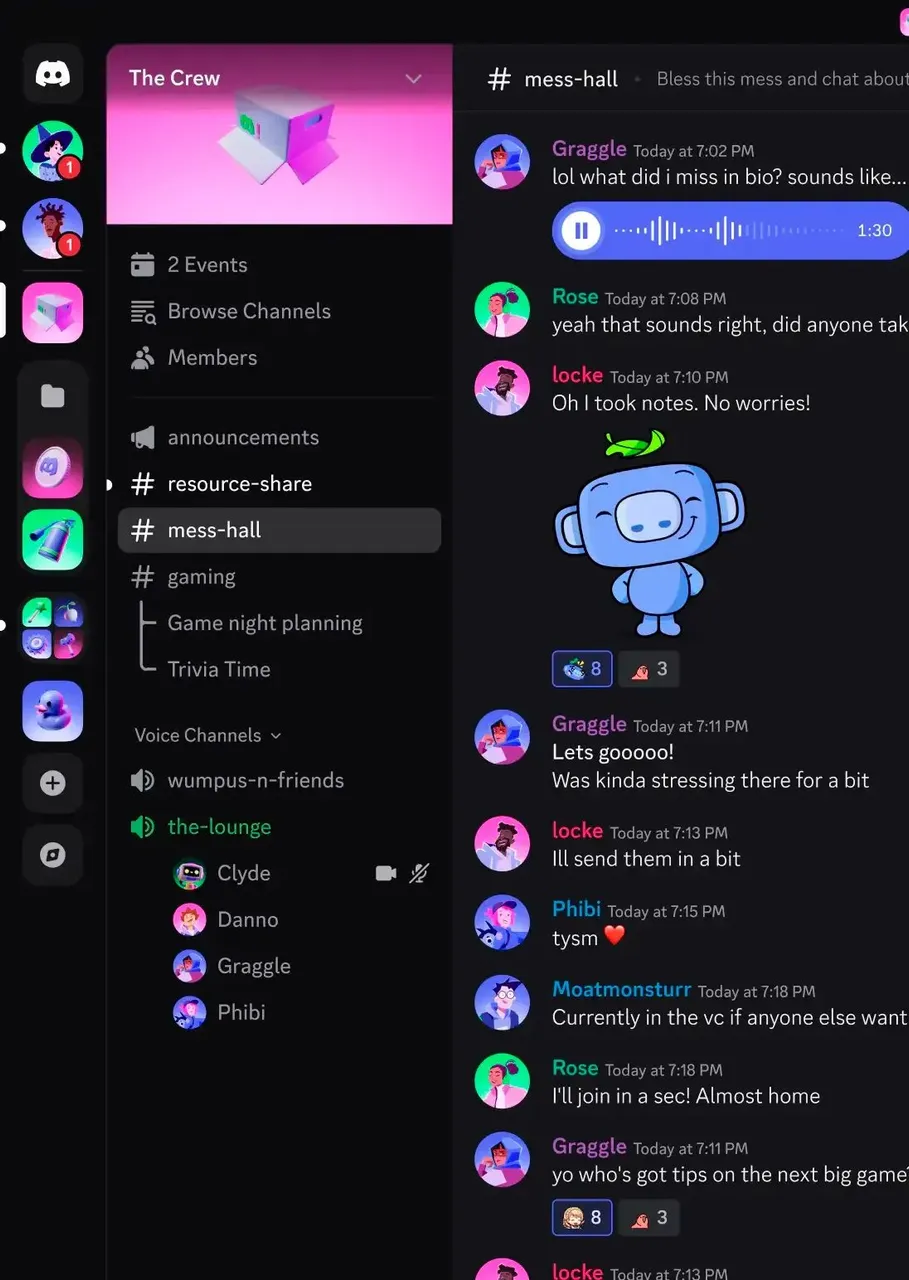
For a community that talks every day about more than one thing, Discord is the best home. Separate channels for each subject and side threads for replies keep conversations apart, its moderation tools are the strongest of the eight apps here, and anyone who joins can scroll back through everything. Its weak spot is the newcomer: it looks like a gaming app and wants an account with a verified email. If your group lives on phones and half your members want something that works like texting, Telegram gets you most of the way.
Quick picks




What breaks first in a big group chat
One stream for everyone. Once a couple of hundred people are active, a single chat stops being readable. Apps fix this in three ways. Discord and Slack give you channels, with threaded replies inside them. Telegram and GroupMe let you add topics, which are separate chats inside one group. WhatsApp and Messenger let you gather several ordinary group chats under a “Community” with an announcement group on top. Signal offers none of these.
Notifications. A group that pings members forty times an hour is one many of them will mute, announcements included. GroupMe’s own help pages warn that groups larger than 200 people get noisy because every reply notifies everyone. Apps with channels or topics let each member mute the parts they don’t care about and keep the announcements.
Phone numbers among strangers. Telegram and Signal hide your number from people who don’t already have it, and Discord and Element don’t ask for one at all. WhatsApp is the exception for ordinary groups: every member sees your number, with no setting to hide it. That’s fine for a soccer team and uncomfortable for a neighborhood group of 600.
Newcomers catching up. On Discord, someone who joins today can read last year’s discussion. Telegram lets admins choose whether new members see earlier messages. WhatsApp and Signal show a new member nothing from before they joined, although on WhatsApp the person who adds them can share the last 25 to 100 messages.
How big each app lets a group get:
| App | Largest group |
|---|---|
| Discord | 25 million members per server (its name for a community space) |
| Telegram | 200,000 per group; channels have no limit |
| GroupMe | 5,000 per group |
| Messenger | 250 per group chat; 5,000 per Community |
| 1,024 per group; 2,000 across a whole Community | |
| Signal | 1,000 per group |
| Slack | No fixed member cap on the free plan |
| Element | No fixed member cap per room |
Discord
Best for communities that talk every day
#1 4.2/5
 (opens full size in a new tab)
Picture a fan community with a news channel, a channel for spoilers, one for fan art, and a voice room people drift in and out of on weekend evenings. That’s what Discord does better than anything else here. A Discord “server” is your community’s space: you create text channels by subject, group them into categories, let replies branch into threads, and keep an announcement channel that only admins post in.
Moderation is where Discord pulls ahead of Telegram, its closest rival for this job. Roles decide who can see and post in each channel, and AutoMod filters messages by word lists you choose, then blocks the message, alerts your moderators, or times out the sender. Verification levels can hold back brand-new accounts for a few minutes before they post, which slows down spam raids. Bots can add welcome messages and custom rules.
The price of all that is the learning curve. Every member needs a Discord account with a verified email before they can post in a community server, and the app looks busy to anyone who has only used texting apps. For a neighborhood group full of retirees, that’s a dealbreaker. Discord can read text channels because they aren’t end-to-end encrypted, so it’s no place for anything sensitive.
Everything a big group needs is free. Members can pool paid Server Boosts for larger uploads, which a photo-heavy group may want, since the free limit is 10 MB per file.
What it does
- Text channels in categories, threads, and announcement channels
- Voice and video rooms, plus Stage channels for up to 10,000 listeners
- AutoMod word filters, roles set per channel, and moderation bots
- Full history and search for anyone who joins
Pros
- Keeps many conversations apart without separate groups
- The strongest moderation tools of any free app here
- Servers hold millions of members
- Members need no phone number and show only a username
Cons
- Every member needs an account with a verified email
- Text chats aren't end-to-end encrypted
- Free uploads stop at 10 MB per file
- Choose if:
- You want casual voice rooms alongside separate channels for each subject
- Skip if:
- Requiring every member to verify an email address would keep people out
Telegram
Huge groups that live on phones
#2 4.0/5
 (opens full size in a new tab)
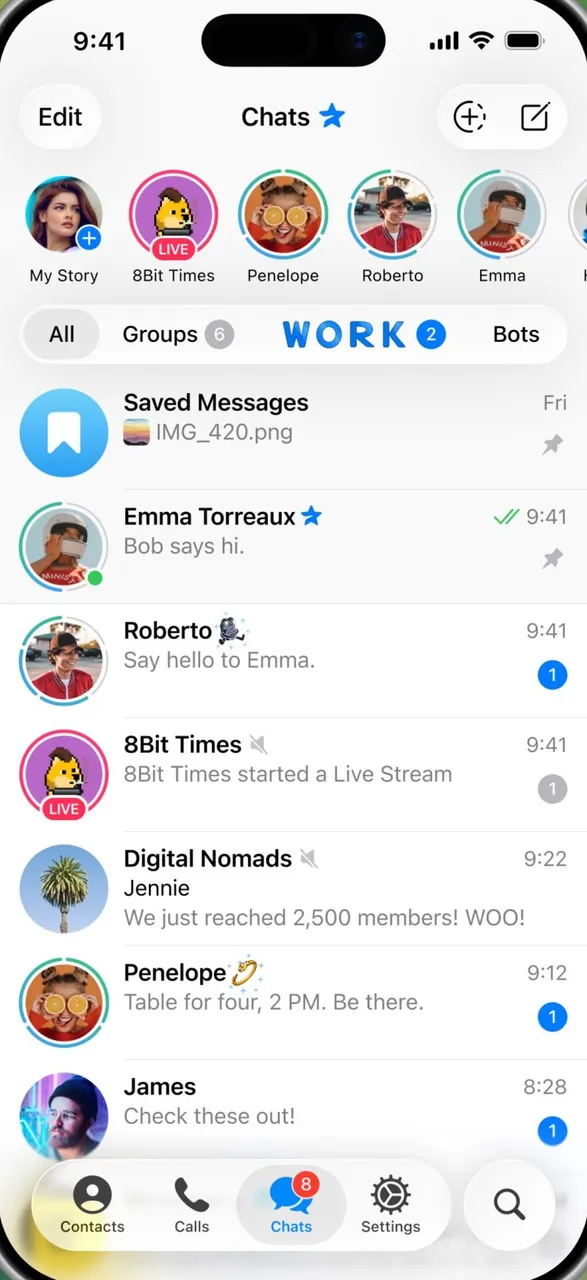
Telegram feels like a texting app that grew up. Members install it, sign up with a phone number, tap your invite link, and they’re in, with no server to understand and no channel list to learn. A single group holds 200,000 people, and for anything bigger there are channels: one-way feeds with no member limit that can have a linked discussion group, so each post gets its own comment thread.
For a large group, Topics split the conversation without splitting the membership. Each topic is a separate chat inside the group with its own history and its own mute switch, so the “lost and found” thread stops interrupting the “meetup planning” one. Admins get the tools a big group needs: rights set per admin, slow mode to limit how often members post, join requests that admins approve, read-only bans that let members read but not post, and an anti-spam setting for large groups.
Public groups need regular spam cleanup. Bots find them fast, and even with the anti-spam setting on, an admin of a busy public group will spend time cleaning up. Telegram also has no events with RSVPs, so meetup planning runs on polls and pinned messages.
Your phone number stays hidden from other members unless they already have it saved, and owners of large groups can hide the member list. Group chats aren’t end-to-end encrypted, though, and Telegram can hand a user’s IP address, the identifier of their internet connection, and phone number to authorities on a valid court order.
What it does
- Groups of up to 200,000 with Topics for separate conversations
- Broadcast channels with no member limit and comment threads
- Slow mode, join requests, read-only bans, and anti-spam
- Video chats with thousands of participants and live streams
- Admins choose whether new members see earlier messages
Pros
- Works like a texting app, so members pick it up quickly
- Free for everything a large group needs
- Shows your phone number only to members who already have it saved
- Search across a group's whole history, filtered by sender
Cons
- Public groups attract spam bots that need cleaning up
- No events with RSVPs
- Group chats aren't end-to-end encrypted
- Each member needs a phone number to sign up
- Choose if:
- You mostly post to a big audience and want comments under each post
GroupMe
US clubs, teams, and campus groups
#3 3.8/5
 (opens full size in a new tab)
GroupMe’s trick is that not everyone has to install it. In the US, you can add someone by phone number and they can chat by text message right away, which settles the argument with a member who prefers ordinary texting. It’s common on US campuses and in youth sports leagues, and it’s the one app here a grandparent can use without installing an app or opening a website.
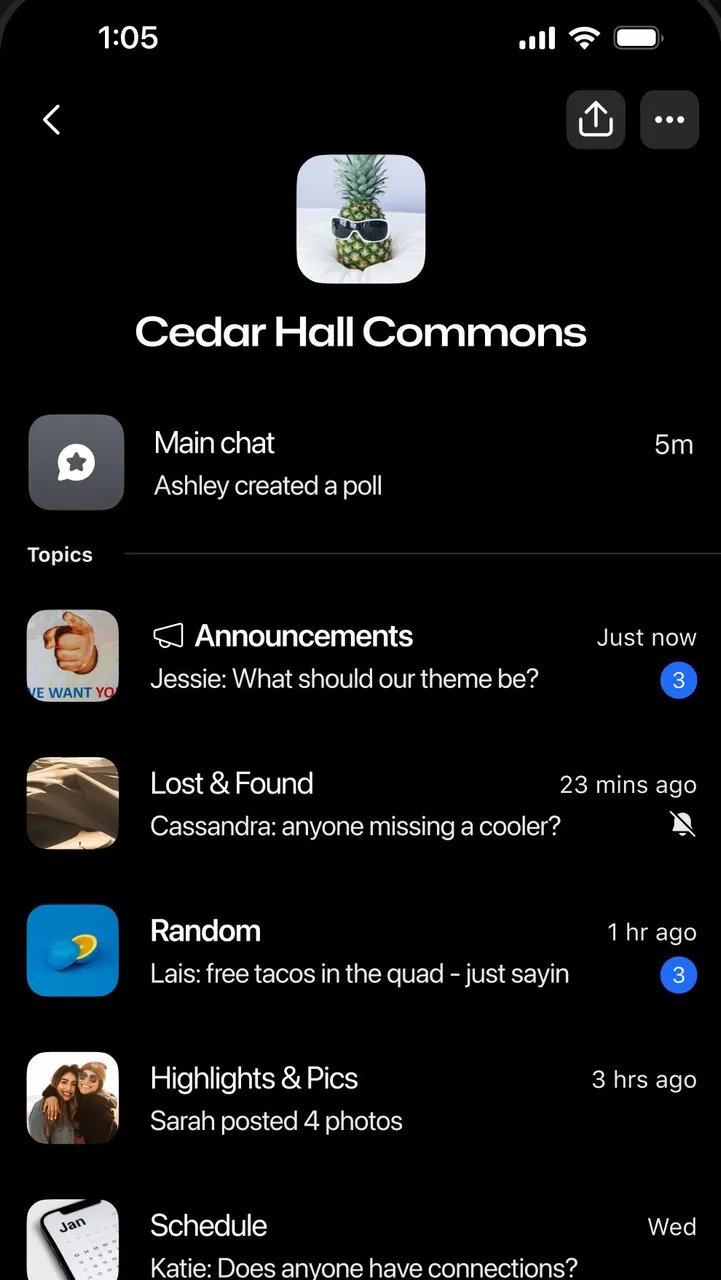
A group holds 5,000 people, and topics split one group into separate chats. An announcement topic lets only leaders post while everyone else reacts and RSVPs to events. Owners can require approval to join, add a join question, and stop former members from rejoining.
Past a couple of hundred active members, it gets loud. GroupMe sends every reply to everyone, and its moderation stops at approving and removing people: there’s no slow mode or word filter. Outside the US, the text message option disappears, and with it most of the reason to pick GroupMe over Telegram.
What it does
- Topics, plus announcement topics only leaders can post in
- Events with RSVPs, polls, and pinned messages
- Join approval with an optional join question
Pros
- The easiest app here for reluctant members to join
- Holds 5,000 members per group
- Free app with events built in; SMS rates apply to text participants
Cons
- Text message chat works in the US only
- Moderation is limited to approving, removing, and blocking members
- Few people outside US schools and teams already use it
- Choose if:
- Some members need to take part by ordinary text message
- Skip if:
- Your group is mostly outside the US
When everyone must be reachable
#4 3.4/5
 (opens full size in a new tab)
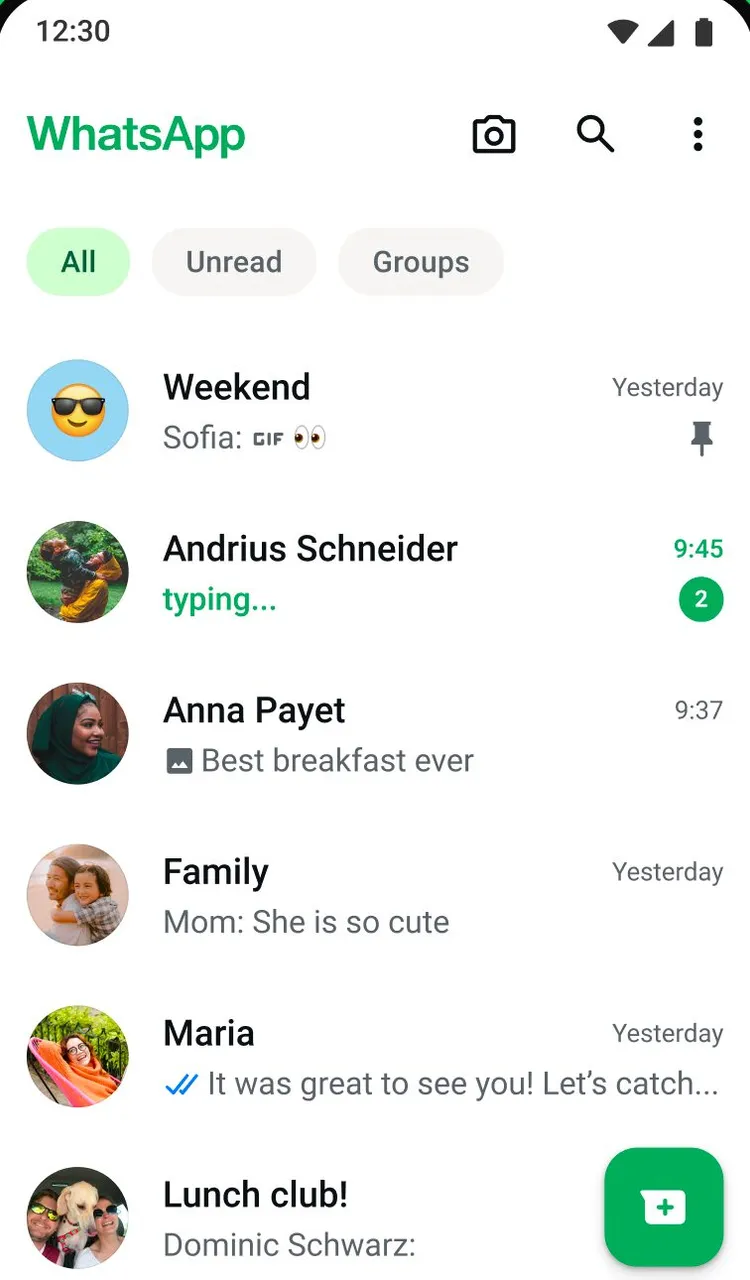
If your members are spread across ages and countries, nearly all of them already have WhatsApp, and no other app here can say that. For a school’s parents or an extended neighborhood, that alone can outweigh everything WhatsApp does worse.
A WhatsApp Community gathers up to 100 groups under one roof, with an announcement group only admins can post in and every member receives. Inside the groups, members can make polls and events with RSVPs, and admins can require approval before anyone joins. The limits come quickly, though. A group holds 1,024 people and a whole Community 2,000, each group is one stream with no topics, and new members see nothing posted before they arrived unless whoever adds them shares the last 25 to 100 messages.
Phone numbers are the bigger problem for a group of strangers. In the announcement group, only admins and people who already have your number can see it, but in any ordinary group, every member sees every other member’s number, and an admin who @mentions someone in the announcement group exposes that number to the whole Community. Chats are end-to-end encrypted, so WhatsApp can’t read them, and there are no ads in those chats.
What it does
- Communities of up to 100 groups with an admin-only announcement group
- Polls and events with RSVPs inside groups
- Join approval and admin-only posting per group
- Group chats end-to-end encrypted by default
Pros
- Nearly everyone you invite already has it
- Free, with no ads in chats
- Simple enough for any member
Cons
- Every member of an ordinary group sees your phone number
- Groups top out at 1,024 members and Communities at 2,000
- New members can't read earlier messages unless someone shares a batch
- No topics or threads inside a group
- Skip if:
- Your group is full of strangers who shouldn't see each other's phone numbers

Slack
Professional communities already on Slack
#5 3.3/5
 (opens full size in a new tab)
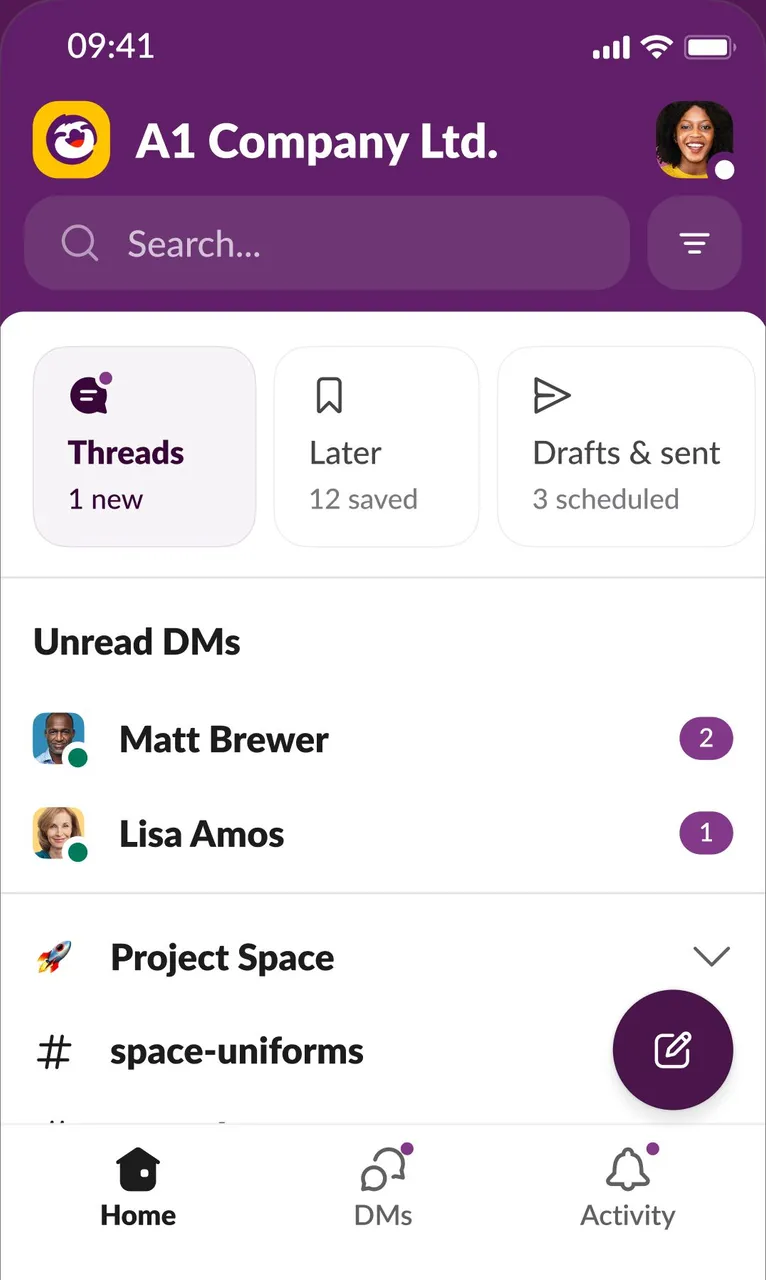
Slack is the obvious choice for a community of developers, designers, or marketers, because they already spend their workday in it. Channels and threads are excellent, and members don’t need to learn anything new.
The free plan is the problem. It shows only the last 90 days of messages and files and deletes everything older than a year, so a community’s best answers disappear. On the free plan, only #general, the default channel, can be limited to admins, and group voice calls aren’t included. The Cloud Native Computing Foundation, the organization behind Kubernetes, faced losing its free enterprise account and evaluated moving its large open-source community to Discord.
Paying fixes the history but gets expensive. As of November 2026, Pro costs $7.25 per active member a month on annual billing, so a community with 2,000 active members would pay $14,500 a month. Registered charities get Pro free if their workspace has no more than 250 members, or 85% off if it’s larger, but churches, schools, and informal communities don’t qualify.
What it does
- Channels with threaded replies
- Paid plans billed only for members active in the last 28 days
Pros
- Familiar to anyone who uses Slack at work
- Channels and threads keep busy conversations tidy
Cons
- The free plan hides messages after 90 days and deletes them after a year
- Paid plans cost per active member, which adds up fast
- No polls, events, or group calls on the free plan
- Choose if:
- Your members already have Slack open all day for work
- Skip if:
- Your community's value is in answers people will search for later

Element
Communities that want their own server
#6 3.3/5
 (opens full size in a new tab)
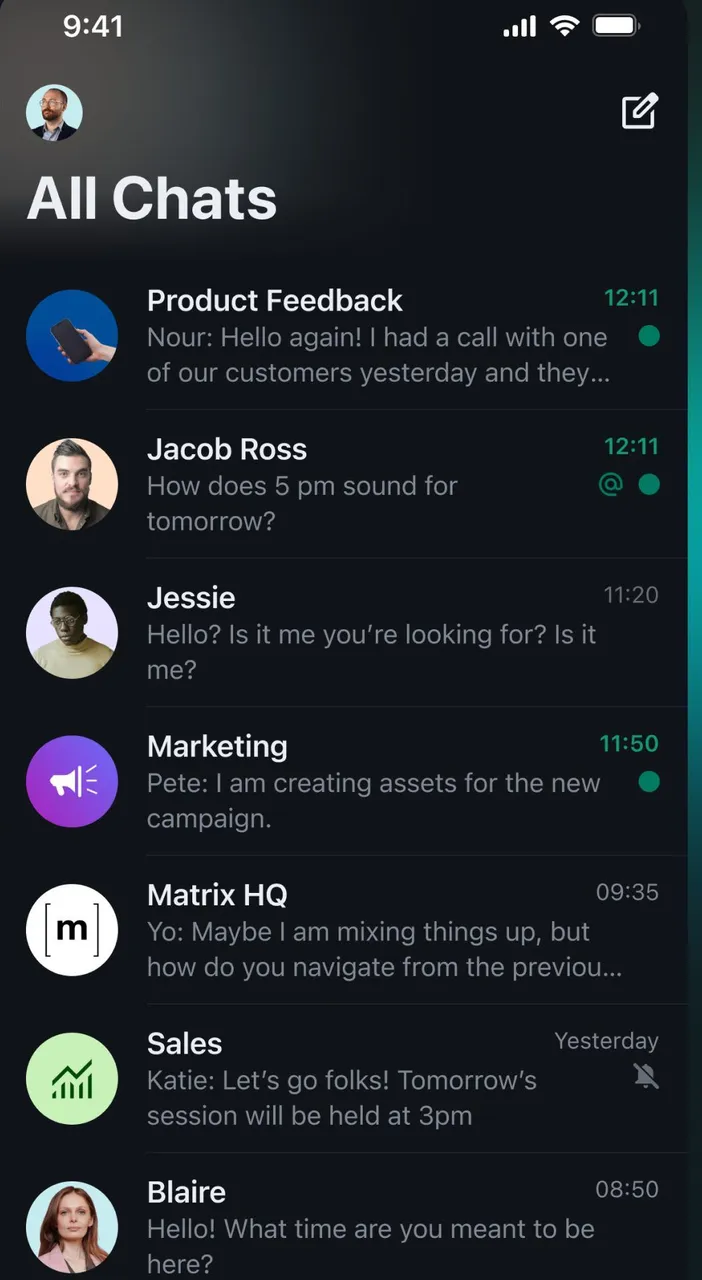
Element is the app for Matrix, an open network where anyone can run a server and servers talk to each other, a bit like email. A community gets a Space with rooms inside it, much like a Discord server with channels, and no member needs a phone number. Open-source projects can run their own server and keep control of their community’s rules and data.
Moderation is capable but takes work. Admins set permission levels per room and ban accounts, and open-source moderation bots share ban lists between communities. Public Matrix rooms get occasional waves of spam that volunteer moderators can’t always catch.
The bigger obstacle is getting people in. A newcomer creates an account on a server (matrix.org is the free default), and few members will already have Element installed.
What it does
- Spaces with rooms for separate subjects
- Run your own server, or use the free matrix.org one
- Room permission levels and moderation bots with shared ban lists
Pros
- No phone number needed, and members choose their username
- Run your own server to control the community's rules and data
- Free to use on public servers
Cons
- Few members will already have it
- Signing up means choosing a server, which confuses newcomers
- Public rooms get spam waves that need active moderators
- Choose if:
- Your community wants to own its server and data

Facebook Messenger
Groups already organized on Facebook
#7 3.2/5
 (opens full size in a new tab)
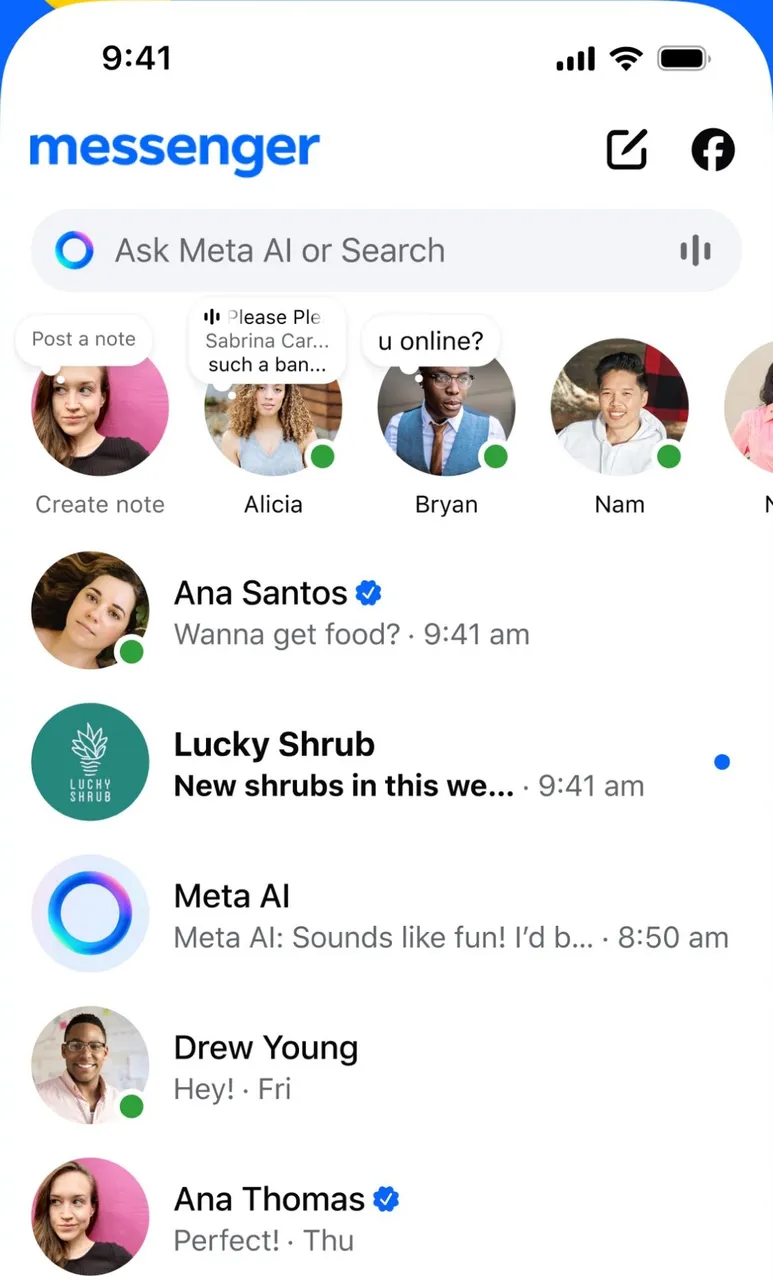
If your group already lives in a Facebook Group, Messenger is the natural place for its chat. Facebook Groups no longer have their own chat rooms, and Meta points admins to Messenger Communities, which gather several group chats under a Home space for announcements and hold up to 5,000 members. Admins can invite Facebook friends and friends of friends, and new members can read what was posted before they joined.
Community members need a Facebook account, and some accounts and platforms can’t create a Community. A regular Messenger group chat holds only 250 people. Meta reviews Community chats against its rules rather than encrypting them end to end. Admins can approve and remove members, but there’s nothing like slow mode or a word filter.
What it does
- Communities of up to 5,000 members with a Home space for announcements
- Group chats of up to 250 with join approval
- Invites to Facebook friends and friends of friends
Pros
- Easy for groups whose members are already on Facebook
- New Community members can read earlier messages
Cons
- Community members need a Facebook account
- Not every account or platform can create a Community
- Few moderation tools beyond approving and removing members
- Community chats aren't end-to-end encrypted

Signal Private Messenger
Private groups of up to 1,000
#8 2.8/5
 (opens full size in a new tab)
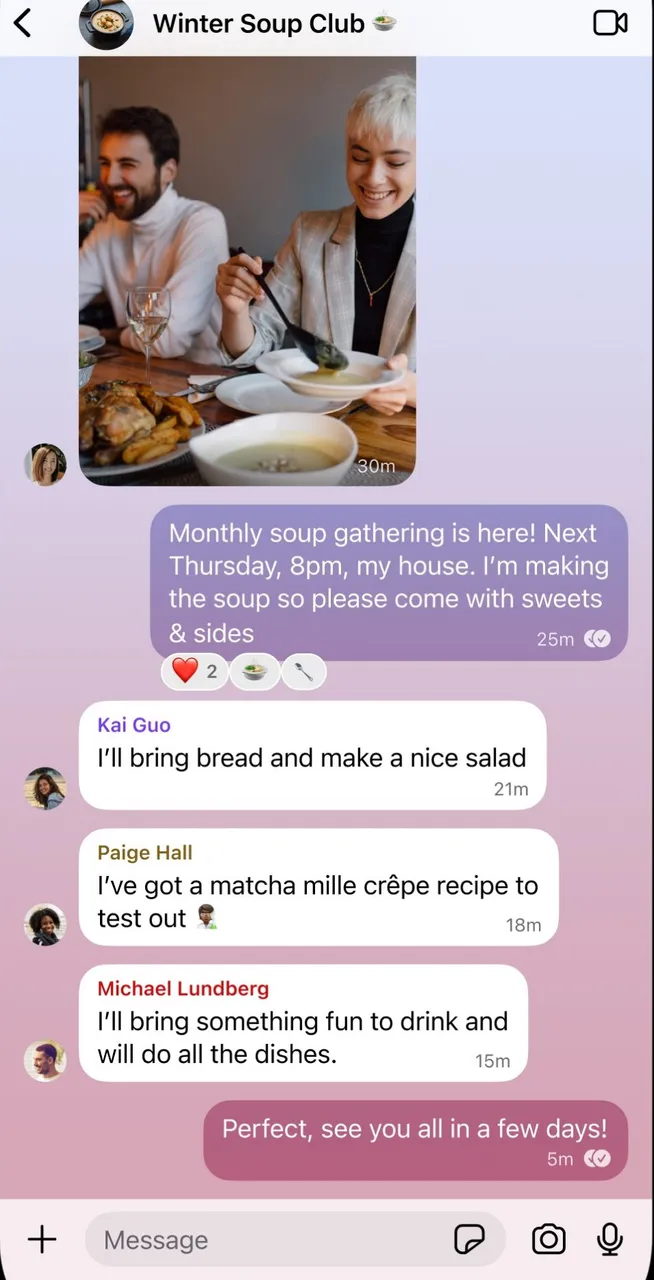
Signal is the right app when what your group says must stay private: everything is end-to-end encrypted, it’s run by a nonprofit that keeps almost no data about who talks to whom, and members’ phone numbers are hidden from people who don’t already have them. Activist and advocacy groups use it for exactly that reason.
As a home for a big community, it’s the weakest here. A group holds 1,000 people, there are no topics or channels, and new members see nothing posted before they joined. Admins can limit posting to themselves, approve people who join by link, and remove members, which covers an announcement group. For discussion, you can run a second group alongside it. Our list of the best encrypted messaging apps compares Signal with the other private options.
What it does
- Groups of up to 1,000 with admin-only posting and link approval
- Polls, pinned messages, and group calls for up to 75 people
- End-to-end encryption for every chat by default
Pros
- Messages stay private, even from the company
- Phone numbers hidden from other members by default
- Free, with no ads
Cons
- No topics or channels to split up a big conversation
- New members can't read anything posted before they joined
- Groups top out at 1,000 members
- Choose if:
- Your members could be at risk if their messages or contact network were exposed
Also considered
- Viber: few people in the US and Western Europe use it, but in much of Eastern Europe, the Middle East, and Southeast Asia it’s as common as WhatsApp. Its Communities have no member limit, admins can ban people, and admins can post under an alias. If your members already use it, it’s a reasonable choice.
- BAND: built around a board of posts, a shared calendar, polls, and photo albums, with chat on the side. It suits a team or club that mostly schedules things, less a community that wants to talk all day.
1–5 per criterion · select a score for its reasoning and any sources
| # | Product | Overall | Keeps a big chat easy to follow , counts double | Members already have it | Easy for newcomers to join and use , counts double | Moderation and admin tools | Room to grow | What other members see about you | Free version covers a large group | Events, polls and live gatherings | New members can catch up |
|---|---|---|---|---|---|---|---|---|---|---|---|
| 1 | Discord | 4.2 | 5 | 3 | 2 | 5 | 5 | 5 | 4 | 5 | 5 |
| 2 | Telegram | 4.0 | 4 | 4 | 4 | 4 | 4 | 4 | 4 | 4 | 4 |
| 3 | GroupMe | 3.8* | 4 | 2 | 5 | 3 | 3 | unknown | 4 | 4 | 4 |
| 4 | 3.4 | 3 | 5 | 4 | 3 | 2 | 2 | 5 | 4 | 2 | |
| 5 | Slack | 3.3 | 5 | 3 | 3 | 3 | 4 | 4 | 2 | 1 | 3 |
| 6 | Element | 3.3 | 4 | 1 | 2 | 4 | 4 | 5 | 4 | 3 | 3 |
| 7 | Facebook Messenger | 3.2 | 3 | 4 | 3 | 2 | 3 | 3 | 4 | 3 | 4 |
| 8 | Signal Private Messenger | 2.8 | 2 | 3 | 3 | 3 | 2 | 4 | 5 | 3 | 1 |
Equal displayed overall scores are ordered by the earlier criteria; a known score comes before an unknown score. Identical scores use alphabetical order.
×2 = counts double in the overall score, ×½ = counts half.
? = unknown. * = the overall score averages only the known criteria.
How each criterion is scored
Keeps a big chat easy to follow
Counts double in the overall score: A big group that turns into one unreadable stream is the main reason people look for a different app, so it counts double.
How well the app keeps a conversation of hundreds or thousands of people readable: whether side conversations can move into separate topics or channels inside the same group, whether replies can be followed as threads, and whether announcements can sit apart from the chatter. Judged from the group structures the free app offers.
- 5 Channels or topics inside one space, with threaded replies inside them, so side conversations stay out of the main stream
- 4 Separate topics or channels inside one group, each with its own history, plus an announcement space, but replies inside a topic can't be followed as threads
- 3 Several group chats gathered under one community with a shared announcement space, but each chat is still a single stream
- 2 One stream per group, with replies and pinned messages; splitting topics means running separate, unconnected groups
- 1 Everything happens in one stream, without even replies to a specific message
Members already have it
How likely the people you invite already have the app on their phones, judged from published user numbers and where the app is common. An app members already use gets more of them to join and keep reading.
- 5 Billions of users; in most countries nearly everyone you invite already has it
- 4 Around a billion users and common in many countries
- 3 Tens of millions to a couple of hundred million active users, so many members have at least heard of it
- 2 Common only among one group, such as US college students or office workers, or fewer than about 50 million active users
- 1 Few people outside a niche have it, so nearly every member installs something new
Easy for newcomers to join and use
Counts double in the overall score: In a large group the newcomers are the least committed members, and an app they struggle to join or follow leaves the group talking to itself, so it counts double.
How quickly a non-technical member gets from an invite to taking part: the account they need, the steps to join, and how much the app has to be learned before they can follow along. Judged from the sign-up and join steps and from what users and reviewers say about the learning curve.
- 5 Everything in 4, and some members can take part without installing anything, such as by text message
- 4 Join by link or QR code in a minute, and the app works like the texting apps people know
- 3 Simple to join by link, but the app takes some learning, or needs a kind of account many members don't have
- 2 Joining takes an account with extra verification, and many newcomers find the app cluttered or confusing at first
- 1 Joining needs technical choices, such as picking a server, and most newcomers find the app confusing
Moderation and admin tools
What admins can do to keep a large group on track in the free app: admin-only posting, join approval, several admins with removal and banning, finer roles, slow mode, automatic spam or word filtering, action logs and moderation bots.
- 5 Roles with permissions set per channel, automatic message filtering, verification gates for newcomers, and bots for custom moderation
- 4 Everything in 3 plus finer tools such as per-admin rights, slow mode, read-only bans, action logs, bots or automatic spam filtering, but no roles with permissions set per channel
- 3 Admin-only posting, join approval, several admins who can remove members and delete messages, but no slow mode, filtering or finer roles
- 2 Admins can approve joins and remove members, but can't limit who posts
- 1 Only the creator can remove people; no other controls
Room to grow
How many members one group or community can hold, from the app's published limits for the largest group form most people can create.
- 5 Millions of members
- 4 Tens of thousands to a few hundred thousand members
- 3 About 5,000 members
- 2 About 1,000 to 2,000 members
- 1 A few hundred members at most
What other members see about you
What a member gives away to everyone else in a large group of strangers: their phone number, a real-name social profile or email address, or only a name they choose.
- 5 No phone number needed; you appear only under a username you choose
- 4 Your phone number or email is hidden from strangers by default, but the account is tied to it, and people who already have it can see it
- 3 Members see your real-name social media profile, though not your phone number
- 2 Members of a group see your phone number, with protection only in some spaces, such as an announcement channel
- 1 Every member sees your phone number, and you can't hide it
Free version covers a large group
Whether a large group can run on the free version, judged from the limits of the free plan and the prices of what a group would otherwise need, such as message history, per-member plans or upload size.
- 5 Free covers what a large group needs, with no ads in group chats
- 4 Free covers what a large group needs; paid extras are mostly convenience, such as bigger uploads, or ads appear in some group spaces
- 3 Free covers chatting, but features large groups commonly want cost extra
- 2 The free plan has limits a large group hits soon, such as hiding or deleting old messages
- 1 A large group must pay per member before the app works properly
Events, polls and live gatherings
Counts four built-in tools for organizing a group: scheduled events with RSVPs, polls, group voice or video calls, and live audio or video rooms or broadcasts that hundreds can join.
- 5 All four
- 4 Three of the four
- 3 Two of the four
- 2 One of the four
- 1 None of the four
New members can catch up
Whether someone who joins later can read what was said before they arrived and search it, judged from the app's defaults and the settings admins have.
- 5 New members can read the full history by default and search it by person or date
- 4 New members can read the full history when admins allow it, and search works
- 3 New members see a limited window of recent history, or search is weak
- 2 New members see nothing by default, though a member can share a small batch of recent messages
- 1 New members see nothing from before they joined
How to choose
- A fan, hobby, or creator community that talks every day: Discord, unless your members want something that works like texting.
- A big local group of mixed ages, mostly on phones: Telegram with Topics turned on. Choose WhatsApp instead if getting every last member in matters more than organized conversations and history.
- A US club, team, or campus group with members who need ordinary text messages: GroupMe, so they can join without the app.
- An audience of thousands you mostly post to: a Telegram channel with a linked discussion group.
- A group whose messages must stay private: Signal, with a separate group for discussion.
- A professional or open-source community: Slack if you can pay to keep your history, or can work with only the last 90 days visible; otherwise Discord, or Element if you want your own server.
The verdict
Discord is the best app for running a community. No other app here matches it on structure and moderation together, and channels, threads, roles, and AutoMod are what a busy group needs once it passes a few hundred people. What stops it from being the answer for everyone is the first ten minutes. Members who live in texting apps find it confusing, and a group whose members never get past that first screen won’t become a community.
Telegram is the compromise most local groups should take. It’s nearly as capable, with Topics, slow mode, join requests, and searchable history, and it feels familiar from the first tap. Expect to clean up spam if your group is public.
WhatsApp and GroupMe win on getting people in, WhatsApp because everyone has it and GroupMe because it meets US members in their ordinary texting app. Both start to strain as a group grows: WhatsApp keeps newcomers in the dark, and GroupMe gets loud. They’re fine for a group that mostly shares announcements and plans events, and a poor fit for one that wants ongoing discussion.
Frequently asked questions
Can I move an existing WhatsApp group to Telegram or Discord?
Members have to join the new app themselves; no app can move the people for you. Telegram can import a WhatsApp chat’s message history into a Telegram group, so old messages come along. Discord has no import, so the history stays behind in WhatsApp. Post an invite link in the old chat and keep both apps running for a few weeks.
Are Telegram groups private?
By default, other members can’t see your phone number unless they already have it, but group messages aren’t end-to-end encrypted, so they’re stored on Telegram’s servers in a form the company can read. Telegram can also give a user’s IP address and phone number to authorities on a valid court order. For a hobby group that’s fine; for anything sensitive, Signal is the better choice.
We scored 8 products on 9 criteria using 138 quotes, 90 of them from the products' own websites. How our rankings work