LastPass alternatives for managing passwords
LastPass is a password manager that keeps your logins in an encrypted vault on its servers and fills them in on your browser and phone. Most people looking to leave it have one of two reasons: the 2022 breach, in which attackers copied customers’ vaults, or a free plan that works on your computer or your phone but not both.
Moving to a new app doesn’t undo the breach, though. The copy the attackers took still holds the passwords you had saved in 2022, and each one keeps working until you change it on its site. That part you fix by changing passwords, whichever app you end up in.
For most people leaving, I’d pick Bitwarden: the free plan syncs every device, and Premium costs about half as much as LastPass Premium. If you want the most polished app and the strongest protection for a stolen vault, 1Password is worth paying for.
Quick picks
- Bitwarden Best free replacement for most LastPass users Ranking: Free password managers #1 4.4/5
- 1Password For paying users who want a stolen vault to stay locked Ranking: Password managers for business #1 4.5/5
- Apple Passwords For households that only use Apple devices Ranking: Free password managers #3 4.2/5
- Keeper Password Manager For IT teams that want fine-grained admin control Ranking: Password managers for business #3 4.0/5



Free plans that sync your phone and computer
LastPass Free makes you choose one device type, computers or mobile devices, so a password you save on your laptop never reaches your phone. Each manager in the table below syncs between the two for free. Each also imports the export file LastPass gives you, so nobody has to retype a vault.
1–5 per criterion · select a score for its reasoning and any sources
| # | Product | Overall | A free plan you can keep using , counts double | Easy, reliable autofill | Security track record | Works on all your devices | Extras on the free plan | Getting back in after a forgotten password , counts half |
|---|---|---|---|---|---|---|---|---|
| 1 | Bitwarden | 4.4 | 5 | 3 | 5 | 5 | 4 | 3 |
| 2 | Proton Pass | 4.3 | 5 | 3 | 4 | 5 | 4 | 4 |
| 3 | Apple Passwords | 4.2 | 5 | 5 | 4 | 2 | 4 | 5 |
| 4 | LastPass | 2.7 | 3 | 3 | 1 | 4 | 2 | 3 |


×2 = counts double in the overall score, ×½ = counts half.
How each criterion is scored
A free plan you can keep using
Counts double in the overall score: A free plan that stops working on your second device fails the job readers came for, so whether the free version lasts counts double.
Whether the free version works as your only password manager for years: how many passwords and passkeys it holds, how many devices you can use at once, whether it syncs between them, and whether it stays free with no time limit.
- 5 Unlimited items, unlimited devices and automatic sync, with no time limit
- 4 Unlimited items and devices, but with a catch for everyday use, such as sync you have to set up yourself
- 3 Unlimited items and sync, but only one device signed in at a time or only one type of device, such as computers or phones
- 2 Unlimited items, but on one device only, with no sync between devices
- 1 No lasting free plan, or a free plan capped at a few dozen items
Easy, reliable autofill
How easily one person sets it up and then saves and fills logins day to day on the phone and computer it supports. Judged from how setup works, how reliably it fills and saves logins in browsers and apps, how clear the design is, and what reviewers and many users agree on.
- 5 Almost nothing to set up, with autofill built into the system that rarely misses
- 4 Easy setup and reliable autofill on phones and computers, with few complaints
- 3 Fine for most people, with known snags such as sites where autofill misses, logins it fails to save, or a clunky design
- 2 Works once set up, but setup takes real effort and filling on phones depends on extra apps or manual steps
- 1 Hard to set up, with autofill that often fails
Security track record
How well the vault is protected and how much outsiders have checked it: end-to-end encryption, independent audits and certifications, open code, a bug bounty, and any breach of customer vault data.
- 5 End-to-end encryption, regular independent audits by several firms, open code, a bug bounty, and no breach of vault data
- 4 End-to-end encryption, no known breach of vault data, and independent audits, certifications or a published security design
- 3 No known breach, but vaults aren't end-to-end encrypted by default, or there is little published independent review
- 2 End-to-end encryption, but a breach of encrypted vault data, repeated serious incidents, or no independent review at all
- 1 A breach of vault data that put customers at risk, or no clear account of how vaults are protected
Works on all your devices
Whether the free version runs on what you own: iPhone, Android, Windows, Mac, Linux and ChromeOS, and the major browsers, with autofill on each.
- 5 Apps for iPhone, Android, Windows, Mac and Linux, and extensions for all major browsers including Safari and Firefox
- 4 Its own apps or full support on iPhone, Android, Windows and Mac and the major browsers, missing a minor platform such as Linux apps or one browser
- 3 Phones and computers on every major system, but only inside one browser, or through other developers' apps on phones
- 2 One platform family plus limited use elsewhere, with no Android or no Windows support
- 1 One platform family only
Extras on the free plan
How many of six extras the free version includes: stored and synced passkeys, built-in two-factor codes, sharing a login with another person, emergency access for a trusted contact, alerts about breached or weak passwords, and email aliases that hide your address.
- 5 Five or six
- 4 Four
- 3 Three
- 2 Two
- 1 One or none
Getting back in after a forgotten password
Counts half in the overall score: It matters on the bad day it happens, but few readers choose a manager by it, so it counts half.
What happens when you forget the password that unlocks your vault: whether your usual account or device recovery, a route that's on by default, or only something you set up in advance gets you back in without losing your logins.
- 5 Your usual account recovery or your device's passcode gets you back in, with nothing to set up in advance
- 4 A route that's on by default, such as a backup on a device that's still signed in
- 3 Several routes you set up in advance, such as another signed-in device, a hint or a recovery phrase
- 2 One recovery route you must set up in advance, such as a recovery code
- 1 Forget the main password and the vault is lost
#1 4.4/5
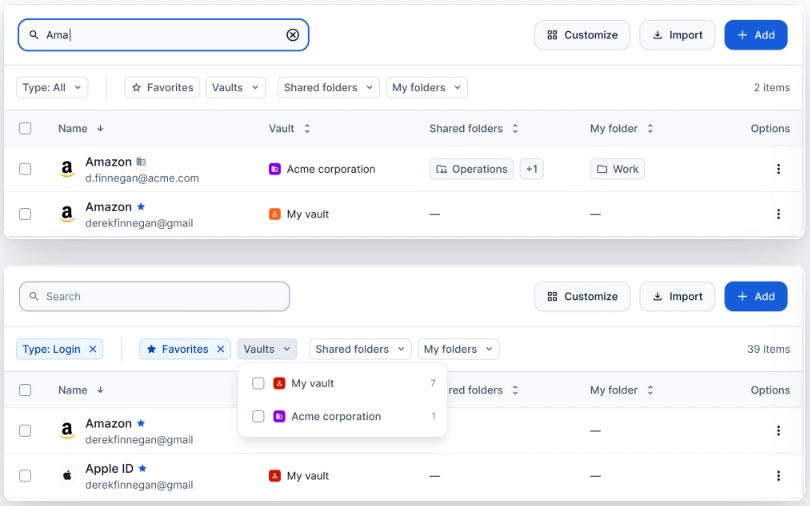

Bitwarden gives you unlimited passwords on unlimited devices for free, with browser extensions, desktop apps and phone apps on every major platform. Its code is open source, and the company publishes the reports of yearly security audits by outside firms. For someone who left LastPass over trust, that openness is a large part of the appeal: other people can check how the vault is encrypted instead of taking the company’s word for it.
You give up some polish. The apps look plainer than LastPass’s, and Bitwarden doesn’t fill a login form the moment a page loads; you pick the login from the extension’s menu or press a keyboard shortcut, unless you turn on autofill on page load in the settings. The free plan shares with one other person, a little more than LastPass Free, which shares one password at a time. Premium adds 2FA codes inside the vault (the six-digit codes many sites ask for after your password) and emergency access.
What it does
- Unlimited passwords and devices on the free plan
- Apps for Windows, macOS, Linux, iOS, and Android, plus browser extensions
- Free sharing with one other person
- Optional hosting on your own server
Pros
- No device limit on the free plan
- Open-source code with published outside audits
- Premium costs about half as much as LastPass Premium
Cons
- Plainer apps than LastPass
- Doesn't fill forms on page load until you turn it on
- 2FA codes in the vault need Premium
#2 4.3/5
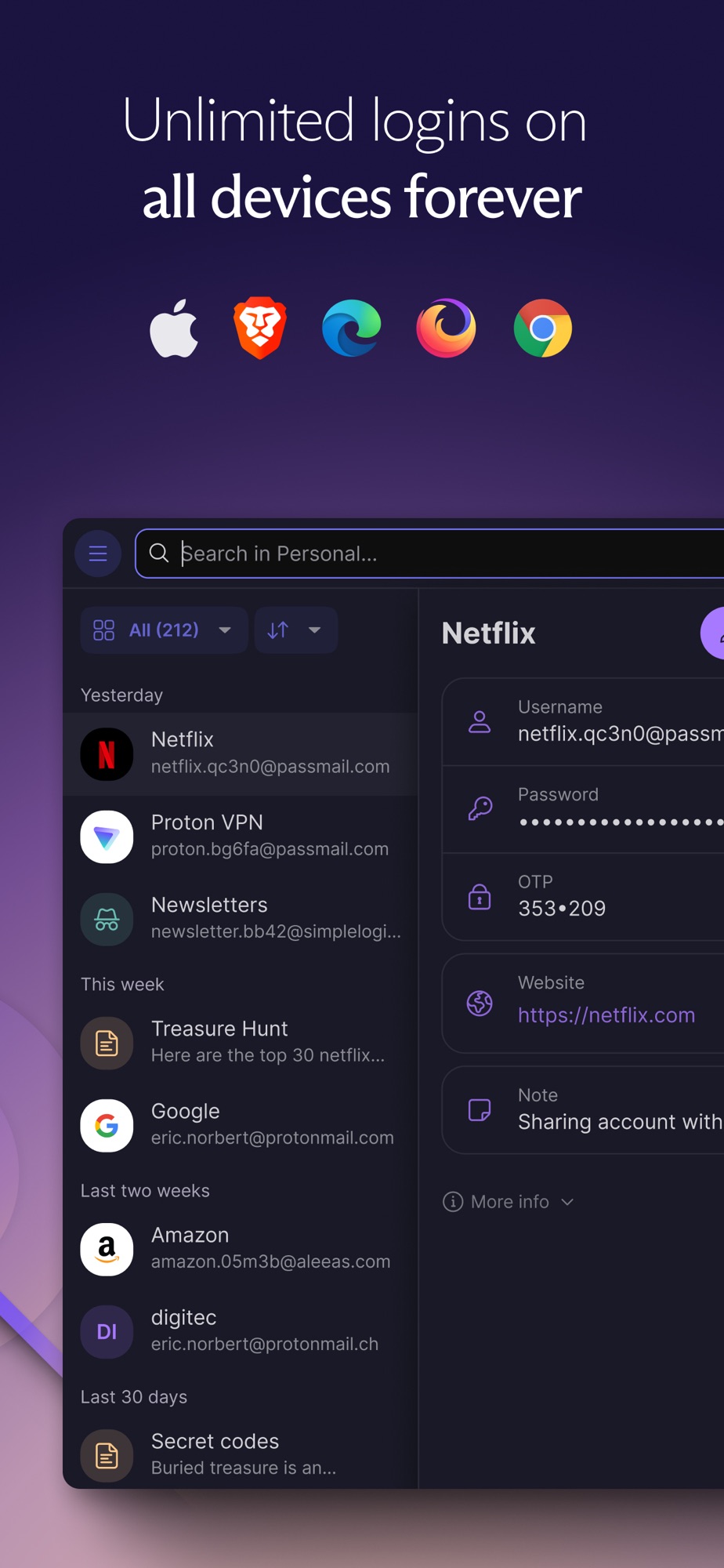
Proton Pass, from the Swiss company behind Proton Mail, also syncs unlimited logins across unlimited devices on its free plan. Its extra is email aliases: forwarding addresses you hand to a site instead of your real email, so a leak or a spam list traces back to one alias you can switch off. The free plan gives you 10 of them. Proton encrypts the whole vault, including website addresses, which is the part the 2022 LastPass copy left readable.
The rough edges are in setup and saving. Pass sits inside a wider Proton account, which takes some getting used to. Several users on the Proton Pass subreddit have reported that it suggests a strong password on some sign-up forms without saving the new login, so check that new accounts landed in the vault. Pass Plus, the paid plan, adds 2FA codes, item sharing and emergency access.
What it does
- Unlimited logins and devices on the free plan
- Email aliases that hide your address
- Apps for Windows, macOS, Linux, iOS, and Android
- Open-source apps
Pros
- Encrypts website addresses along with passwords
- Aliases cut down spam and tracking by email
- Free plan can share two vaults
Cons
- Sometimes misses saving a newly created login
- Proton account setup is confusing at first
- Support is by email only
#3 4.2/5
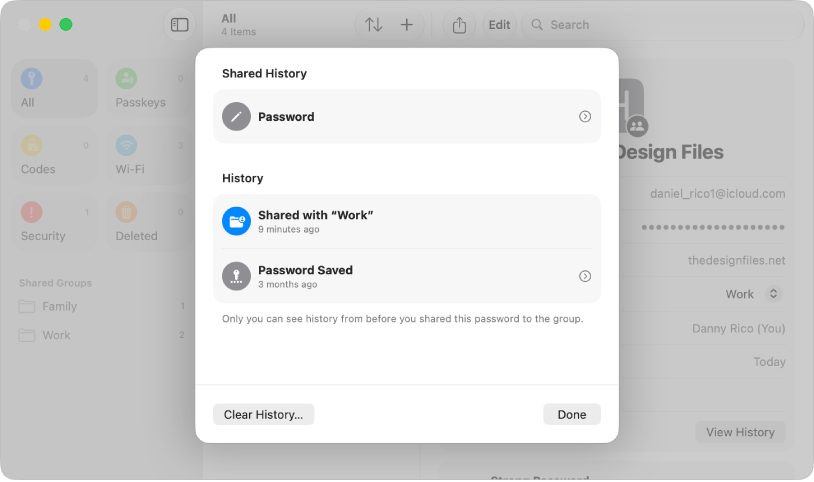
If everyone at home uses an iPhone and a Mac, the Passwords app Apple already put on them may be all you need. It’s free, syncs through iCloud with end-to-end encryption, fills passwords and 2FA codes on any of your Apple devices, and lets you share a group of logins with family. On Windows it works in Chrome, Edge, and Firefox through the iCloud for Windows app.
There’s no Android app, and shared groups only work between Apple users, so one Android phone in the family rules it out. It also holds less than LastPass: logins, passkeys, 2FA codes, and text notes, but no file attachments.
What it does
- Built into iPhone, iPad, and Mac
- 2FA codes that fill in automatically
- Shared password groups
- Windows access through iCloud for Windows
Pros
- Nothing to install or pay for on Apple devices
- Easiest setup of any option here
Cons
- No Android app
- Sharing only works with other Apple users
- No file attachments
- Skip if:
- Anyone you share passwords with uses Android
Paying for Premium or Families
Paid LastPass plans add shared folders for a household and Emergency Access, which lets a trusted person request your vault and get it if you don’t refuse within a wait you set. Shared folders and Emergency Access are the two features to check in a replacement. LastPass Families is also cheap: $48 a year for six people, which only Bitwarden matches in the chart below.
- LastPass $48.00 6 people
- Bitwarden $47.88 6 people
- Proton Pass $59.88 6 people
- 1Password $71.88 5 people; less in the first year for new customers
- Keeper Password Manager $91.99 5 people
Sources
- LastPass: “| Annual price (per month average) | $36 ($3 per month) | $48 ($4 per month) | $48 ($4 per month) | $84 ($7 per month) |” security.org, checked Nov 17, 2026
- Bitwarden: “Families $3.99 per month Up to 6 users Billed annually at $47.88” bitwarden.com, checked Nov 14, 2026
- Proton Pass: “Billed at $59.88 every 12 months.” proton.me, checked Nov 17, 2026
- 1Password: “In USD, the Individual plan costs $2.99 per month with annual billing during the current promotion. The Families plan costs $4.49 per month with annual billing during the current promotion. Regular prices are $3.99 per month for Individual and $5.99 per month for Families.” 1password.com, checked Nov 24, 2026
- Keeper Password Manager: “$91.99 billed annually” keepersecurity.com, checked Nov 17, 2026
Prices are as of November 2026, billed yearly. Bitwarden Families matches LastPass’s price and seat count, with emergency access for every member, so a household leaving on cost alone gives up nothing. Neither plan lets anyone reset a member’s forgotten master password, so each person needs a recovery method set up in advance.
1Password
For paying users who want a stolen vault to stay locked
Ranking: Password managers for business
#1 4.5/5
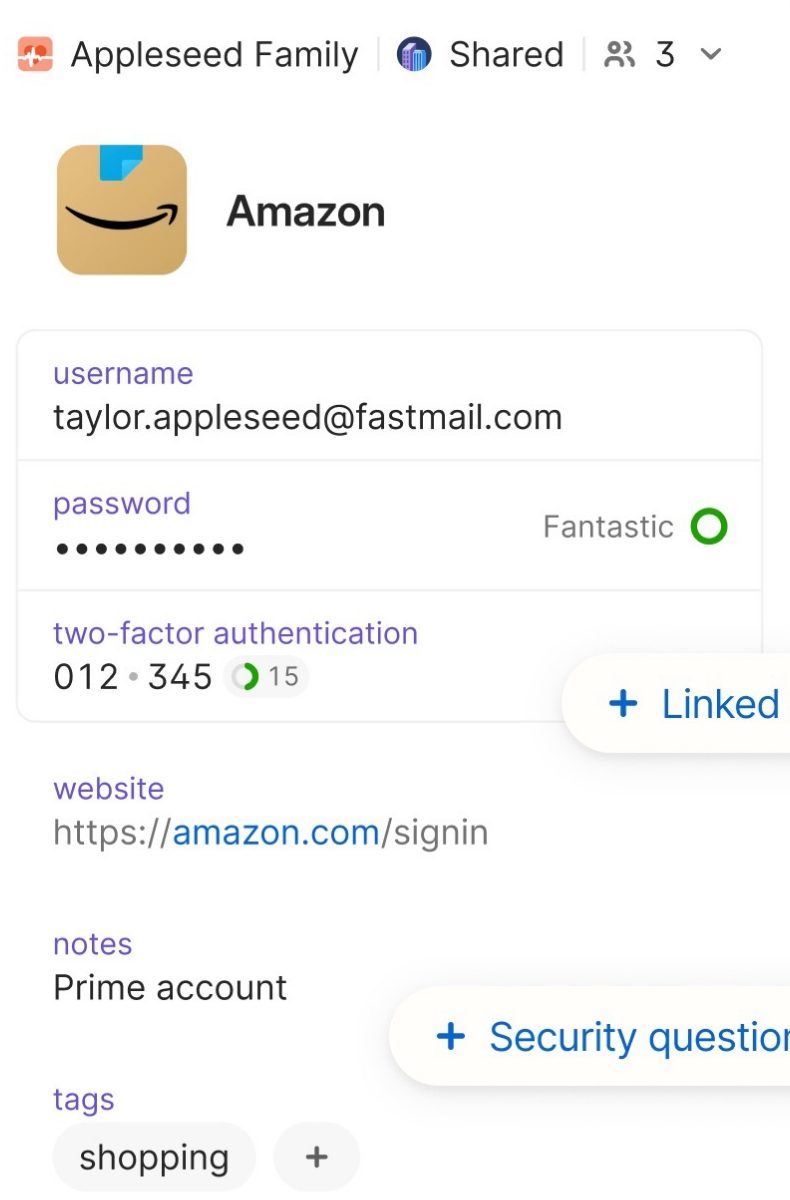

1Password is what I’d pay for if the breach is why you’re leaving. It encrypts your vault with your account password plus a 128-bit Secret Key that your devices create and keep, and 1Password never sees. Cracking a weak LastPass vault meant guessing the master password; a stolen 1Password vault would also need the Secret Key, which is far too long to guess. Website addresses and item titles are encrypted too.
It’s also the most polished app here and the closest to LastPass’s autofill, which fills logins without you thinking about it, on Windows, Mac, Linux, iOS, and Android. On Families, an organizer can restore access for a relative who forgets their password, which saves a lot of grief with less technical family members. What you give up: there’s no free plan, only a 14-day trial; Families covers five people, not six; and there’s no emergency access feature. The workaround is to keep the Emergency Kit, a PDF with your sign-in details, with your will.
What it does
- Secret Key that protects the vault on top of your password
- Families plan with shared vaults for five people
- Organizer can restore a family member's access
- Travel Mode hides chosen vaults at border crossings
Pros
- A stolen copy of the vault can't be cracked by guessing your password
- Most polished apps and autofill of the options here
- Encrypts website addresses and item titles
Cons
- No free plan
- No built-in emergency access for a trusted contact
- Families covers five people, one fewer than most rivals
#4 2.7/5
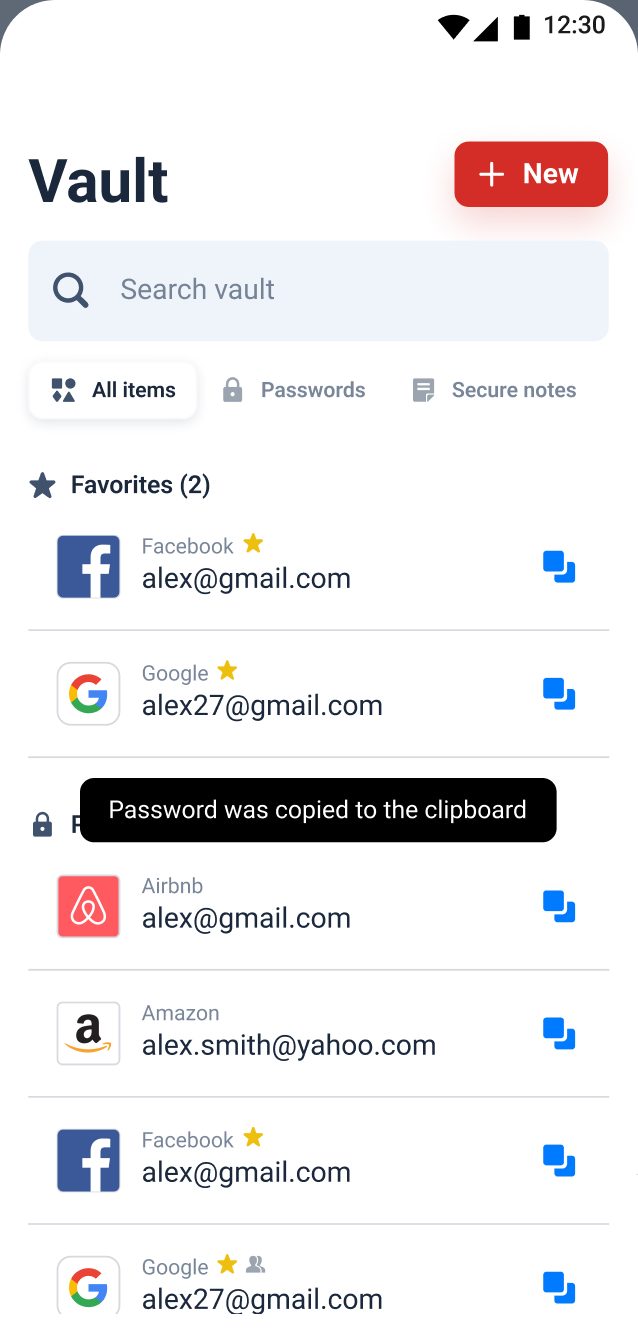
Staying is defensible for some people. If your master password was long and unique, the 2022 copy of your vault is very hard to crack. LastPass is still easy to set up and fills logins well, and Families gives six people private vaults, unlimited shared folders and Emergency Access for less than most rivals.
I wouldn’t start with LastPass today, though. A breach that exposed customers’ website addresses, then crypto thefts years later, says more about the company than any feature list. None of the other free plans in the table above limits you to one device type, and LastPass only shares with other LastPass users. Families and Premium can’t generate 2FA codes in the vault either; you need the separate LastPass Authenticator app.
What it does
- Families plan for six people with private vaults
- Unlimited shared folders on Families
- Emergency Access on Premium and Families
- Business plans with directory sync and single sign-on
Pros
- Guided setup and smooth autofill
- Families covers six people at a low price
Cons
- 2022 breach exposed vault copies and website addresses
- Free plan works on computers or mobile, not both
- Shares only with other LastPass users
- No 2FA codes in the vault on personal plans
- Skip if:
- You plan to use the free plan on both a phone and a computer
Moving a company off LastPass
For a company, the question after the breach is which plan replaces what you set up. LastPass Teams covers up to 50 users with shared folders and basic reports. LastPass Business adds directory sync, which adds and removes users from your Microsoft, Google, or Okta directory, plus single sign-on (SSO), which lets staff sign in with their work account. Those two features decide which plan you need elsewhere.
1–5 per criterion · select a score for its reasoning and any sources
| # | Product | Overall | Easy for employees to adopt , counts double | Shared vaults and permissions | Admin control, offboarding and recovery | Single sign-on and user provisioning | Audit logs and reporting | Security track record | Price per user | Extras for staff and IT , counts half |
|---|---|---|---|---|---|---|---|---|---|---|
| 1 | 1Password | 4.5 | 5 | 5 | 4 | 5 | 5 | 5 | 2 | 4 |
| 2 | Bitwarden | 4.2 | 3 | 5 | 4 | 5 | 5 | 5 | 3 | 5 |
| 3 | Keeper Password Manager | 4.0 | 3 | 5 | 5 | 5 | 3 | 5 | 3 | 4 |
| 4 | LastPass | 3.6 | 4 | 4 | 4 | 5 | 5 | 1 | 2 | 3 |
×2 = counts double in the overall score, ×½ = counts half.
How each criterion is scored
Easy for employees to adopt
Counts double in the overall score: A password manager employees avoid protects nothing, so whether staff actually adopt it counts double.
How easily staff who aren't technical get set up, save and fill logins on their phones and computers, and keep using it without help from IT. Judged from how onboarding works (invites, extra keys or recovery kits), how reliable autofill is in browsers and mobile apps, how clear the apps are, and what reviewers and business users agree on.
- 5 Non-technical staff get going from an email invite and use it daily with almost no help, with reliable autofill everywhere and a design reviewers widely praise
- 4 Easy setup and reliable autofill on phones and computers, with only minor complaints
- 3 Fine once IT sets it up, with known snags such as a dated or crowded design, patchy mobile autofill or extra setup steps
- 2 Workable for technical teams, but setup steps such as private keys or recovery kits, or a flaky extension, trip up non-technical staff
- 1 Most staff need IT's help to get in and autofill often fails
Shared vaults and permissions
How a company shares logins with the right people: shared vaults, folders or collections, groups, permission levels such as view only or edit, and secure links for sharing one login with someone outside the company, on the plan priced under "Price per user".
- 5 Shared folders or vaults with permission levels and groups, plus expiring or one-time links for sharing with people outside the company
- 4 Shared folders or vaults with permission levels, managed through groups
- 3 Shared folders or vaults with permission levels but no groups, or groups with all-or-nothing access
- 2 Item-by-item sharing only, with no shared folders
- 1 No sharing between users
Admin control, offboarding and recovery
How many of four admin capabilities the plan priced under "Price per user" includes: enforced security policies (password rules, two-factor sign-in), admin roles or delegated administration, offboarding that keeps the company's logins when someone leaves, and admin-assisted recovery of an employee who is locked out, without losing their items. A 5 also needs a deep policy set.
- 5 All four, with a large policy set and fine-grained roles or delegation for separate departments
- 4 All four
- 3 Three
- 2 Two
- 1 One or none
Single sign-on and user provisioning
Whether staff can unlock the vault through the company's identity provider (Microsoft Entra ID, Okta, Google Workspace) and whether new hires and leavers are added and removed automatically through SCIM or directory sync, on the plan priced under "Price per user", without a paid add-on.
- 5 Both, with Entra ID, Okta, Google Workspace and generic SAML or SCIM
- 4 Both, but with fewer identity providers, such as provisioning only from Entra ID and Okta
- 3 Single sign-on or automatic provisioning, but not both
- 2 Sign-in through one identity provider only, or a one-time user import
- 1 Neither single sign-on nor provisioning
Audit logs and reporting
What admins can see and export on the plan priced under "Price per user": an event log of who viewed, changed or shared which login, security reports on weak or reused passwords, and a way to send events to a security monitoring (SIEM) tool such as Splunk or Microsoft Sentinel.
- 5 Detailed event log, security reports and built-in SIEM streaming
- 4 Event log and reports, with SIEM export that needs an add-on, a request to the vendor or a higher plan
- 3 A detailed event log and basic reports, with no SIEM connection
- 2 A basic activity view with little detail
- 1 No activity log
Security track record
How well the vault is protected and how much outsiders have checked it: end-to-end encryption, independent audits and penetration tests, certifications such as SOC 2 Type 2 and ISO 27001, open code or a published security design, a bug bounty, and any breach of customer vault data.
- 5 End-to-end encryption, regular audits by several firms, SOC 2 Type 2 and ISO 27001, open code or a published security design, a bug bounty, and no vault breach
- 4 End-to-end encryption, no known vault breach, and recent independent audits or certifications
- 3 No known vault breach, but little published independent review or certification, or a serious flaw in the product itself
- 2 End-to-end encryption, but a breach of encrypted vault data or repeated serious incidents
- 1 A breach of customer vault data that has been linked to real losses
Price per user
The per-user monthly price, billed yearly at the regular rate, of the plan a 50-person company with an identity provider would buy: the vendor's published plan with single sign-on, user provisioning and admin policies (or its most complete published plan when none has all three), plus any add-on needed for them. Cheaper small-team plans are covered in the text.
- 5 Under $3 per user
- 4 $3 to $4.99 per user
- 3 $5 to $6.99 per user
- 2 $7 to $8.99 per user
- 1 $9 or more per user, or price only by quote
Extras for staff and IT
Counts half in the overall score: Welcome perks, but they rarely decide which manager a company buys.
How many of five extras the plan priced under "Price per user" includes at no extra cost: passkey storage, breach or dark-web monitoring, free personal or family accounts for employees, developer tools such as a command-line tool or SSH key storage, and a self-hosting or chosen-region hosting option.
- 5 All five
- 4 Four
- 3 Three
- 2 Two
- 1 One or none
| Product | Plan with SSO and directory sync | Per user a month, billed yearly |
|---|---|---|
| LastPass | Business | $7 |
| 1Password | Business | $8.99 |
| Bitwarden | Enterprise (Teams, at $4, has directory sync but no SSO) | $6 |
| Keeper | Enterprise (Business, at $4, has neither) | $6 |
Prices are as of November 2026. 1Password Business costs the most, and I think it earns that for a company whose staff aren’t technical: it’s the easiest of the four to roll out, and the Secret Key protects every employee’s vault the way it protects a family’s. Bitwarden is the value pick, and the only one of the four you can host on your own servers, on Enterprise.
A company already running LastPass Business with directory sync and SSO can reasonably stay. It handles admin controls and audit logs well, and moving hundreds of people costs time. The case for leaving is the breach history, and how much that weighs with your clients and auditors.
Keeper Password Manager
For IT teams that want fine-grained admin control
Ranking: Password managers for business
#3 4.0/5
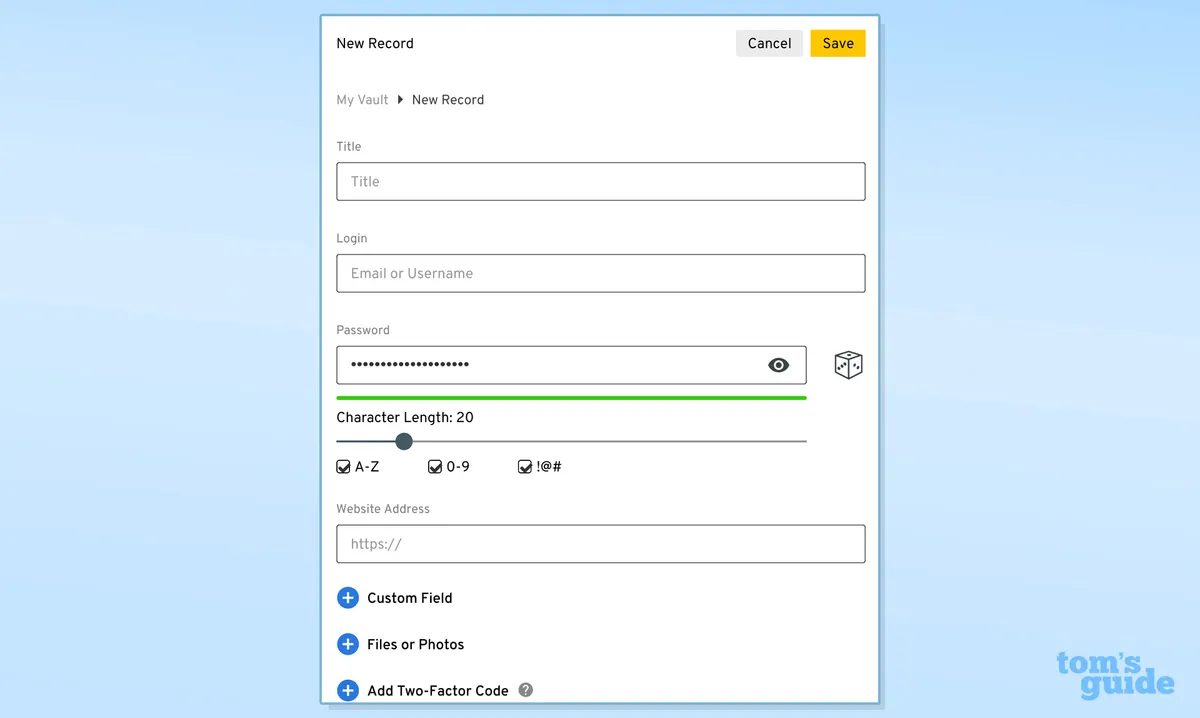
Keeper is built around its admin console. Admins group users into nodes and teams, hand tasks like onboarding to sub-admins for one department, and set policies by role, and they can move a departing employee’s vault to someone else. Keeper has no known breach of customer vaults.
The cost creeps up, though. Detailed reports and SIEM feeds (activity logs sent to a security monitoring system) need the Advanced Reporting and Alerts add-on on every business plan, and SSO and directory sync start at Enterprise. Check the import, too: in Security.org’s test, a CSV import put email addresses in the password field. A trial run with a few entries before you move everyone catches that.
What it does
- Admin console with nodes, teams and roles
- Delegated administration for departments
- Vault transfer when an employee leaves
- SSO and directory sync on Enterprise
Pros
- Fine-grained control over who manages what
- No known breach of customer vaults
Cons
- Detailed reporting and SIEM feeds cost extra
- SSO and directory sync need Enterprise
- CSV imports can map fields wrongly
If you’re leaving LastPass on your own, Bitwarden covers almost everyone: it’s free on every device and cheap when you need more. Pay for 1Password when you want the vault itself to hold up if the servers are ever copied, and accept fewer seats and no emergency access. Apple Passwords is enough for an all-Apple home. Wherever you go, the stolen 2022 copy is the part no new app fixes, so change the passwords that guard your money and your email.
Also considered
- KeePassXC keeps your vault in a file on your own computer with no company server at all, so there’s nothing for anyone to copy from a vendor. You handle syncing between devices yourself, with a cloud folder or a separate phone app, which is more work than most LastPass users want.
- Google Password Manager is free in Chrome and on Android and syncs through your Google account. On an iPhone it works only through the Chrome app, and sharing is limited to one password at a time within a Google family group.
Frequently asked questions
Is LastPass safe to use now?
For an account with a long, unique master password, the encryption held: the UK regulator’s investigation found no evidence the attackers decrypted encrypted passwords. The risk sits with weak or old master passwords, and with whatever you stored in 2022. Whether to trust the company with your passwords from now on is a judgment call; I’d move.
How do I move my passwords from LastPass?
Export your vault from LastPass as a CSV file, then import it into the new manager; Bitwarden, 1Password and Proton Pass each have a LastPass option in their importer, and Apple Passwords takes the CSV file. The export holds every password in plain text, so delete it once the import is done, and check a few entries before you delete your LastPass account.
We scored 6 products on 14 criteria using 165 quotes, 115 of them from the products' own websites. How our rankings work