Heap helps product teams understand what people do in an app or website. Its appeal is autocapture: it collects interactions such as clicks so a team can define an event—a recorded action—and investigate it later, even if nobody named it when it happened.
That convenience still leaves a choice about what surrounds the analysis. Amplitude is a strong alternative for shared reporting; PostHog connects analysis to experiments and engineering tools; Pendo adds in-app guidance. Countly and OpenPanel give teams options for running analytics on their own infrastructure. If Heap’s retrospective analysis already answers your questions, though, switching comes with the work of moving data and rebuilding reports.
More ways to analyze behavior and test changes
These products help teams follow activation, conversion, and return visits, but their free allowances and what they include differ. A session is a visit that can contain many events, so the allowances below are not directly comparable. Session replay lets teams watch a playback of a visit. Plan details are as of November 2026.
| Product | Free allowance | A limit to know |
|---|---|---|
| Heap | 10,000 sessions/month | Session replay costs extra |
| Amplitude | 2 million events/month | Saving groups based on user actions requires a paid plan |
| Mixpanel | 1 million events/month | Five saved reports per seat |
| PostHog Cloud | 1 million analytics events/month | Account reporting costs extra |
| Statsig | 2 million metered events/month | Some experiment and feature-flag checks count toward usage |
| Pendo | 500 monthly active users | No session replay on the free plan |
| Fullstory | Basic session replay | No dashboards on the free plan |
| Countly | 14-day Flex trial | Funnels and retention need an add-on |
| OpenPanel | 30-day hosted trial | Paid cloud starts at $2.50/month for 5,000 events |

Heap
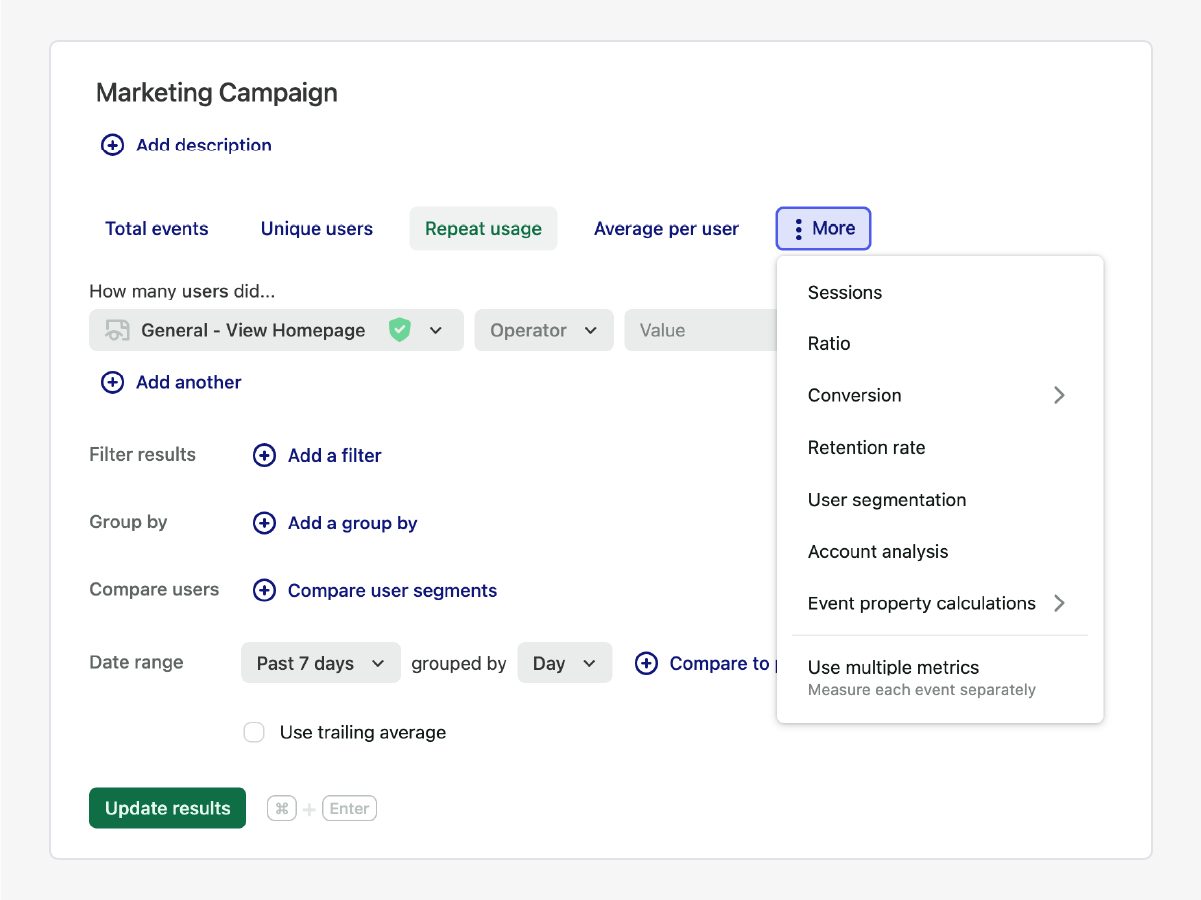
Stay with Heap for retrospective questionsHeap remains attractive if a product manager regularly discovers a question after a feature has shipped. Its automatic collection lets the team define interactions later and analyze the collected history. Account analytics can also follow activity across people at a customer company on paid plans.
The free plan includes up to 10,000 sessions a month and six months of history. Session replay is a paid add-on. If recordings or experiments are central to your work, their full cost matters when weighing a migration.
What it does
- Autocapture
- Retrospective event definitions
- Account analytics
Pros
- Investigate collected interactions after defining them
- Free plan includes core analytics
Cons
- Session replay is a paid add-on
- Paid pricing is custom

Amplitude
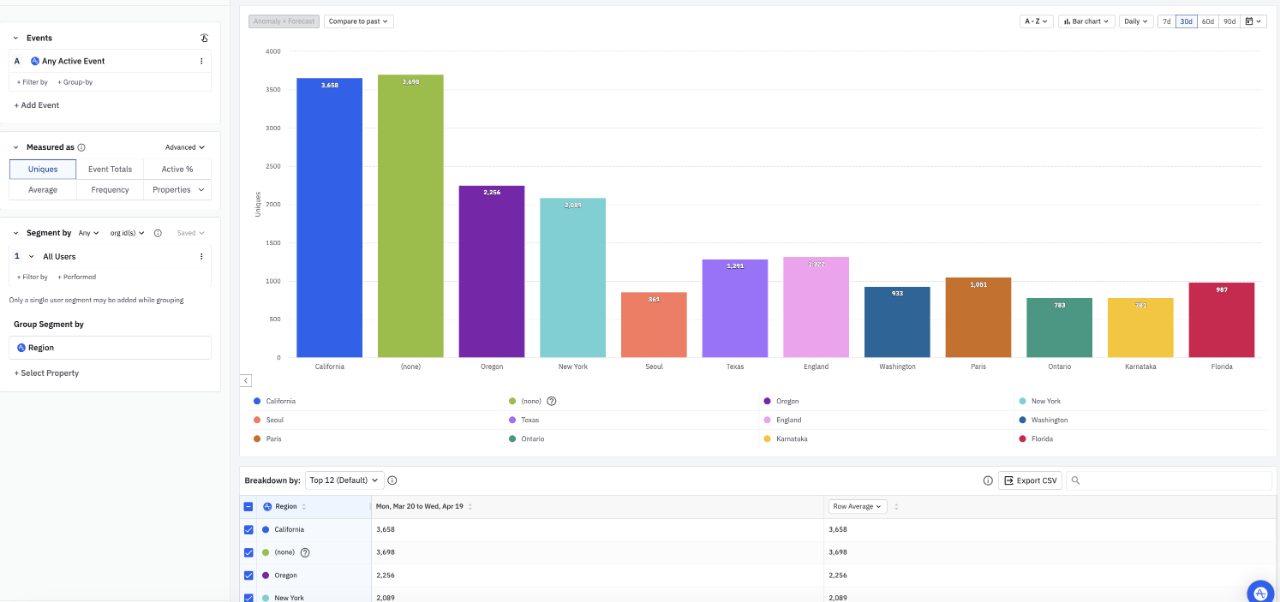
For a shared view of product performanceAmplitude is a strong move from Heap when several people need consistent answers about activation and retention. Teams can save a metric, such as the share of new users who finish setup, and reuse that definition across reports. Like Heap, it can collect common interactions automatically and label captured events later.
Its free plan includes two million events per month, session replay, feature flags and A/B tests. Reusable behavioral cohorts—groups defined by actions people took—require the paid Plus plan or above. Account reporting is a separate add-on on eligible plans.
What it does
- Reusable metrics
- Autocapture
- Session replay
- Experiments
Pros
- Shared metric definitions
- Free plan includes replay and experiments
Cons
- Saved behavioral cohorts require a paid plan
- Account reporting is an add-on

Mixpanel
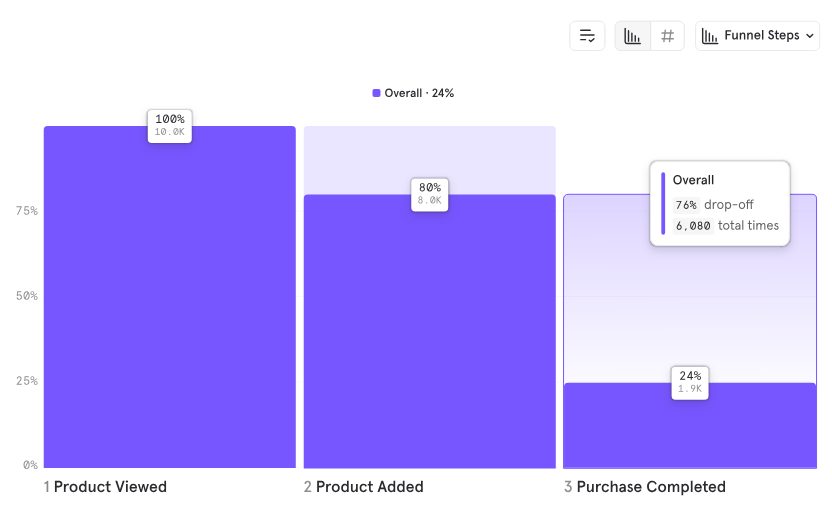
For focused behavioral reportsMixpanel is worth considering if funnels, retention and paths through a product are the work you want to do most often. It can also automatically collect common website interactions, although a move still means deciding which events and definitions to carry over from Heap.
The free plan includes one million events and 10,000 recorded sessions per month. It limits saved reports to five per seat and does not let teams save behavioral cohorts; group analytics costs extra. Those restrictions matter more than the event allowance if shared reporting is the reason for switching.
What it does
- Funnels
- Retention
- Autocapture
- Session replay
Pros
- Core behavioral reports on the free plan
- Automatic collection of common web interactions
Cons
- Free plan limits saved reports and cohorts
- Group analytics costs extra

PostHog
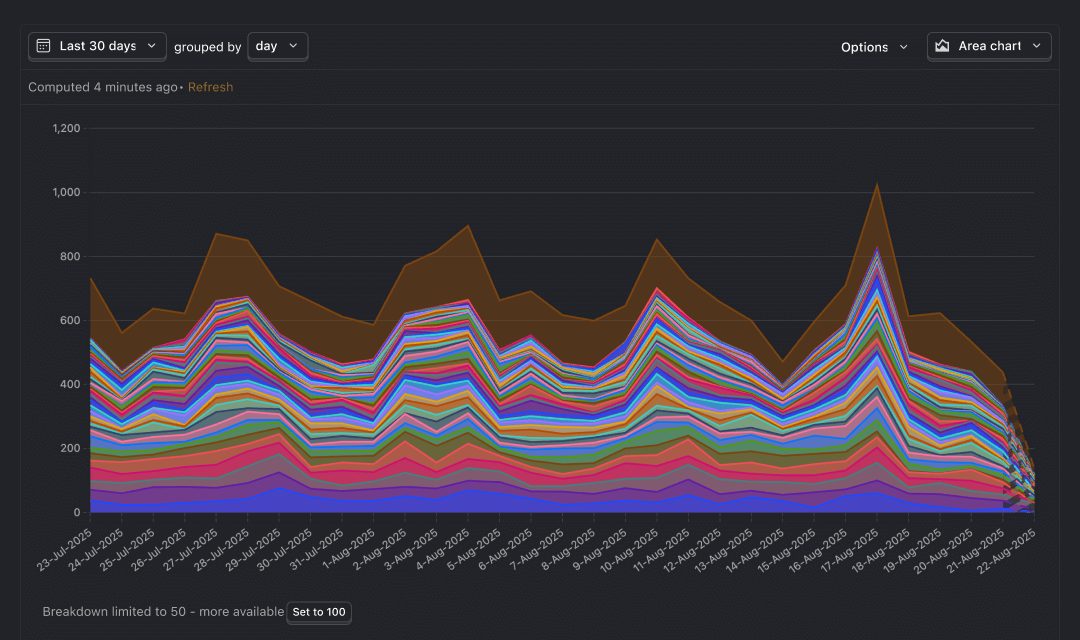
For analysis connected to releasesPostHog is compelling for a team that wants engineers to investigate a problem and then measure a fix in the same platform. Its analytics connects to session replay and experiments; feature flags let a team release a change to selected users. Like Heap, PostHog can apply definitions to previously captured interactions.
PostHog Cloud includes one million analytics events and 5,000 session recordings per month free. Account-level reporting is a paid add-on, and its billing applies to all identified events in the project. The open-source version can be self-hosted, but PostHog does not provide support for those installations.
What it does
- Autocapture
- Session replay
- Feature flags
- Experiments
Pros
- Analysis and experiments share event data
- Free cloud allowances for analytics and replay
Cons
- Group analytics is an add-on
- Self-hosting is unsupported

Statsig
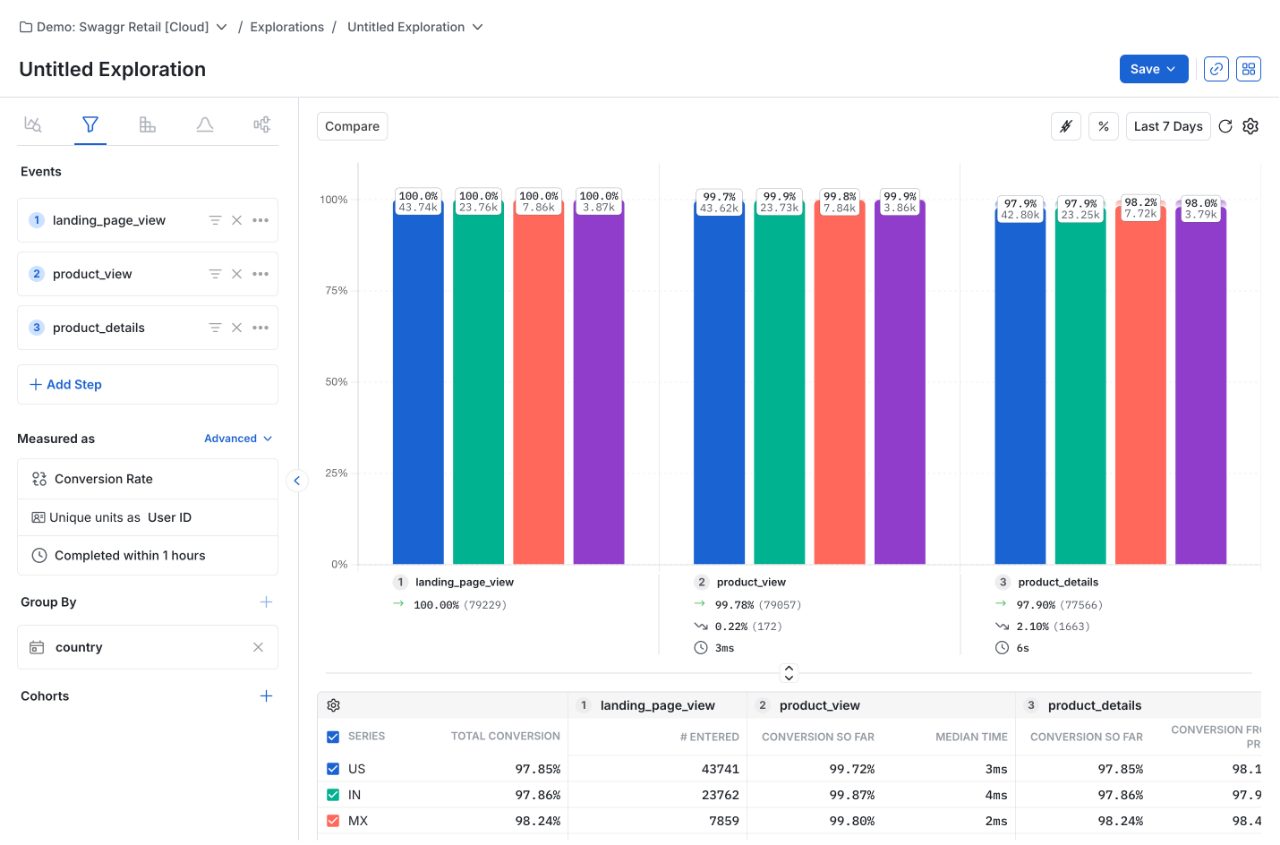
For teams centered on experimentsStatsig is a better fit when the team frequently compares product changes with a control before rolling them out. Analytics and experiment results can appear on the same dashboard, and company-level analysis is included on every plan—useful when several employees use one customer’s account.
Its free plan includes two million metered events a month. Usage can include checks for exposure to an experiment or qualifying feature flag as well as recorded actions, so the count is broader than clicks alone. Statsig Cloud also does not automatically recalculate already-computed daily metrics when late data arrives.
What it does
- Experiments
- Feature flags
- Product analytics
- Group analytics
Pros
- Experiments and analytics share dashboards
- Group analytics on every plan
Cons
- Experiment exposures can count toward usage
- Late data does not automatically update computed daily metrics
Turn findings into guidance or investigate a session
Sometimes the question is less about another chart than what to do with it. Pendo helps a team show guidance inside the product; Fullstory puts more emphasis on seeing the experience behind a problem.

Pendo
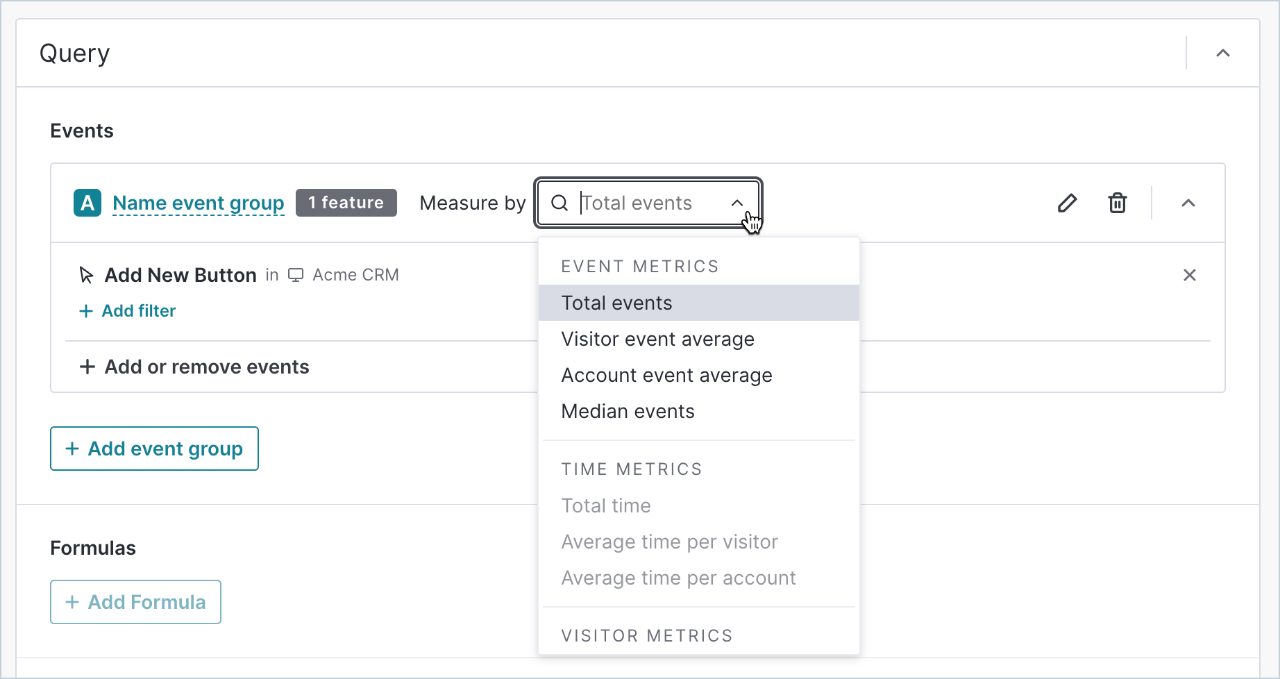
For in-app onboarding and guidancePendo combines usage analysis with in-app guides, such as messages that help users find a feature. That makes it a strong alternative when the team wants to respond to an adoption problem in the product itself. It also captures interactions from installation, allowing teams to label and analyze them later.
Pendo Free covers up to 500 monthly active users and includes guides, but excludes session replay and its Data Explorer reporting tool. Paid plans use custom pricing, so the cost depends on the combination of analysis, guidance and replay a team needs.
What it does
- In-app guides
- Autocapture
- Funnels
- Retention
Pros
- Guidance and usage analysis in one product
- Free plan includes guides
Cons
- Free plan excludes session replay and Data Explorer
- Paid pricing is custom

Fullstory
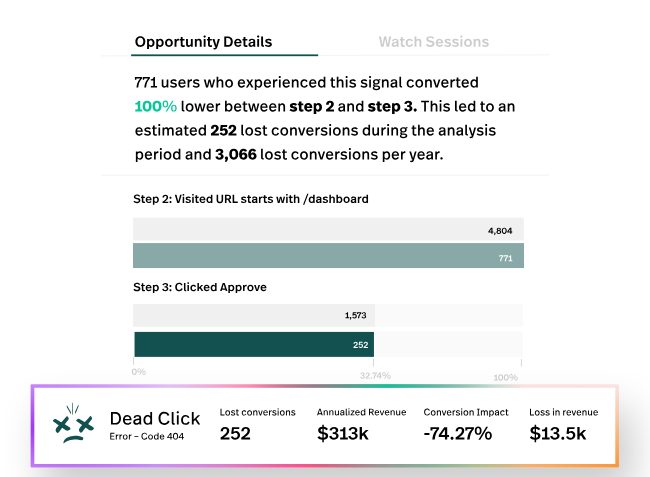
For seeing friction in user sessionsFullstory is appealing when the main question after finding a drop-off is what the user actually experienced. Its session replay connects recordings with behavioral analysis and technical context, helping a team investigate a confusing interaction or error.
Its free plan includes basic session replay, but not dashboards. Teams expecting a full analytics replacement for Heap will need a paid plan for that broader reporting.
What it does
- Session replay
- Behavioral analysis
- Technical diagnostics
Pros
- Recordings connected to behavioral context
- Free plan includes basic replay
Cons
- Free plan does not include dashboards
- Paid pricing is custom
Run analytics on your own infrastructure
Heap is a managed service. For a team that needs to operate the application itself, the choice is not only about where the data sits: someone must also maintain the software and know what support is available when it breaks.

Countly
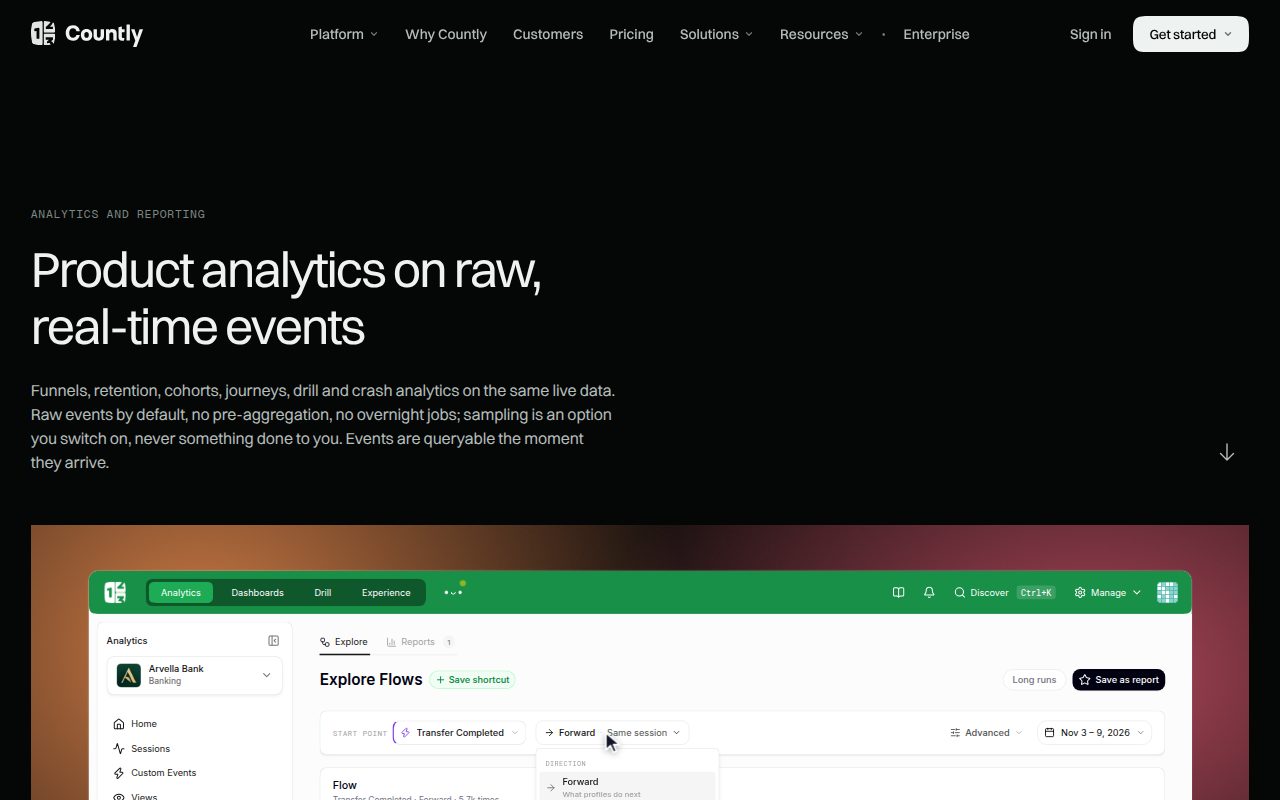
For a supported private deploymentCountly’s Enterprise offering can run on a customer’s own infrastructure, making it a useful alternative when vendor-supported self-hosting matters. Its managed Flex plan is another option for teams that prefer not to operate the application themselves.
On Flex, funnels and retention require the Intelligence add-on. At 5,000 monthly active users, the listed base and add-on total $219 per month before other extras. That is a different deployment and pricing model from Heap’s session-based free plan; Enterprise pricing requires a quote.
What it does
- Self-hosted Enterprise
- Funnels
- Retention
Pros
- Supported self-hosted Enterprise deployment
- Managed option available
Cons
- Core behavioral reports require an add-on on Flex
- Enterprise pricing requires a quote

OpenPanel
For an open-source analytics stackOpenPanel offers open-source analytics that can run on your own infrastructure, or a hosted service using the same code. It covers funnels, retention and session replay, and its API can export data. That portability is useful for a team thinking beyond its first deployment.
The trade-off is setup: OpenPanel automatically records page views, but other interactions need to be configured, so it is a different approach from Heap’s broad autocapture. Its hosted pricing starts at $2.50 a month for 5,000 events after a 30-day trial. It does not run experiments itself.

What it does
- Open-source self-hosting
- Funnels
- Retention
- Session replay
Pros
- Same code available for hosting or self-hosting
- API export
Cons
- Interaction tracking needs configuration
- No built-in experiment engine
Key facts and sources
9 products
Licenses, requirements, starting prices and sources used for scores. Prices as of November 2026.
- License
- Proprietary hosted service
- Runs on
- Web applications
- Needs
- Heap tracking snippet in the application
- Price
- Free plan
- License
- Proprietary hosted service
- Runs on
- Web and mobile applications
- Needs
- Amplitude SDK or existing event integration
- Price
- Free plan
- License
- Proprietary hosted subscription
- Runs on
- Web and mobile applications
- Needs
- Mixpanel SDK and a cloud account
- Price
- Free plan
- License
- MIT core; commercial cloud service and paid features, open source
- Runs on
- Web and mobile applications
- Needs
- PostHog tracking SDK and a cloud account
- Price
- Free plan
- License
- Proprietary service with open-source SDKs
- Runs on
- Web applications
- Needs
- Statsig SDK or an event ingestion integration
- Price
- Free plan
- License
- Proprietary cloud platform
- Runs on
- Web and mobile applications
- Needs
- Pendo install script or SDK and a business email for Free
- Price
- Free plan
- License
- Proprietary hosted service
- Runs on
- Web and mobile applications
- Needs
- Fullstory collection installed in the application
- Price
- Free plan
- License
- Commercial Flex and Enterprise licenses; separate open-source Lite edition
- Runs on
- Web and mobile applications
- Needs
- Instrumented application sending validated SDK events
- Price
- From $175.00/month
- License
- AGPL-3.0, open source
- Runs on
- Web, iOS, Android, and server-side SDKs
- Needs
- A tracking script or SDK
- Price
- Free plan