Best note-taking apps for iPad and Apple Pencil
Several leading iPad notes apps offer both subscriptions and one-time purchases. Goodnotes costs $11.99 a year or $35.99 once, Notability $11.99 a year or $39.99 once on its own site, and Noteshelf $14.99 once. The free tiers are where it pinches: Goodnotes stops at three files, Notability at five notes, and Noteshelf at three notebooks, so “free” mostly means “free trial with no end date”.
For most students and professionals who write by hand on an iPad, Goodnotes is the best note-taking app: it’s among the best apps to write in, the best at marking up lecture slides and PDFs, and its search finds your handwriting across every notebook. Notability is the pick if you record lectures and want to tap a word to hear what was being said, and Apple Notes is better than its reputation if you won’t pay anything.
Quick picks
What separates these apps
Every app here handles the Apple Pencil, pressure and palm rejection well enough for a quick note. The differences show up an hour into a lecture and a month into a semester:
- Writing feel. Look beyond smooth ink to the tools around it: a close-up writing window for small handwriting, a lasso that moves writing cleanly, pens you actually like looking at.
- PDFs and slides. Most students write on top of the professor’s slides. Importing a deck, adding a blank page in the middle of it and keeping its outline and links is where the dedicated apps pull away from Apple Notes and OneNote.
- Search. Handwriting search saves you from opening each notebook to find a word. Goodnotes, Notability, Noteshelf, MyScript Notes, Freenotes and Apple Notes all search handwriting. Noteful doesn’t, and OneNote’s iPad app is unreliable at it.
- Audio. Goodnotes, Notability, Noteful and CollaNote tie a recording to your writing, so tapping a word plays that moment. Apple Notes and Freenotes record with a transcript but without that link, and MyScript Notes doesn’t record.
- Where the notes go. Everything here syncs between Apple devices. Only Notability, MyScript Notes and OneNote put the same notes on Windows, Android or the web without a pricier plan.
What unlimited notes cost
Here’s what each app charges to get past its free limits, in US prices from the App Store or the developer’s site:
| App | Pay once | Pay yearly |
|---|---|---|
| Goodnotes | $35.99 (Apple devices only) | $11.99 |
| Notability | $39.99 on its site, $49.99 in the App Store | $11.99 on its site, $14.99 in the App Store |
| Noteshelf | $14.99 | $29.99 (varies) |
| MyScript Notes | $29.99 | $7.99 |
| Apple Notes | Free | Free |
| CollaNote | $13.90 | None |
| Freenotes | $29.99 | $9.99 |
| Noteful | $6.99 | None |
| OneNote | Free | Free |
Over a four-year degree, Goodnotes Essential comes to about $48 and the one-time Special Edition to $35.99, so the subscription only wins if you’d switch apps within three years. The prices climb when AI enters: Goodnotes sells an AI Pass at $9.99 a month on top of any plan, and Notability Pro costs $79.99 a year for unlimited live transcription and chat with your notes. Few people need either for taking notes.
Goodnotes
Best all-rounder for class notes and PDFs
#1 4.5/5
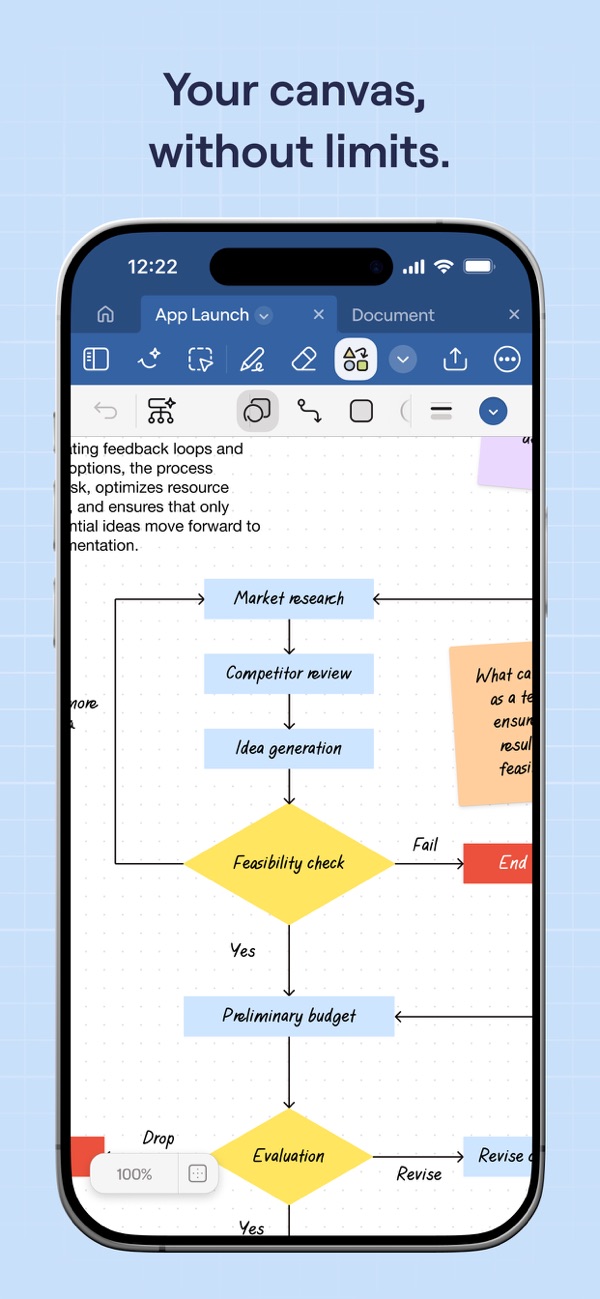
Goodnotes is the app I’d put on a student’s iPad first. Its ink is among the best on the platform, with a full pen set, a lasso that circles writing to move it, shape snapping, a ruler, tape and scratching out to erase. Where it pulls ahead of Notability is the paperwork around the handwriting: it imports a PDF’s table of contents automatically, lets you build your own outline, and its search reads handwriting, typed text and the text inside imported PDFs across your whole library. Search for “mitochondria” a week before the exam and it finds the word in your scrawl and in the professor’s slides.
Goodnotes also handles lecture recording well. Recordings sync to the moment you write, and the Essential plan includes unlimited recording, so you may not need a separate app for lectures.
The plan structure is the annoying part. Essential gives unlimited notebooks and works on Goodnotes’ Windows, Android and web apps, but keeping the same library on all of them needs the Pro plan, at three times the price. The one-time Special Edition is Apple-only and leaves out Goodnotes Cloud. And the free plan stops at three files and watermarks exports, which makes it a long trial.
What it does
- Handwriting search across notebooks and imported PDFs
- PDF outlines imported automatically, plus custom outlines
- Audio recording synced to what you write
- Apps for iPad, iPhone, Mac, Windows, Android and the web
Pros
- Ink and pen tools among the best on iPad
- Best PDF and slide markup here
- Essential is cheap for unlimited notebooks and audio
Cons
- Free plan stops at three files and watermarks exports
- Same library on Windows, Android and web needs the Pro plan
- Full AI features cost extra every month
- Choose if:
- You write on lecture slides and readings more than on blank pages
Notability
For recording lectures alongside your notes
#2 4.3/5
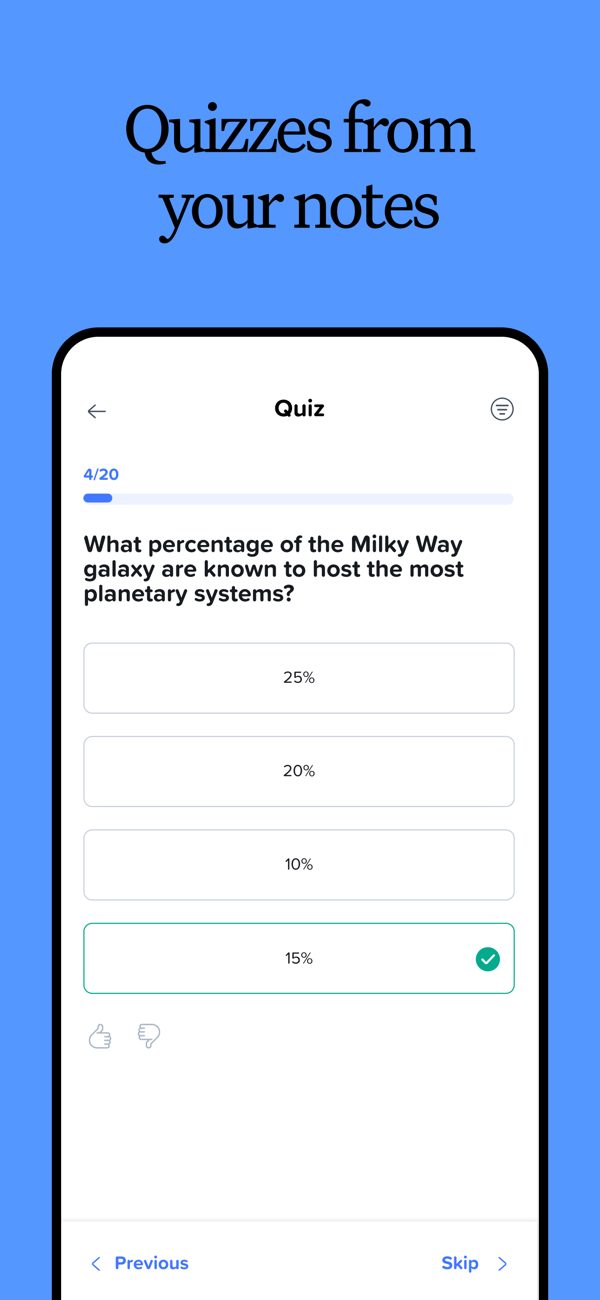
Notability is the strongest choice here for recording lectures. Hit record, write as the professor talks, and later tap any word to hear what was being said at that moment. Goodnotes does this too now, but Notability built its whole app around it, with transcripts and AI summaries on top. Its ink is just as good as Goodnotes’, with a highlighter that sits behind your writing instead of on top of it.
Choose the plan carefully. Starter is free but stops at five notes. Lite ($11.99 a year on Notability’s site, $14.99 in the App Store) gives unlimited notes. Plus ($15.99 a year on the site, $19.99 in the App Store) is the plan built for lectures, with automatic transcription after each recording. Classic is a one-time $39.99 on notability.com ($49.99 in the App Store) with unlimited notes, handwriting recognition and sync, but none of the AI features or transcripts. Notability’s own site lists every plan for less than the App Store does.
Notability’s other edge is reach. Notability Cloud puts the same notes on the iPad, iPhone, Mac, Android and a web app, so a Windows laptop can at least open them in a browser. Where it trails Goodnotes is organization: folders and subjects, but fewer ways to slice a big library, and no PDF outlines to jump around a long reading.
What it does
- Audio playback tied to each word you wrote
- Transcripts and AI summaries on Plus and Pro
- Notes on iPad, iPhone, Mac, Android and the web
- Handwriting and math conversion
Pros
- Ink as good as any app here
- The most complete lecture recording setup
- One-time Classic purchase for subscription holdouts
Cons
- Free plan stops at five notes
- App Store prices run higher than the website's
- Fewer ways to organize a big library than Goodnotes
- Skip if:
- You want a one-time purchase that includes transcripts
Noteshelf 3
Nicest pens for a one-time price
#3 4.1/5
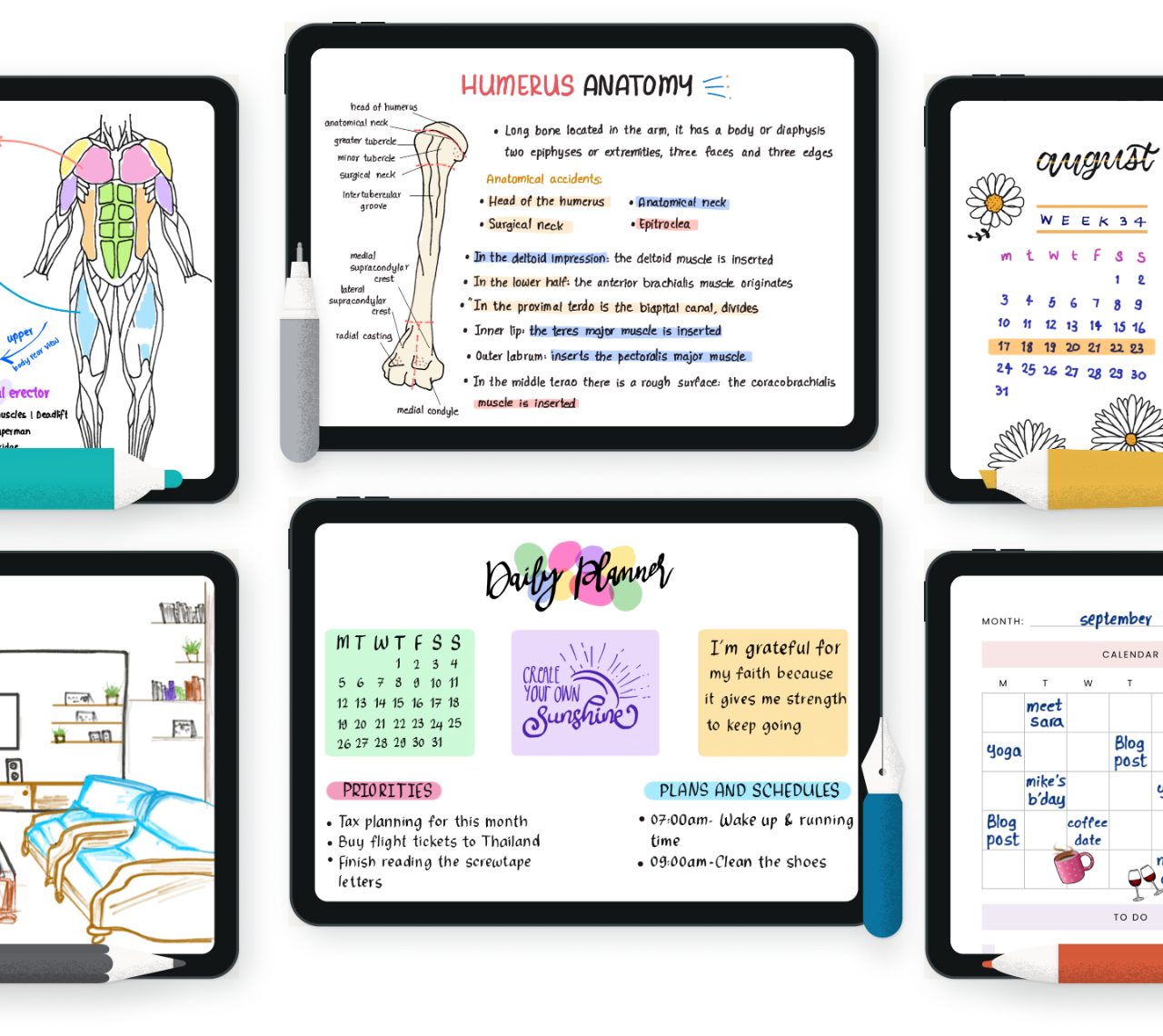
Noteshelf is for people who care how their handwriting looks on the page. Its fountain pen is the one fans name first; a Reddit user wrote that Noteshelf is “the only app to produce a decent fountain pen” and that their handwriting looks best there. It also has a zoom box for small writing, shapes, a customizable toolbar, handwriting search in 65 languages and automatic backups to Google Drive, OneDrive, Dropbox or WebDAV.
The value case is the lifetime Premium unlock, which lifts the three-notebook limit and adds handwriting recognition and backups. That’s less than half of Goodnotes’ or Notability’s one-time price. Just read the paywall carefully: it also sells weekly ($7.99), monthly and yearly plans, and one App Store reviewer called making the weekly plan the default “predatory”.
There are reasons to spend more elsewhere. Audio records alongside your notes but doesn’t jump to the moment you wrote something. The Android and Windows versions are sold separately and don’t sync with the Apple apps. And notebooks that won’t open after an update or migration are a recurring complaint, with slow replies from support. Keep the automatic backup turned on.
What it does
- Fountain, ball, felt and pencil pens with a zoom box
- Handwriting search and conversion in 65 languages
- Automatic backup to Google Drive, OneDrive, Dropbox or WebDAV
Pros
- Excellent fountain pen and close-up writing tools
- One small payment for unlimited notebooks
Cons
- Audio isn't linked to your handwriting
- Paywall pushes weekly and monthly plans
- Notebooks have failed to load after some updates
MyScript Notes
For turning handwriting into typed text
#4 3.7/5
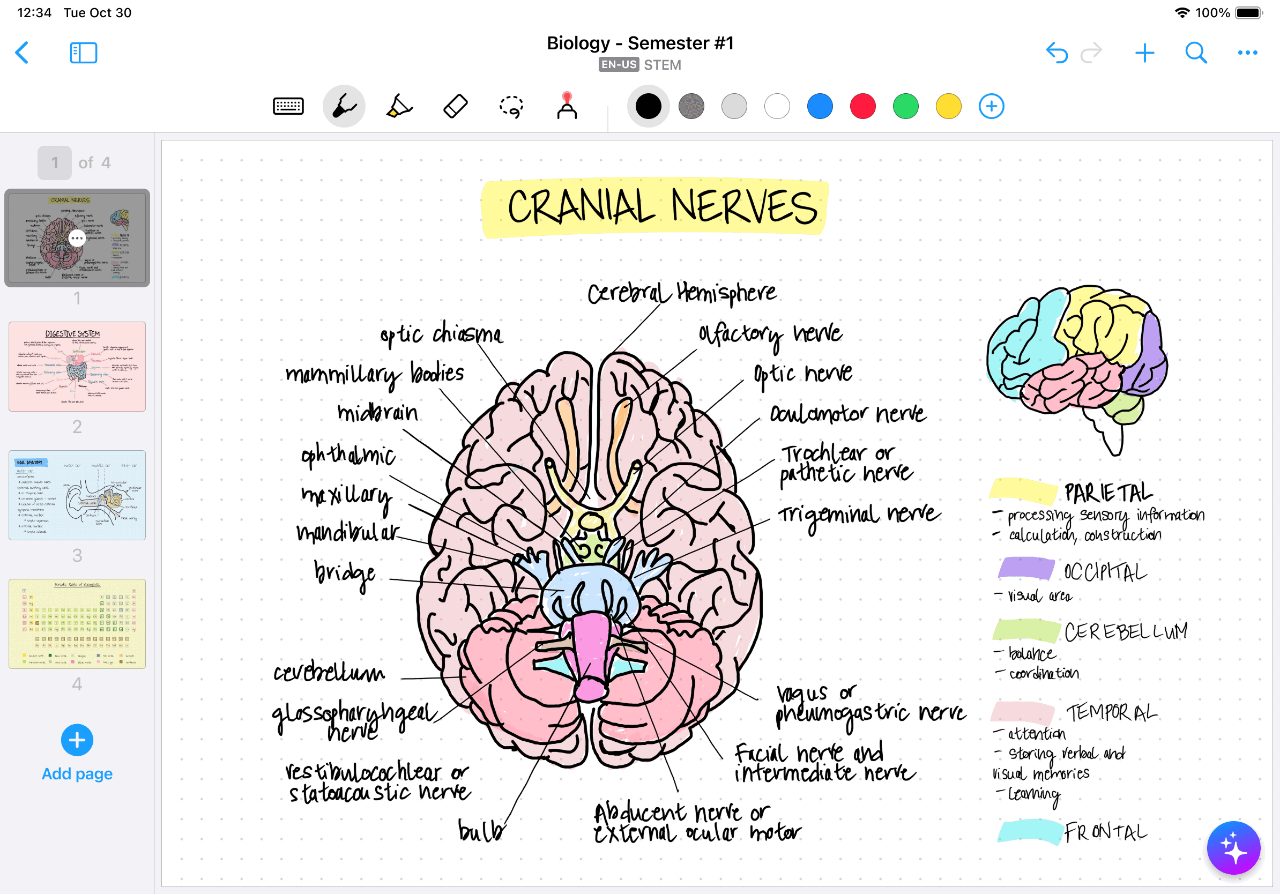
MyScript Notes, the app most people still know as Nebo, is built by the company whose handwriting recognition is licensed into other software, and it shows. Write in a Document page and your handwriting can be converted to clean text that reflows like a word processor; math converts to LaTeX notation for use in documents, and diagrams become editable shapes. Export goes to Word, PDF, PNG or SVG.
It’s also, with Notability, the strongest choice if your notes have to live on Windows and Android as well as Apple devices, and the only one of the two with a full Windows app: one $29.99 lifetime purchase (or $7.99 a year) covers every platform through a free MyScript account.
The structure that makes conversion work is also the main tradeoff. In Document pages, strokes the app doesn’t recognize as text or diagrams disappear when you lift the pen, so sketches need a separate section, a freeform board or a notebook page. And there’s no audio recording at all, so lecture recorders should look elsewhere. Next to Apple Notes, MyScript Notes is the better writing and conversion tool, while Apple Notes is free and records audio.
What it does
- Handwriting, math and diagram conversion
- Document pages that reflow, plus freeform boards and PDF notes
- Export to Word, PDF, PNG and SVG
Pros
- The most accurate handwriting conversion here
- One purchase covers iPad, Mac, Windows and Android
Cons
- No audio recording
- Document pages drop strokes they don't recognize
- Choose if:
- You need typed documents out of your handwritten notes
Apple Notes
Free and already on your iPad
#5 3.7/5
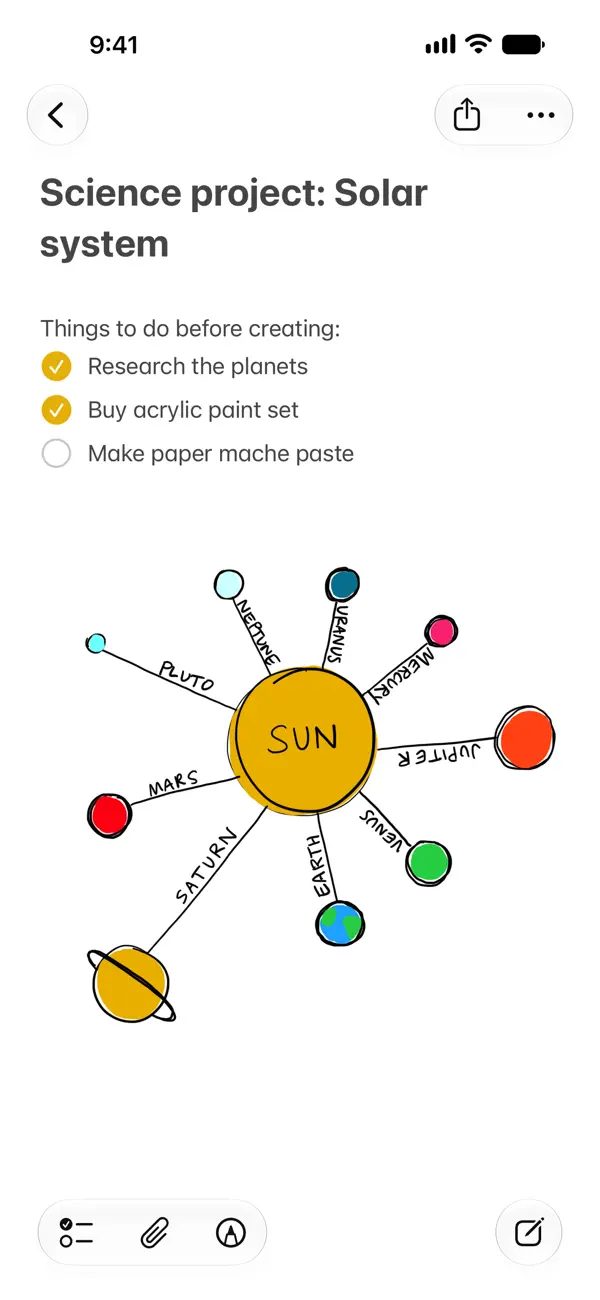
Apple Notes is the app to try before paying for anything. It’s free, already installed, and its search finds handwriting, typed text and text inside scanned documents. Folders, tags you can handwrite (#biology) and Smart Folders keep notes in order, and it syncs through iCloud to your iPhone and Mac. On newer iPads, Smart Script can tidy your handwriting as you write.
It records audio straight into a note with a transcript, though playback isn’t tied to your handwriting the way Notability’s and Goodnotes’ are. Where it falls short for students is paper: no notebook pages or templates beyond lines and grids, no close-up writing window, and PDFs sit inline in a note rather than opening as documents you page through and add blank pages to. A semester of annotated slide decks gets awkward fast.
Two practical costs: the 5 GB of free iCloud storage is shared with your photos and backups, so heavy PDF users may end up paying for iCloud+ ($0.99 a month for 50 GB), and export works one note at a time.
What it does
- Handwriting and scanned-text search
- Folders, handwritten tags and Smart Folders
- Audio recording with transcripts
Pros
- Free, with no cap on notes
- Syncs to iPhone and Mac with no setup
Cons
- Awkward for long PDFs and slide decks
- Few pens and no paper templates beyond lines and grids
- No Windows or Android app
CollaNote
Cheap one-time unlock with linked audio
#6 3.6/5
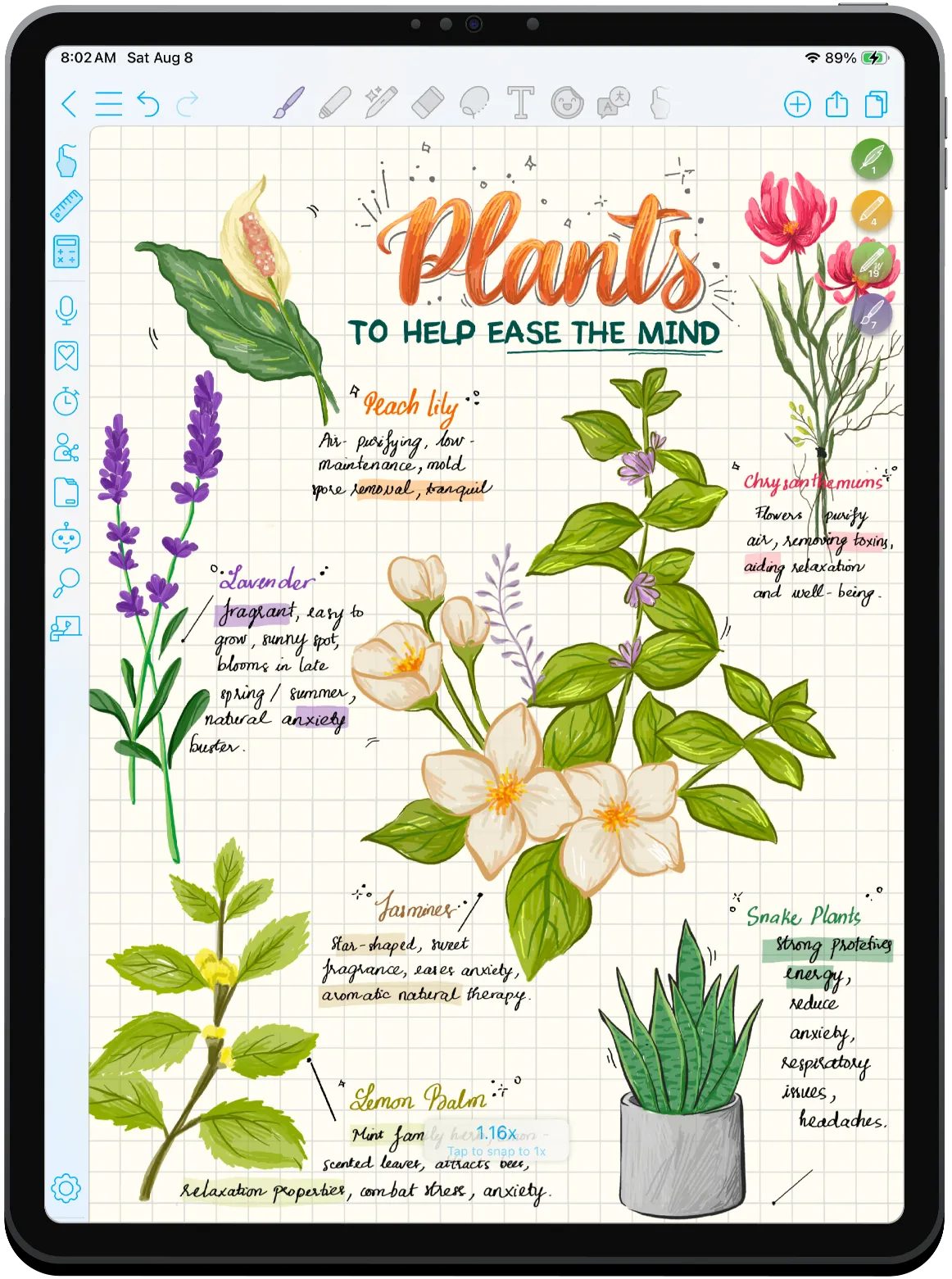
CollaNote packs a lot into a cheap one-time purchase. Lifetime Premium is $13.90, and for that you get a big set of pens with a handwriting stabilizer, a radial menu around the Pencil tip for switching tools, audio that jumps to the moment you wrote a word, and real-time collaboration with other people on the same note. It imports PDFs, PowerPoint and Word files.
Reliability is the concern. Scratch-out erasing is slow, handwriting recognition is clunky, and older versions crashed during heavy lecture use. It syncs through iCloud between iPad, iPhone and Mac, with nothing on Windows or Android. If you want Goodnotes-style features for a one-time price and can live with a less polished app, it’s a reasonable bet; otherwise Noteshelf costs about a dollar more.
Pros
- $13.90 once for Premium
- Audio linked to your handwriting
- Real-time collaboration
Cons
- Rougher than the bigger apps, with past crash reports
- Apple devices only

Freenotes
Free to start, with ads and a note cap
#7 3.5/5
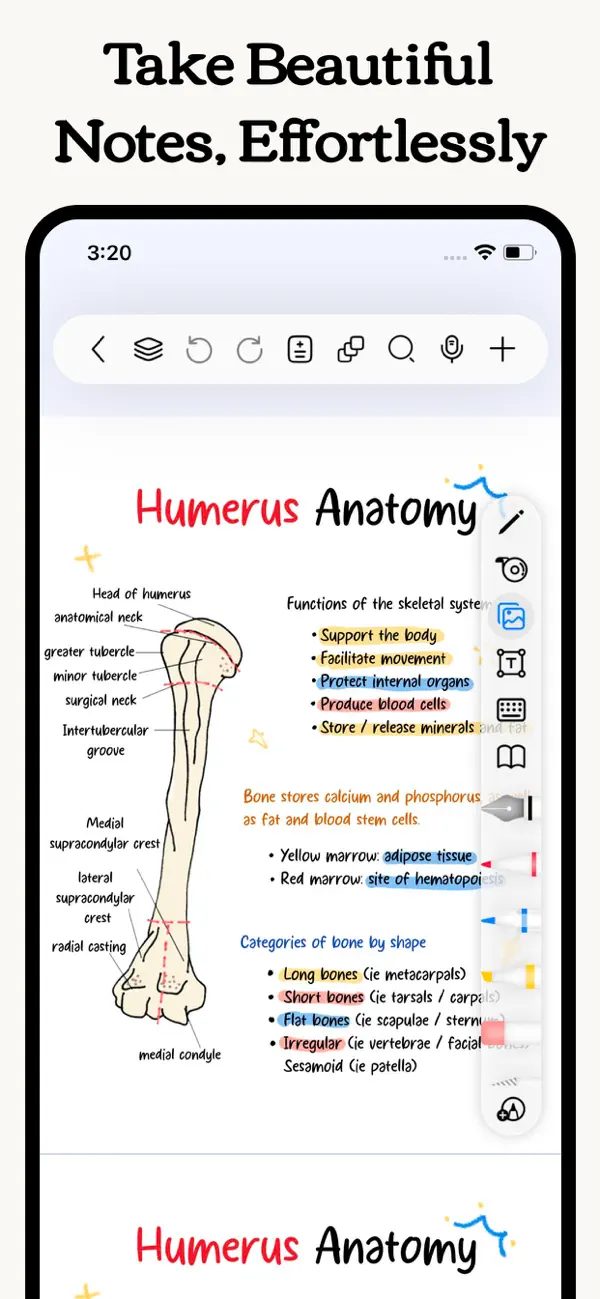
Freenotes earned its name as a free Goodnotes lookalike, and the writing side still holds up: pressure-sensitive pens, a lasso, handwriting search, folders and tabs, and PDF markup that keeps hyperlinks working, which matters for digital planners. It records audio with transcripts, though playback follows the transcript rather than your handwriting.
The name is now the problem. The free version shows ads and caps how many notes new users can create, and the paid side is a maze: Plus at $9.99 a year or $29.99 once, a separate $29.99 Remove Ads purchase, and Pro at $39.99 a year for the AI features. For $29.99 you can have Noteshelf twice over.
Pros
- Planner-friendly PDF links
- Handwriting search and audio with transcripts
Cons
- Ads and a note cap on the free version
- Confusing, overlapping paid options
Noteful
Lowest one-time price, no handwriting search
#8 3.5/5
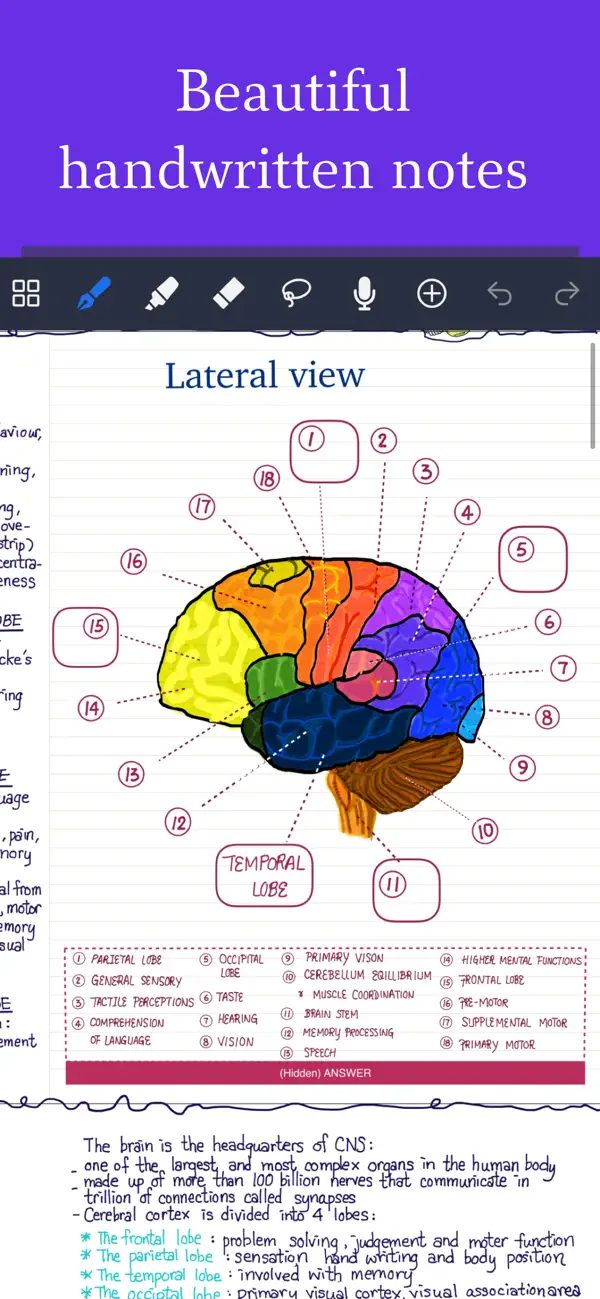
Noteful’s $6.99 Pro unlock is the cheapest paid option here. It has layers, nested tags, outlines, bookmarks, working links in planner PDFs, and audio recording synced to your notes. The ink is good, with only three brushes (ballpoint, fountain and highlighter) to choose from.
The deal-breaker for many students is search: Noteful searches titles, tags and the open document, not your handwriting across the library. If you rely on finding a word you wrote three weeks ago, that’s the one feature you’ll miss. iCloud sync and backups are part of the Pro unlock, and on a Mac it runs as the iPad app.
Pros
- The cheapest one-time unlock here
- Layers, tags and outlines
- Audio synced to your notes
Cons
- No handwriting search across the library
- Only three brush types
Microsoft OneNote
Free and on every platform, weakest ink
#9 3.3/5
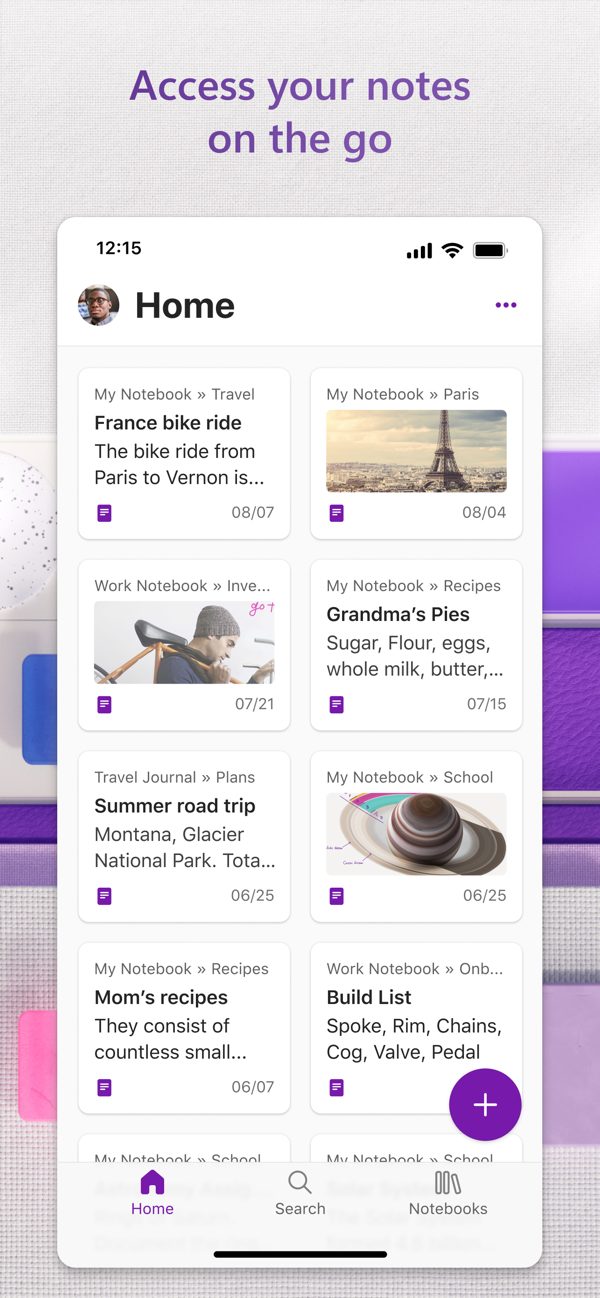
OneNote makes sense if your school or job already runs on Microsoft 365, or if your notes have to open on a Windows PC. It’s free, has no cap on notebooks, and OneDrive syncs the same notes to Windows, Mac, Android and the web. Its pages are an endless canvas where typing, ink and pasted images can go anywhere.
As an iPad handwriting app, though, it’s the weakest here. The iPad app can’t convert ink to text, and its search is unreliable at finding handwriting. PDFs come in as printouts that can show up rotated or out of step between devices, and the pens and handwriting tools are plainer than the dedicated apps’. The free 5 GB of OneDrive storage is shared with your other Microsoft files.
Pros
- Free, with no notebook cap
- Same notes on Windows, Mac, Android and the web
Cons
- Can't convert handwriting to text on iPad
- Handwriting search unreliable on iPad
- PDF printouts are clumsy for slide decks
Also considered

1–5 per criterion · select a score for its reasoning and any sources
| # | Product | Overall | Writing feel , counts double | Marking up PDFs and slides | Finding notes later | Recording lectures | Sync and other devices | Cost of unlimited notes | Turning handwriting into text , counts half |
|---|---|---|---|---|---|---|---|---|---|
| 1 | Goodnotes | 4.5 | 5 | 5 | 5 | 5 | 4 | 3 | 4 |
| 2 | Notability | 4.3 | 5 | 4 | 4 | 4 | 5 | 3 | 4 |
| 3 | Noteshelf 3 | 4.1 | 5 | 4 | 4 | 3 | 4 | 4 | 4 |
| 4 | MyScript Notes | 3.7 | 4 | 4 | 4 | 1 | 5 | 3 | 5 |
| 5 | Apple Notes | 3.7 | 3 | 3 | 5 | 3 | 4 | 5 | 3 |
| 6 | CollaNote | 3.6* | 4 | 3 | unknown | 4 | 3 | 4 | 3 |
| 7 | Freenotes | 3.5 | 4 | 4 | 4 | 3 | 3 | 3 | 3 |
| 8 | Noteful | 3.5 | 4 | 4 | 2 | 4 | 3 | 4 | 2 |
| 9 | Microsoft OneNote | 3.3 | 3 | 3 | 3 | 2 | 5 | 5 | 1 |
Equal displayed overall scores are ordered by the earlier criteria; a known score comes before an unknown score. Identical scores use alphabetical order.
×2 = counts double in the overall score, ×½ = counts half.
? = unknown. * = the overall score averages only the known criteria.
How each criterion is scored
Writing feel
Counts double in the overall score: Handwriting is the whole job these readers bring to the app, and how it feels to write in is the thing they mention first when they switch apps.
How good it is to write in with an Apple Pencil for an hour-long lecture or meeting: how natural and smooth the ink looks and feels, the range of pens and highlighters, and the tools that make handwriting practical, such as a close-up writing window, a lasso to move writing, shape snapping and quick erasing. Judged from what reviewers and long-time users agree on and from how the app works.
- 5 Among the best-regarded apps to write in on iPad, with a full set of pens and handwriting tools that experienced users praise
- 4 Smooth, natural ink and a good set of pens and editing tools, with minor complaints
- 3 Fine for quick notes, with few pens or rough edges that long sessions expose
- 2 Usable ink, with frequent complaints about lag, stroke quality or missing basics
- 1 Writing is laggy or awkward, and users widely complain about it
Marking up PDFs and slides
How well it handles lecture slides, readings and worksheets you write on: importing PDFs and slide decks, writing on every page, adding blank pages inside a document, keeping a document's outline and links, and coping with long textbooks.
- 5 Full PDF and slide markup with page management, outlines and links, in an app widely used for exactly that
- 4 Full PDF markup with page management, with small gaps
- 3 PDF markup works, with clear limits such as odd page handling, rotation problems or slow long files
- 2 PDFs attach to a note, with only basic markup
- 1 No way to write on a PDF
Finding notes later
How easily you find a handwritten note weeks later: whether search reads your handwriting across the whole library, whether it also finds text in imported PDFs and scans, and how notes can be arranged in folders, tags or outlines.
- 5 As 4, plus text in imported PDFs and scans, with folders and tags or outlines to browse by
- 4 Searches handwriting and typed text across the whole library
- 3 Searches handwriting only within one note, on some devices, or unreliably
- 2 Searches titles, tags or typed text, but not handwriting
- 1 Can't search inside notes
Recording lectures
What the app does with audio while you write, in the plan a buyer gets for unlimited notes: whether it records at all, whether playback is tied to what you wrote at that moment, and whether it makes a transcript.
- 5 As 4, plus transcripts in the plan most buyers get
- 4 Playback is tied to your handwriting, so tapping a word plays that moment
- 3 Records audio with a transcript, but playback isn't tied to your handwriting
- 2 Records audio as a separate clip, not tied to the writing or transcribed
- 1 No audio recording
Sync and other devices
Where your notes are available once written, in the plan a buyer gets for unlimited notes: iPhone and Mac through iCloud or the app's own sync, and apps for Windows, Android or the web that show the same notes.
- 5 The same notes on iPad and on Windows, Android or the web, as well as Apple devices
- 4 As 3, plus apps on Windows, Android or the web that don't show the same notes, or need a dearer plan to
- 3 Syncs between iPad, iPhone and Mac
- 2 Syncs only between some Apple devices, or only in a paid tier the base purchase doesn't include
- 1 Notes stay on the iPad
Cost of unlimited notes
What one person pays to keep using the app without a cap on notes or notebooks over four years, about the length of a degree, taking the cheaper of its one-time purchase and its cheapest qualifying subscription, in US dollars on the US App Store or the vendor's site. Audio, AI and cross-platform extras that cost more are scored under their own criteria or left out.
- 5 Free, with no cap on notes
- 4 Under $20 over four years
- 3 $20 to $50 over four years
- 2 $50 to $100 over four years
- 1 More than $100 over four years
Turning handwriting into text
Counts half in the overall score: Most readers keep their notes as handwriting and only need search; conversion decides the choice for a smaller group who want typed notes out of their writing.
How well the app turns handwriting into editable typed text you can paste or export, from converting a selection to reflowing whole pages, and how accurate users find it.
- 5 Conversion is the core of the app, with whole pages, math and diagrams turned into editable content that users praise
- 4 Converts selected handwriting to editable text, with good accuracy
- 3 Converts selected handwriting, with accuracy complaints
- 2 Only a rough or experimental conversion, or the system's own handwriting input
- 1 No conversion of handwriting to text
The verdict
Goodnotes and Notability are close enough in how they feel to write in that the choice comes down to what you do around the writing. If your notes are mostly marks on someone else’s slides and you need to find them again before an exam, Goodnotes’ PDF outlines and library-wide search win, and Essential is cheap for that. If the recording matters more than the slides, Notability’s audio is still the one the others copy, but budget for Plus rather than Lite or Classic, because transcripts aren’t in the cheaper plans.
You can also spend much less and still get a good notes app. Apple Notes covers more than most people expect for free, and Noteshelf’s lifetime unlock buys a strong set of pens and writing tools, as long as you don’t need audio tied to your writing and you keep backups on. Whichever you pick, try it with a real lecture’s worth of notes and one exported PDF in the first week, while switching is still cheap.